



think im finally happy with this aim map.
think im finally happy with this aim map.
5 hours ago, nikkoship said: That looks awesome Corvus! Reminds me of a bf4 map, I forget the name. Maybe you could experiment with the skybox/lighting closer to sunrise, just to get some more color in there?
Operation Whiteout? Loved that map. Kinda looks like a cross between that map and Overwatch's Volskaya Industries.
 Quote from FMPONE
On 11/6/2017 at 9:10 AM, FMPONE said: Some pretty cool shapes and details here, keep it up!
Never thought I'd see the day that I'd have a mapper of your caliber comment on my map, let alone compliment it :o
Thank you!!!
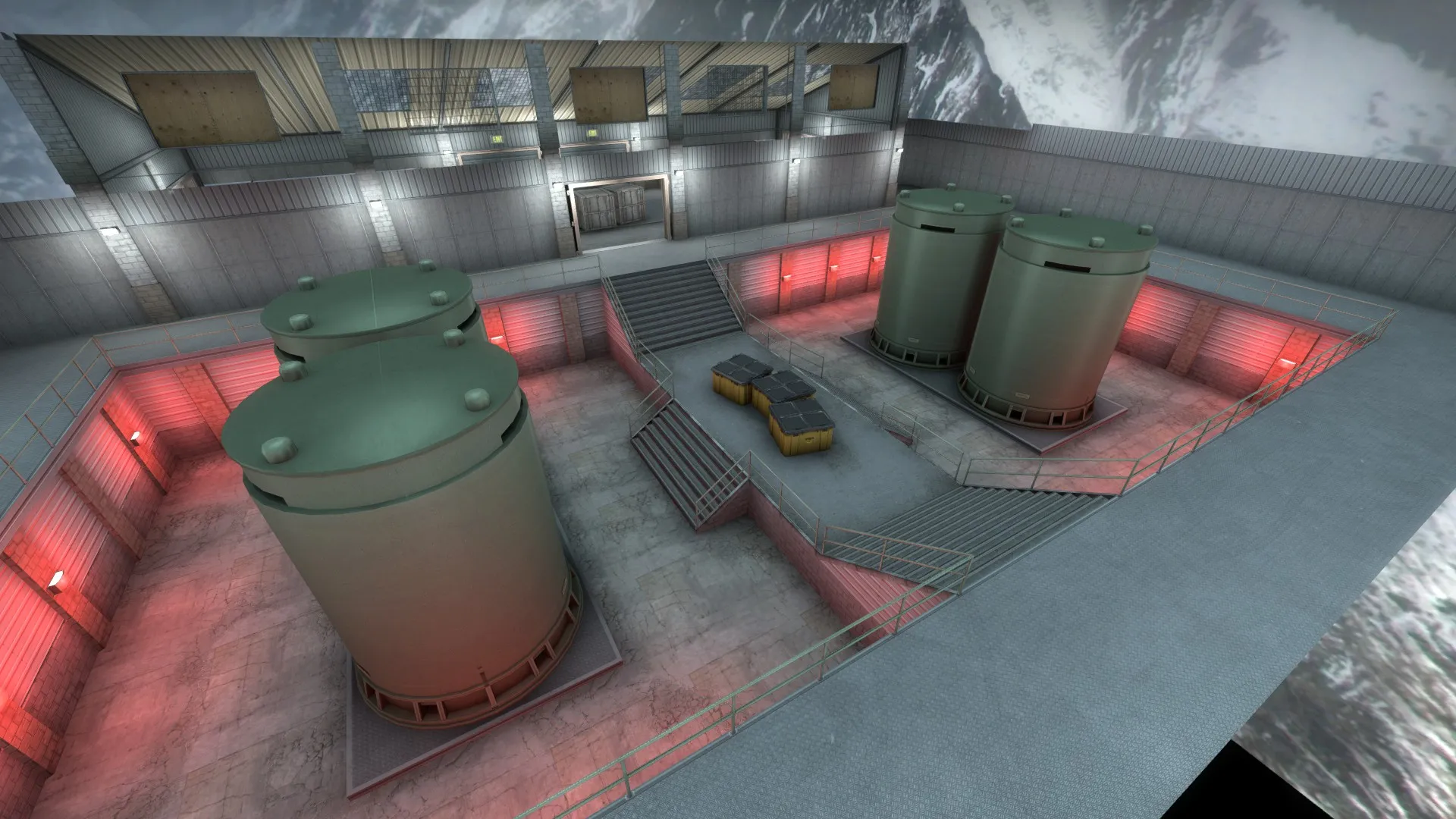
Hey guys! Popping in with something a lil different. I made a map designed for a custom awp only gamemode, for an awp only server I play on.
Its based of an old map, awp_iceworld, but obviously with some sizeable facelifts.
AWP_ARCTICBASE! [Workshop link]
Comes with a multileveled radar and a custom gamemode.  And now for screenshots!
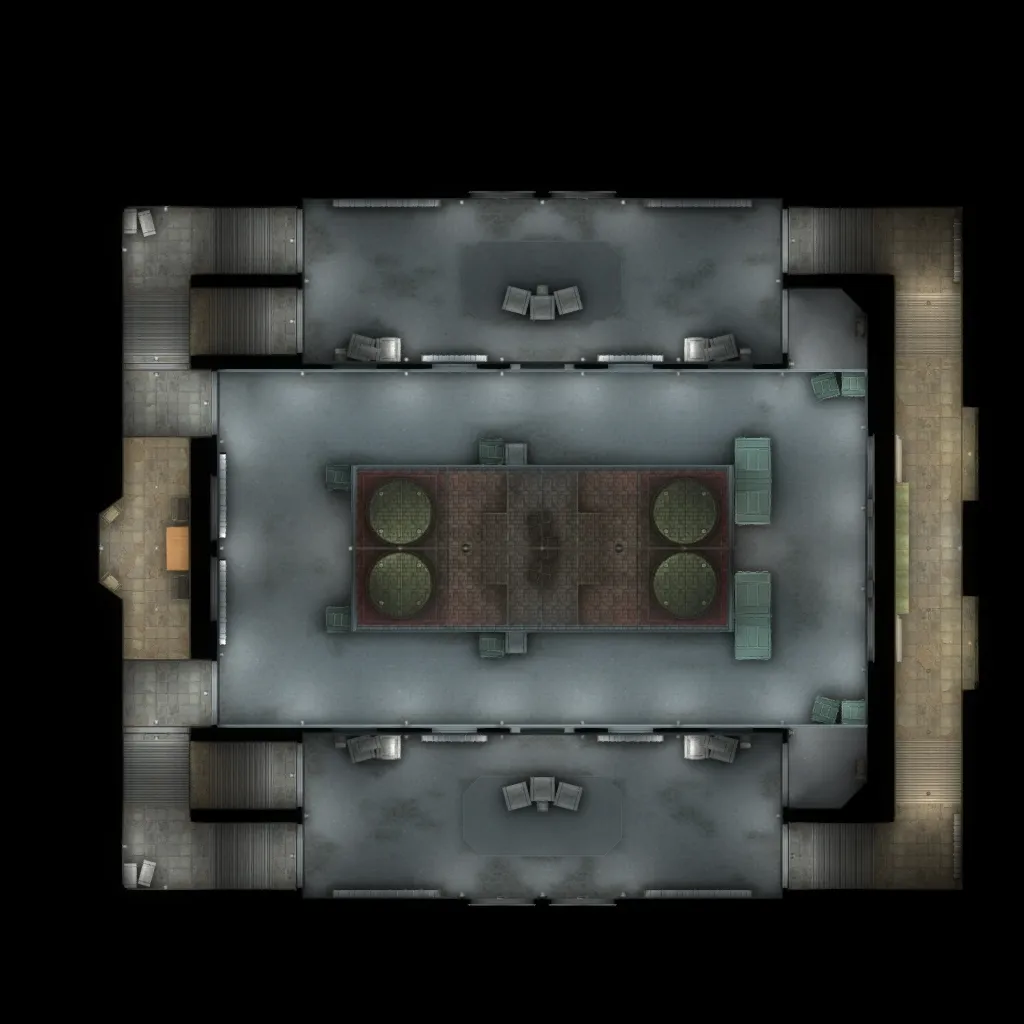
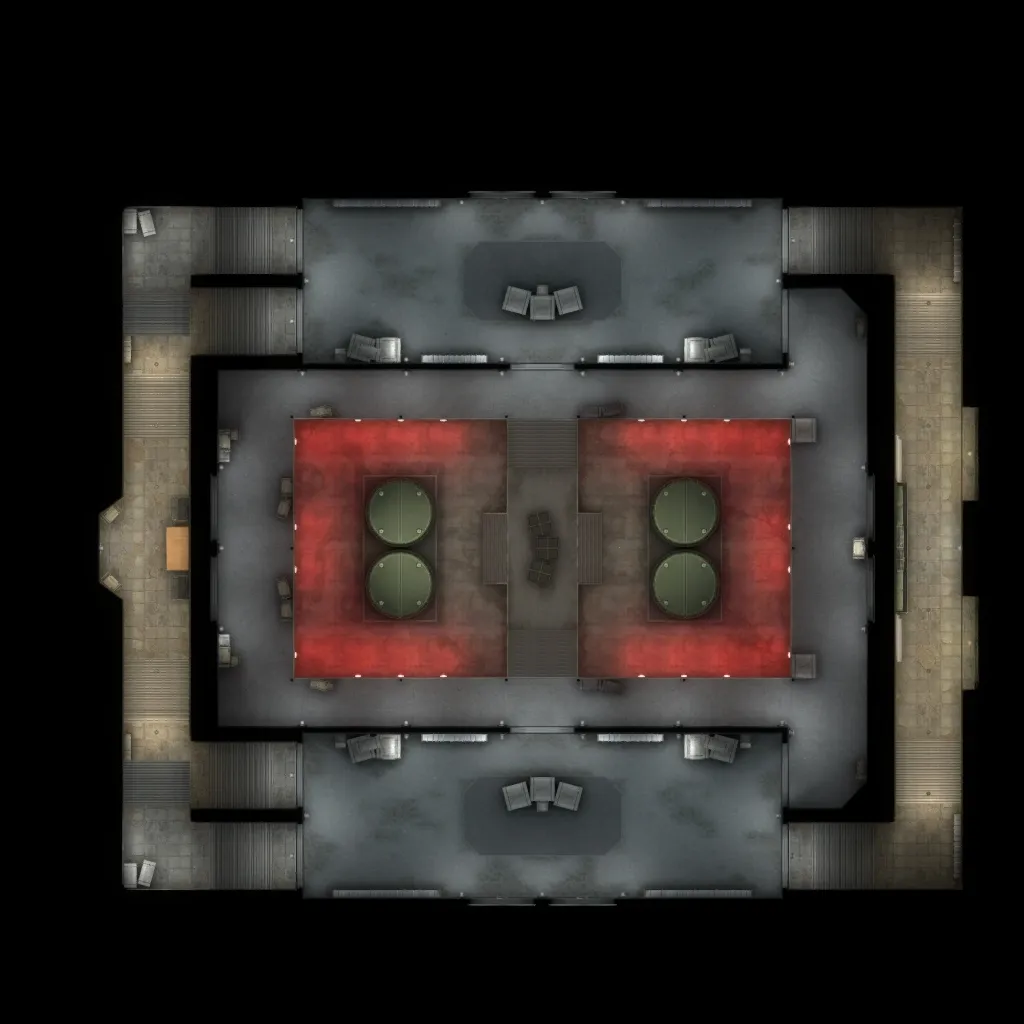
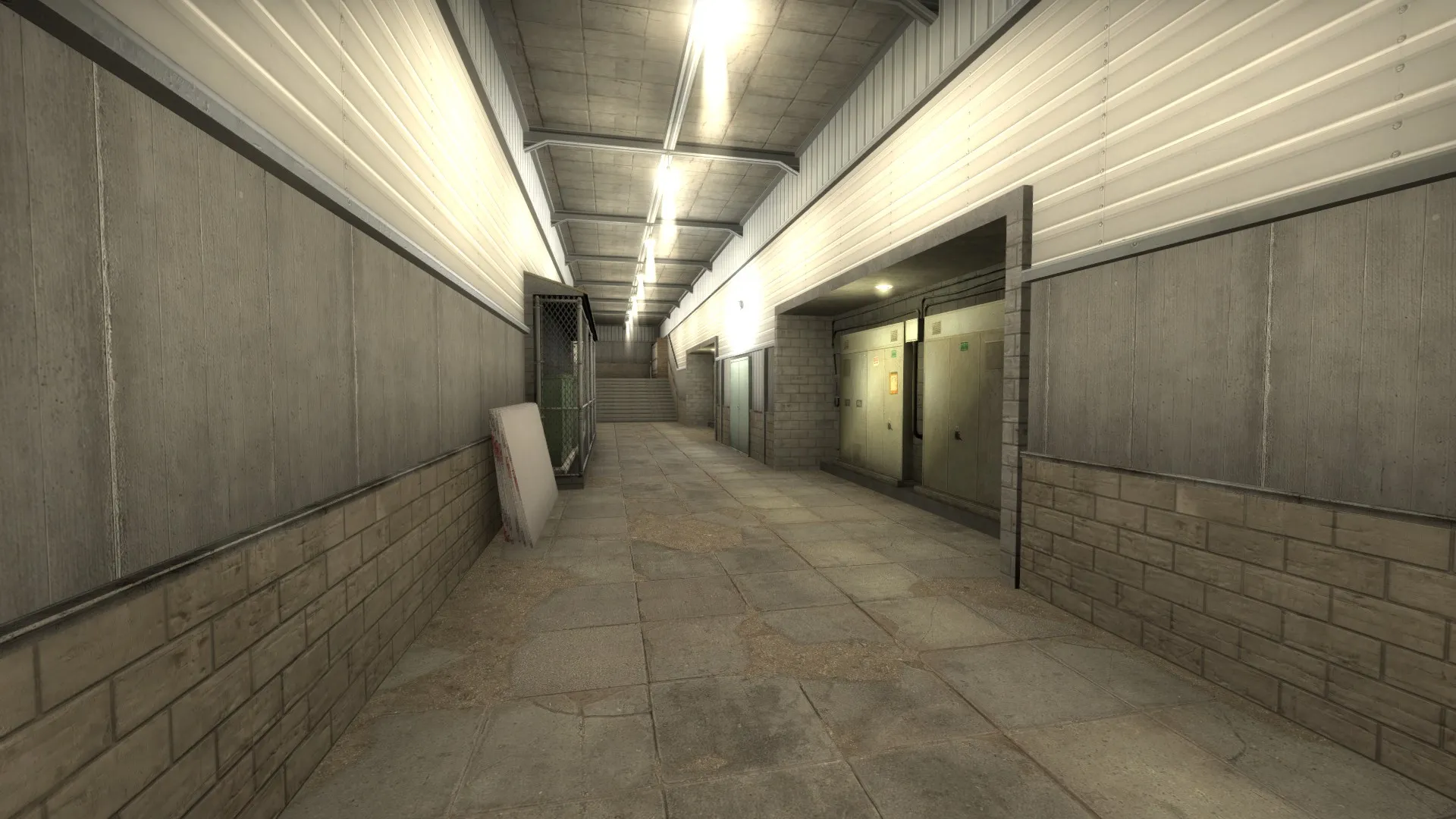
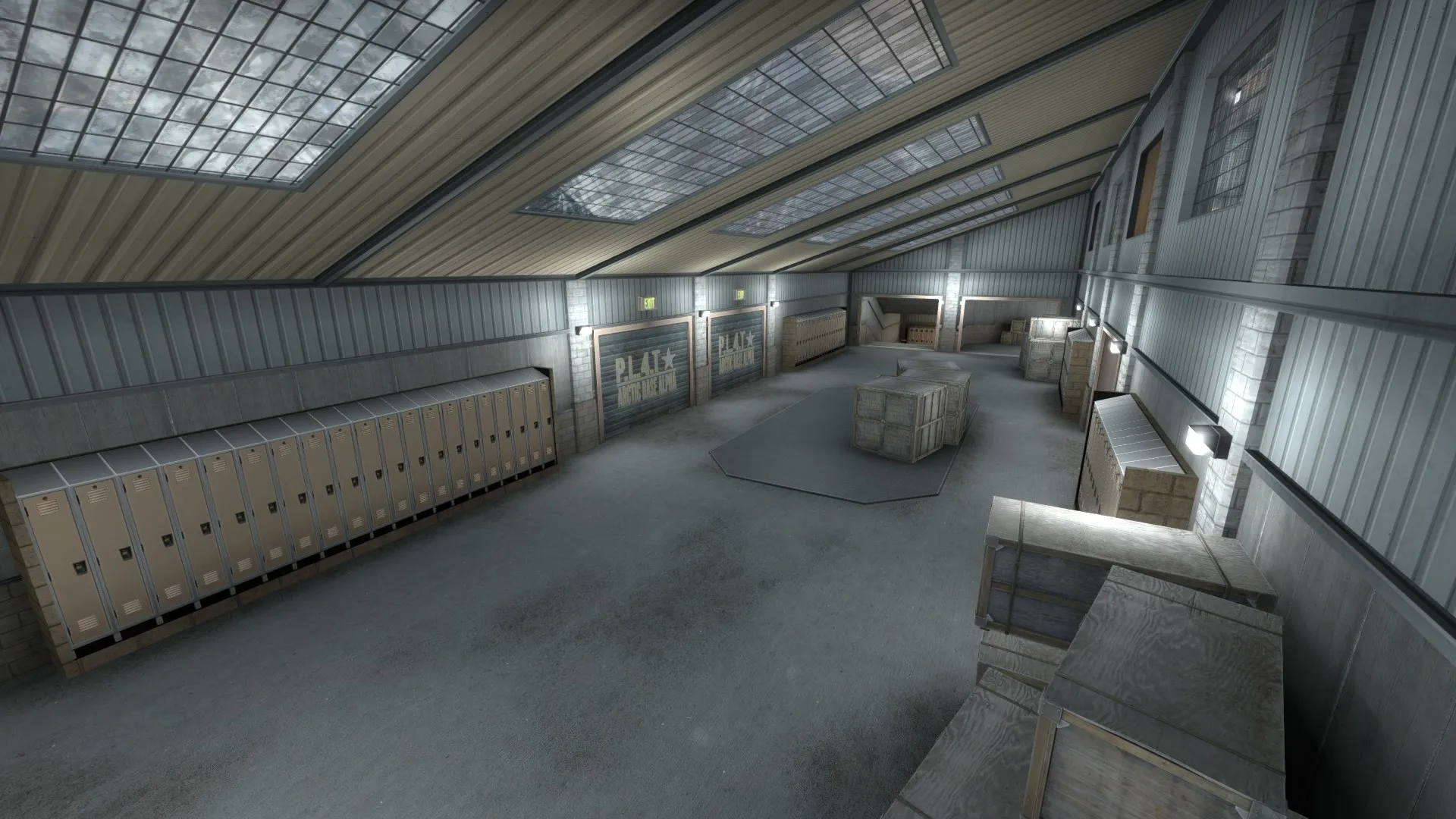
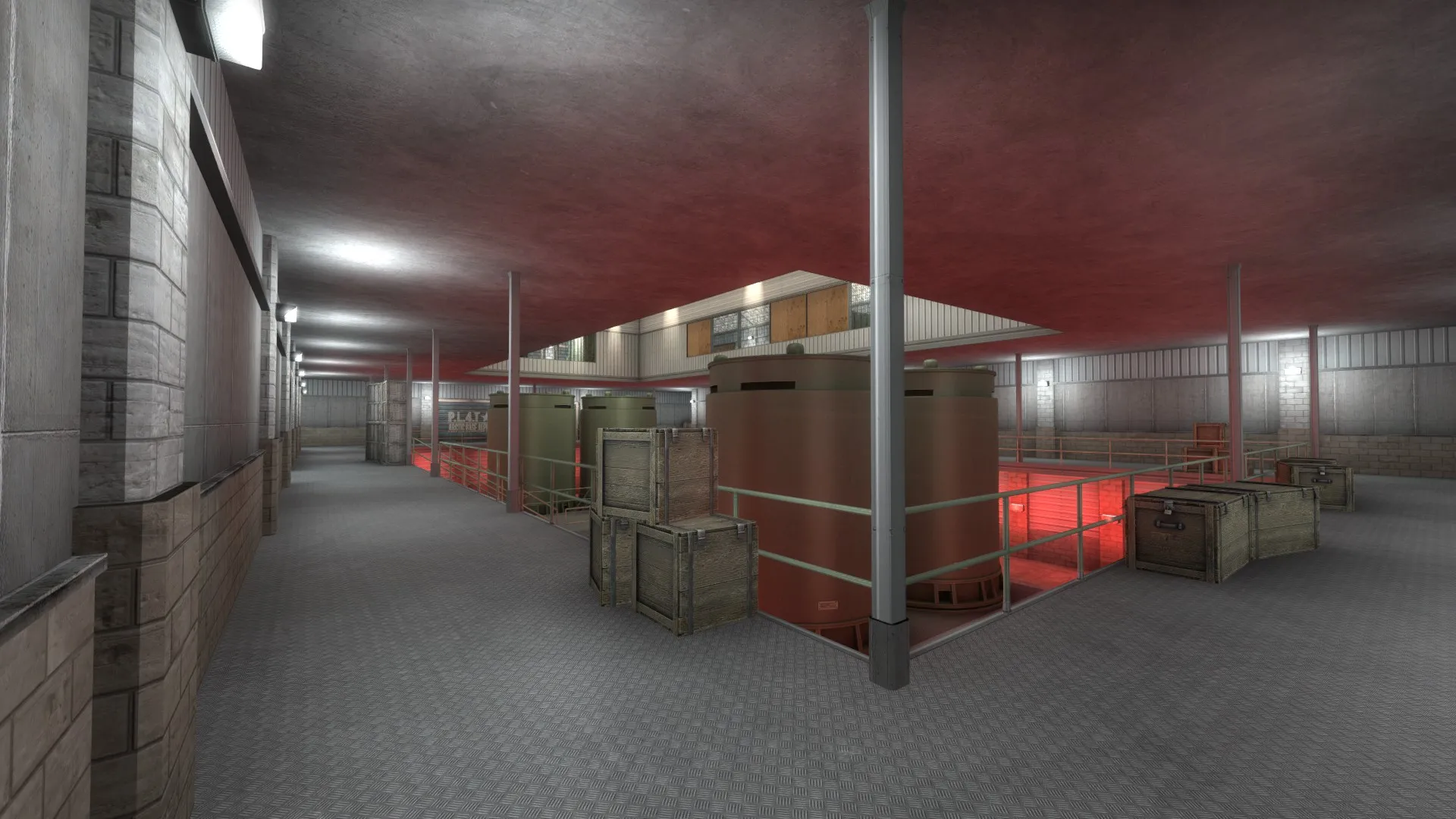
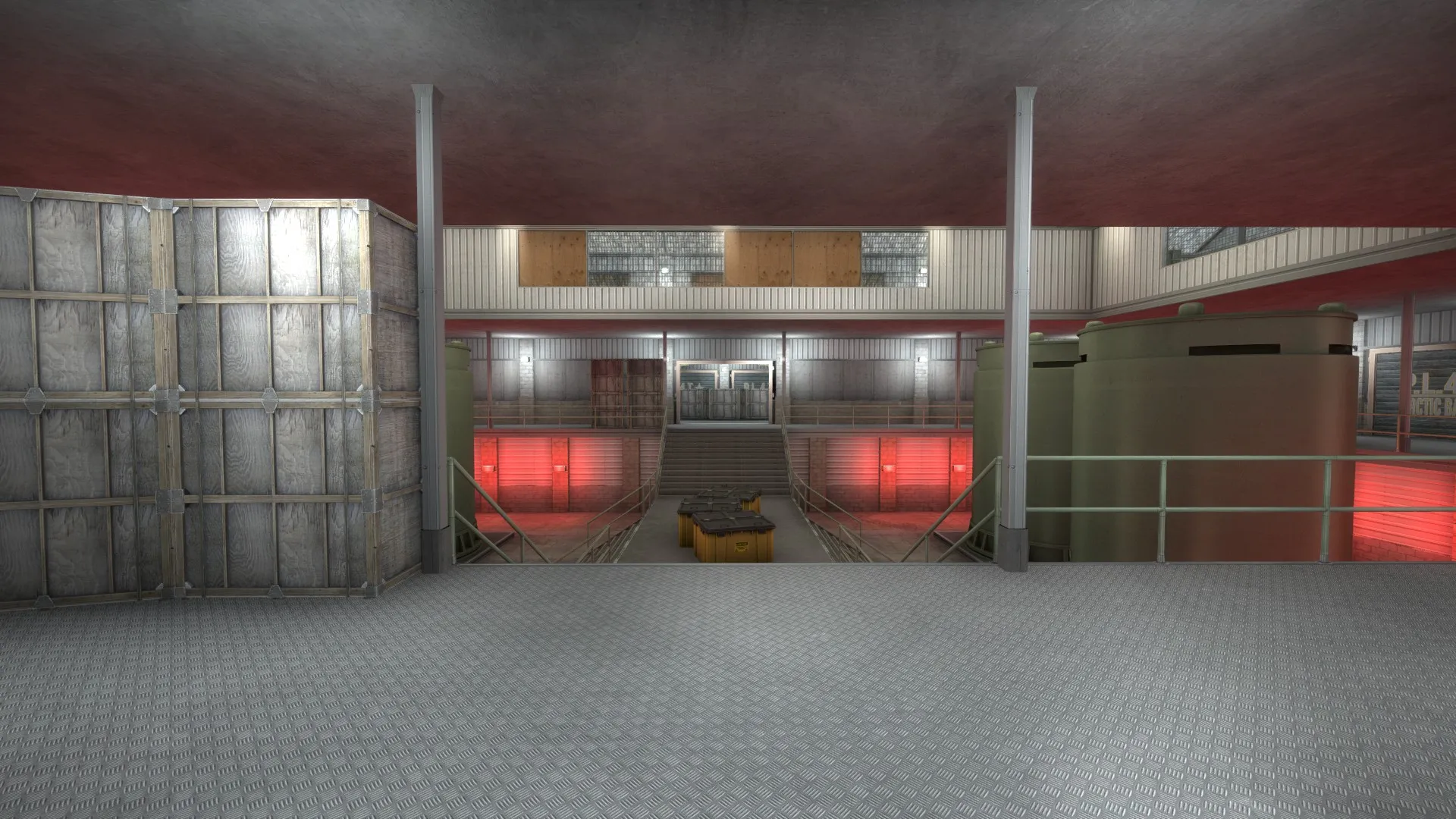
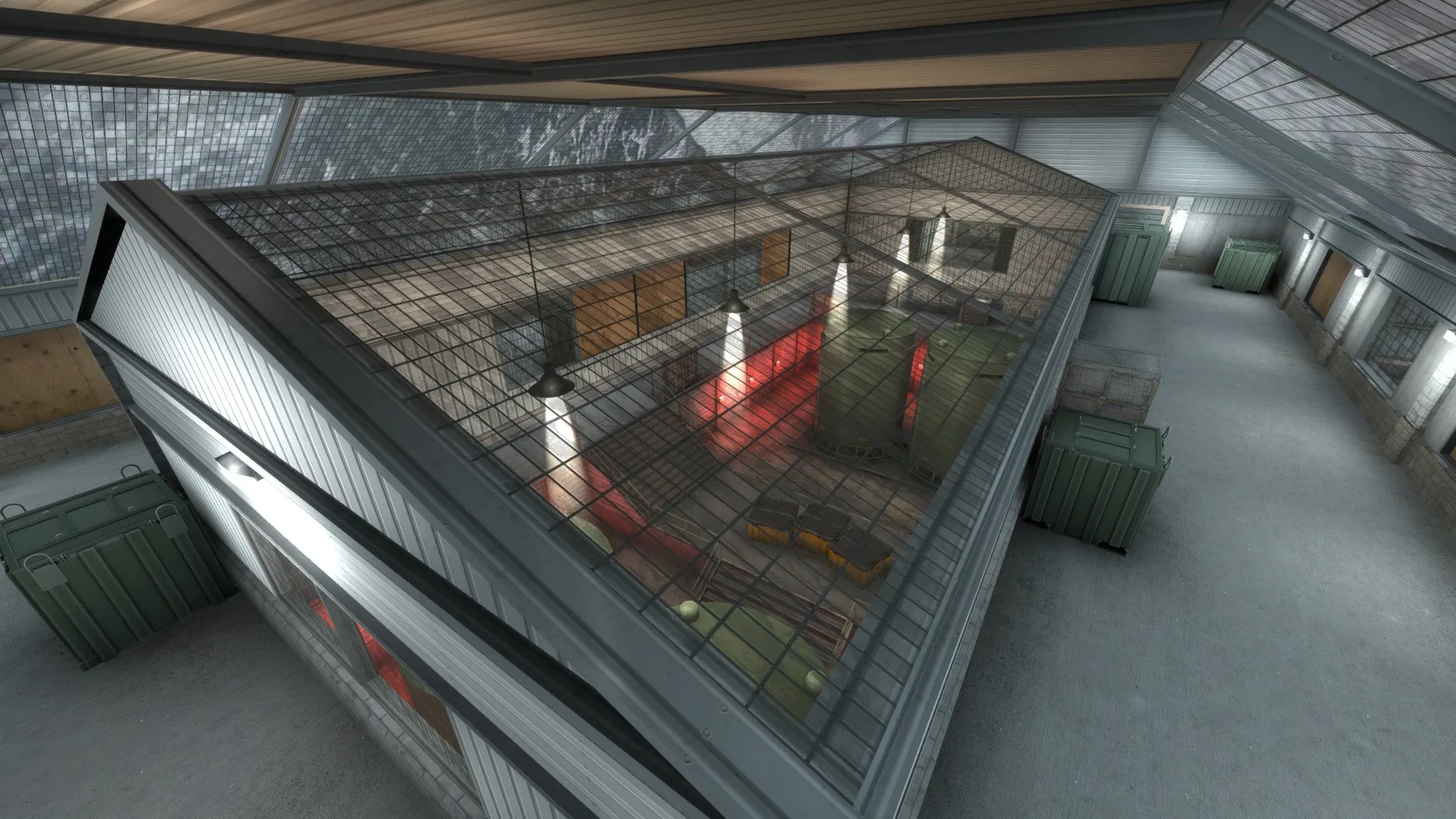
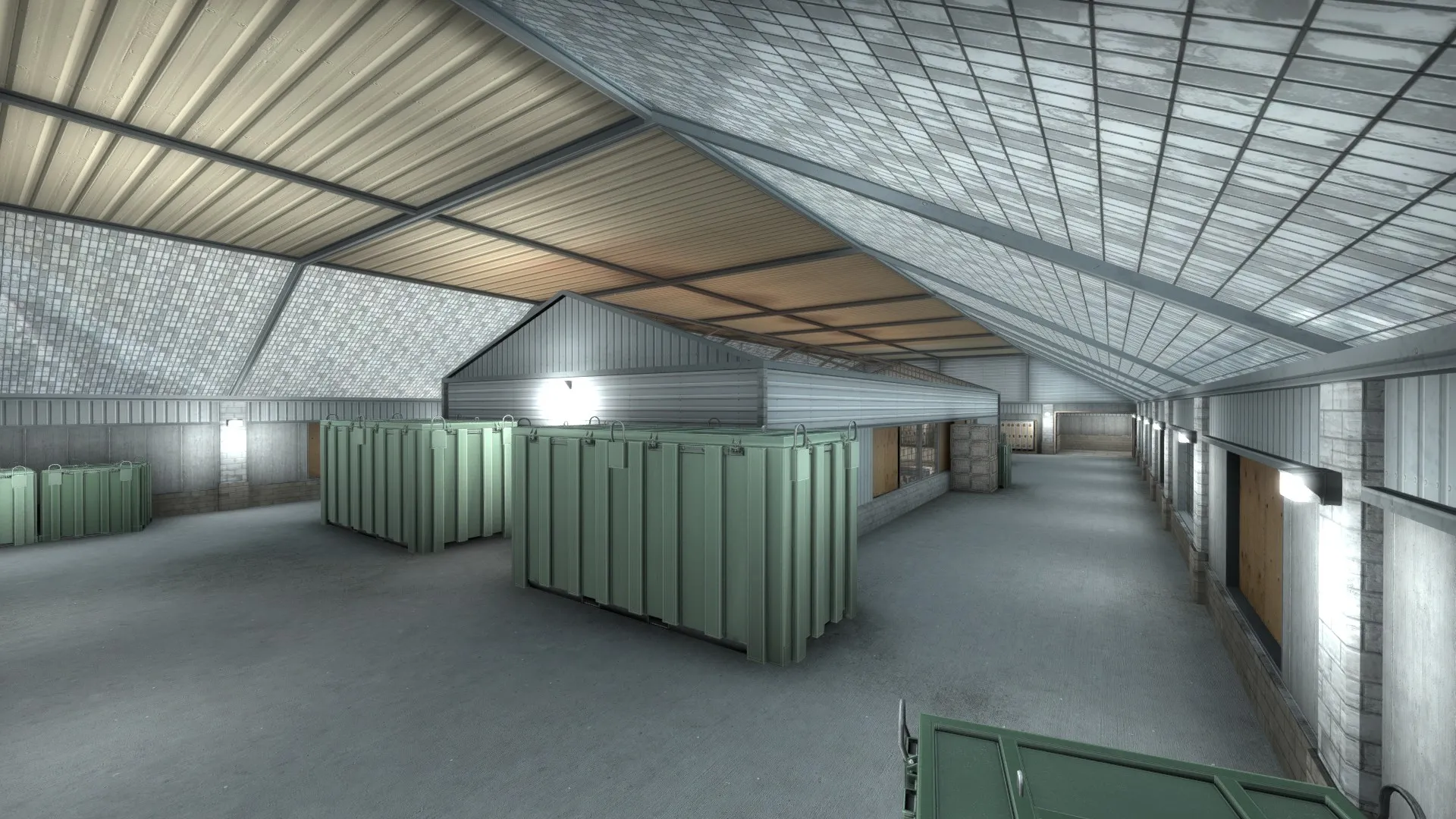
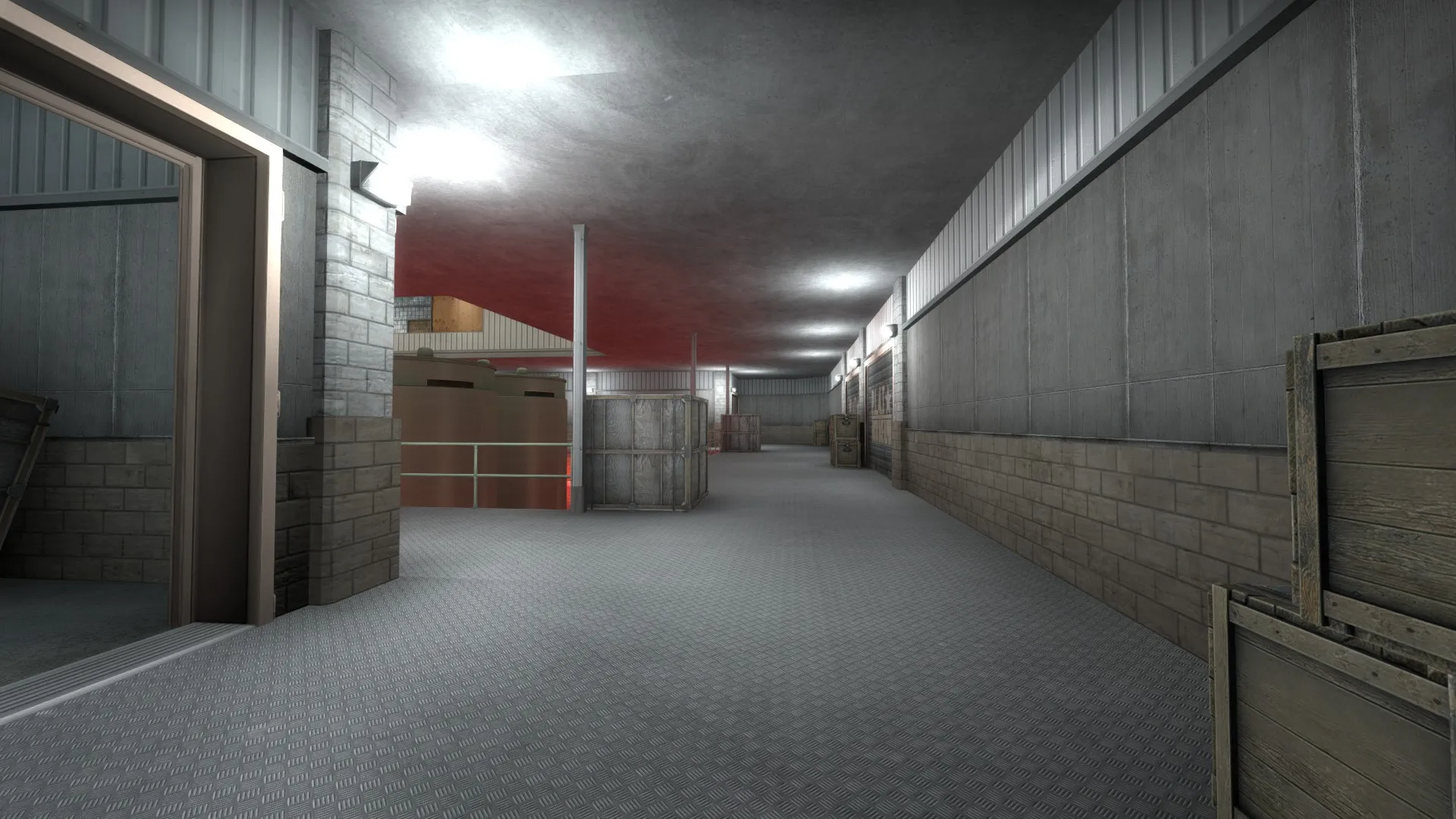
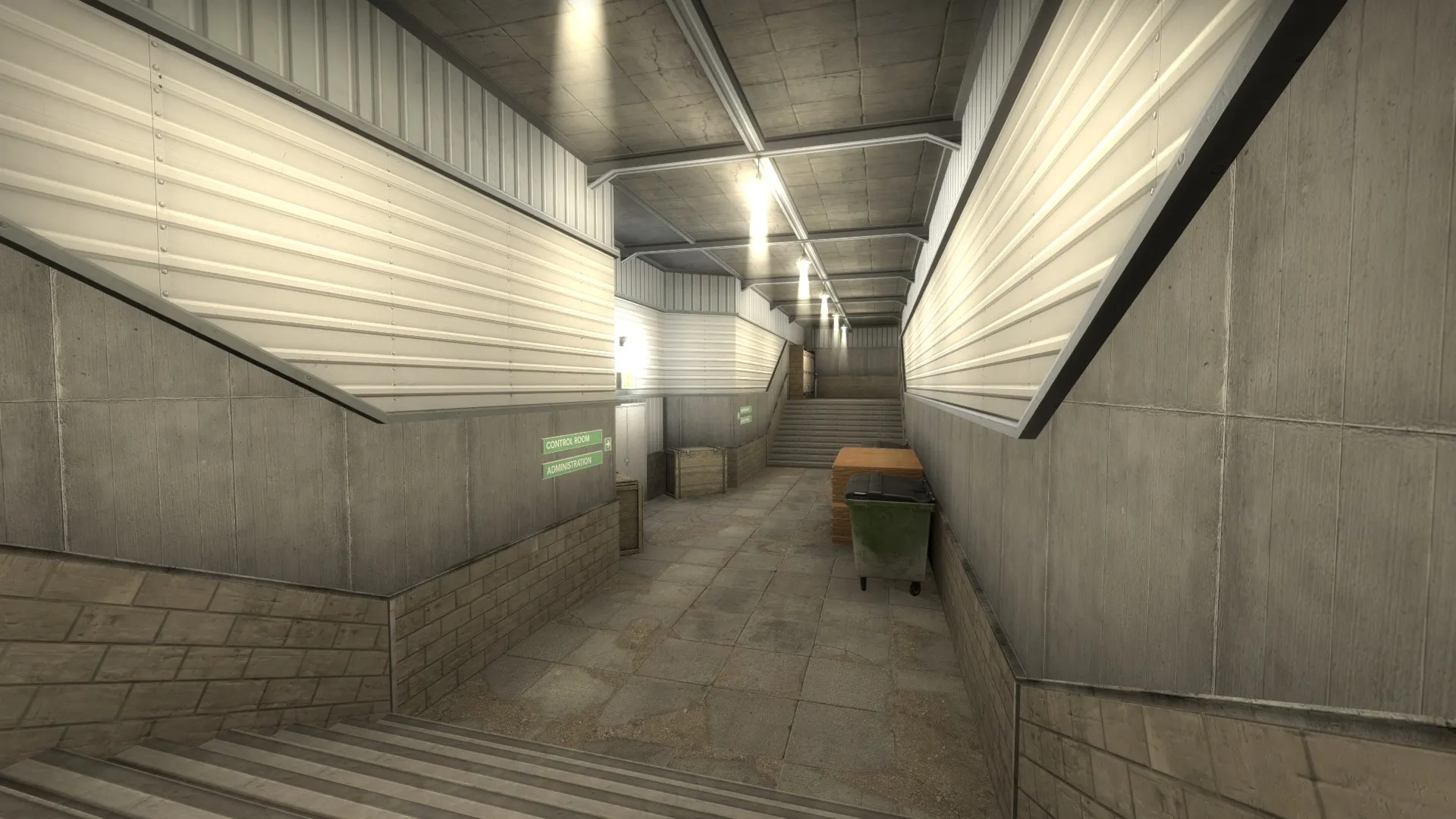
A custom map for a custom, awp only gamemode: awp_arcticbase
Obviously a very heavy wip
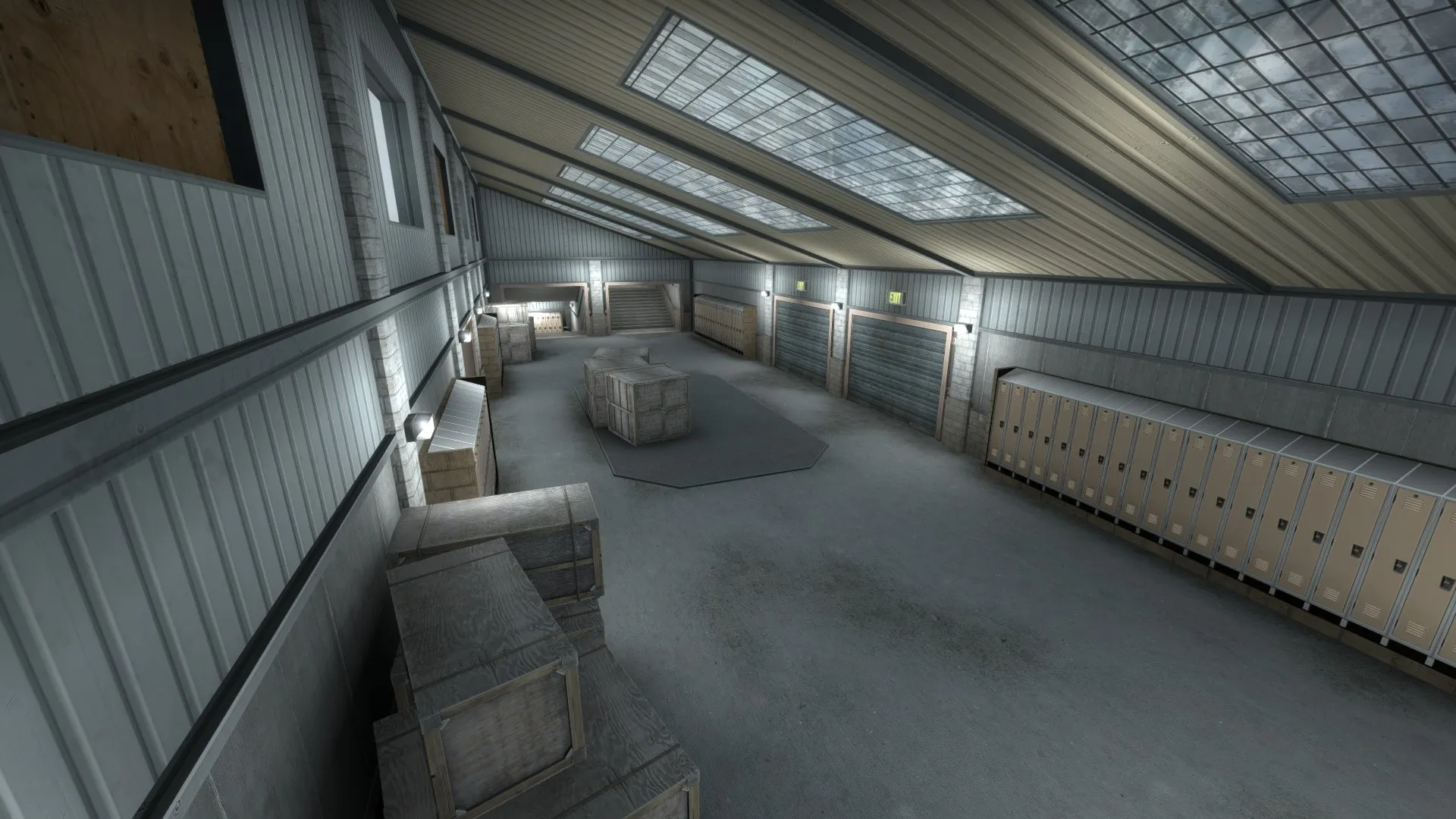
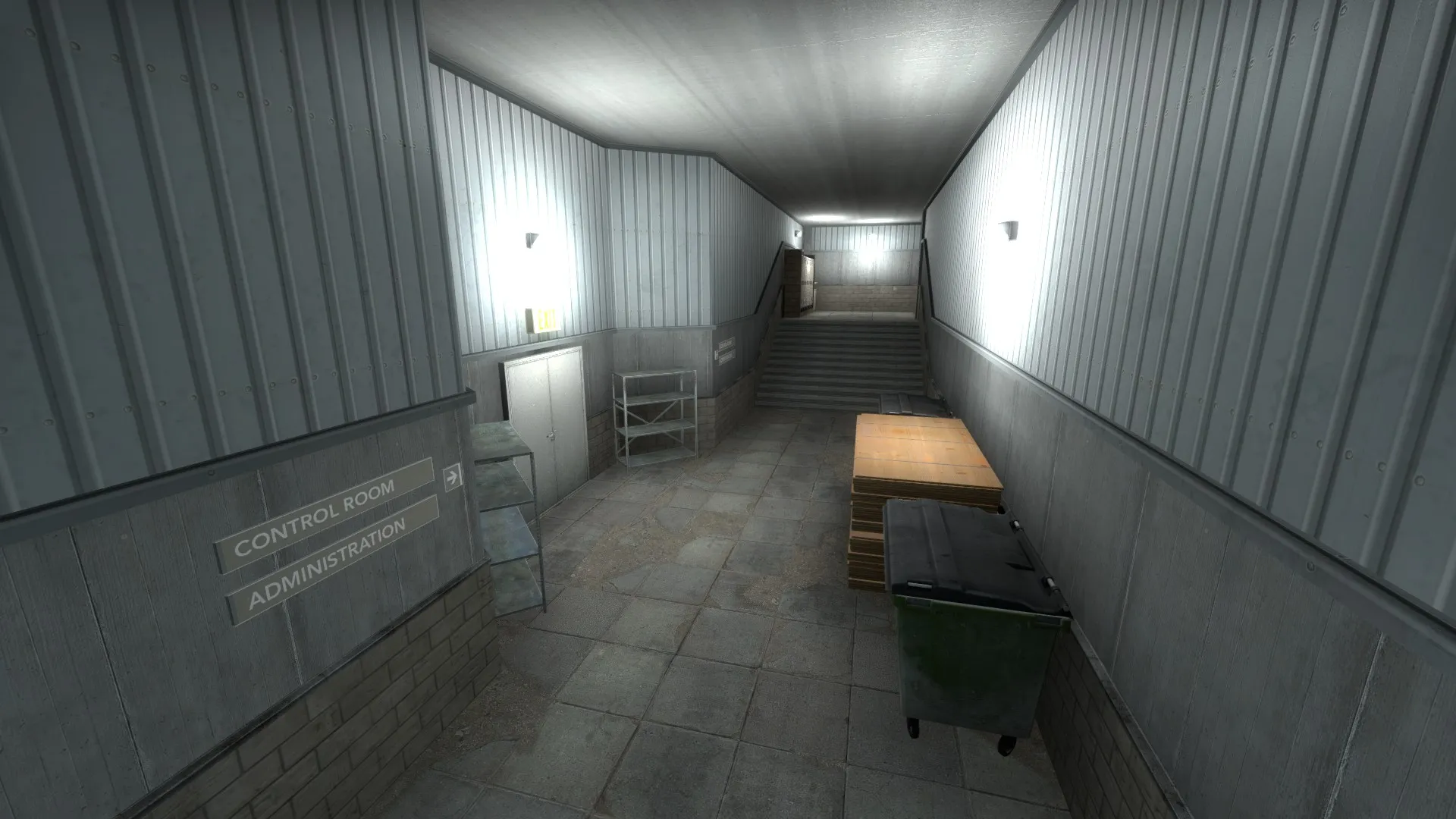
 Quote from Lajron
On 9/20/2017 at 7:49 PM, Lajron said: Honestly i don't know it just seemed off to me the way you used it and i tried placing it at 0,0,0 coordinates which fixed it.
Also here's a nice tutorial for the skybox http://twhl.info/tutorial.php?id=106 which i atleast used.
Just got around to implementing your fix, and the issue is still there. Really, really confused. Still clueless as to what the problem is. Still only persists in ct spawn.
Quote from Lajron13 hours ago, Lajron said: https://drive.google.com/open?id=0B0aT-…QURCZ3FNTTlVY3M
Try it out now, i do apologize for changing the crate texture
Your 3d skybox seems to have been causing the problem
What was the problem with the 3d skybox?
Quote from LajronOn 9/18/2017 at 3:01 PM, Lajron said: Could you upload the .vmf file so we can test it?
 Quote from JorisCeoen
4 hours ago, JorisCeoen said: That looks like a leak problem. Make sure you don't have leaks. It creates the same render-mashup thing when you have a leak in the map and the skybox renders empty and starts overdrawing tons of stuff. Check for any leaks in your map and make sure the map is completely sealed.
No leaks in the level. Nothing in the compiler, no pointfile. Nothing. Still clueless.
Anyone? Still having this issue.
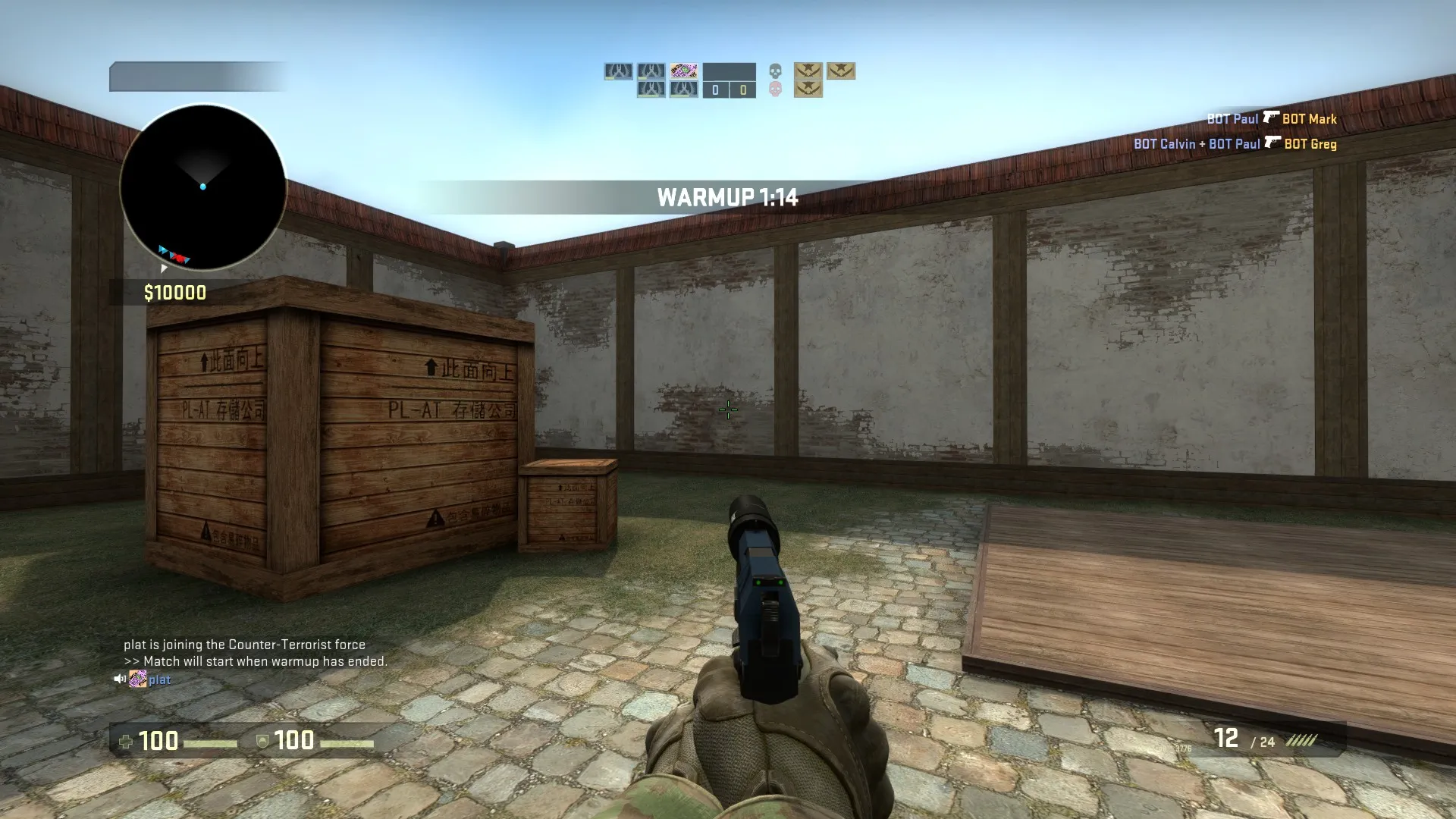
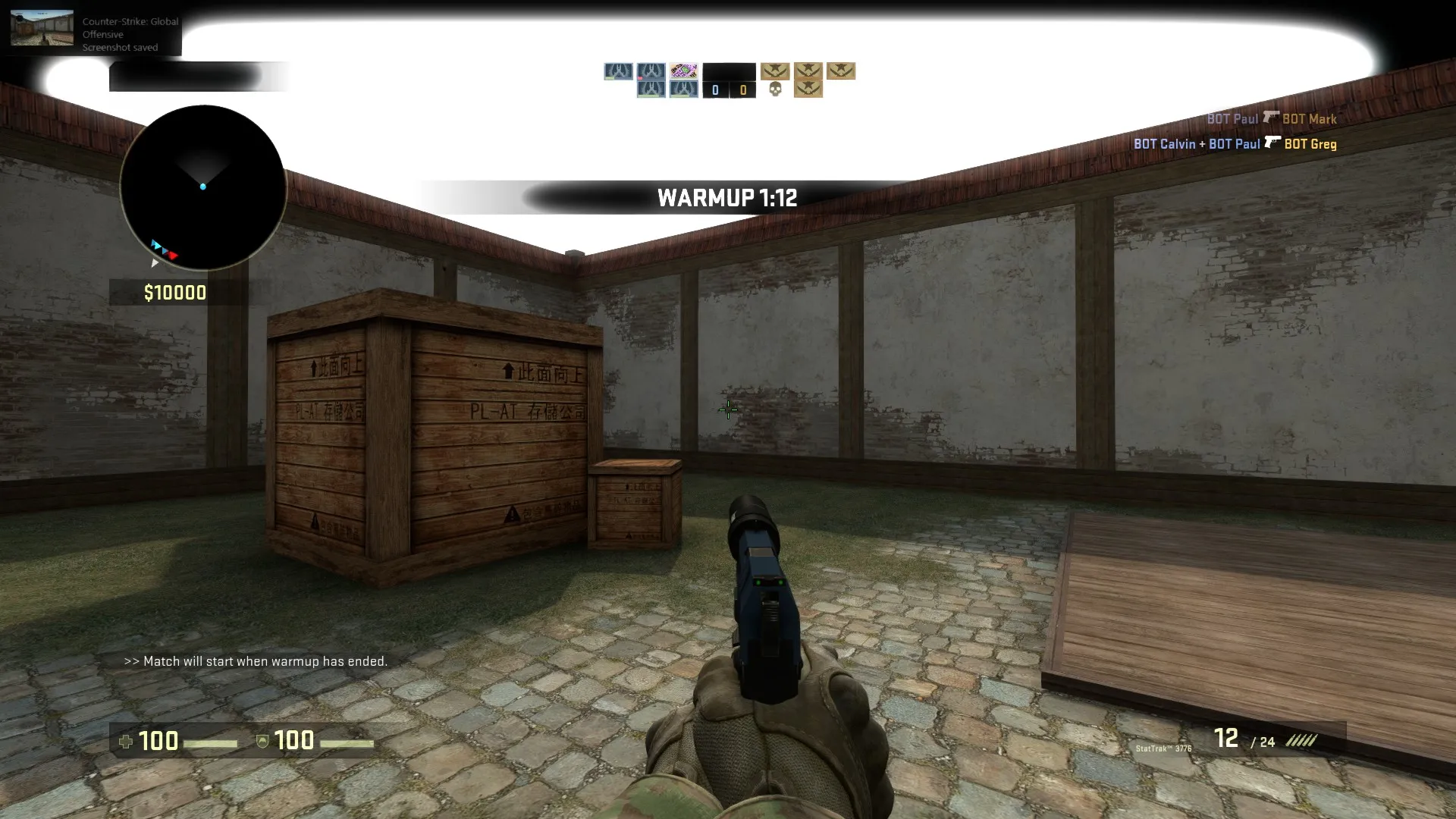
I was recently working on a map for a custom gamemode, aim_awp_bungalow_remake, when I came across this WEIRD bug.
I can look at one spot of the wall, and it'll be perfectly fine, but look left or right a bit and the skybox acts as if there isn't a skybox texture. This only happens along the ct side wall which wouldnt be a problem IF the map wasn't mirrored, meaning t spawn was built the same way.
Ive tried applying a texture behind the displacement wall, putting the map in an entirely new vmf, and making sure my level is sealed. I just cannot for the life of me figure out whats going on here. Need help.
18 hours ago, Terri said: <snip>
Huzzah! Thank you very much! I didn't know all commands worked. I thought it was only the ones listed on the developer wiki. I'm excited to get this project started now:) Cheers!
 Quote from Smileytopin
4 hours ago, Smileytopin said: I believe the commands for that are
http://# Hide contents weapon_accuracy_nospread 1 weapon_recoil_scale 0 weapon_recoil_view_punch_extra 0
I forget the entity you use but you should be able to use the commands to disable weapon inaccuracy on the map.
Thanks for the commands! Now I just need to figure out how to activate them. They don't seem to be functional in the custom gamemode file.
As the title says. I'm looking to make a scoutsknivez map but want to make sure I can edit everything required to make a functional scoutsknivez gamemode from within my map. Im able to change gravity, maxspeed/maxvelocity, airaccel/accel, spawned weapons, but I cant find anything about perhaps making the scout 100% accurate while in the air.
Thanks!
Make sure you have a light_environment in the level. Also, it might be worth moving the whole map into another .vmf file and trying to recompile that. It may fix the "black blotches" issue. I had something similar before.
Heres a link to the thread I posted a while ago when I was having the same issue as you, might be of use:
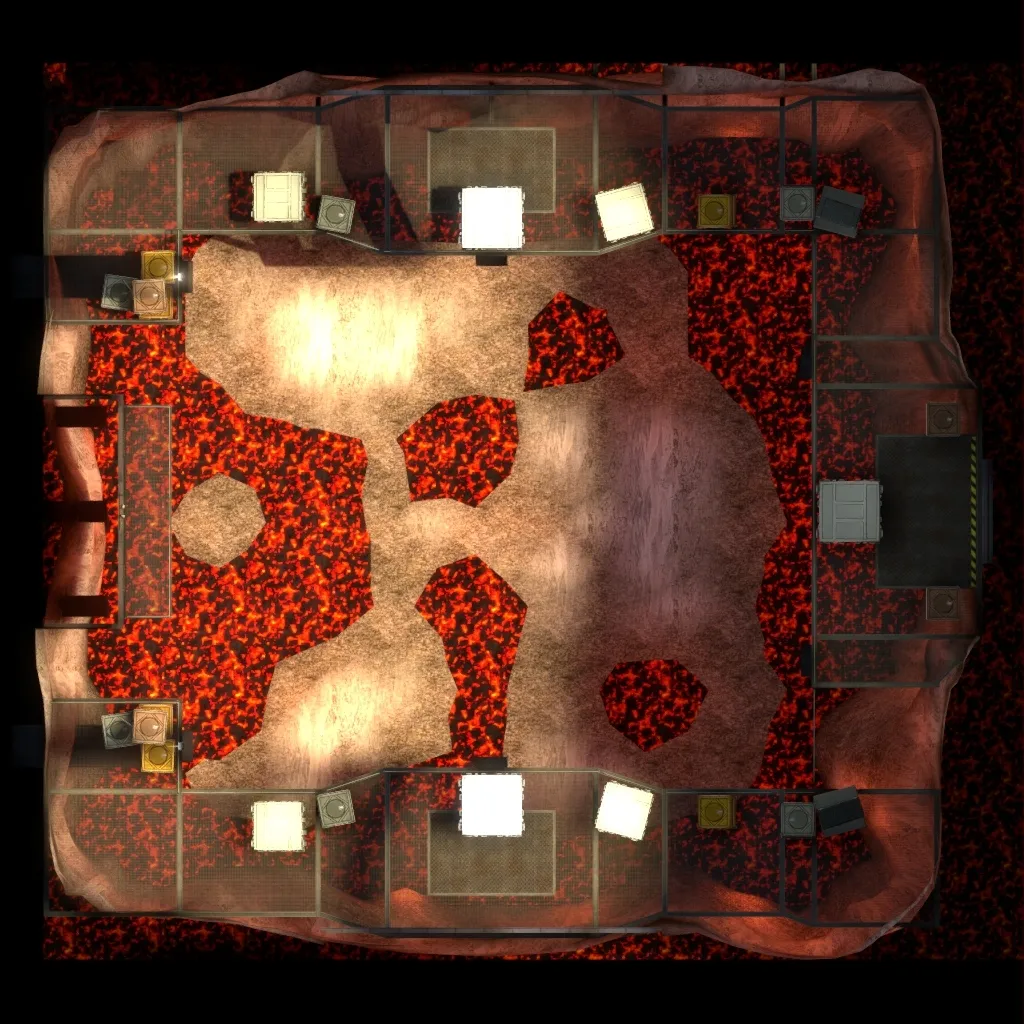
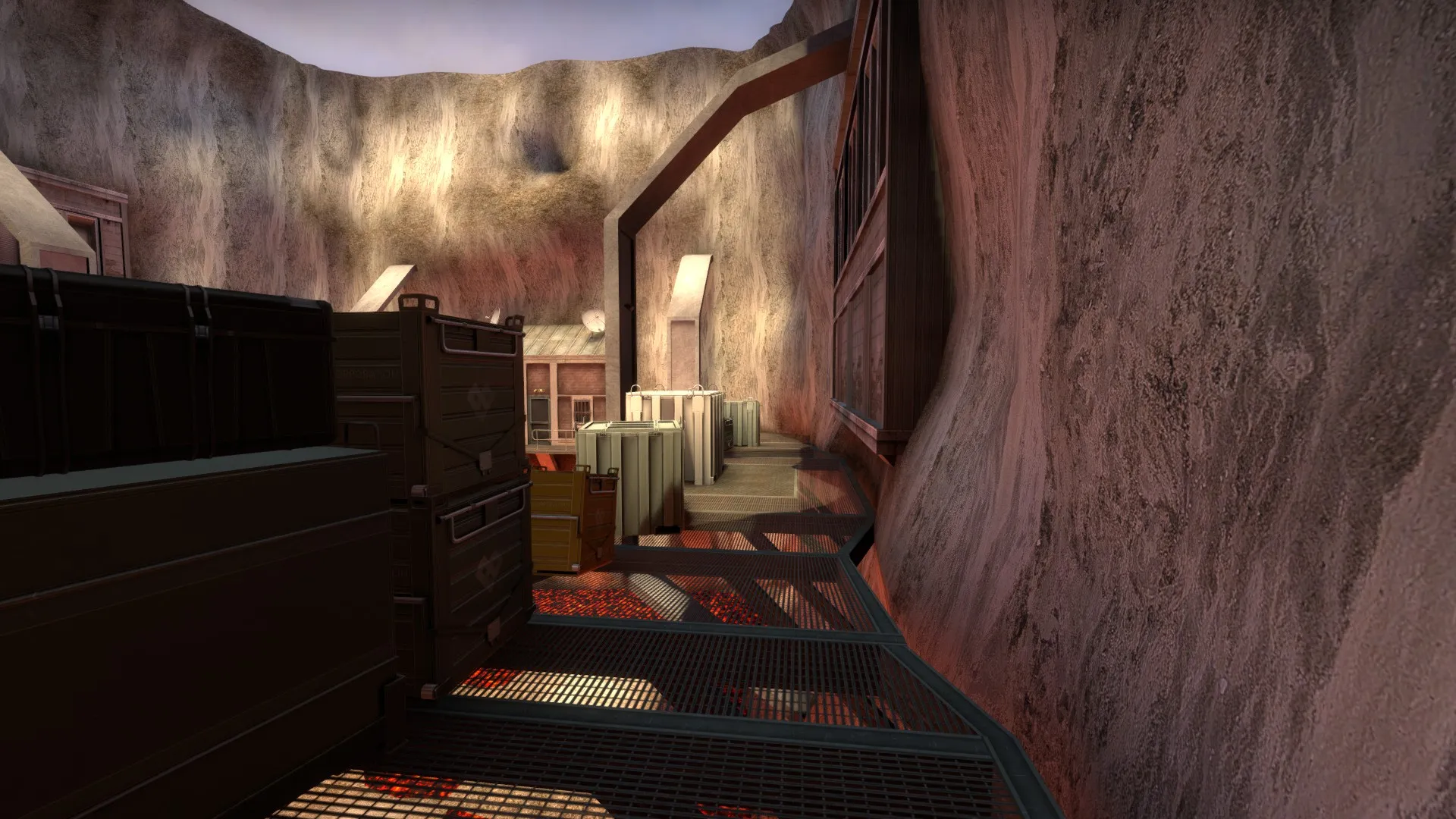
Made an awp map that supports 1v1-3v3 gameplay. It takes place in an active volcano observatory; obviously a fictional place. I made this map to try a few new things, such as custom gamemodes, illuminating textures, and more advanced displacement manipulation. Enjoy, and thanks for playing.
Here it is on the workshop: http://steamcommunity.com/sharedfiles/fi…s/?id=883363117
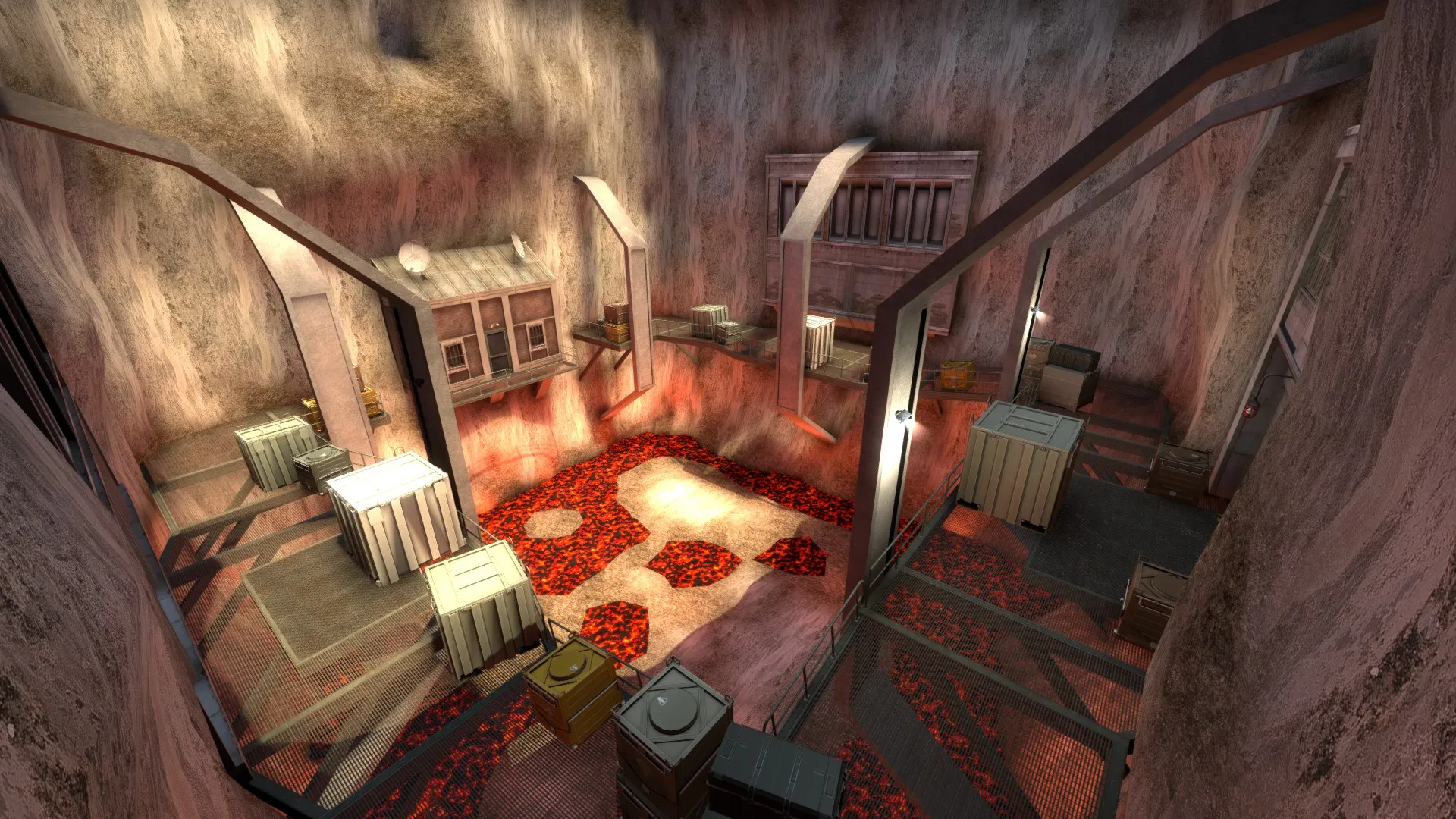
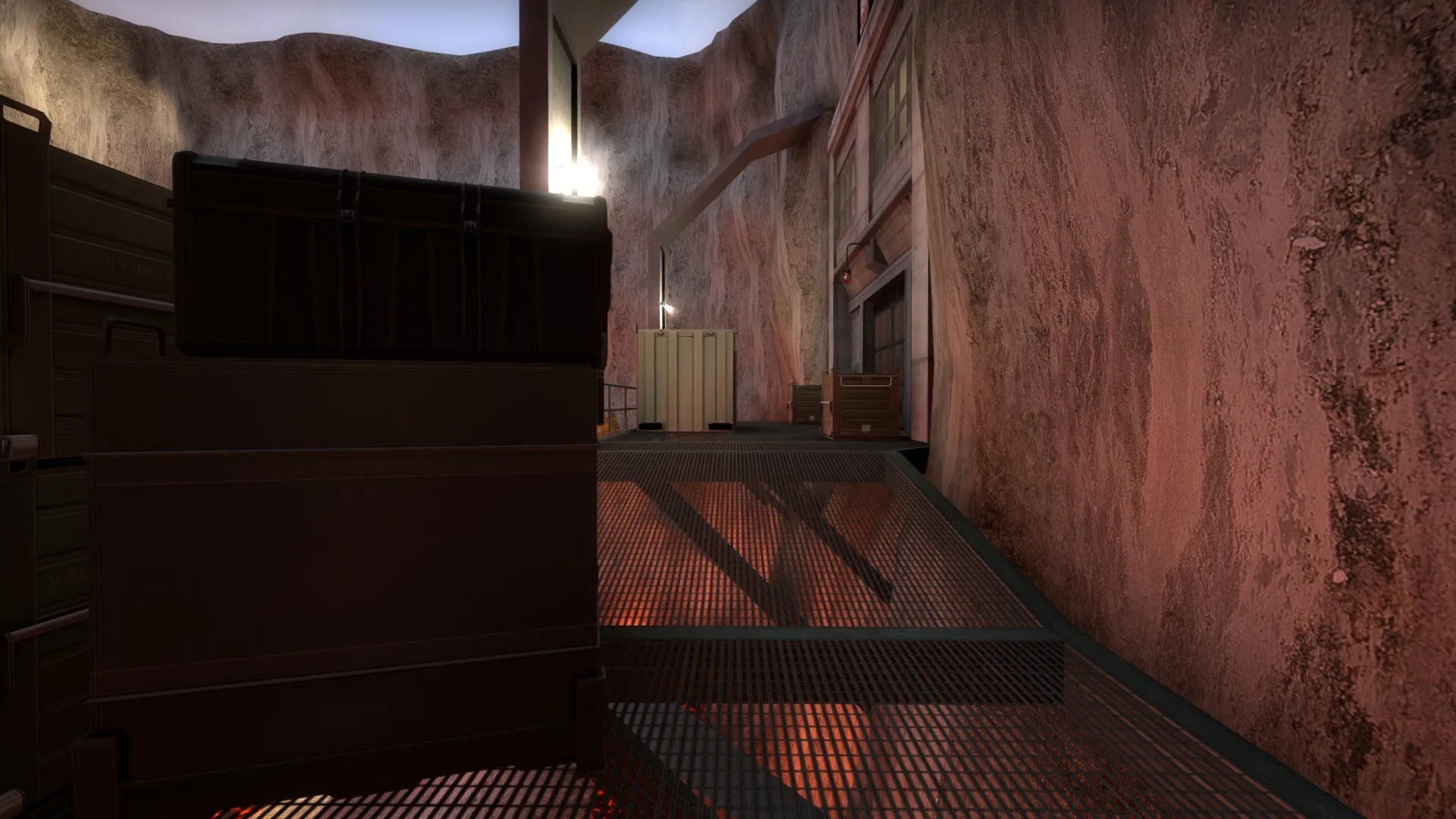
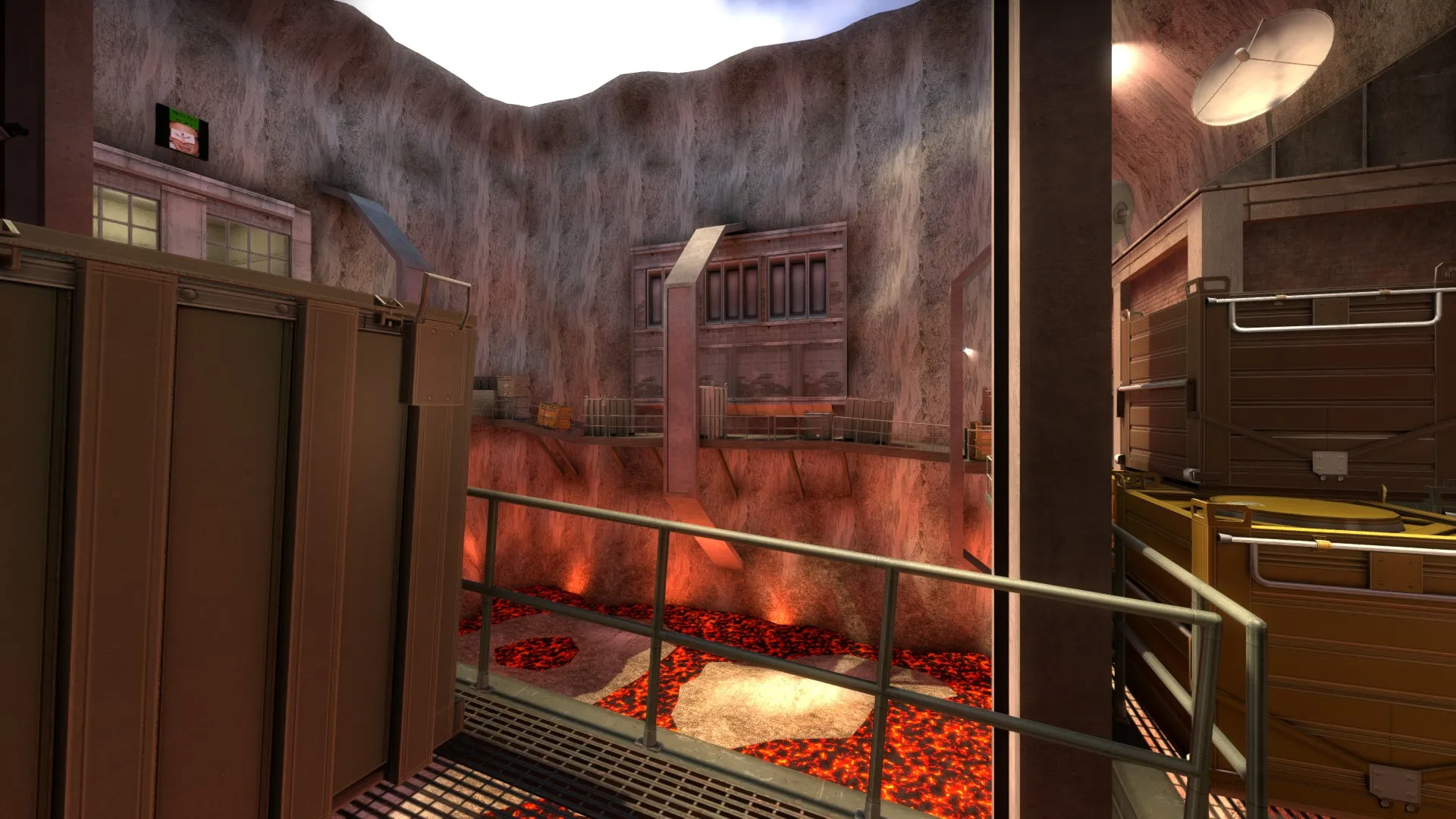
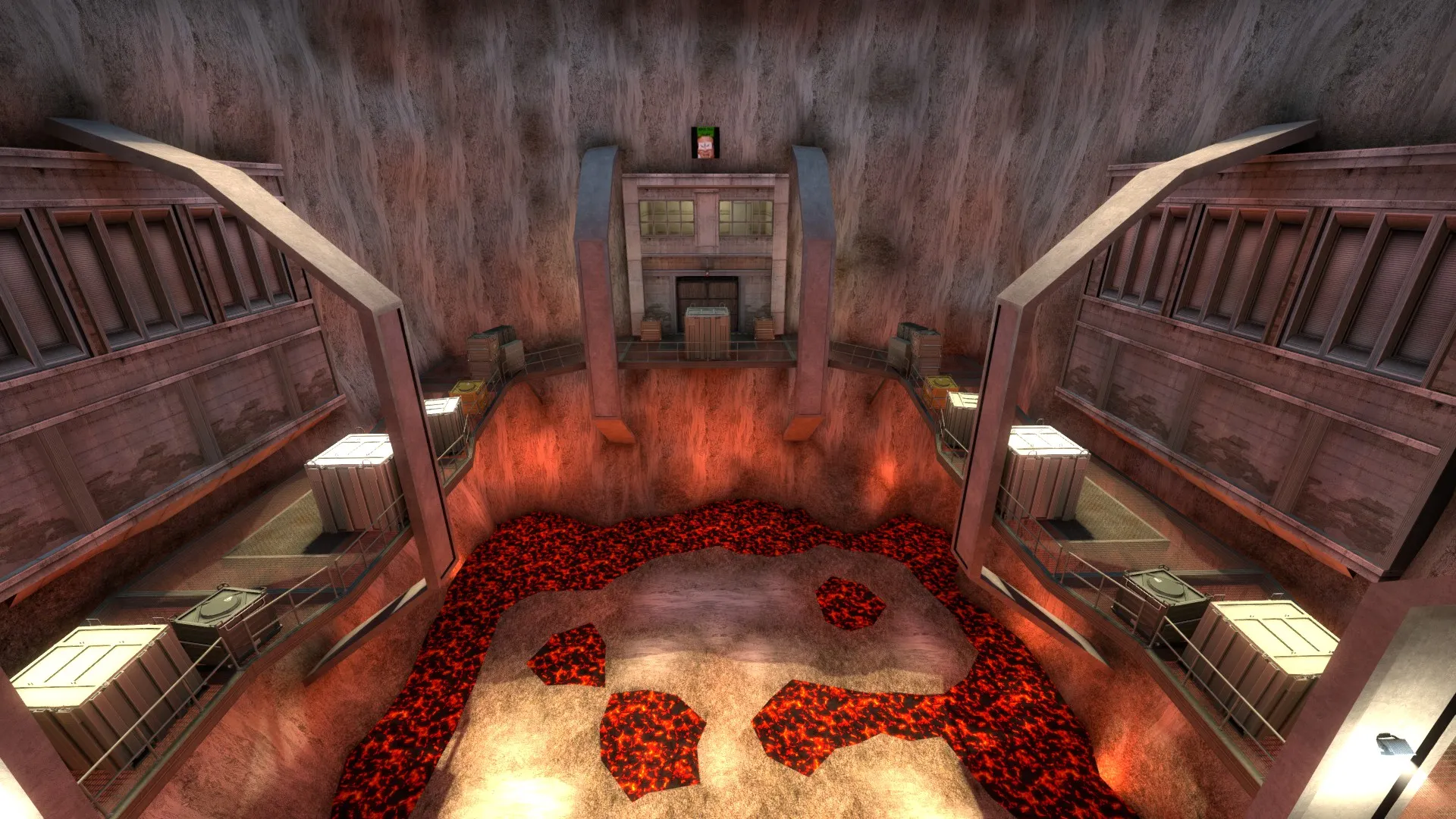
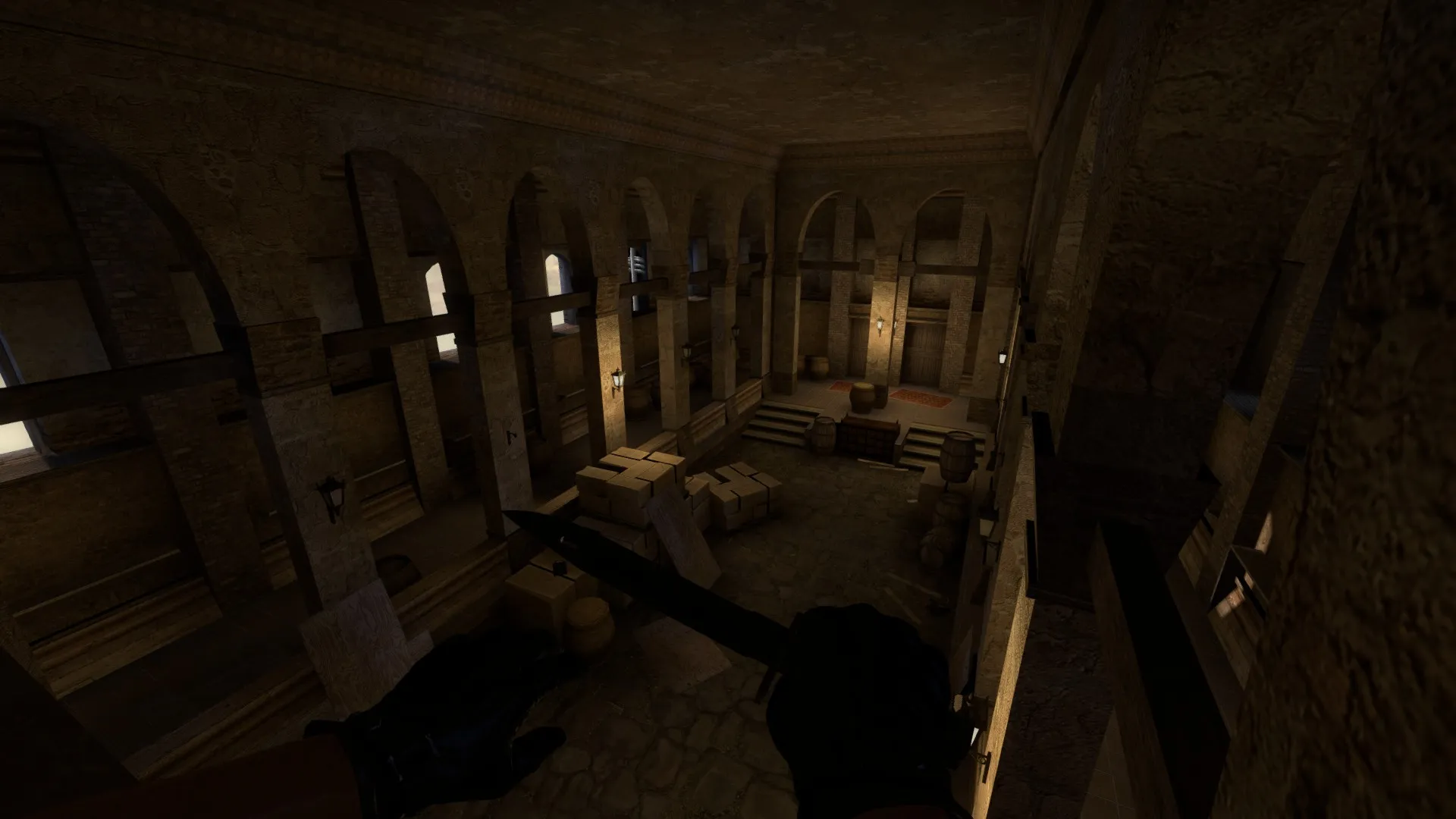
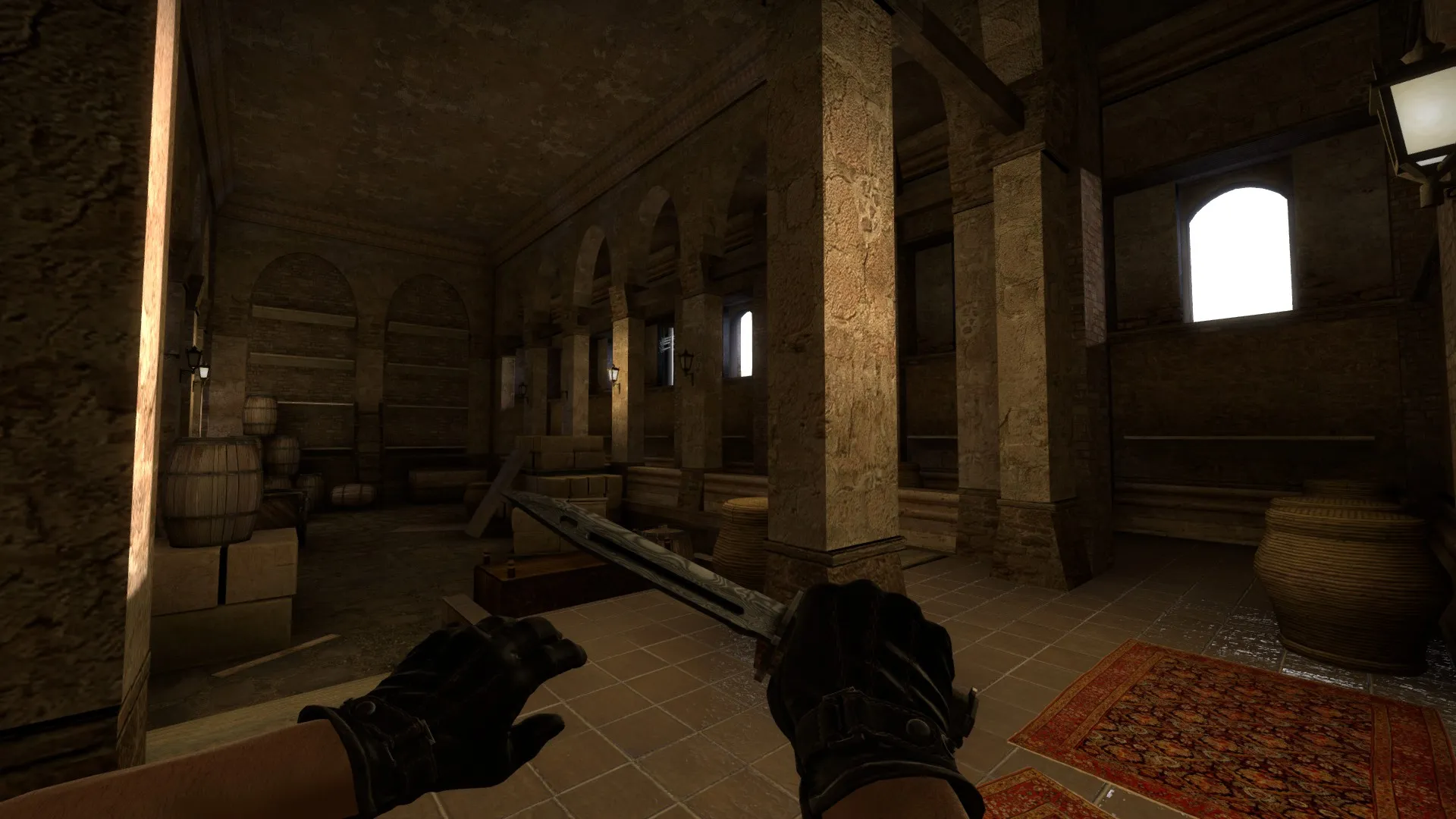
A small scene I've been working on to help me get back into mapping. Huge thanks to @grapen for helping me with my compile issue.
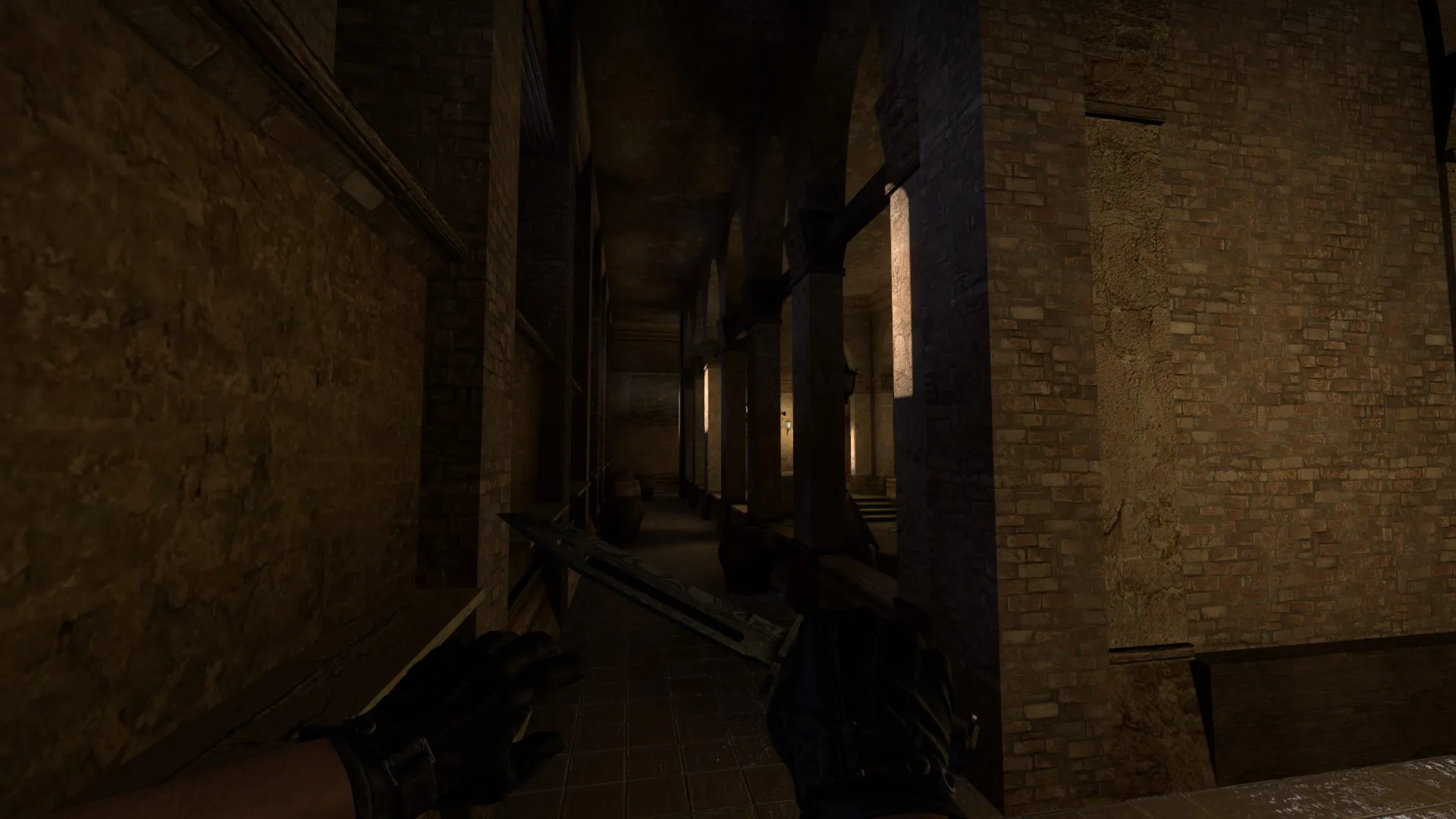
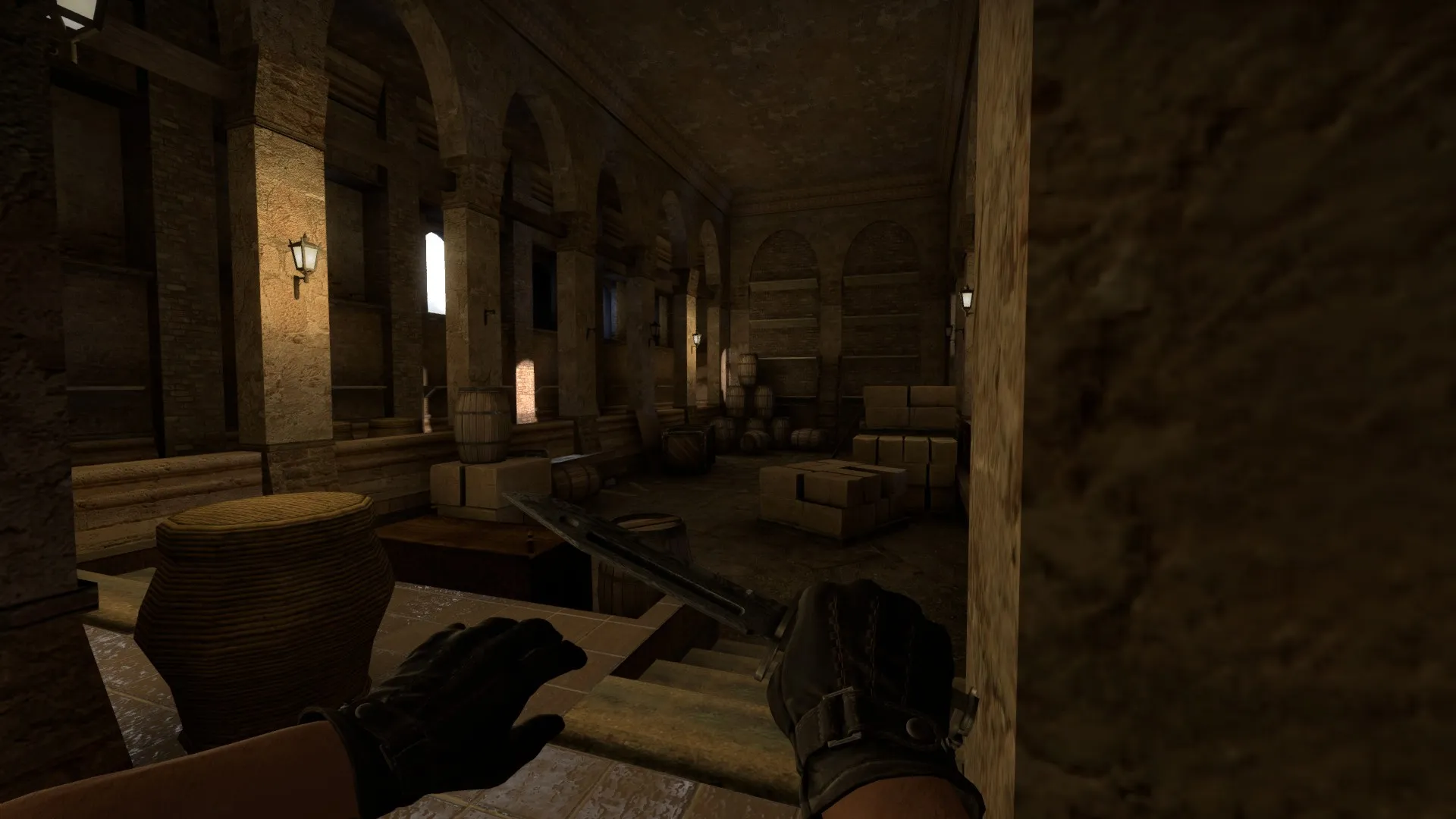
I recently got a new harddrive and lost all of my previous compile settings, I had stolen them from someone else and I cannot remember them. I've tried editing the settings myself, but now vrad isn't working because it cannot make a logfile. If someone would be kind enough to give me their compile settings for their:
Fast Compile
Full Compile
I'd be really grateful.
Had this issue. I had to copy the whole map into another vmf and recompile to fix it. Try the other options people gave in my thread if it doesn't work. Hope this helps!
 Quote from TooProForYahoo
1 hour ago, TooProForYahoo said: try putting it in a different vmf (create a new one and paste it in). Try using valves prebuilt lighting from dust2.
This appears to have worked! Thank you so much. I copy-pasted everything into a different vmf, removed all light entities except for the light enivornment, and it worked! No issues, guess it was just a one time thing??? I hope i don't run into this again lol.
