

put in the hours and it will look good

The random model thread!
-
-
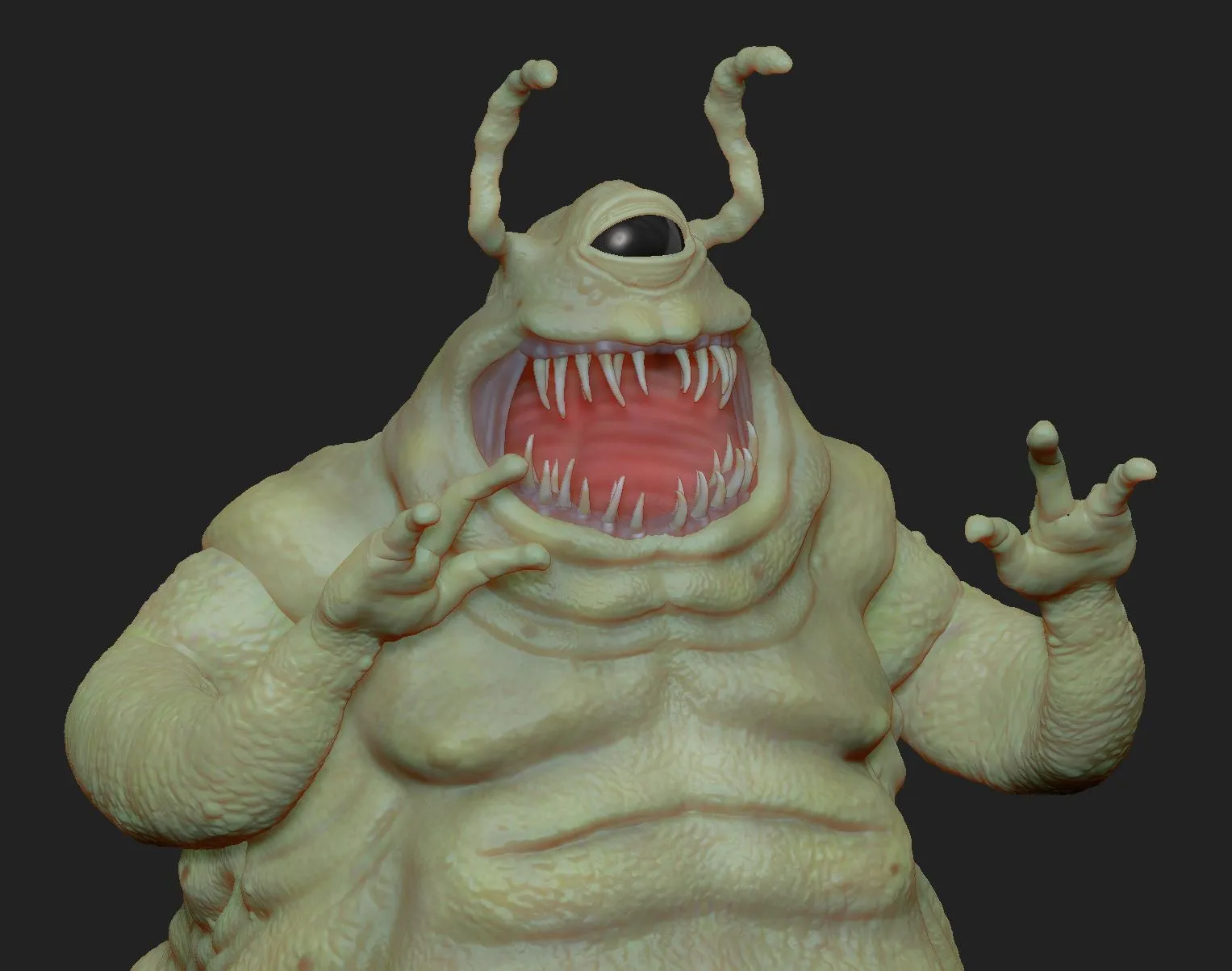
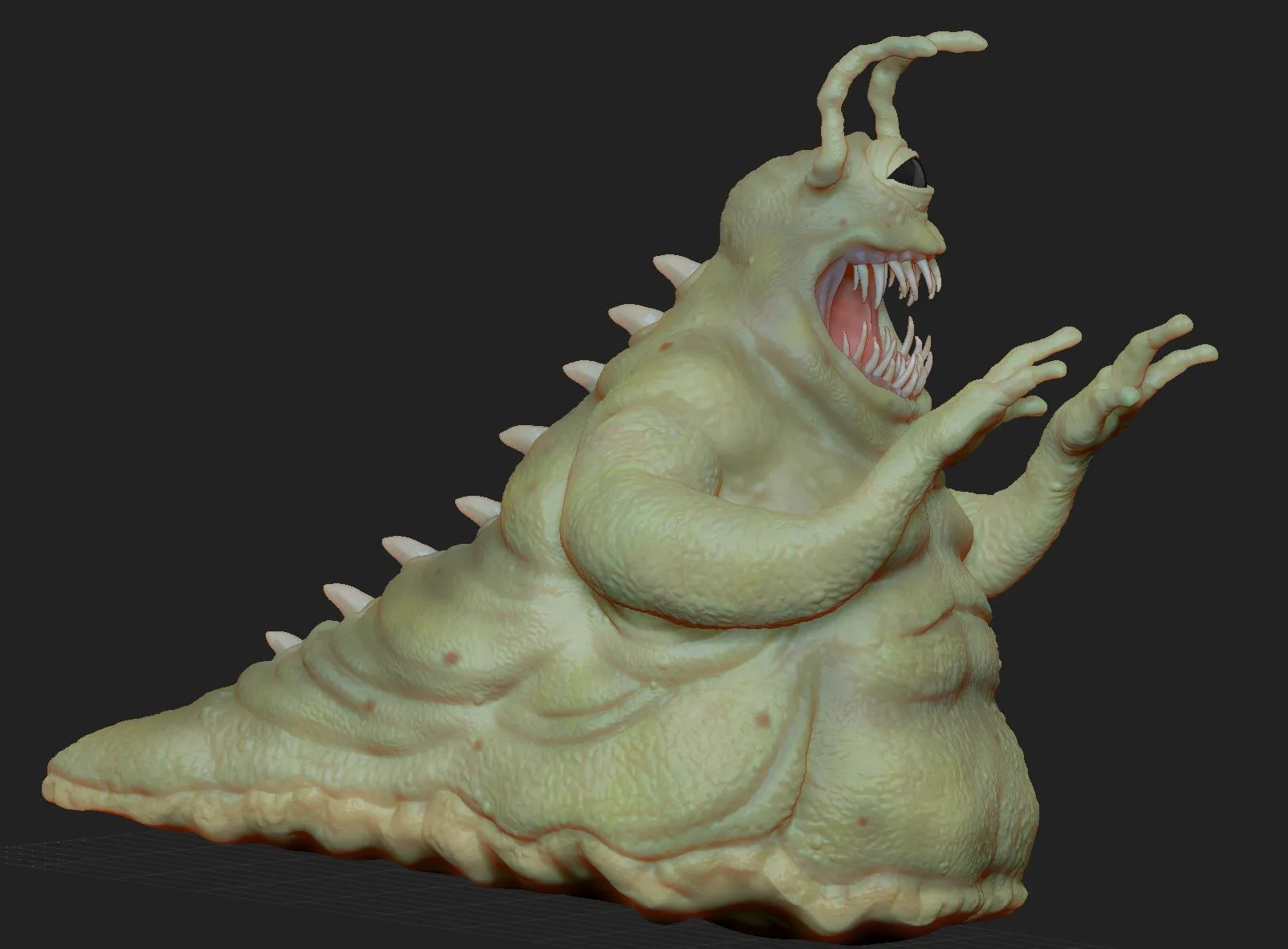
sculpt in progress:
-
The monster is cool,that remember me Slimer of Ghostbuster. And when we look the mouth,we think than he smile but the teeth are dreadful.
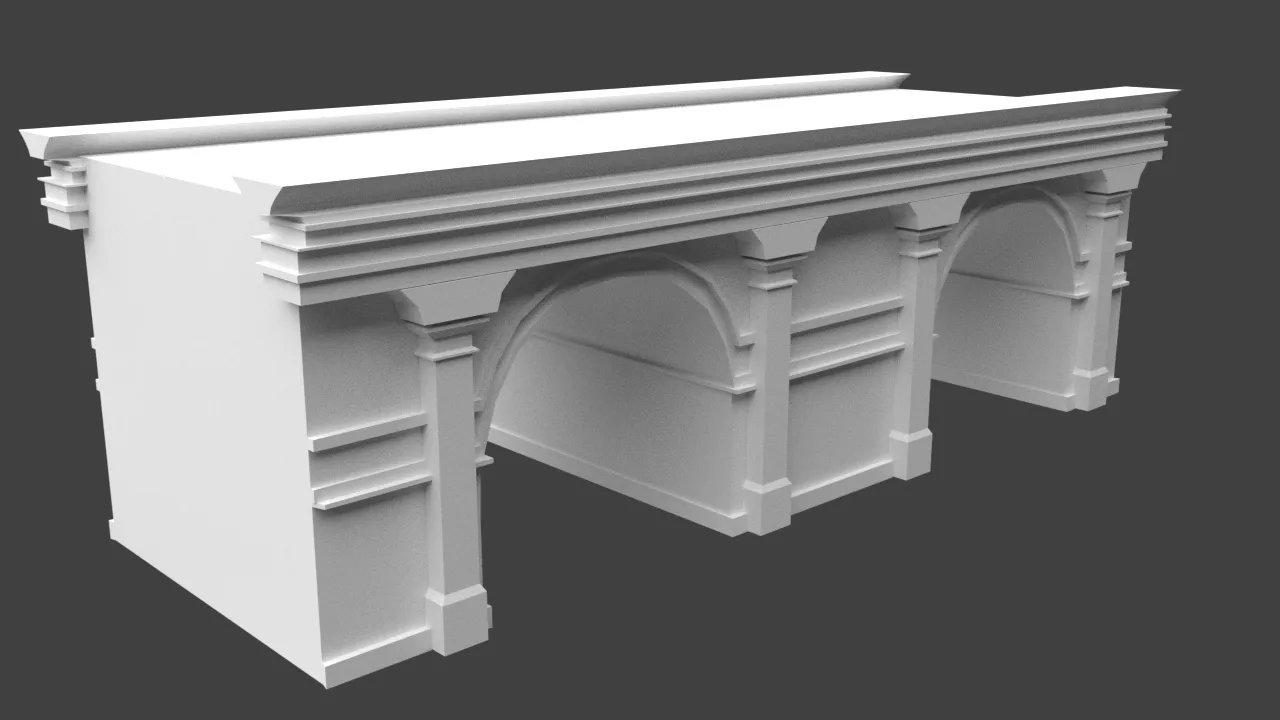
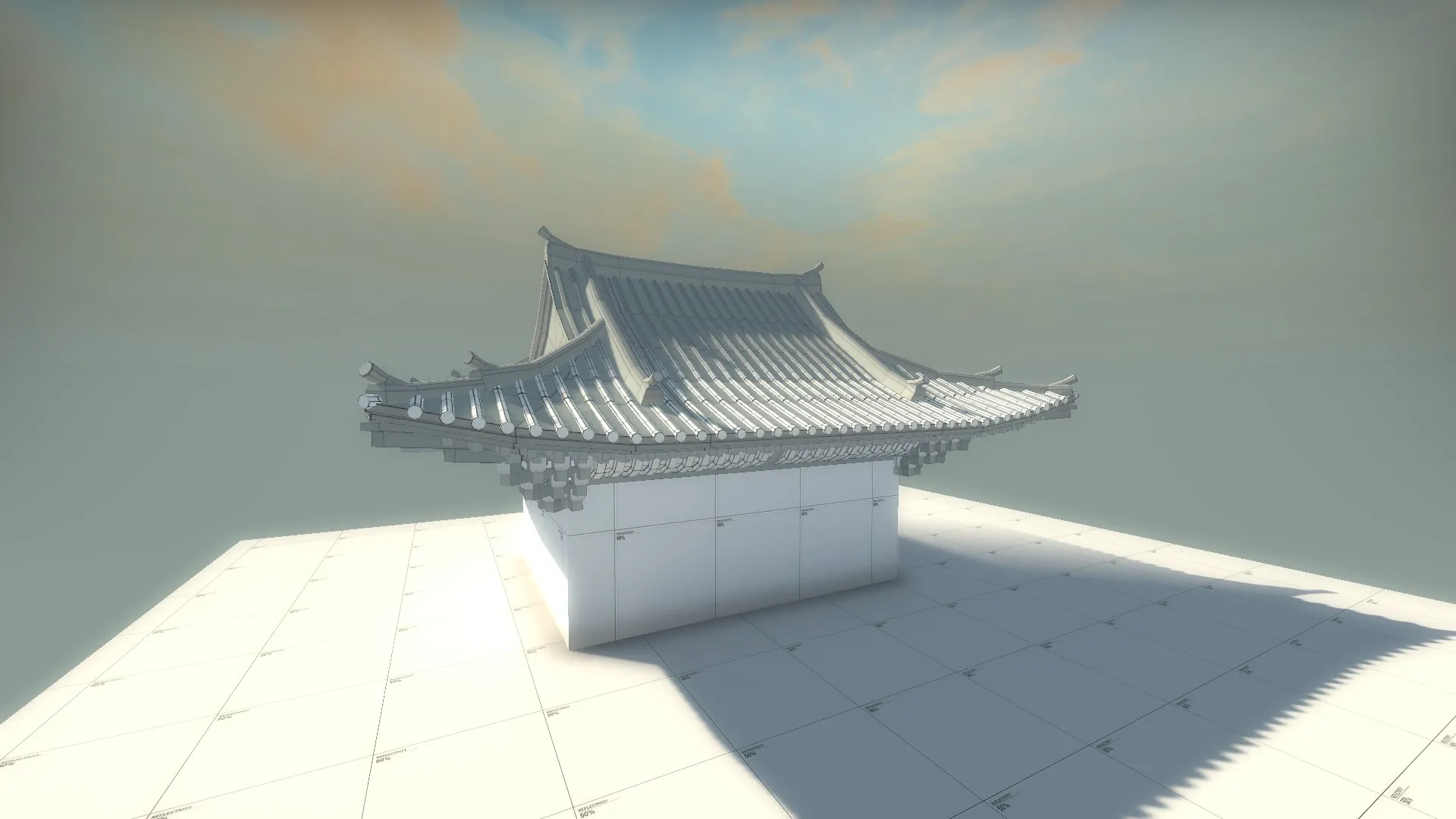
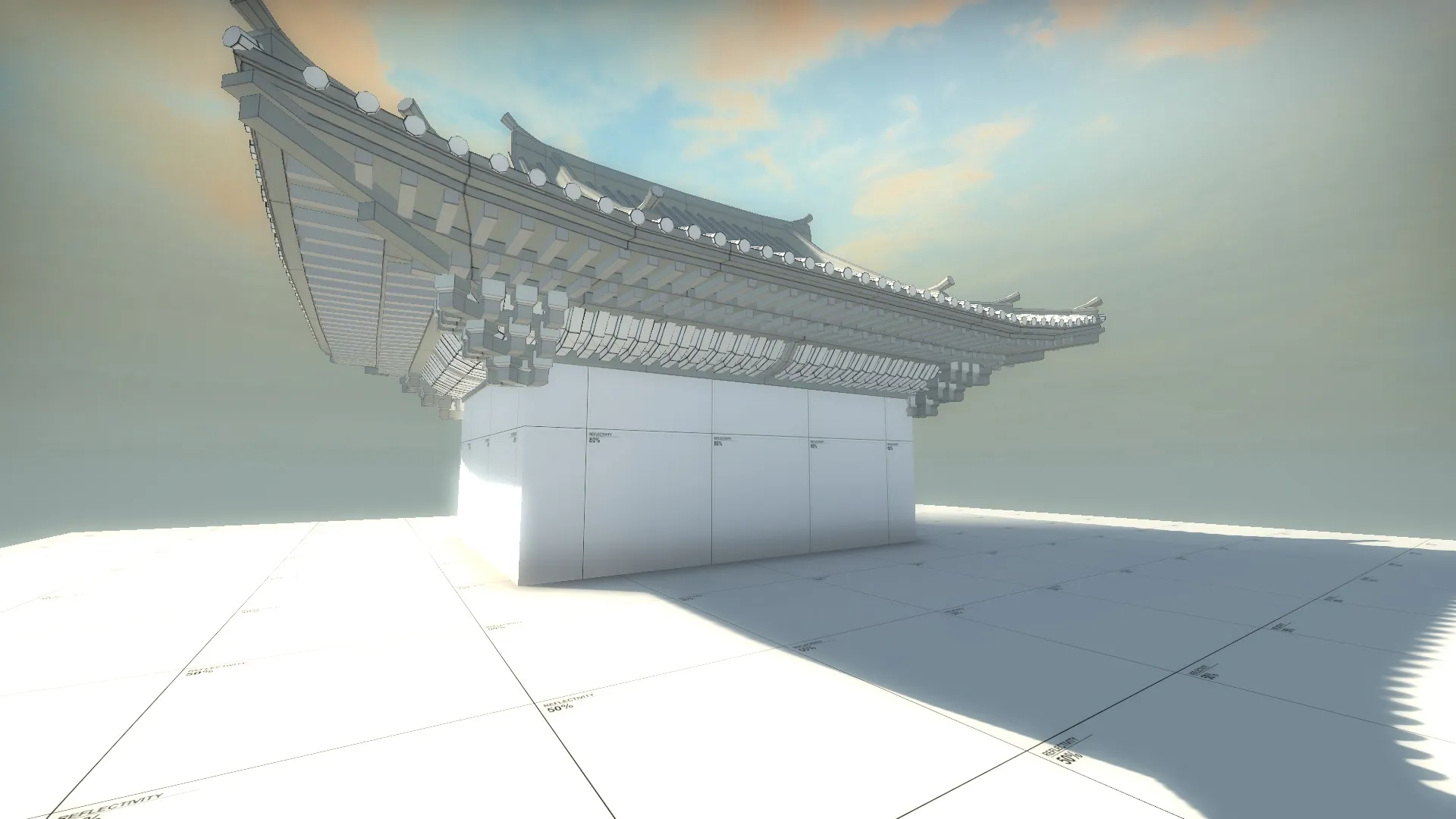
Just post a model for a map on csgo(de_Museum but the name is temporary).I put this model in the middle of the map.
-
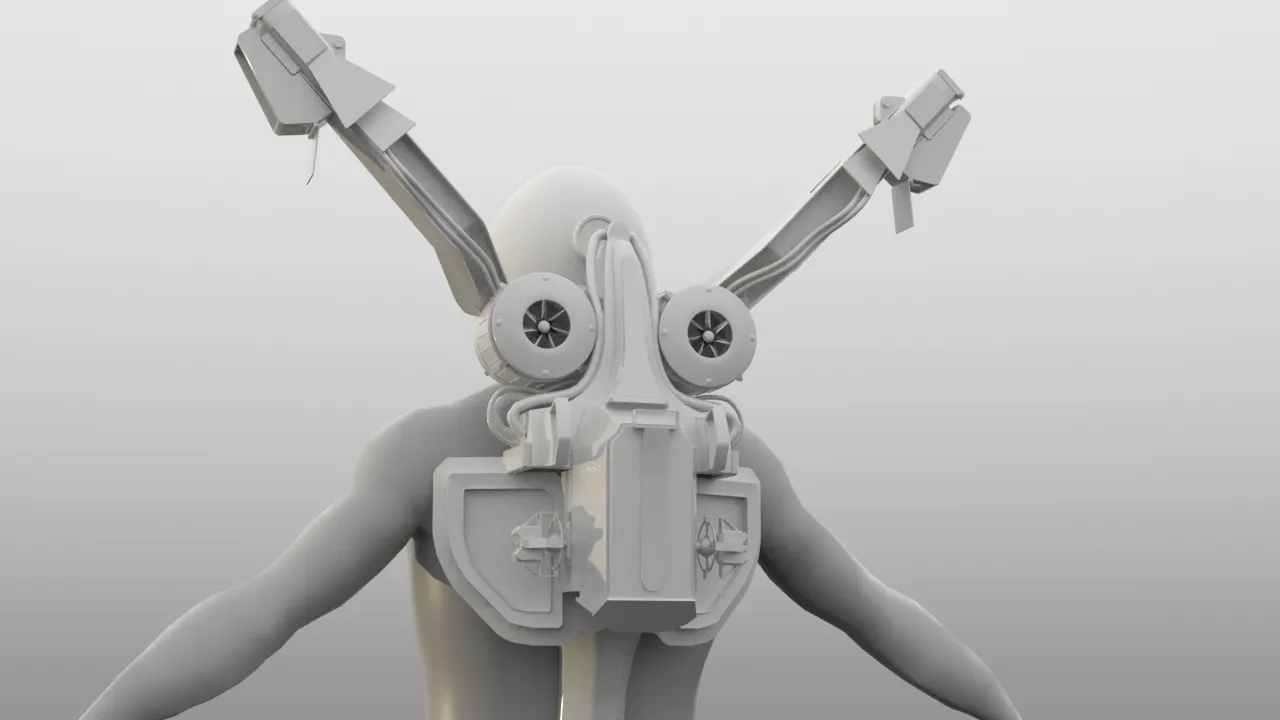
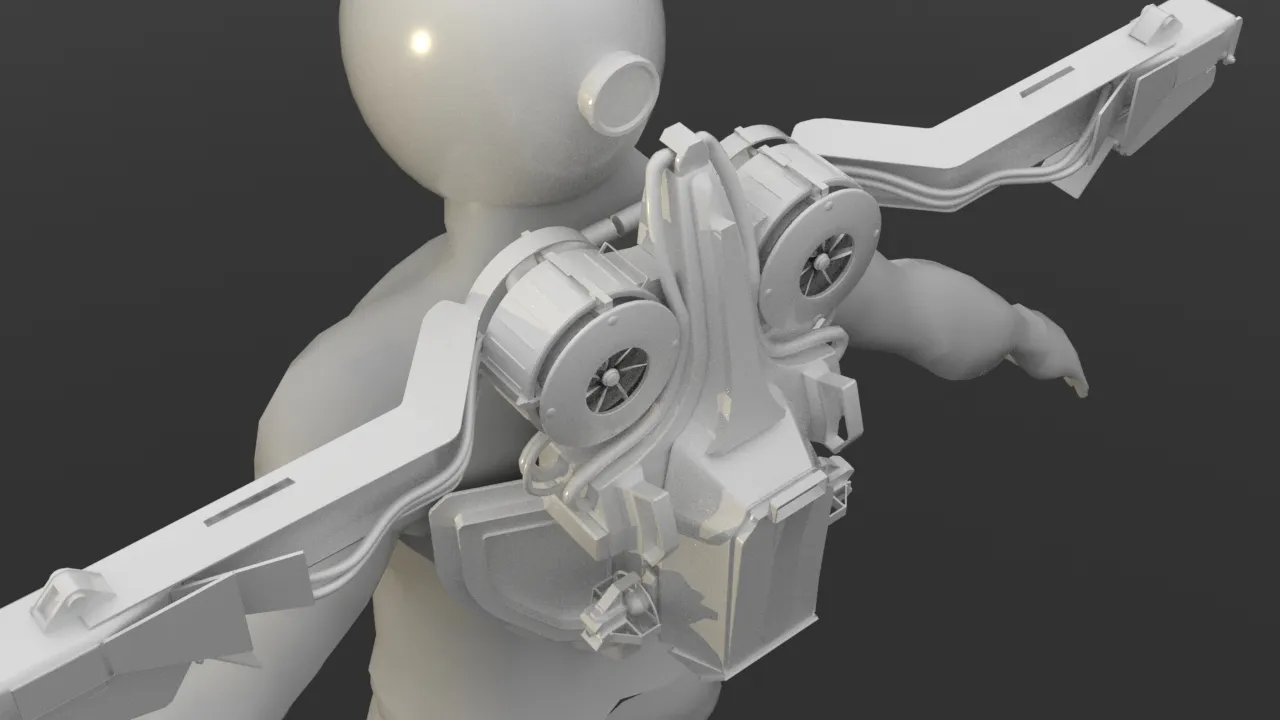
Been working on a jetpack just for fun.
Kind of has the face of a bunny or a bird but i'm not quite sure if that's bad yet

-
Plastic sheet prop for csgo.
[Blocked Image: http://i.imgur.com/5kd8l4Z.png][Blocked Image: http://i.imgur.com/k1Zodgg.png]
In the map.
-
How do you do that? I can't get my goddamn plastic wrap to work, it's similar to this one. It's been like three months. Spoonfeed me please

-
[Blocked Image: http://i.imgur.com/h4moks5.png]
-
 Quote from Vorontsov
On 10/10/2016 at 4:09 PM, Vorontsov said: How do you do that? I can't get my goddamn plastic wrap to work, it's similar to this one. It's been like three months. Spoonfeed me please
I used blenders simulate cloth tool, then tweaked with sculpting stuff. High poly made the bump map while low poly was achieved by using a decimate modifier. As for the plastic material, it mostly relies on Phong and a small bit of reflection, and barely any texture at all.. GLHF
-
Newbie here, A stone wall model i've been making for my foray into custom props in CS:GO, for my first defusal map.
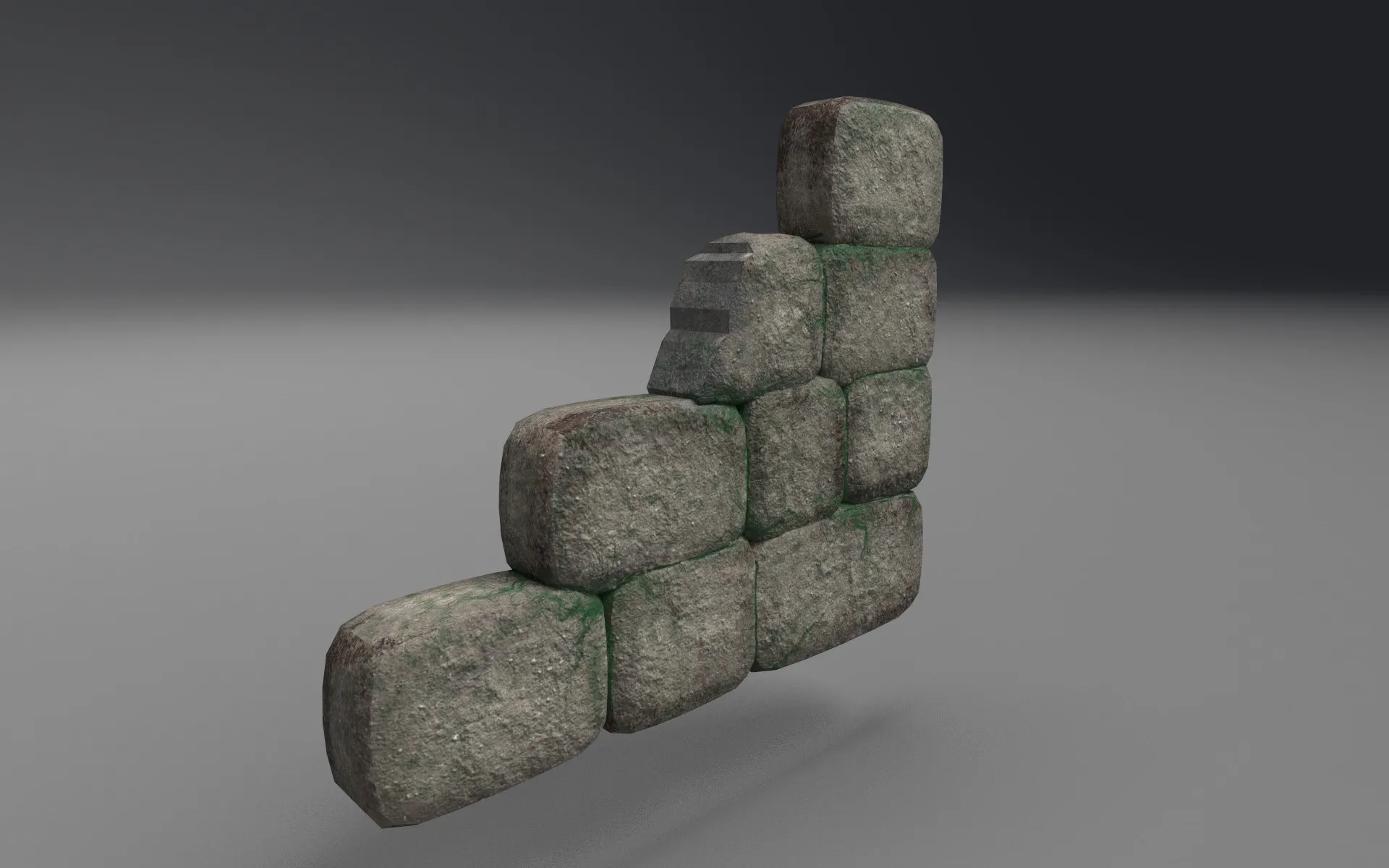
UV's need work, but this is going to be downsampled to 1024px or even 512px anyway, as its a minor prop that players won't really see. Also using this to figure out the kinks in a substance painter -> CSGO workflow. I hate having to mess around with UV's.
-
DOWNSAMPLED to 1024? Mate it would be a waste to have props like these be 2k, even 1k if you're trying to be optimal.
-
Quote from Vorontsov
11 hours ago, Vorontsov said: DOWNSAMPLED to 1024? Mate it would be a waste to have props like these be 2k, even 1k if you're trying to be optimal.
Sorry Downsampled might have been the wrong word. In game texture is 1k, but for the purposes of this render i did it at 2k (substance has separate textures for 128,256,512,1024,2048, and 4096 respectively). What's the standard resolution Valve uses for these things?
-
There isn't a 'standard' resolution, it depends on factors like how big the objects are in relation to the player/scene, scale of the UV shells, etc. If this is a 'cover' height object that players get close to 1k might be reasonable, but you could also experiment with smaller color/diffuse textures and combine them with a detail texture to add the appearance of fine-scale details.
-
Cool, thanks for your help.
-
ingame
[Blocked Image: http://i.imgur.com/lBnR1Bf.jpg]
before texture
[Blocked Image: http://i.imgur.com/zxQGLkq.png]
fan.
-
Nice.
Maybe you could add an Ambiant Occlusion layer (baked from your 3D editing software) in the diffuse ?
-
Here are my first steps in gtkradiant. I want to do some prefabs for later maps (QL) Textures are Socks Industrial´s.
[Blocked Image: http://i.imgur.com/yOdQAKU.jpg]
[Blocked Image: http://i.imgur.com/bItTFPn.png]
-
-
 Quote from KOLARI
13 minutes ago, KOLARI said:
Sweet!
-
[Blocked Image: http://i.imgur.com/WgUhUrb.png]
-
 Quote from AndyW
On 29-10-2016 at 7:07 PM, AndyW said: Here are my first steps in gtkradiant. I want to do some prefabs for later maps (QL) Textures are Socks Industrial´s.
It always warms my heart to see good old Quake 3 again
-
Participate now!
Don’t have an account yet? Register yourself now and be a part of our community!