Hey guys!
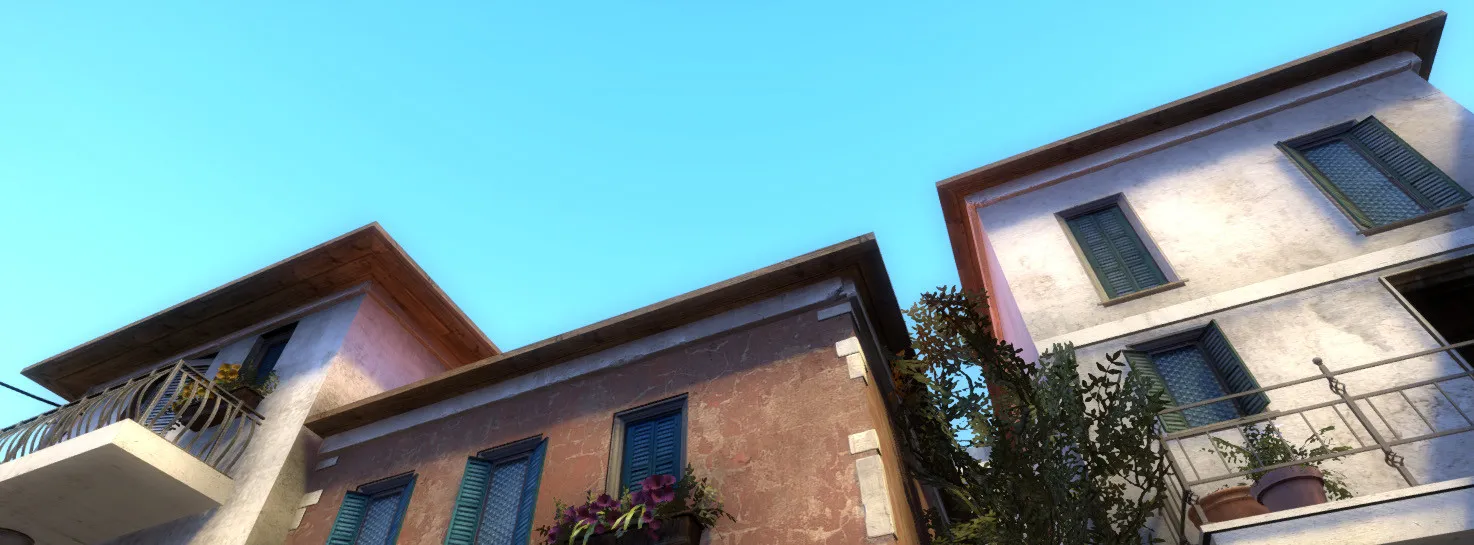
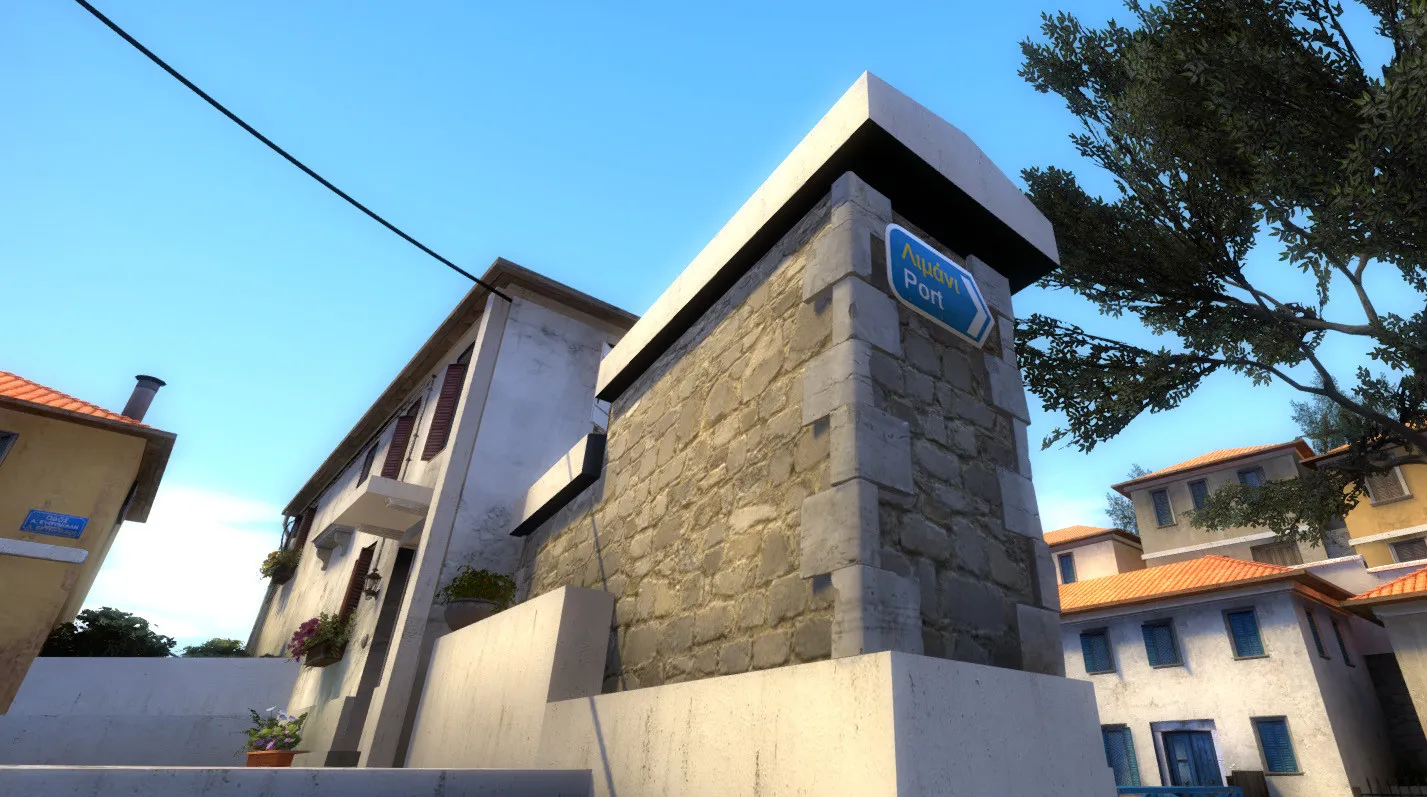
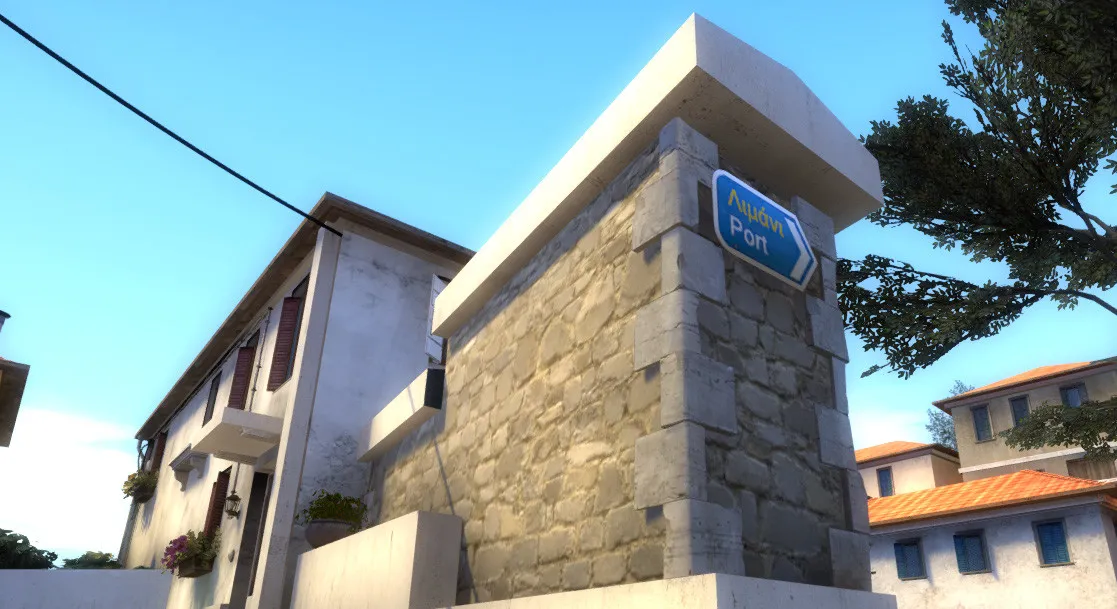
Title says it all. Here's what I'm talking about:
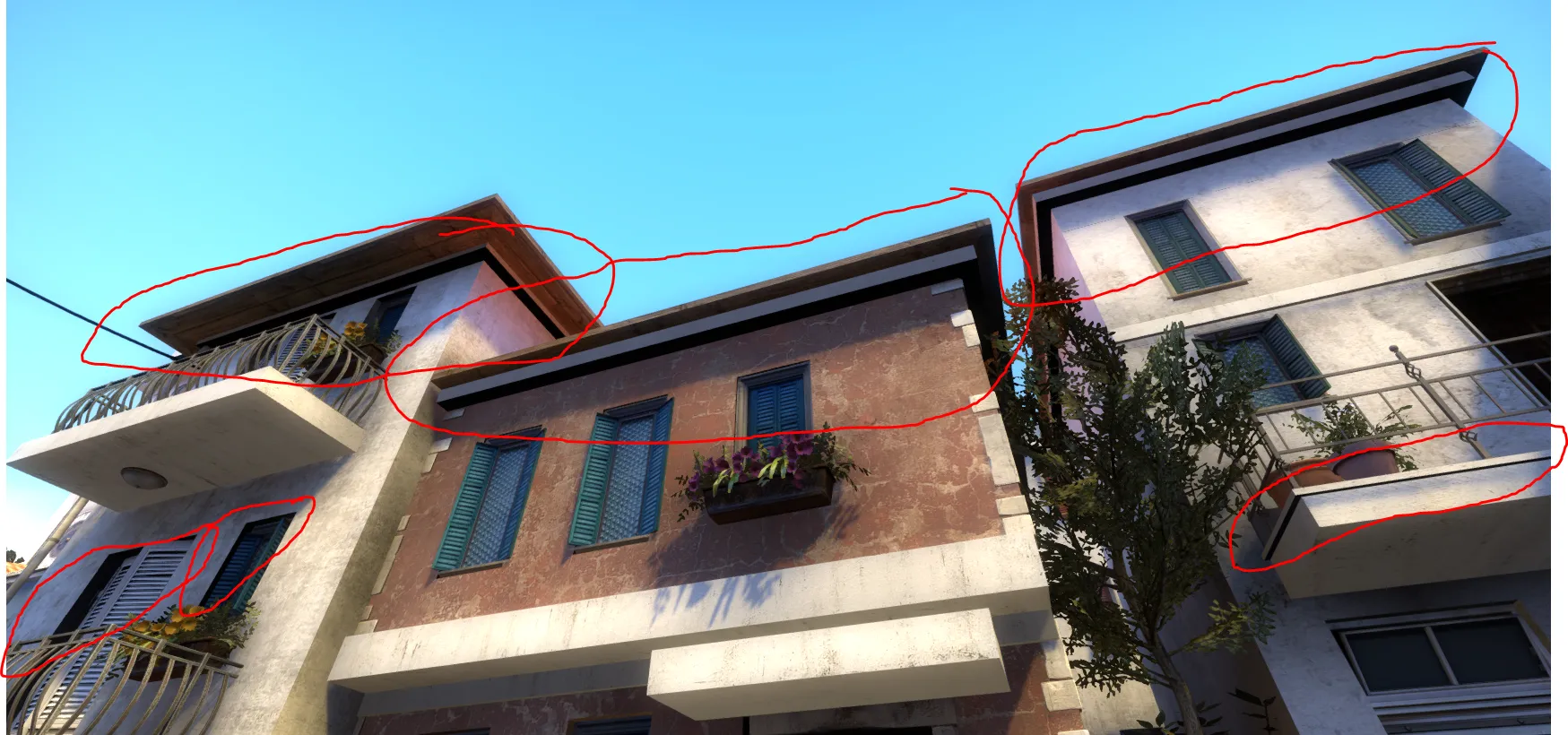
It looks like shit ?
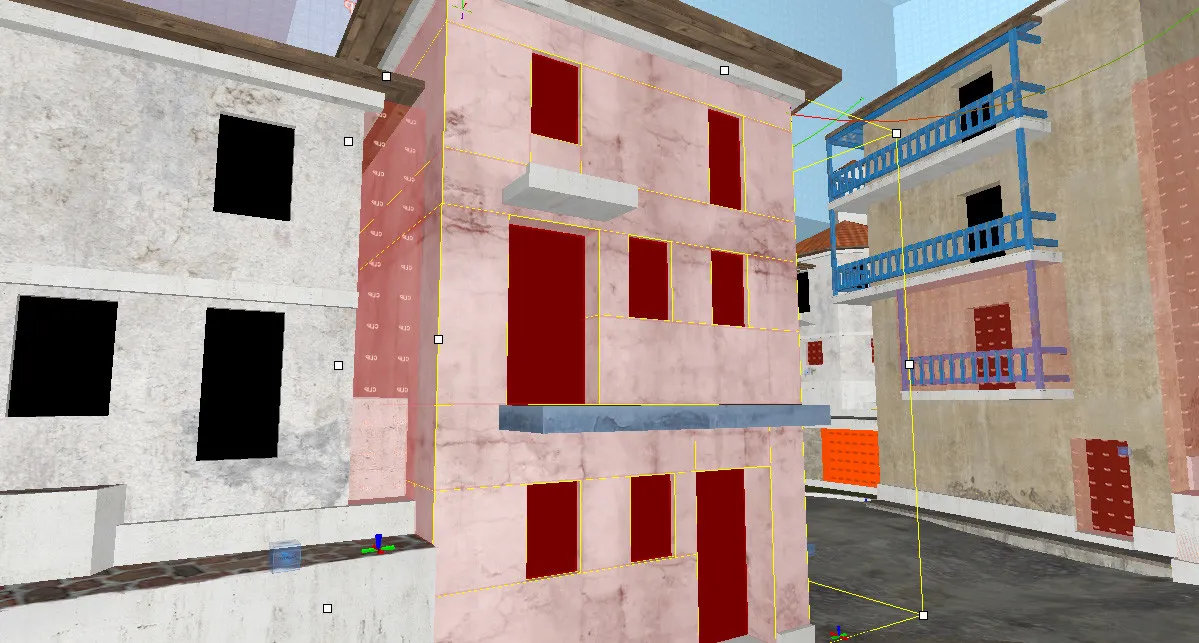
This happens on faces that have a large surface that's in contact with another brush. These trims under the roofs there are a large, flat brushes that touch the brush below them.
I found a couple methods for approaching this, but all of them have major downsides:
- Increasing Lightmap scale: Helps mitigating the issue, but doesn't fix it, at the cost of larger shadowmaps
- Adding a light source close to it: Helps but difficult to justify most of the time, increases compile time
- Split them into 4 parts, one for each side: Fixes the issue completely, but increases brush count for the map, which is dangerously close to the limit...
Have you guys seen this issue before? I don't remember seeing this on other maps in the past...
Do you know a "golden solution" I'm not aware of? How would you approach this?
Help would be greatly appreciated❤️
Cheers!
-Mike