1. Forums
  2. Discord
  3. About Mapcore
  4. Patreon Supporters
  • Login
  • Register
  • Search
Everywhere
  • Everywhere
  • Articles
  • Pages
  • Forum
  • More Options
  1. Mapcore
  2. Members
  3. Edude

Posts by Edude

  • [CSGO] Bloodline (Deathmatch)

    • Edude
    • May 31, 2020 at 7:05 PM

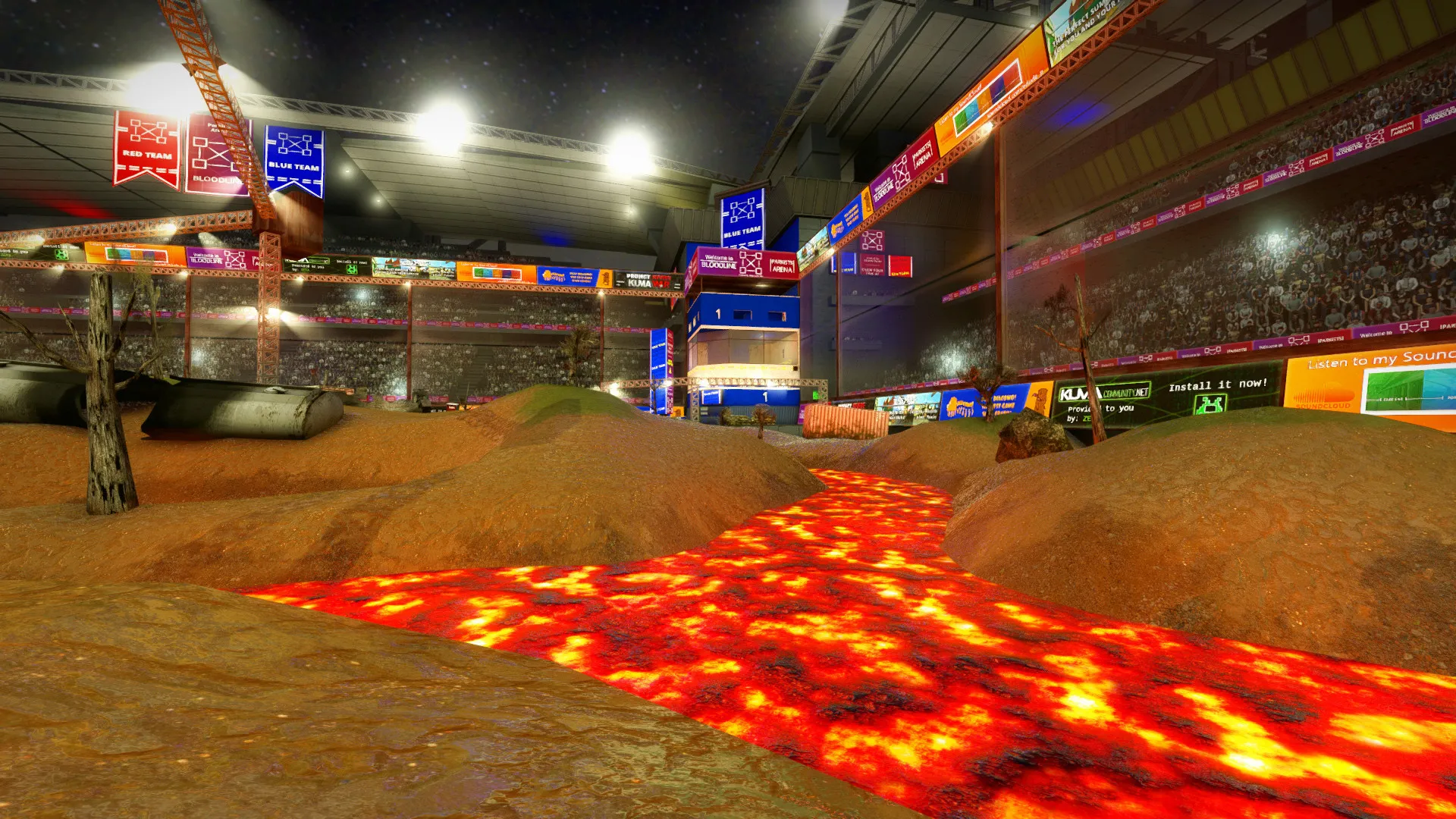
    Hello everyone! I just finished my new map for CSGO. It is a fun map, with a lot of interactions and a unique theme.

    I invite you and your friends to play a game of Bloodline!Workshop Link: https://steamcommunity.com/workshop/filed…/?id=2112785597
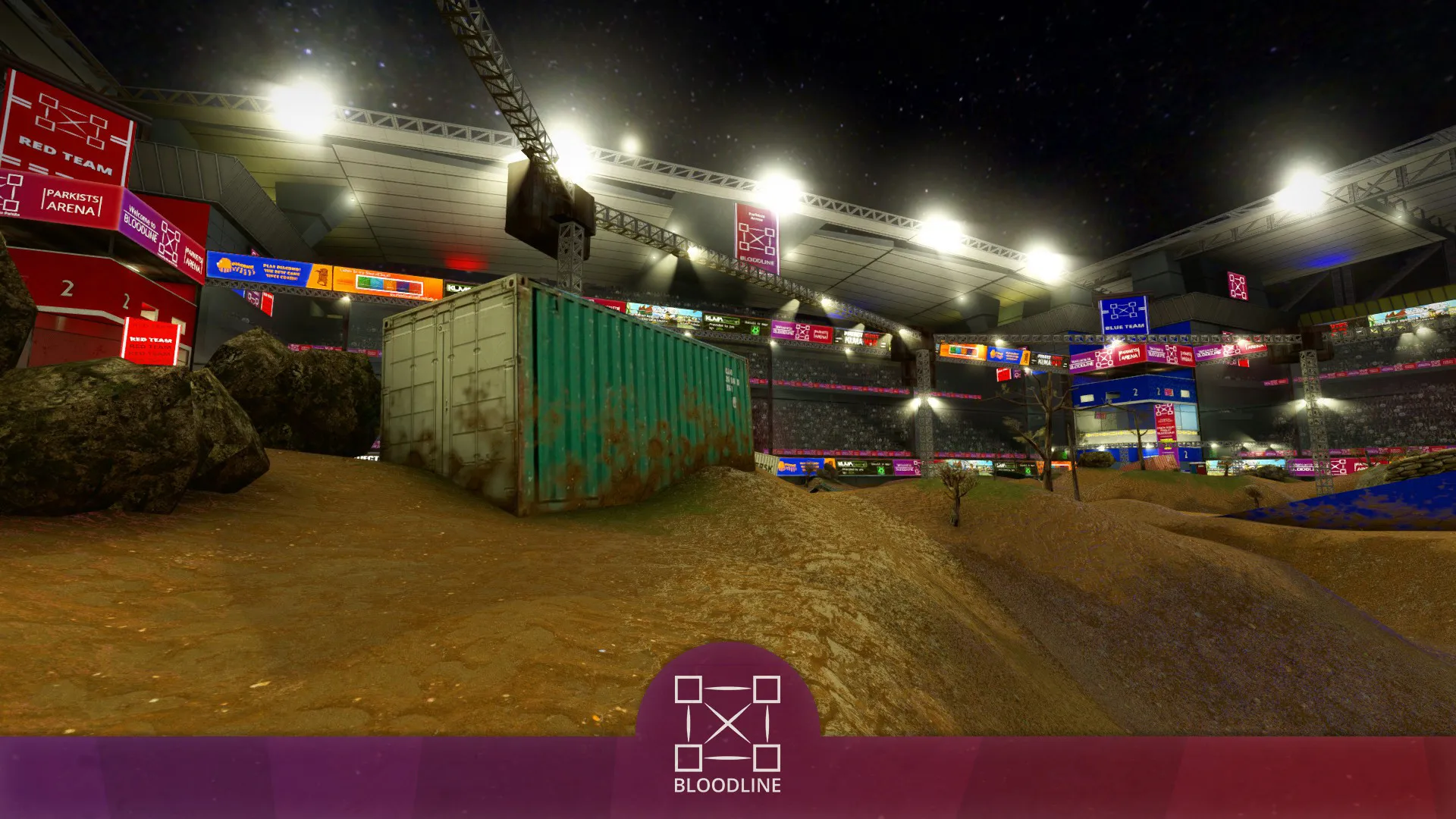
    DESCRIPTION

    Fight in the Parkists Arena in this battle of Bloodline! The most violent and controversial sport of all! When you hear the crowd remember to fight for the field, avoid the lava, press the explosive buttons and make the best score of the match! They will shout your name for sure competitor!MAP SIZE: LargeRECOMMENDED NUMBER OF PLAYERS: 12 - 16AVAILABLE GAMEMODES:

    • Deathmatch (most recommended);
    • Arms Race;
    • Demolition;
    • Flying Scoutsman;
    • Custom Casual/Competitive (1 bombsite only).
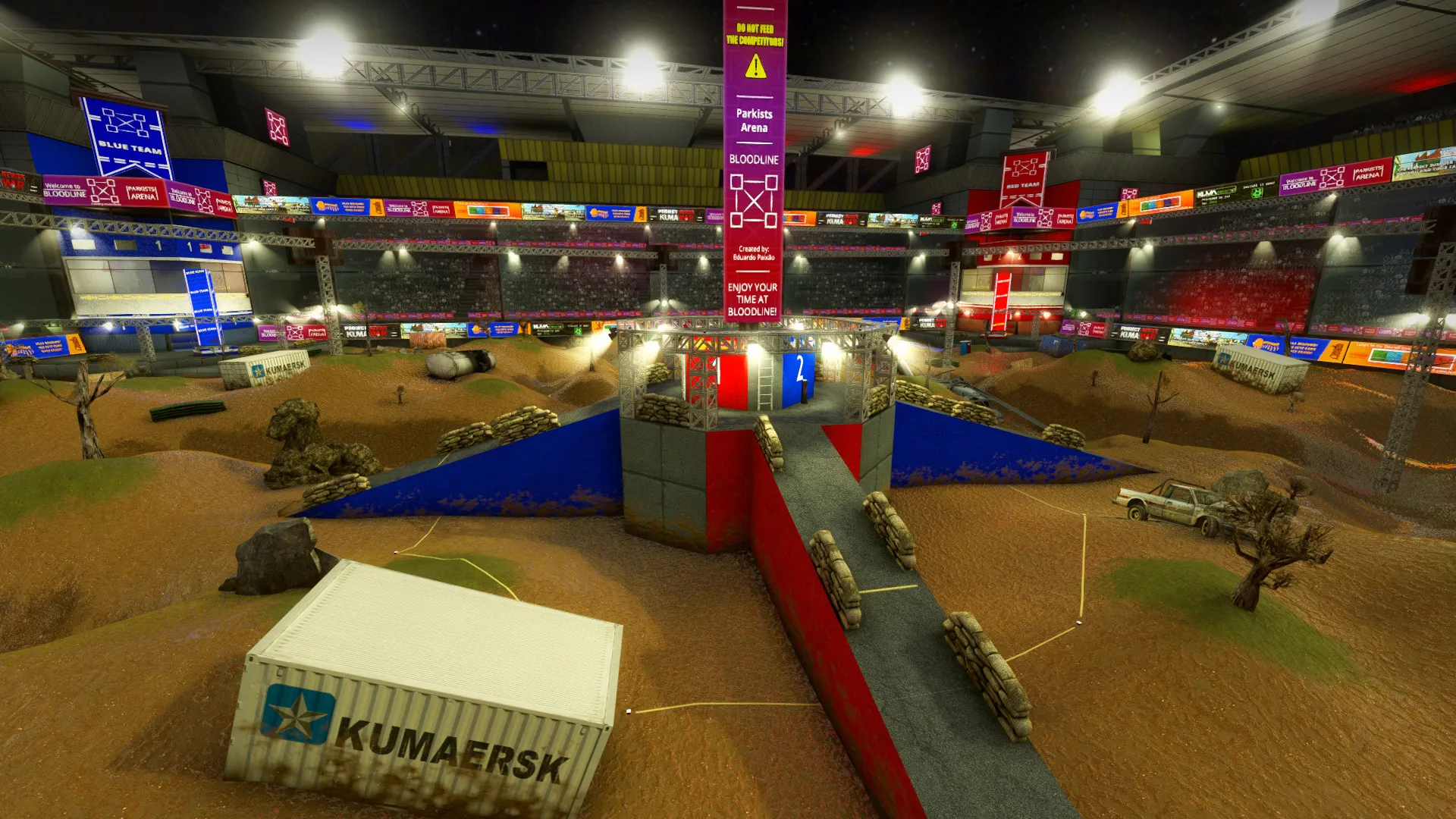
    Bloodline was developed for an old Half Life 2 MOD (KumaWar2). Because of that I preferred to reutilize some of its assets, slightly improving the look of them! More updates may come in the future! Have fun!
  • CSGO SDK Shader Update?

    • Edude
    • April 16, 2020 at 2:26 AM

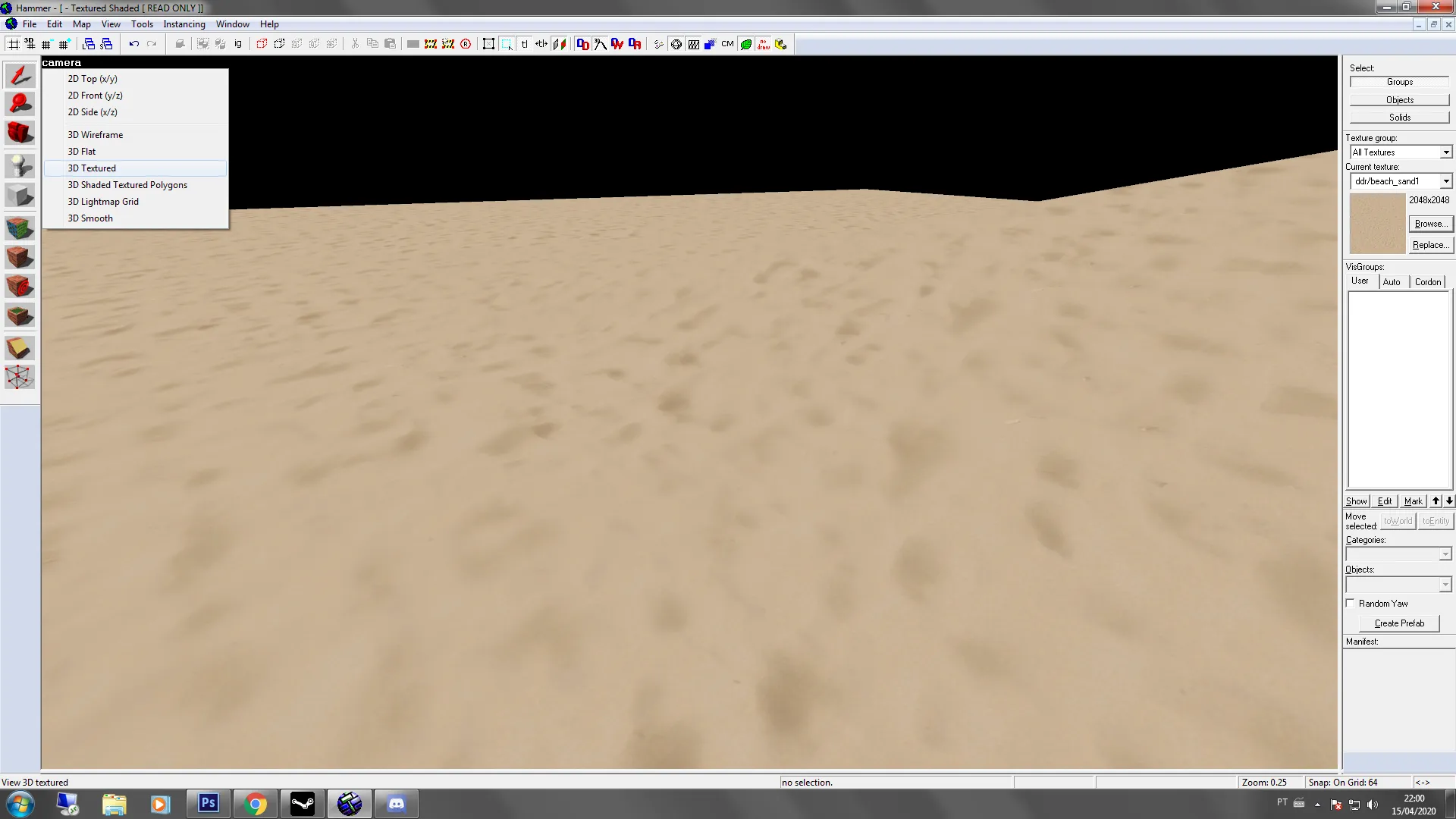
    Did Valve updated CSGO SDK recently?

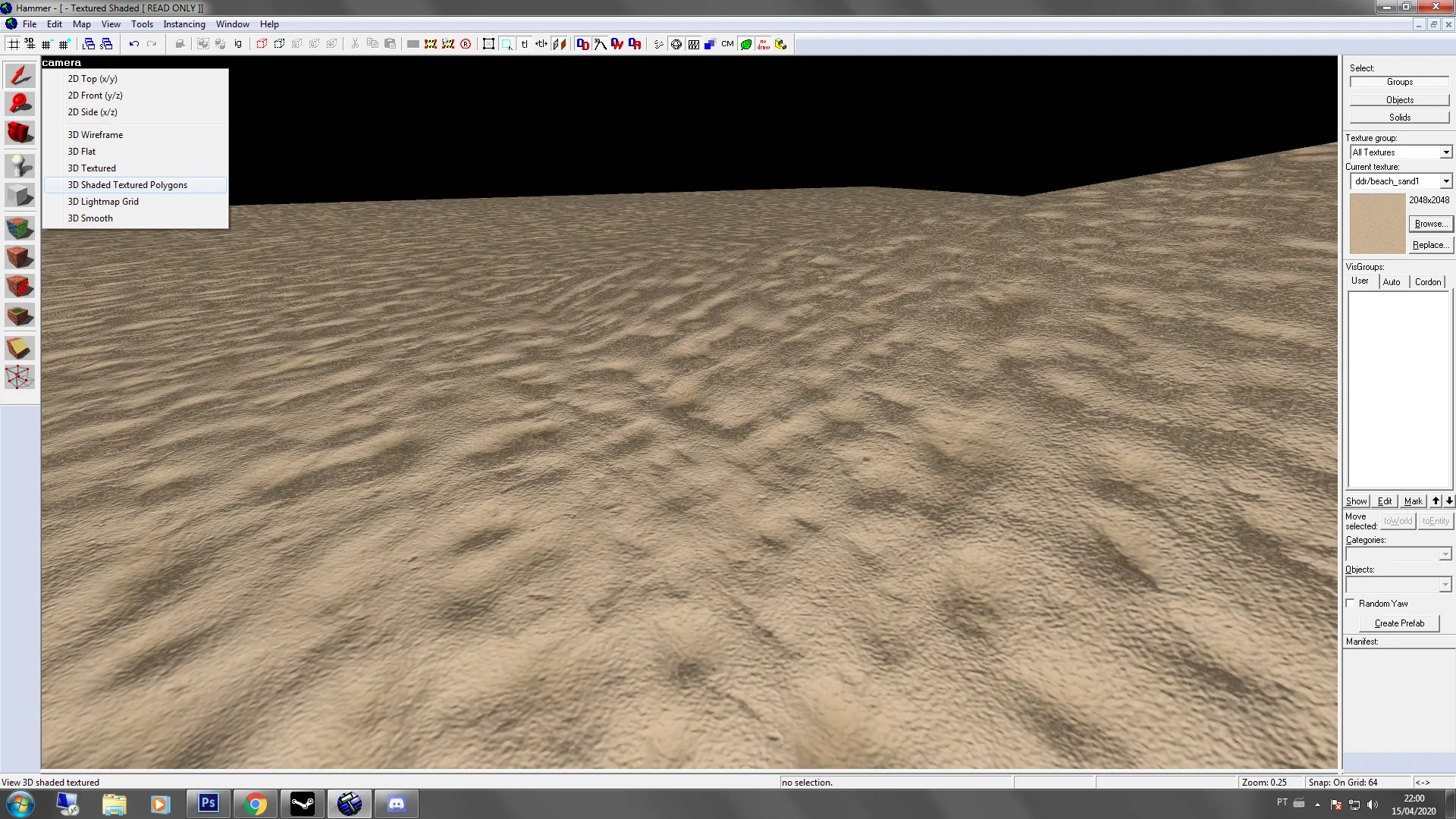
    Hammer now supports normal map and I believe other textures in the "Shaded Textured Polygons" option.


    Does it have any relation with Source 2 ?? I'm totally sure this was added recently.

  • Classified

    • Edude
    • January 19, 2020 at 7:10 AM
    Quote from Wintrius

    13 hours ago, Wintrius said: This is definitely one of my favorite entries; I love the theme and style. When will you update the workshop version?

    Thank you so much for your support Wintrius! ?

    It may take a while for a next update. I'm avoiding updating for now while many areas of the map are still "placeholders". But I'll post here when I release newer versions!


    Quote from Nication

    12 hours ago, Nication said: It's nice to see a fellow Brazilian making a snow-themed map, I always wanted to, but the amount of custom snowy props and textures that are needed, discourage me.

    The map looks really good, I can feel the cold just by looking at the images.

    I'm looking forward to the release.

    Nice to see another Brazilian in this post! Thank you for your support Nication! ? It really is a lot of work! The number of assets never ends and because of that, I am late for the deadline. However, I may release Classified after the contest between March and April if everything goes as planned!!
  • Hanga Roa ?

    • Edude
    • January 15, 2020 at 8:28 PM

    Really nice job!

    I lost when I saw the layout explanation hahaha! We should all use the triple circle cactus from now on! ??

  • Classified

    • Edude
    • January 14, 2020 at 10:15 PM

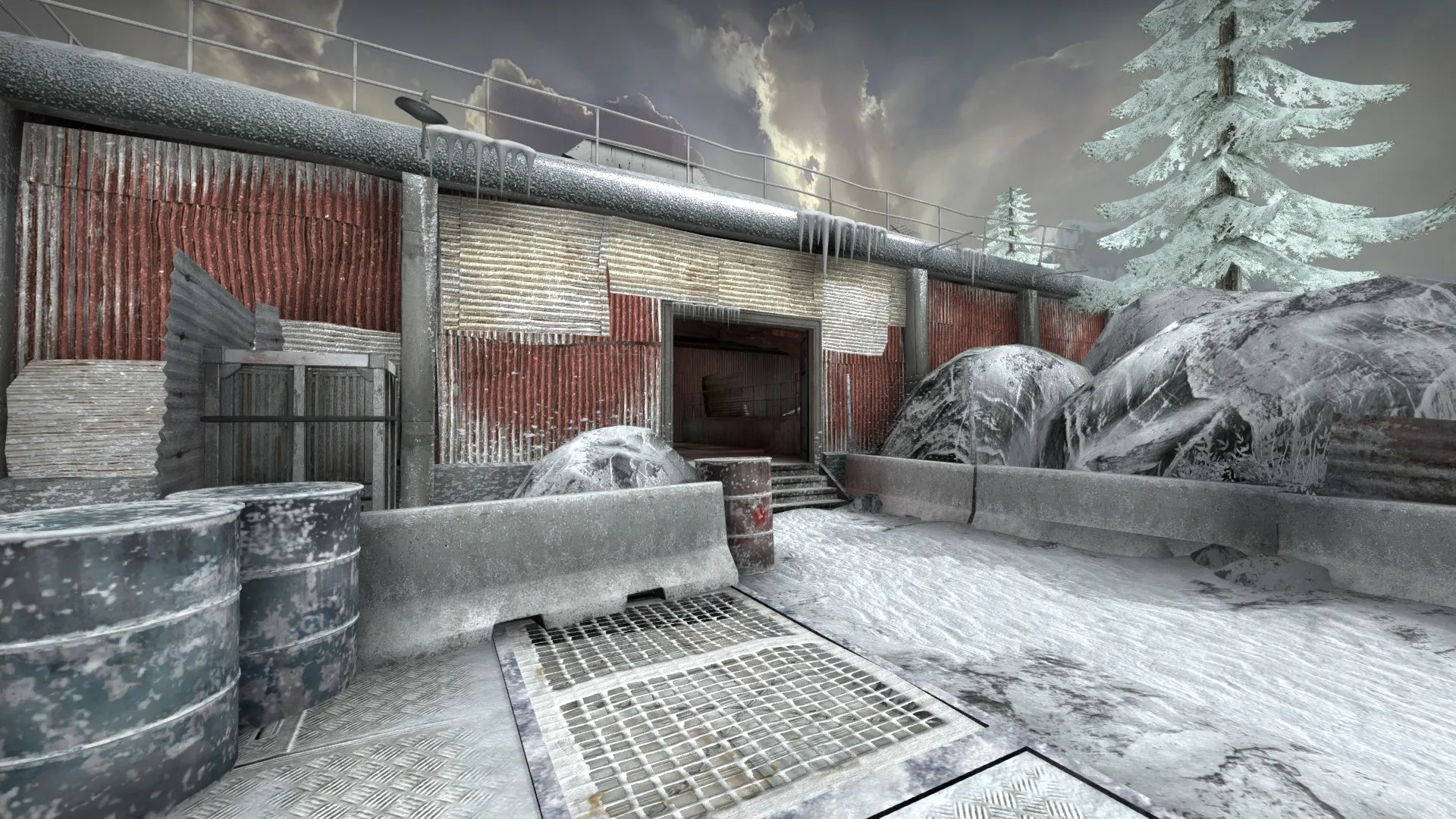
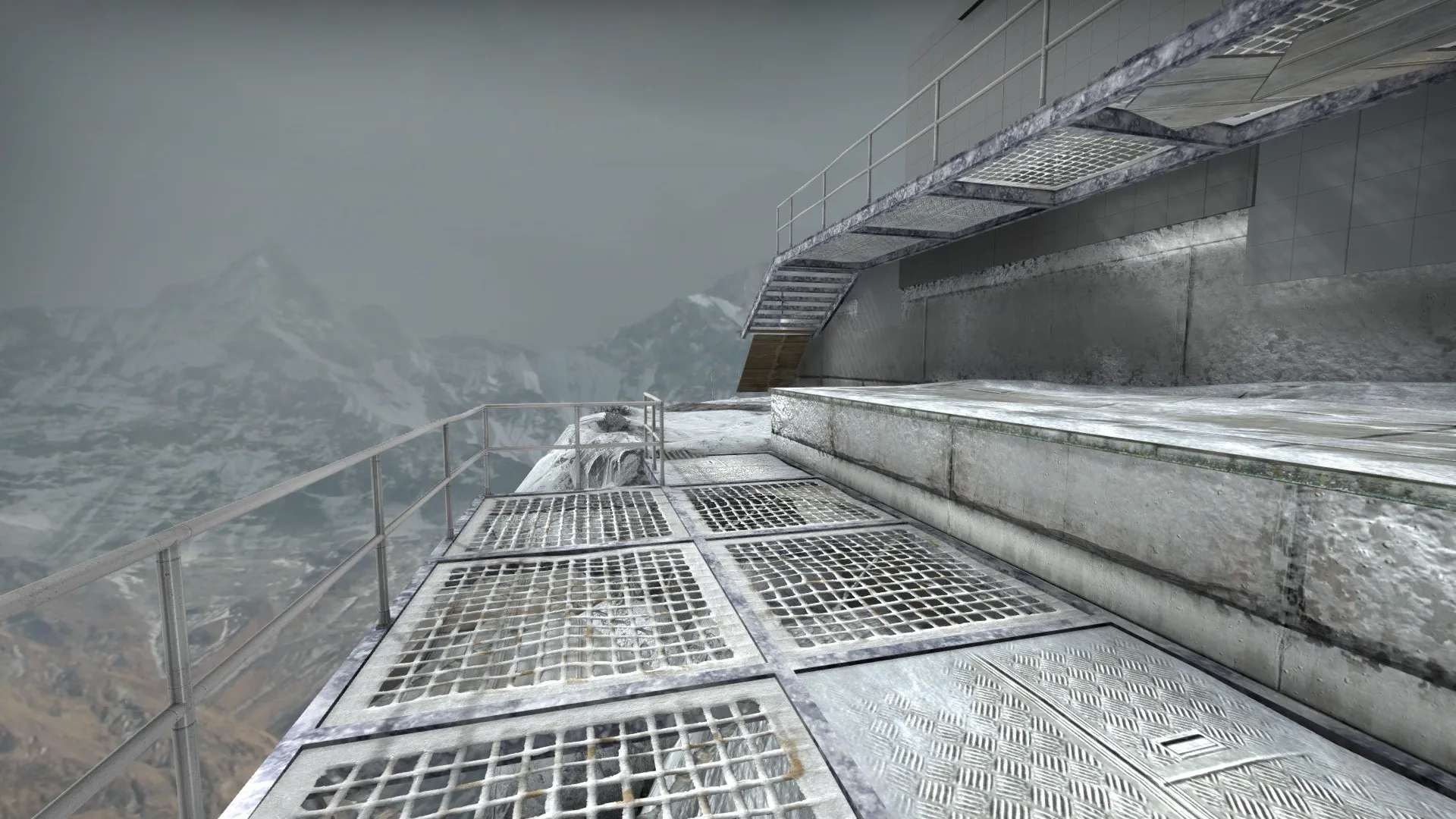
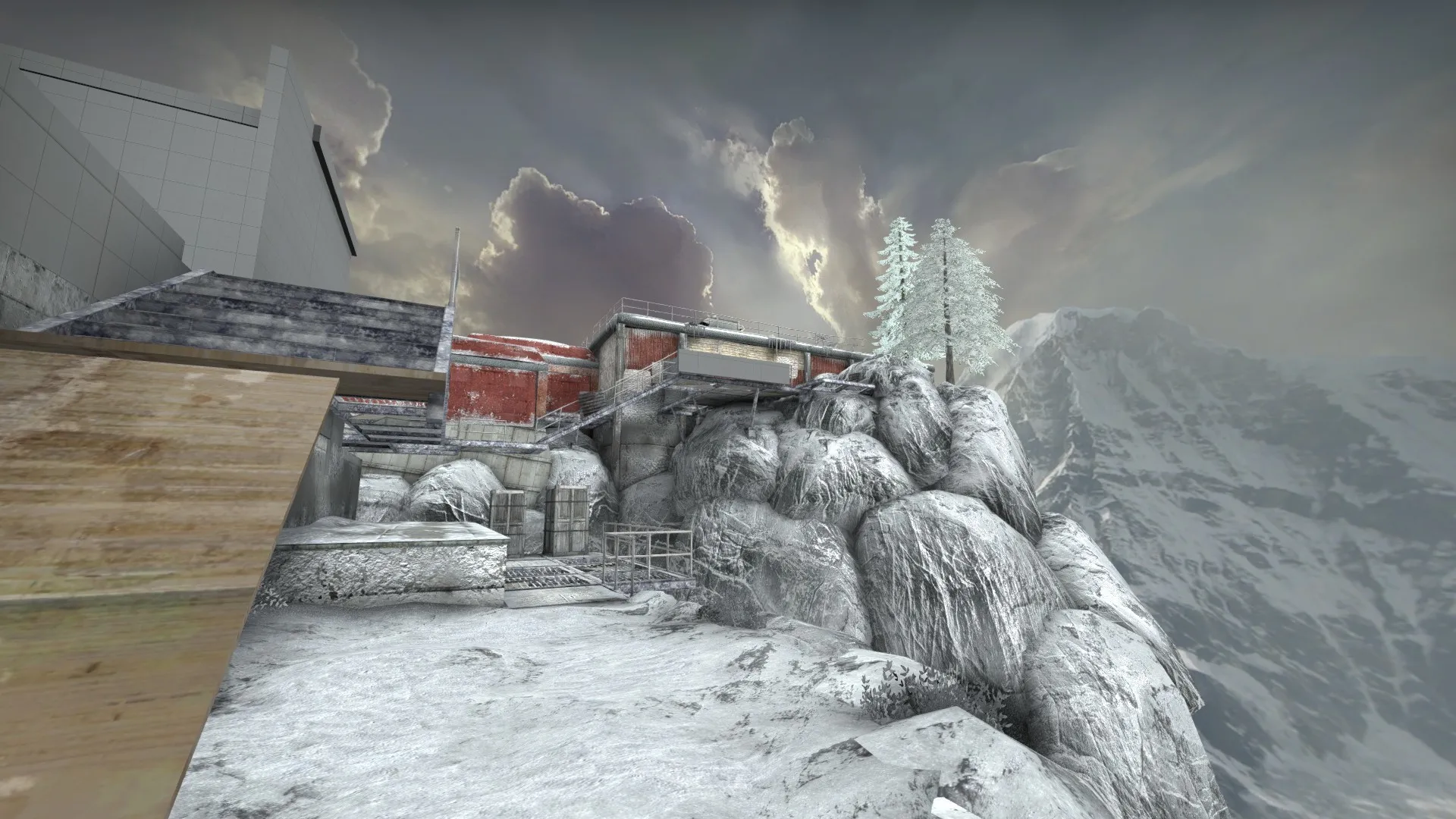
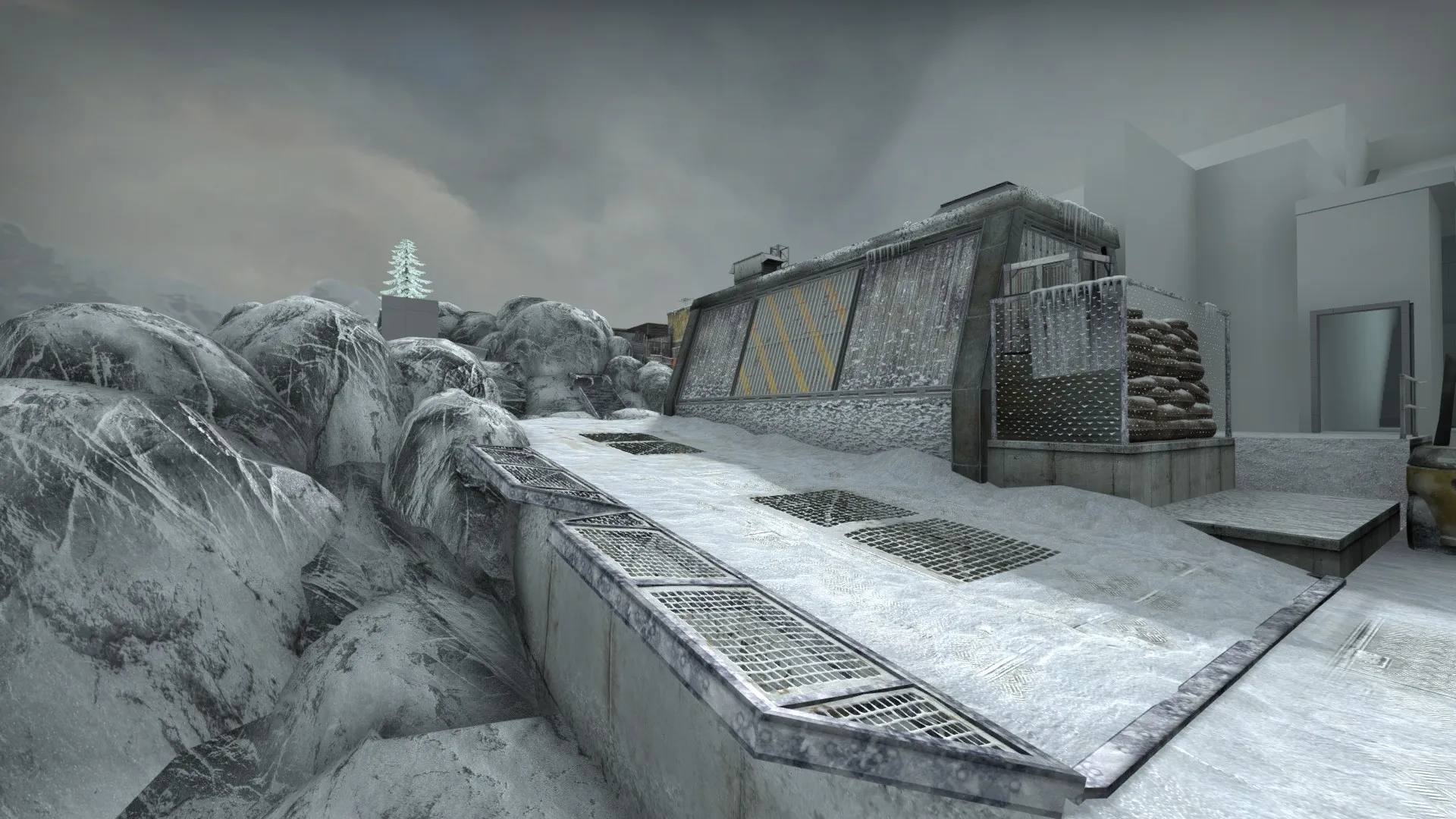
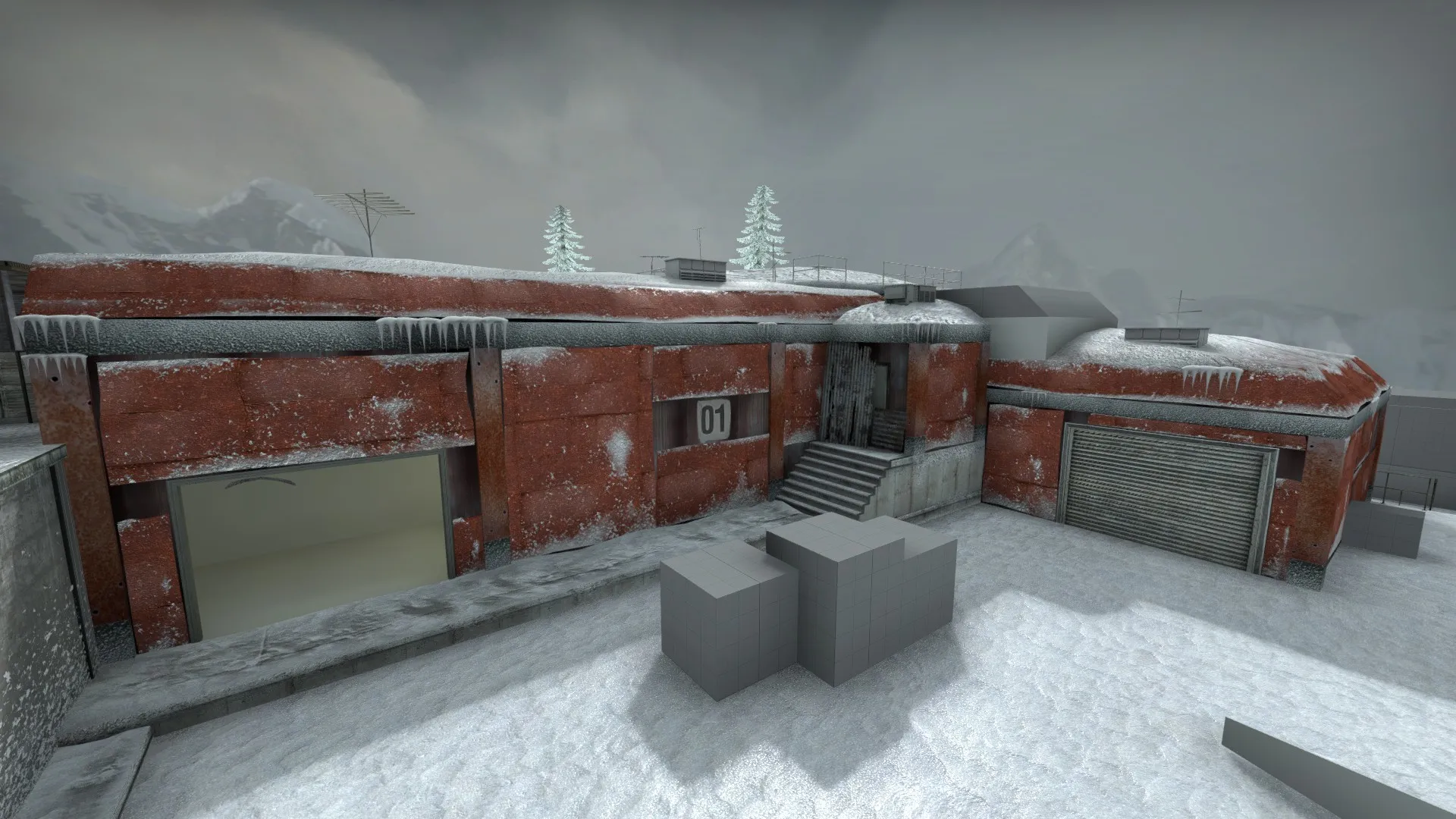
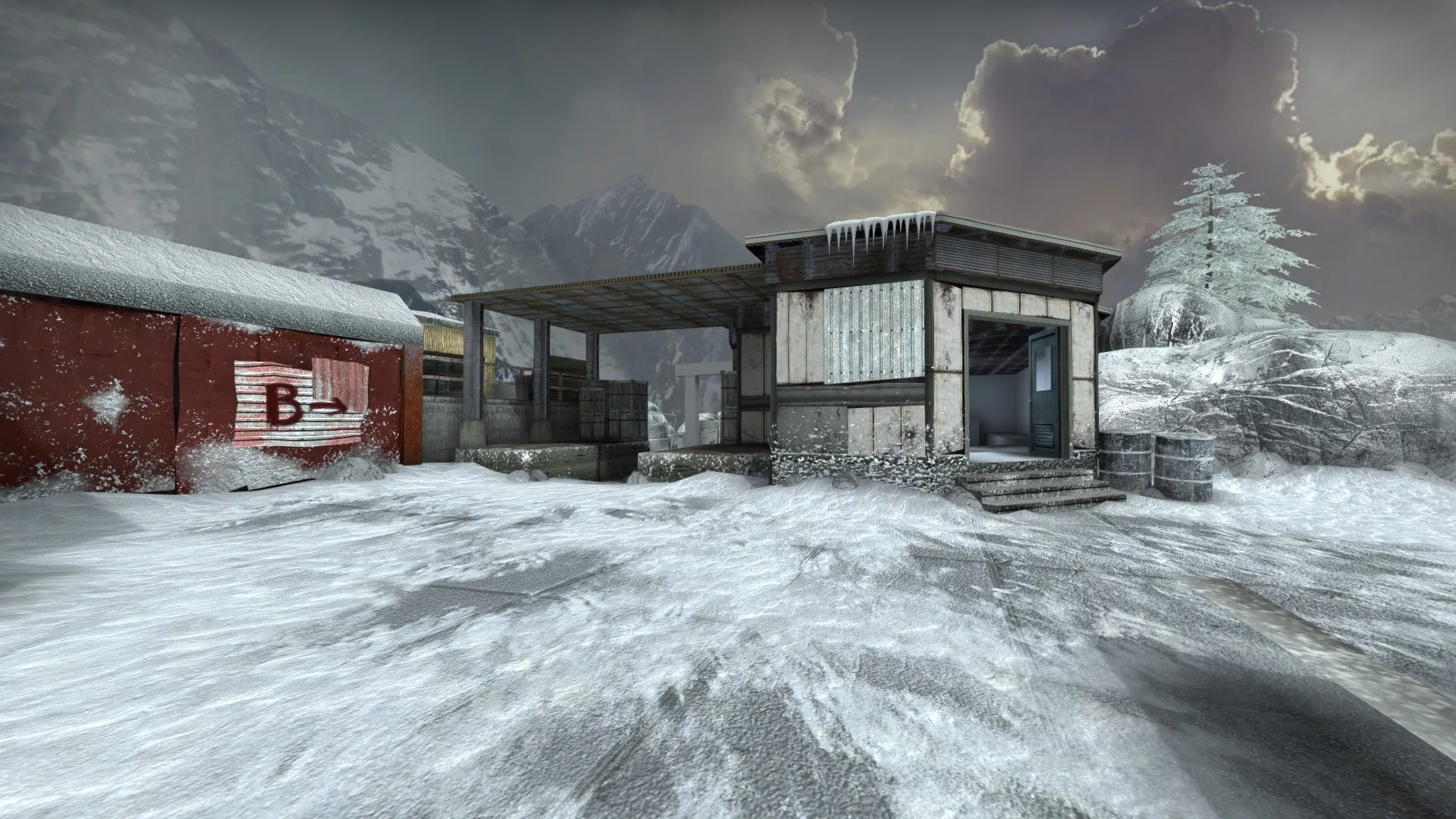
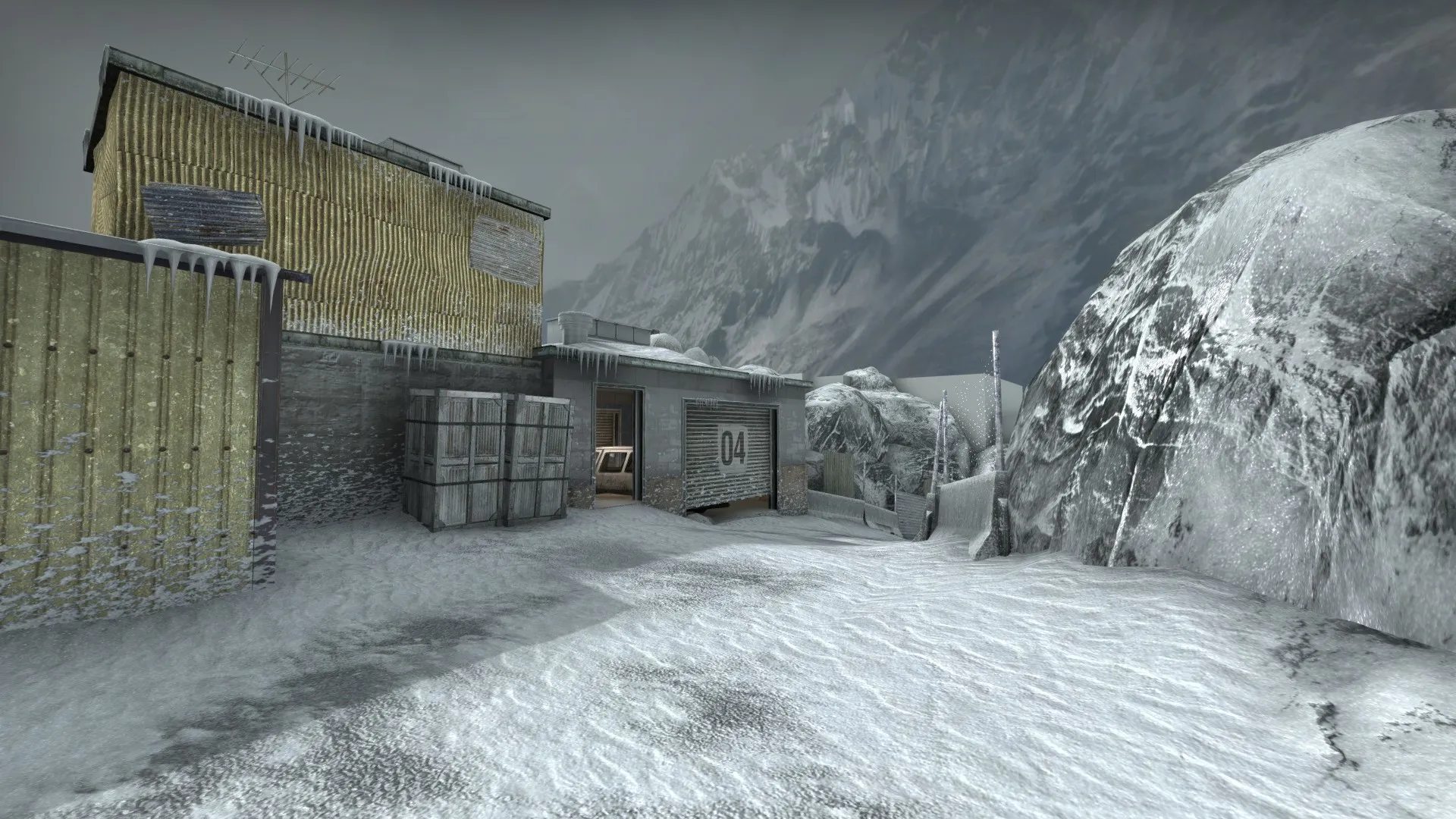
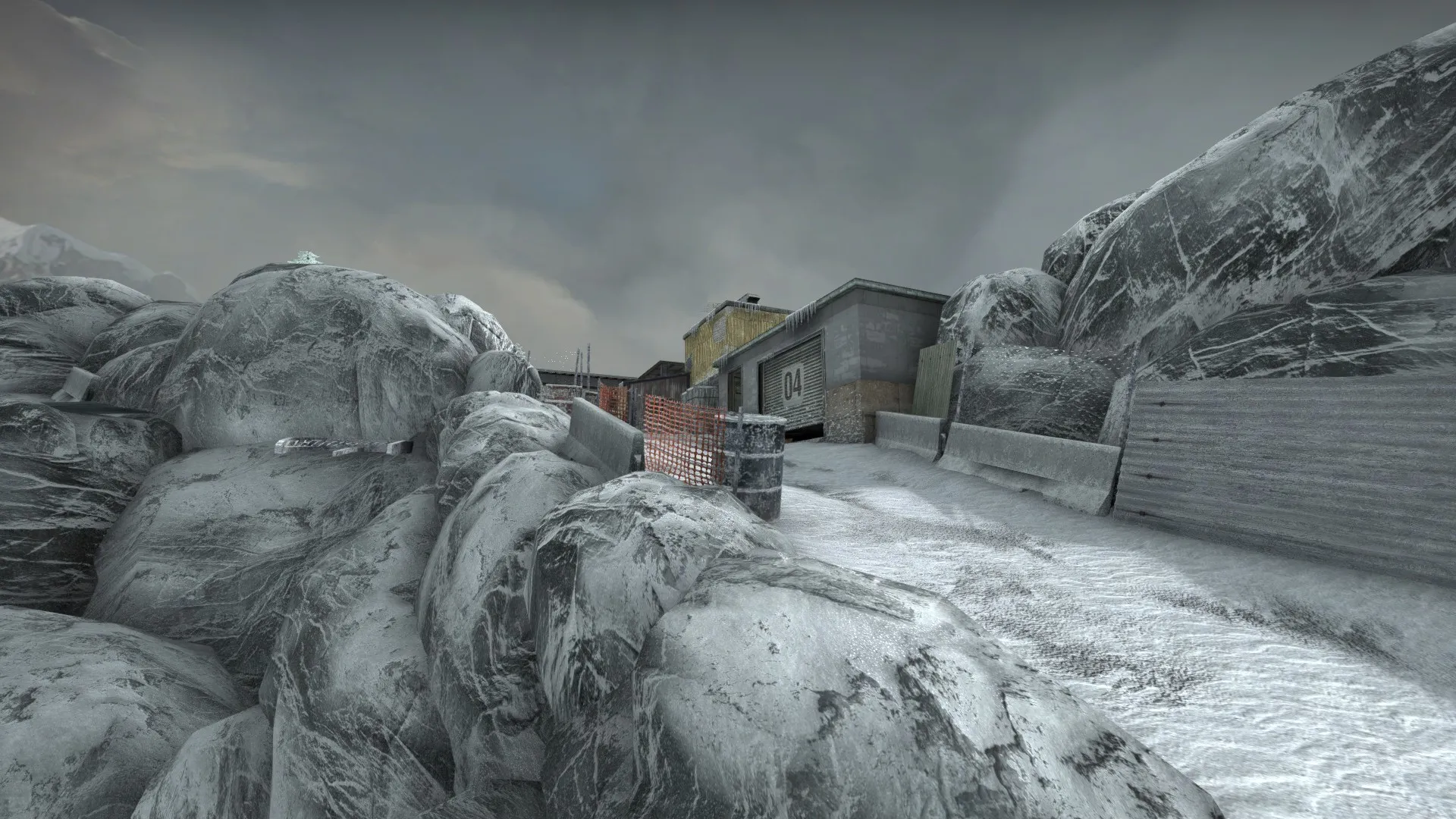
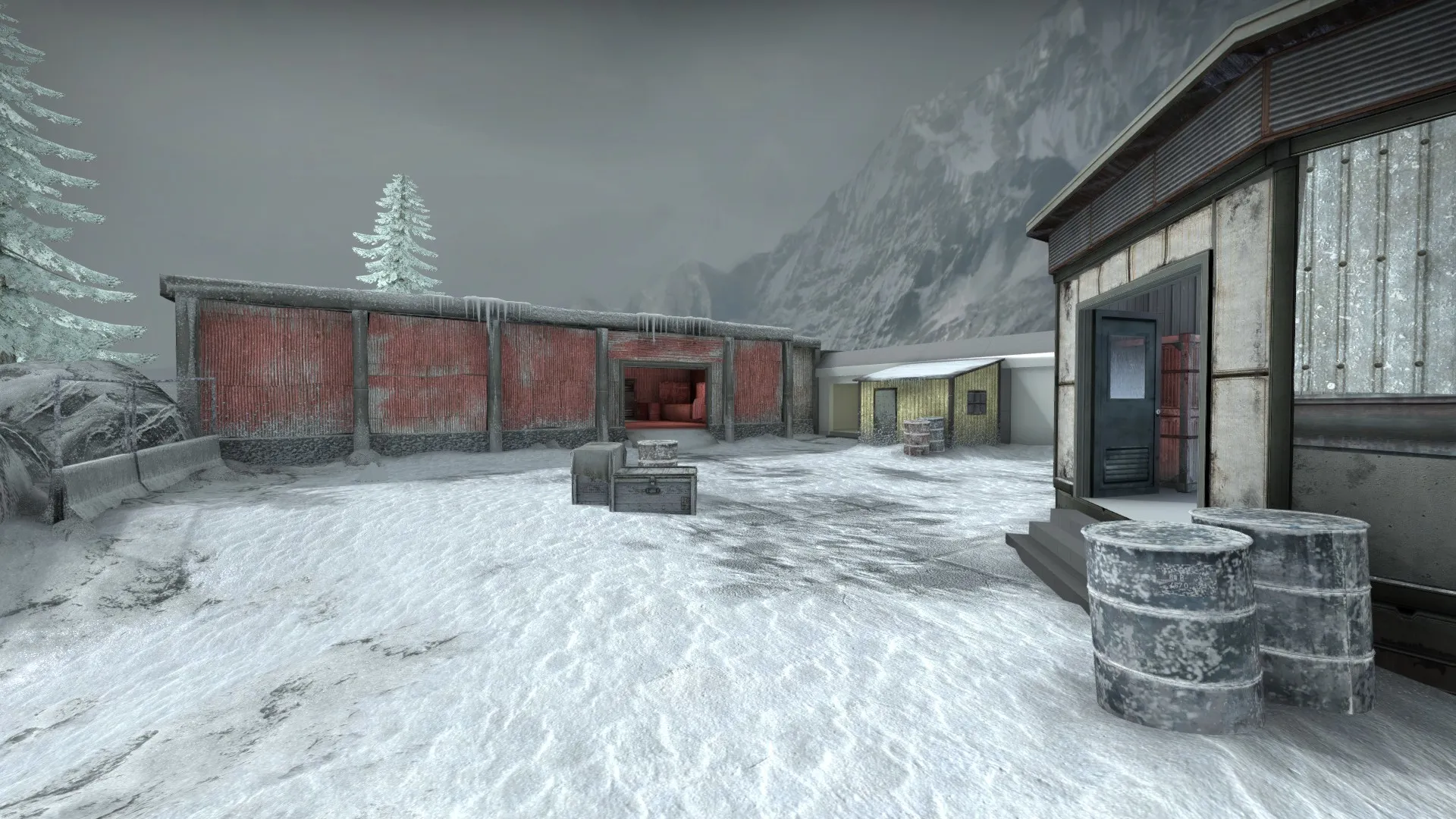
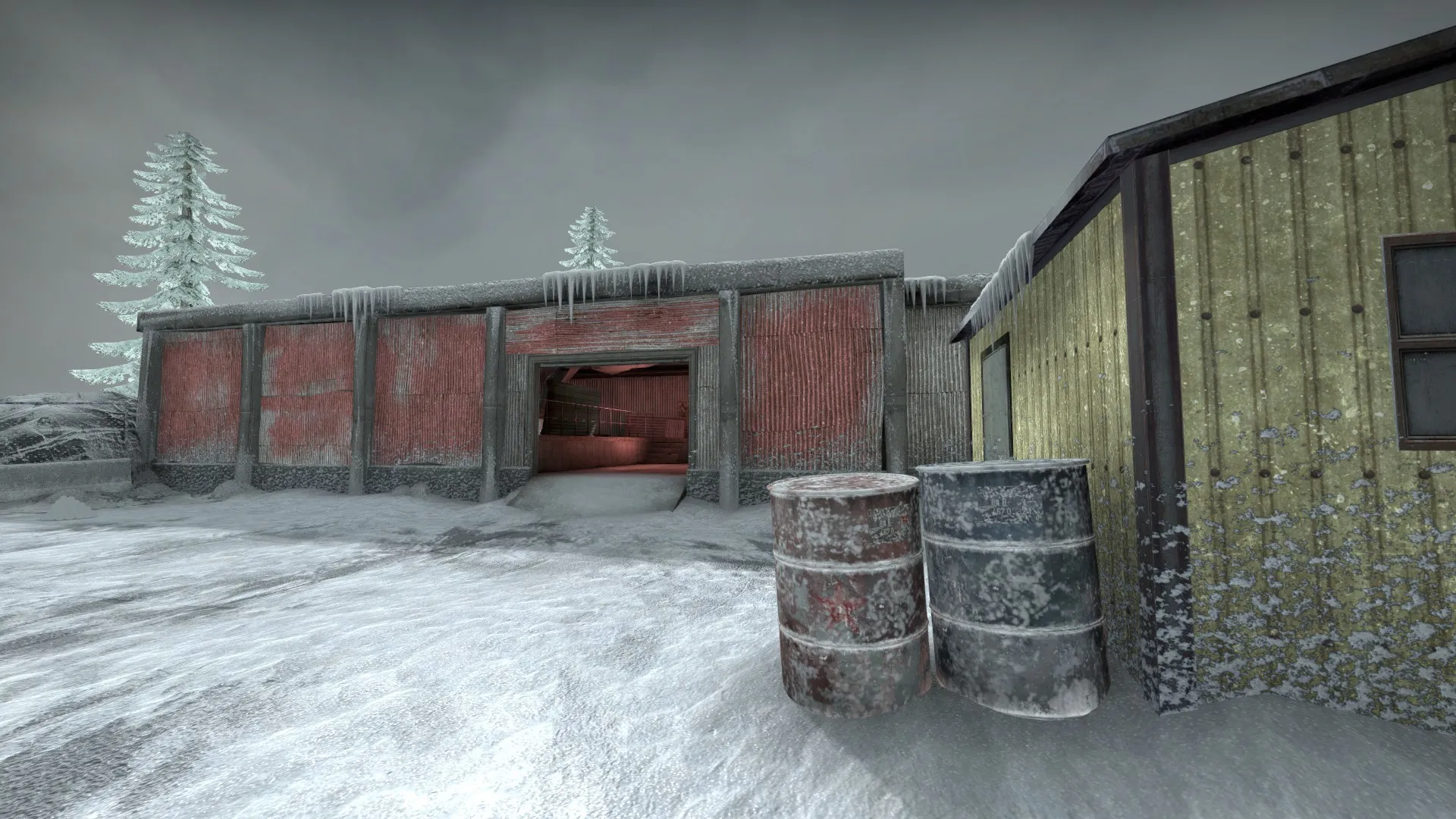
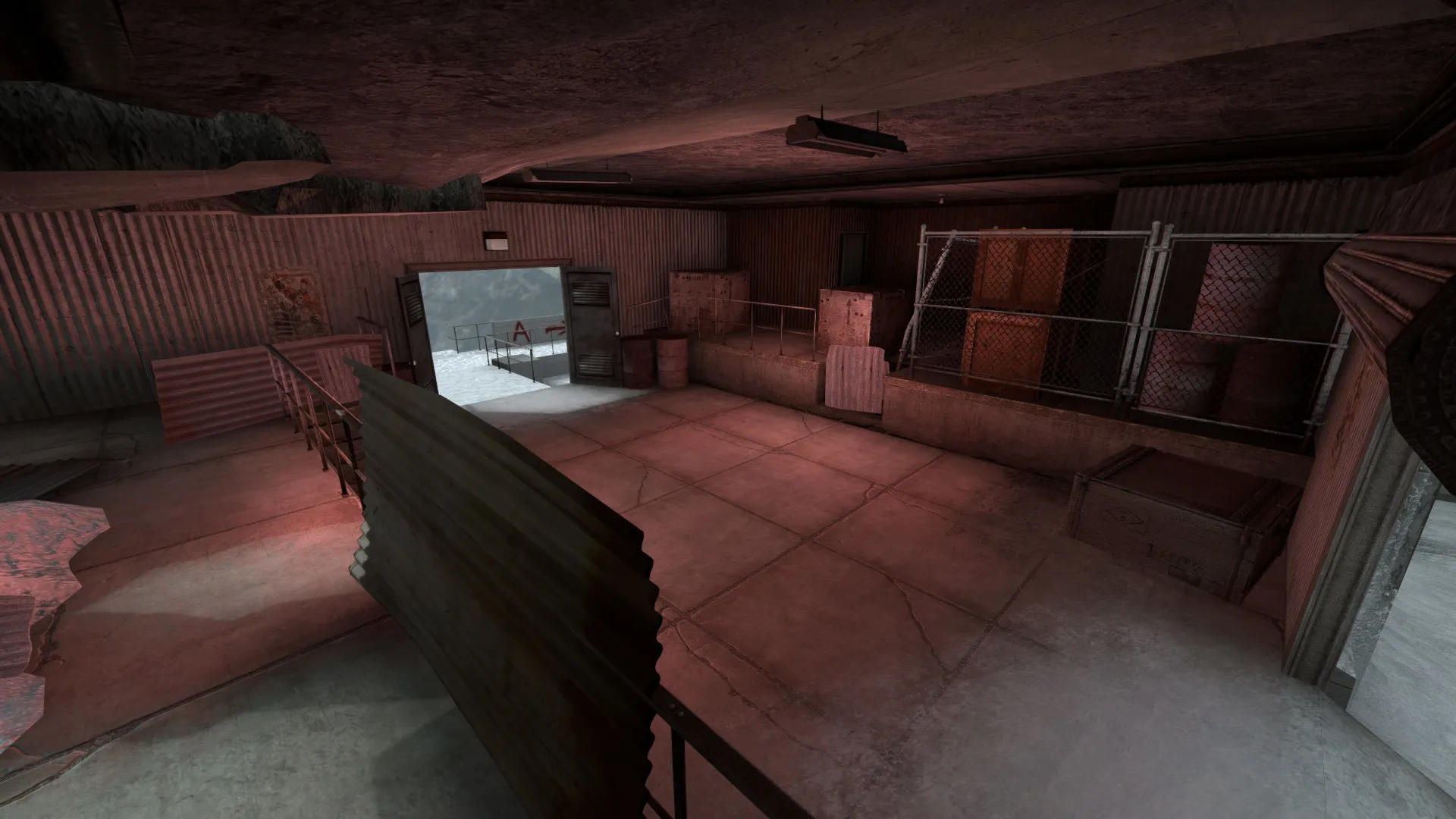
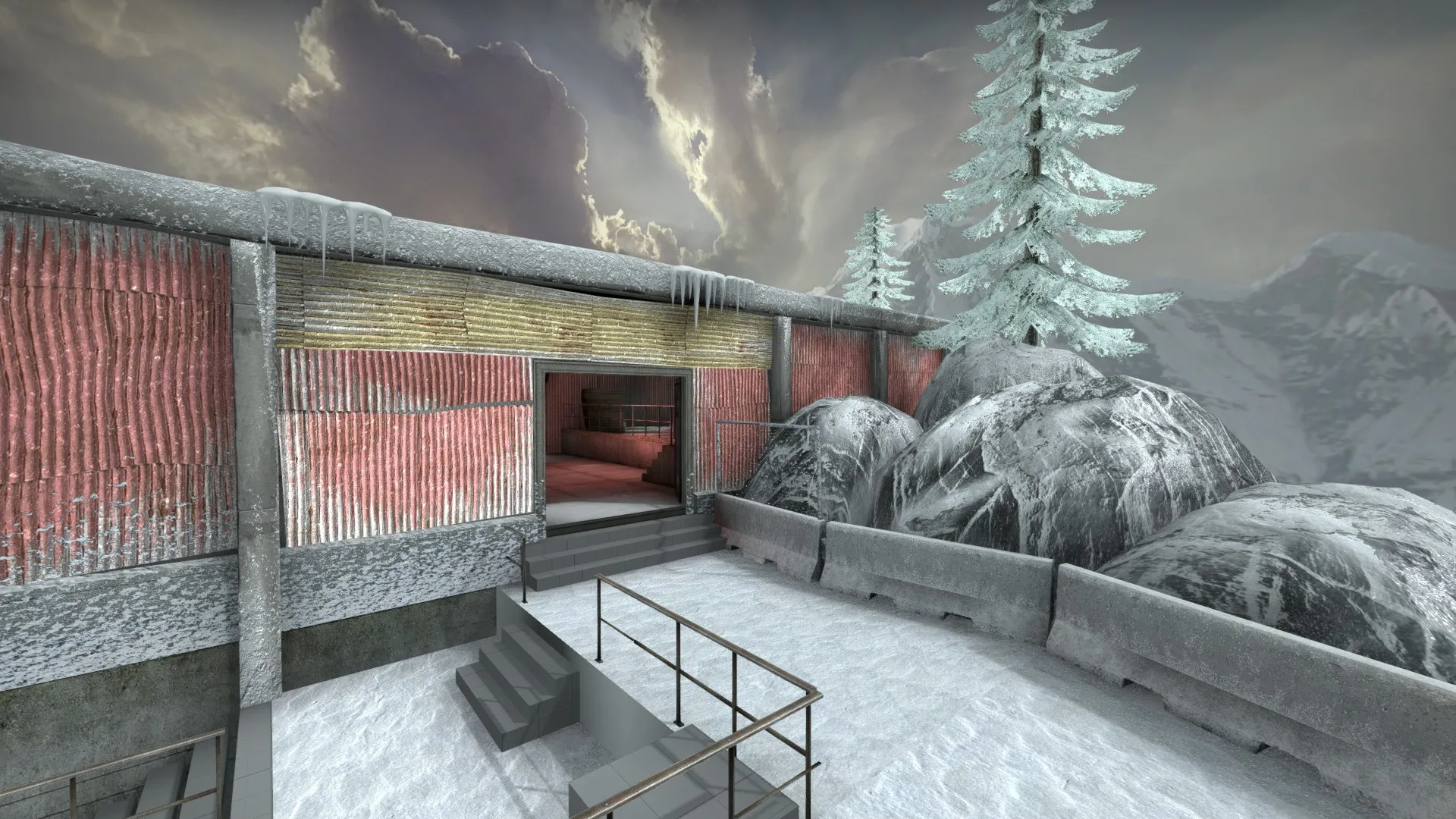
    NEW SCREENSHOTS!

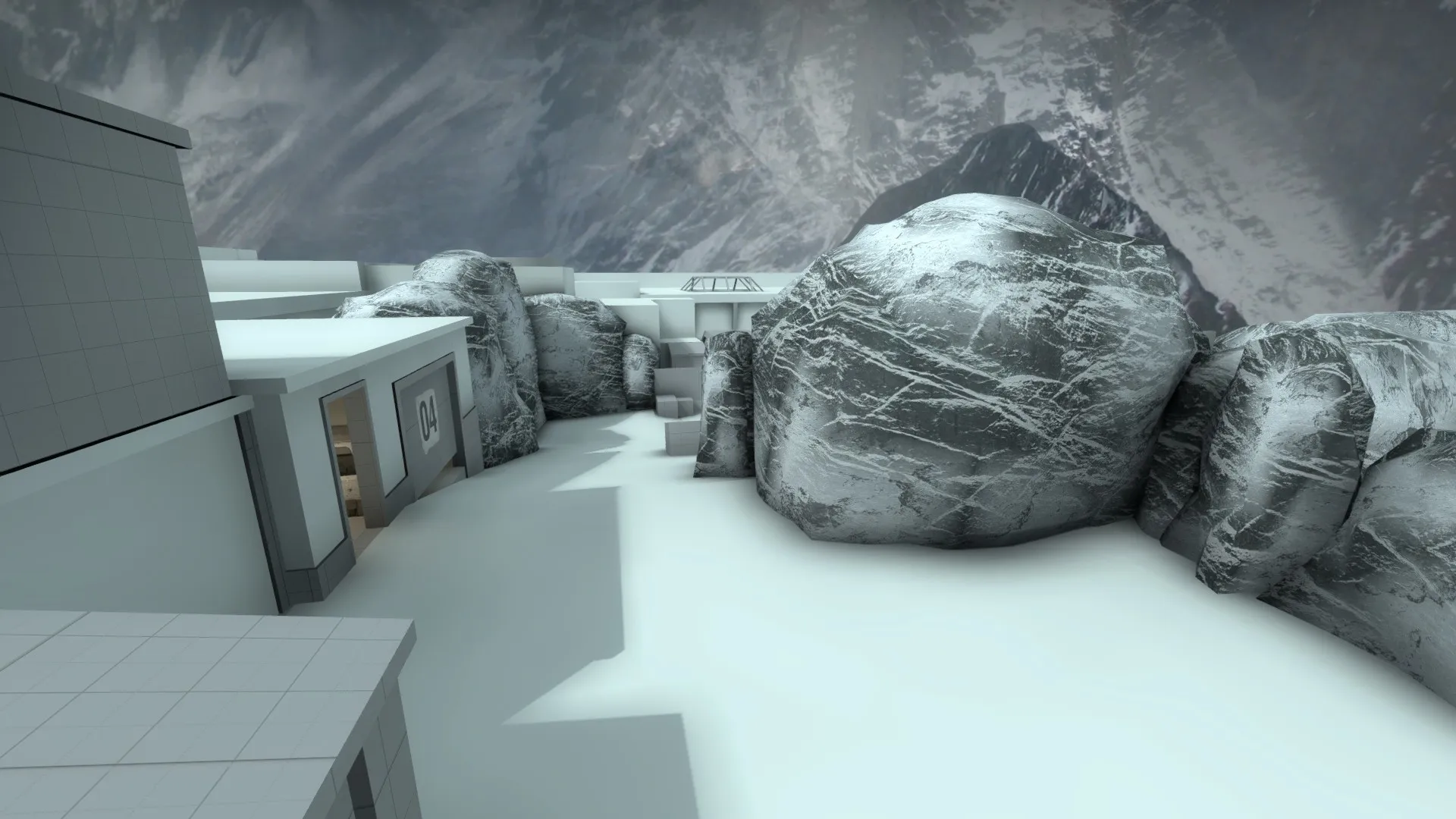
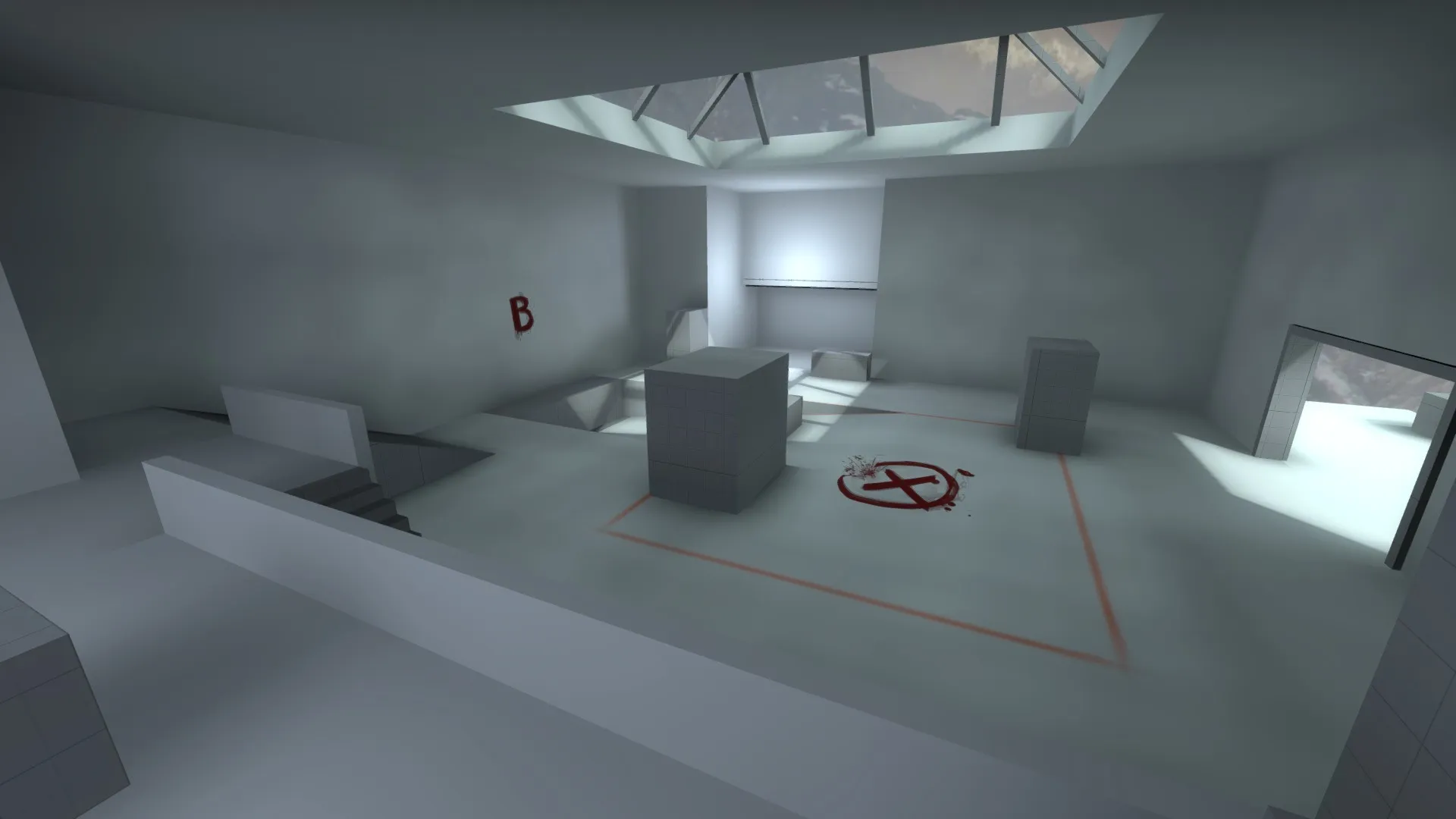
    Detailing the map is always the best part and as I go through this process I see how many things still need to be done. I'm busy this month and because of that, I won't be able to finish Classified before the deadline. I believe it will be ready between March and April for a Steam Workshop release! Good luck to all mappers who are still working on their projects. I will continue to post updates on this topic as the map gets ready!

    See ya! ?

  • Classified

    • Edude
    • January 9, 2020 at 1:11 PM

    There is still so much work to do, but things are starting to take shape. This first art pass will still take a long time to finish but I'm enjoying the results so far! I will focus on detailing the entire map as quickly as I can to have something concrete for the deadline. If I manage to finish everything (detailing, optimization, general polishing) I start a second art pass with more refinement.

  • Classified

    • Edude
    • January 2, 2020 at 7:11 AM

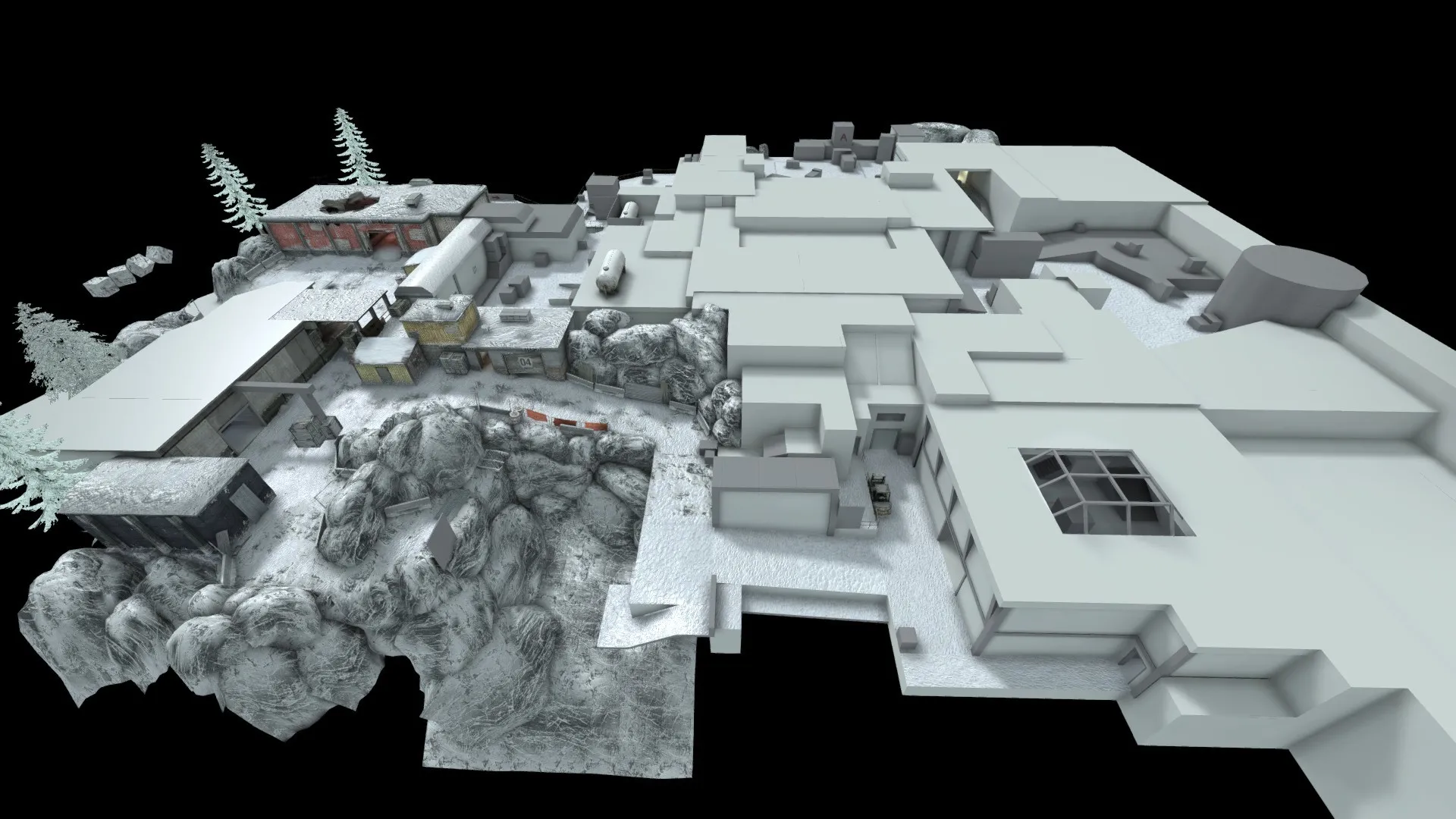
    It's been a while since I last posted on this topic and I'm really enjoying how the map looks right now but realizing the number of assets that still needs to be done brought me some concern and discouragement. I like to think of problems like these as obstacles designers must face in order to make really good levels, but in this case, I still have to do a lot to get to the minimum.


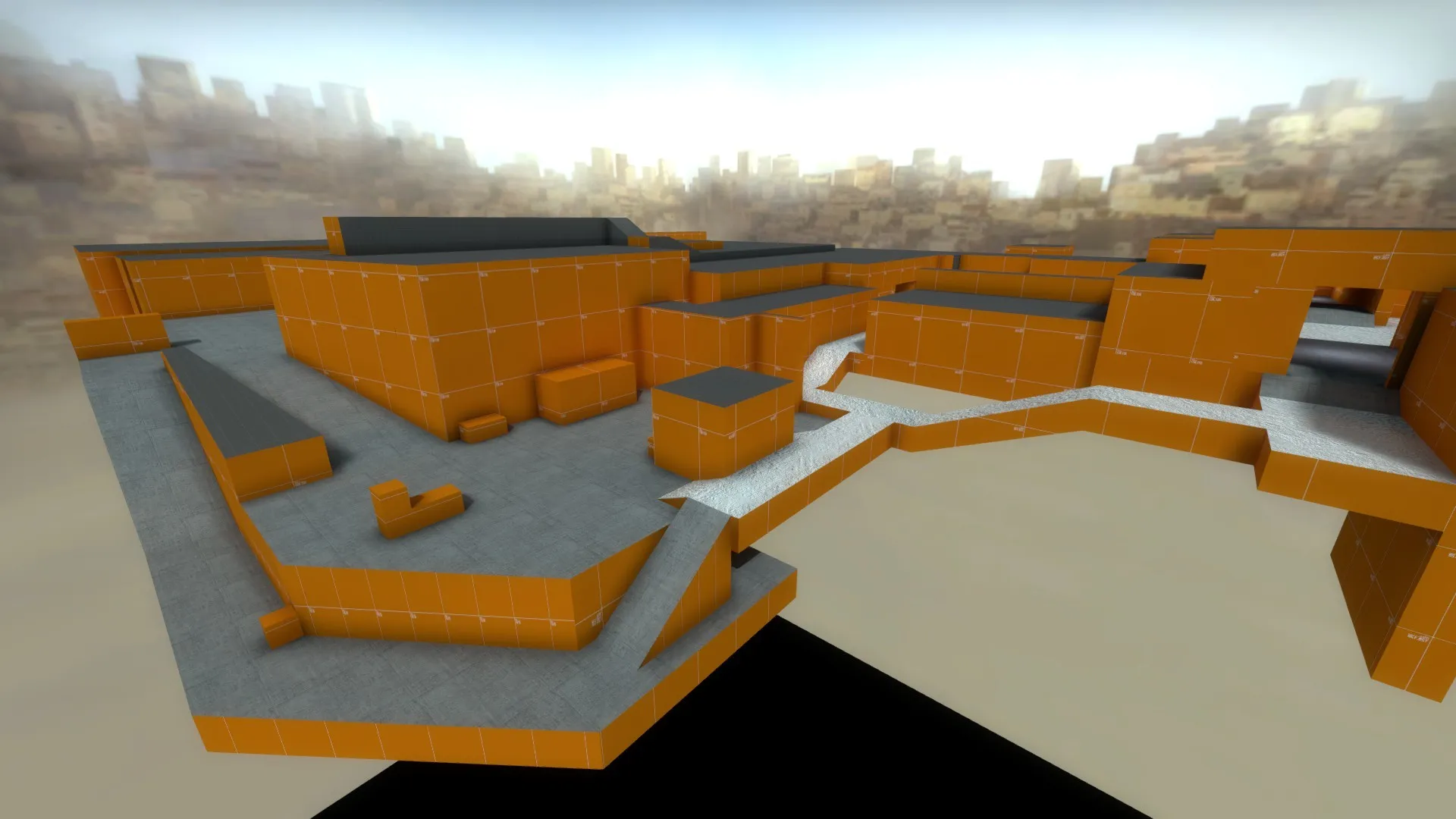
    Classified may not be completed on time for the competition, however, I will continue with the project and with more updates on the topic in case I manage to release an acceptable version on the final day! The screenshot below puts in a good perspective what still needs to be done to have at least an interesting version at the end, that would probably still need a lot of polishment...


    I will see how the next days go and leave more updates soon! ?

  • Classified

    • Edude
    • December 11, 2019 at 7:55 PM

    My last playtest was very productive! It opened my mind about so many areas of the map and I would love to work on them right now, but I feel that time is running out really fast...

    Here in Brazil, we often use a motto that says: "The great is enemy of the good" and after thinking a lot about it, I decided to head my way detailing the map fixing these areas in one go.

  • Classified

    • Edude
    • November 28, 2019 at 1:25 AM

    CLASSIFIED UPDATED

    More days in development and concerns about the deadline began. Because of that, I decided to improve the look of most of the buildings while adjusting a few last things to the layout. With this approach, I can get a better idea about areas in general and I won't waste much time thinking about their visuals when detailing.

    I took the opportunity to make the map "public" on Steam Workshop: https://steamcommunity.com/sharedfiles/fi…/?id=1868518259

    I will do my best to finish this project on time! ?UPDATED VERSION SCREENSHOTS


    IMPROVED LAYOUT AND TESTINGFrom the first version of the map to the most recent, significant changes have been made especially in Bombsites. So I'm requesting a test date on "Source Engine Discord Group" (provided by Top Hat Waffle and other big names from the community) to playtest them. Many use this Discord group to schedule these tests, it's for sure the best place for it!

    More posts to come! ?

  • Classified

    • Edude
    • October 22, 2019 at 4:48 AM

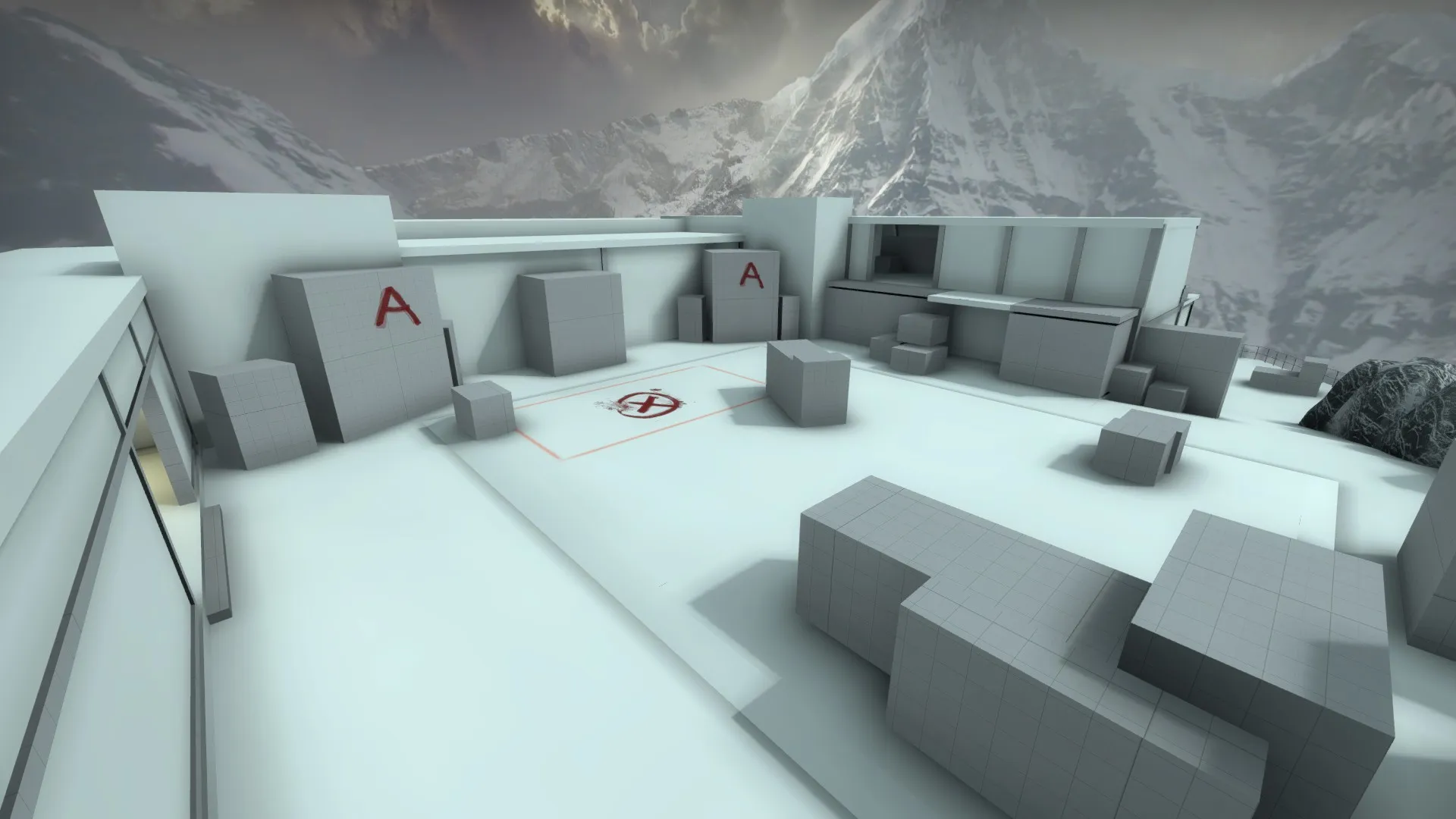
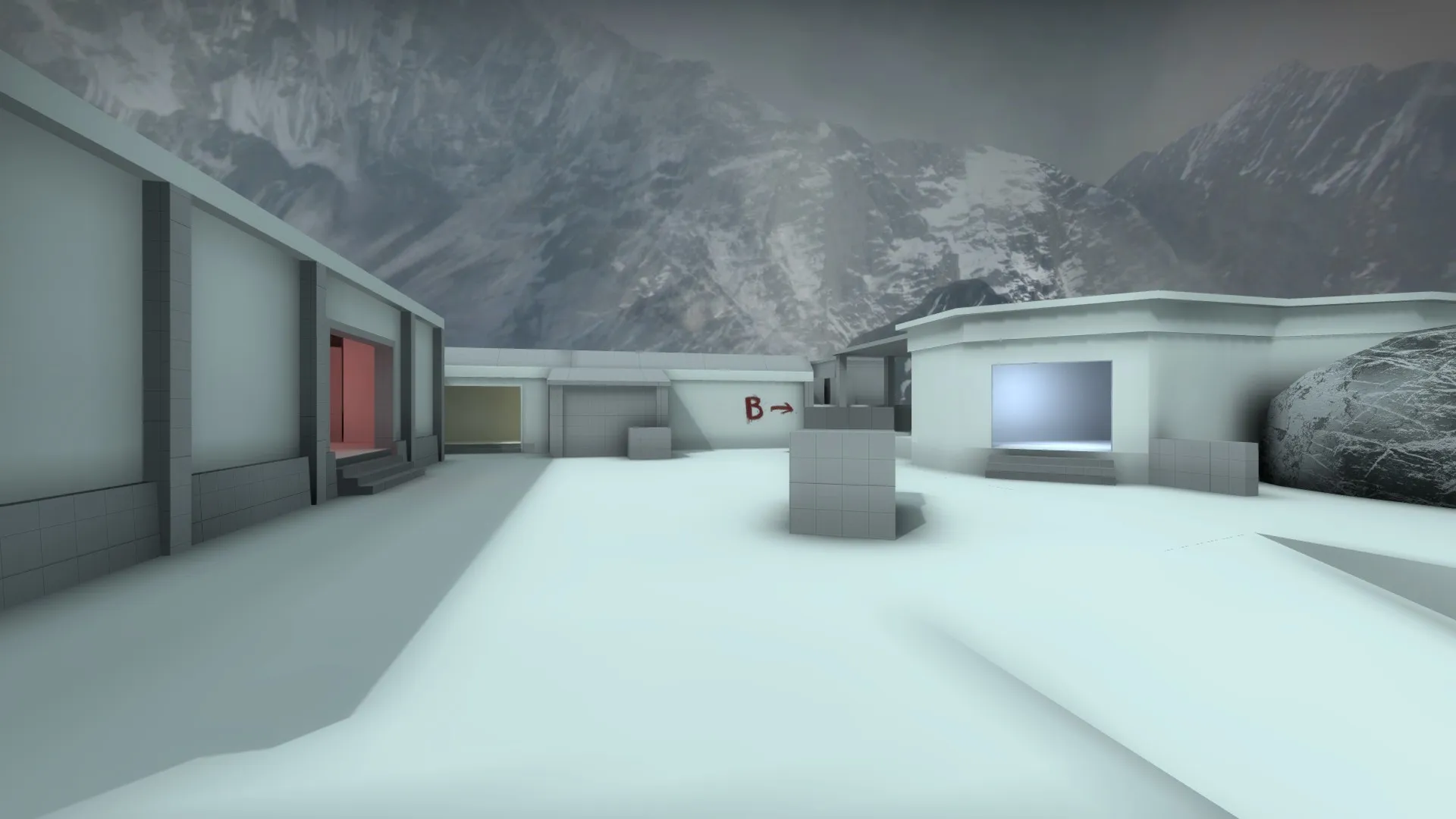
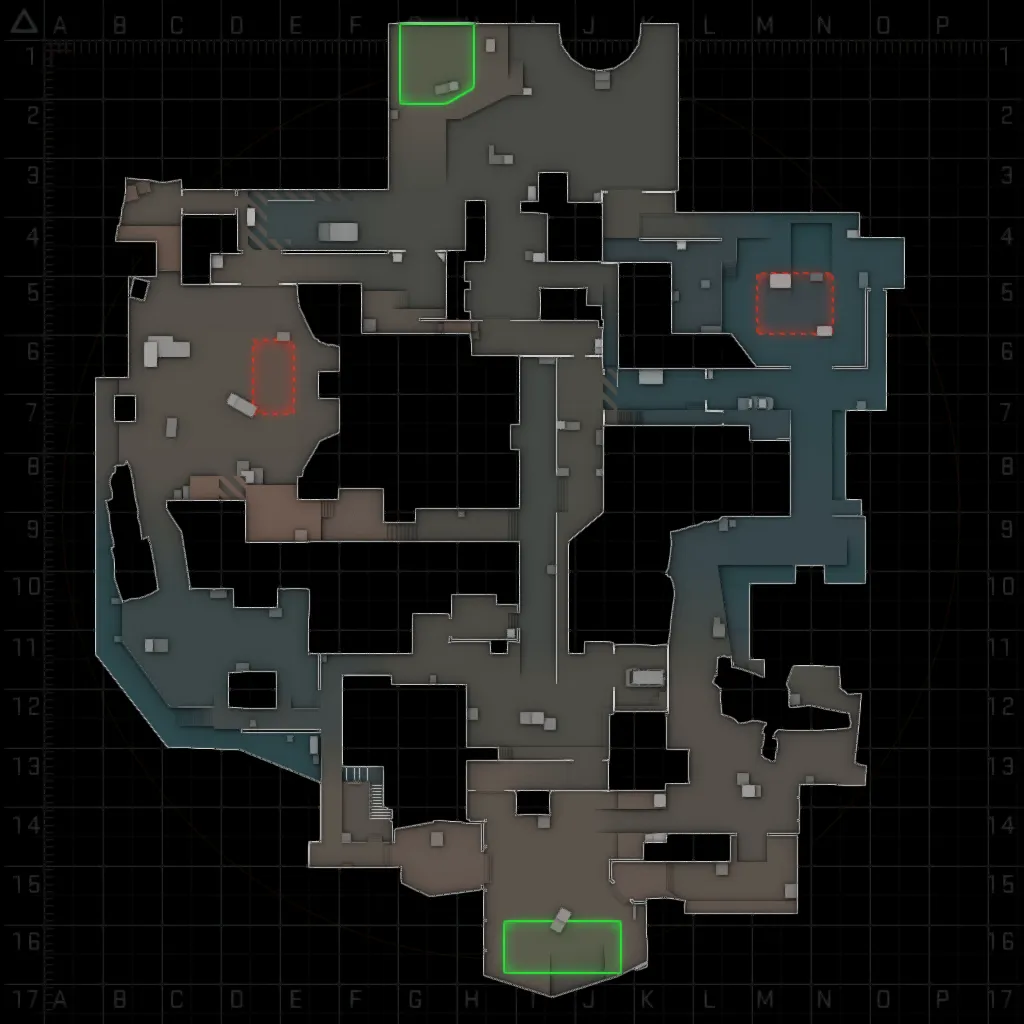
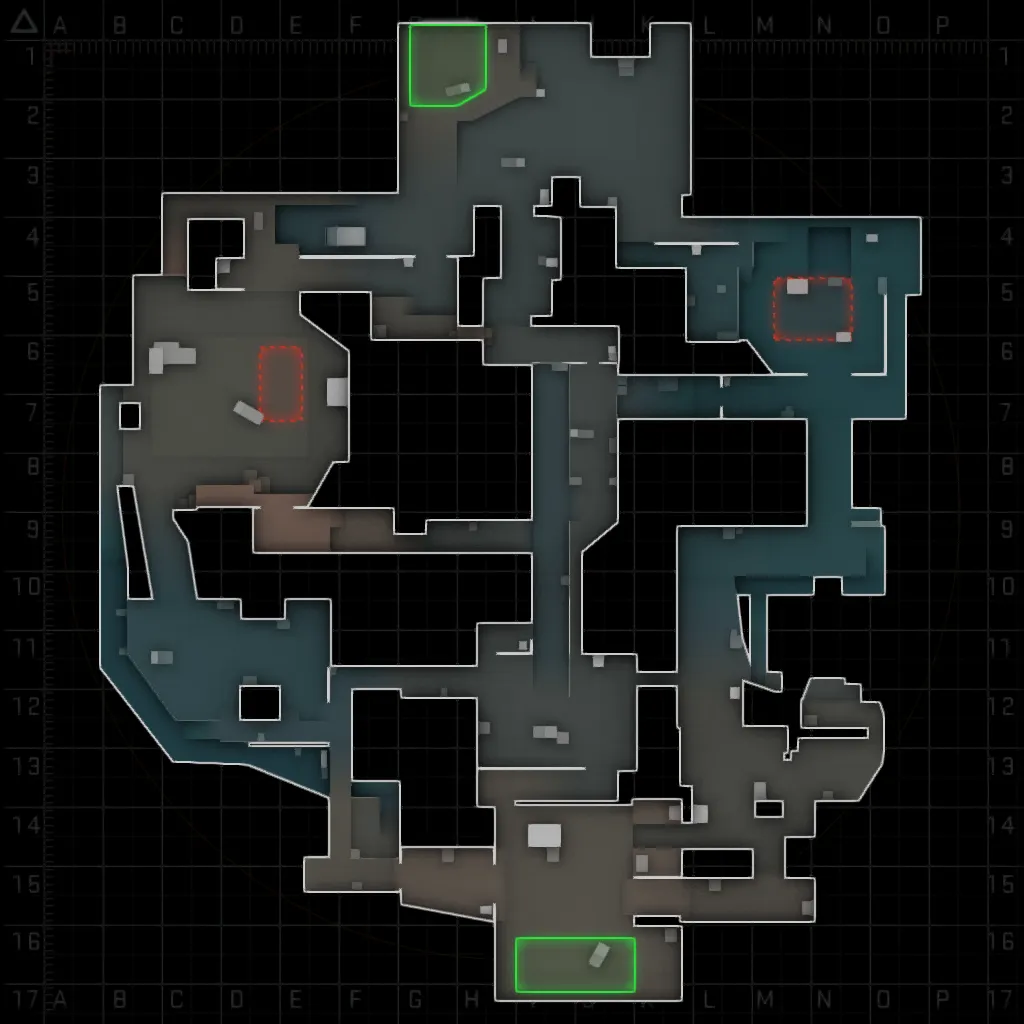
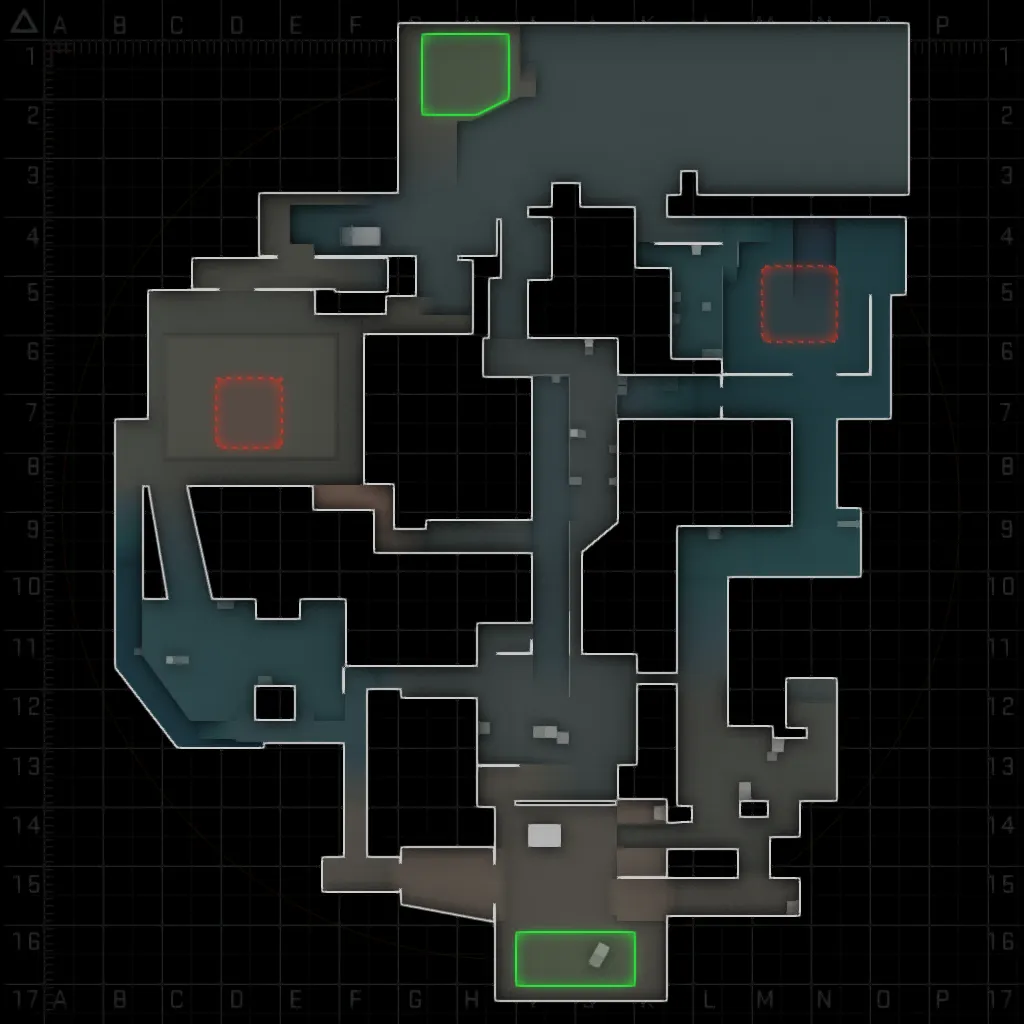
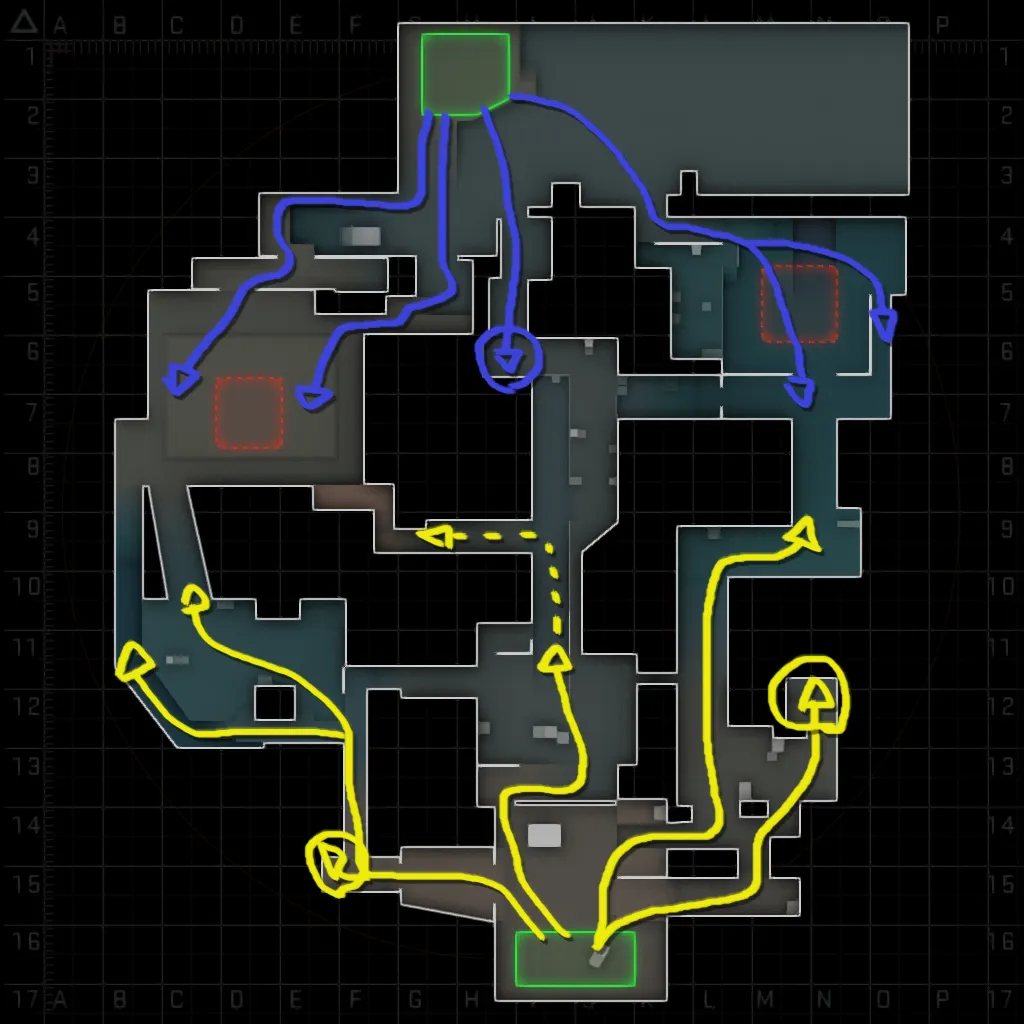
    CLASSIFIED UPDATED After a few days of testing and experimentation, important adjustments were made in certain areas, especially at A bombsite and in the middle region of the map. They seemed too closed for rifle combat in the initial version and with these adjustments, a new radar was made.


    NEW RADAR/LAYOUT:

    Bombsite A has been widened and rethought. The middle region of the map has also received special attention in this release (this will probably be the definitive version of the layout).


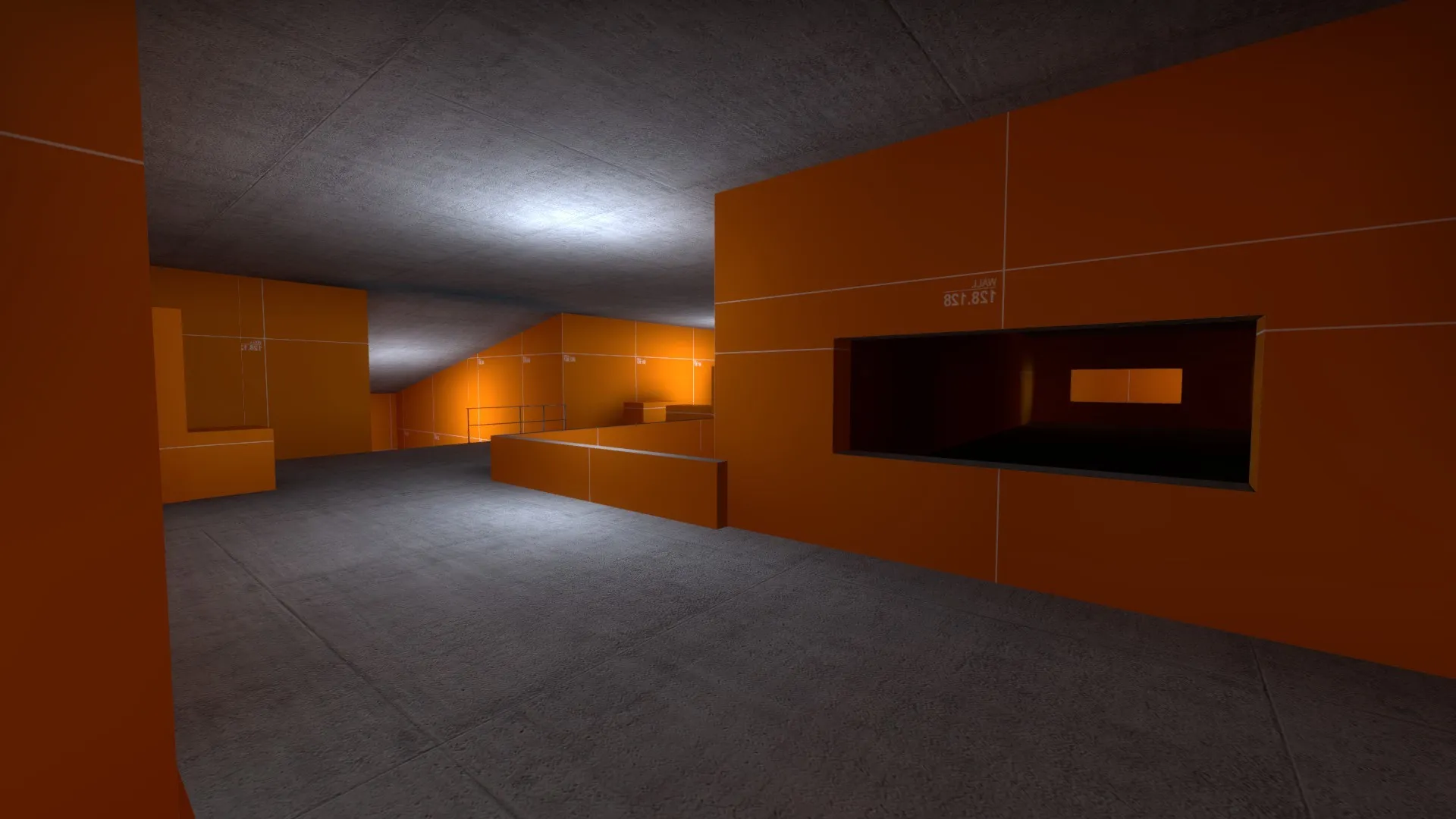
    I also improved bot navigation and even added some "place names" to assist in the upcoming tests with friends.

    Those new tests may take a while to start, so I took the wait to work on some textures that I may use.


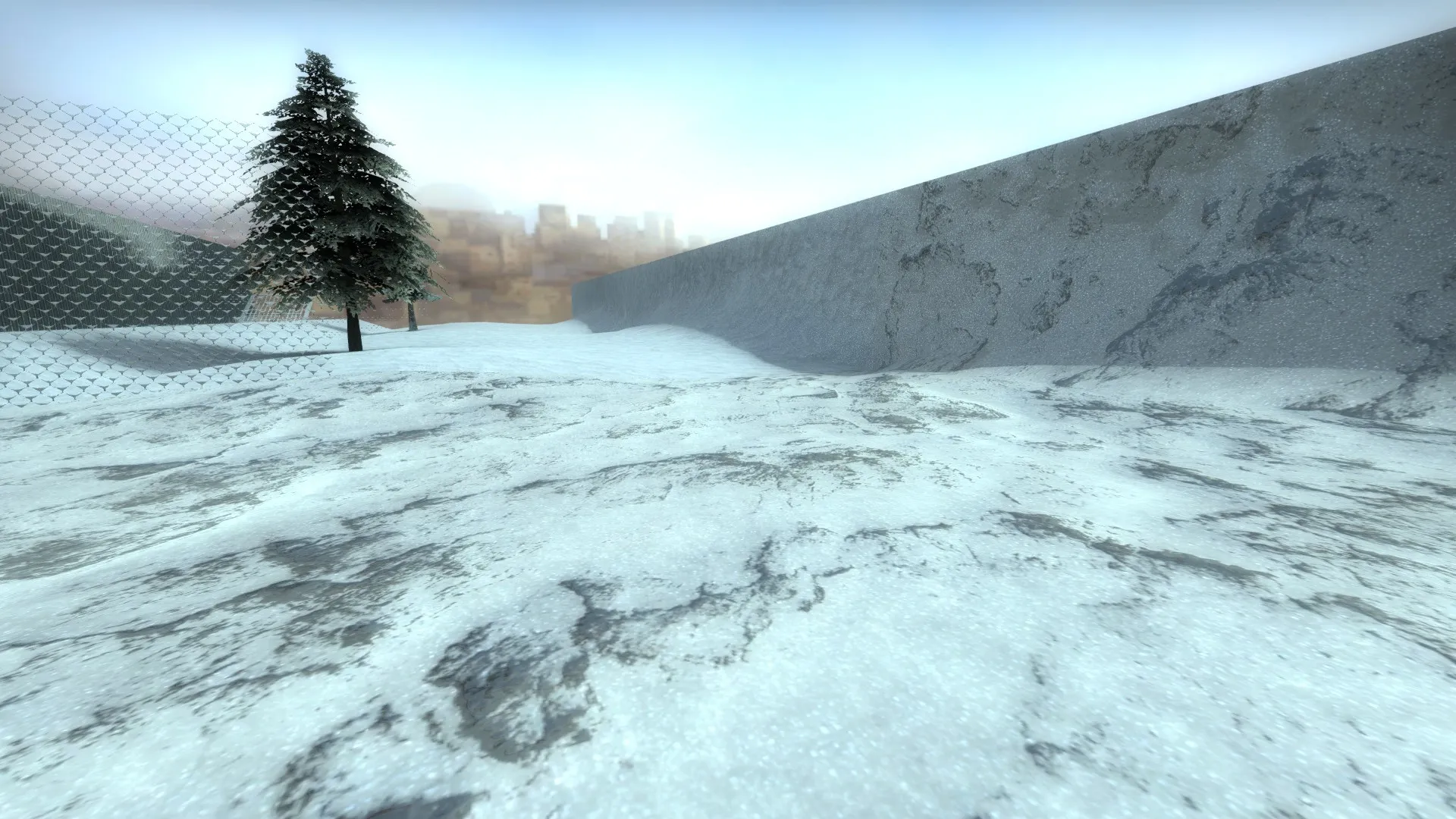
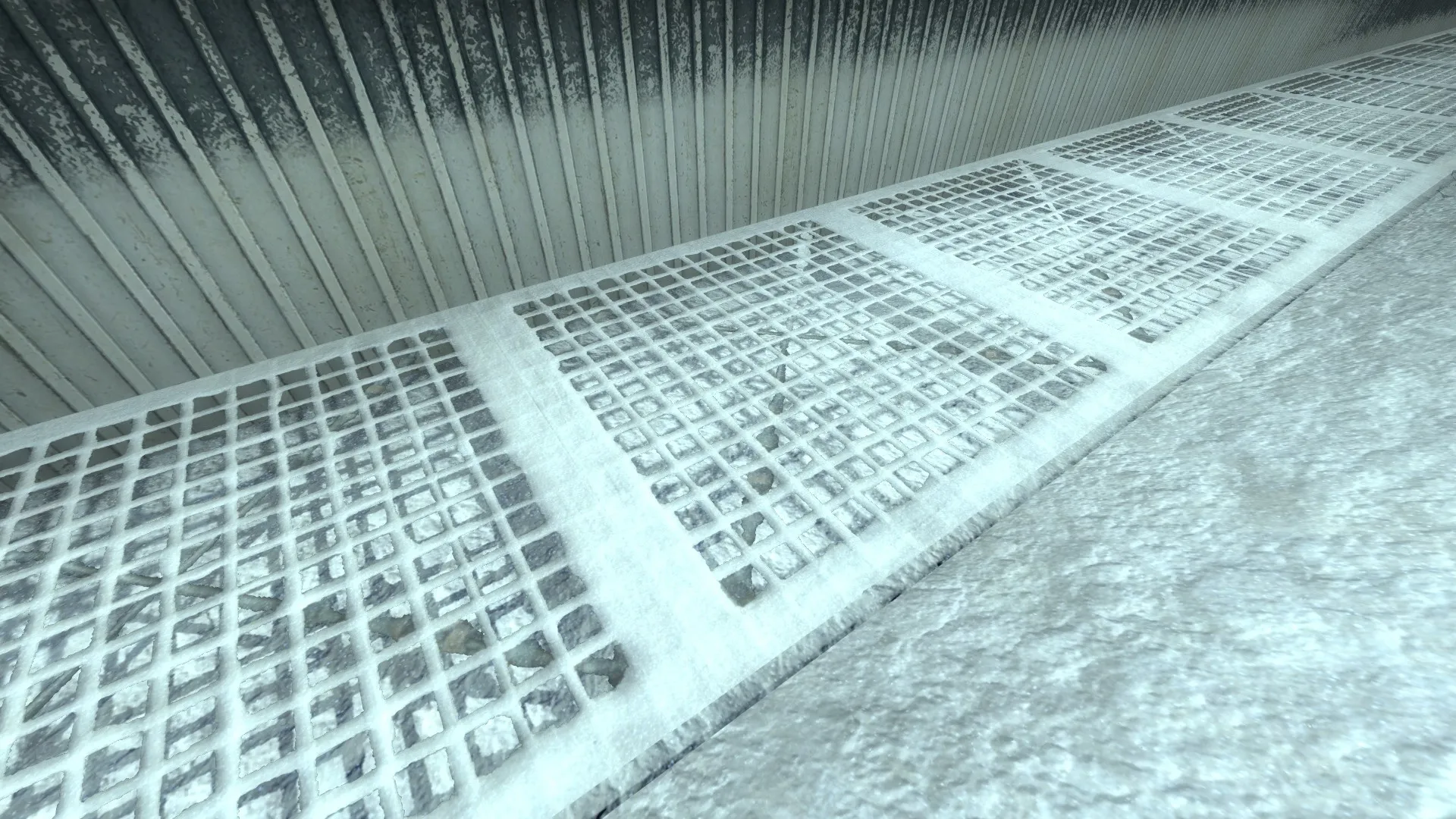
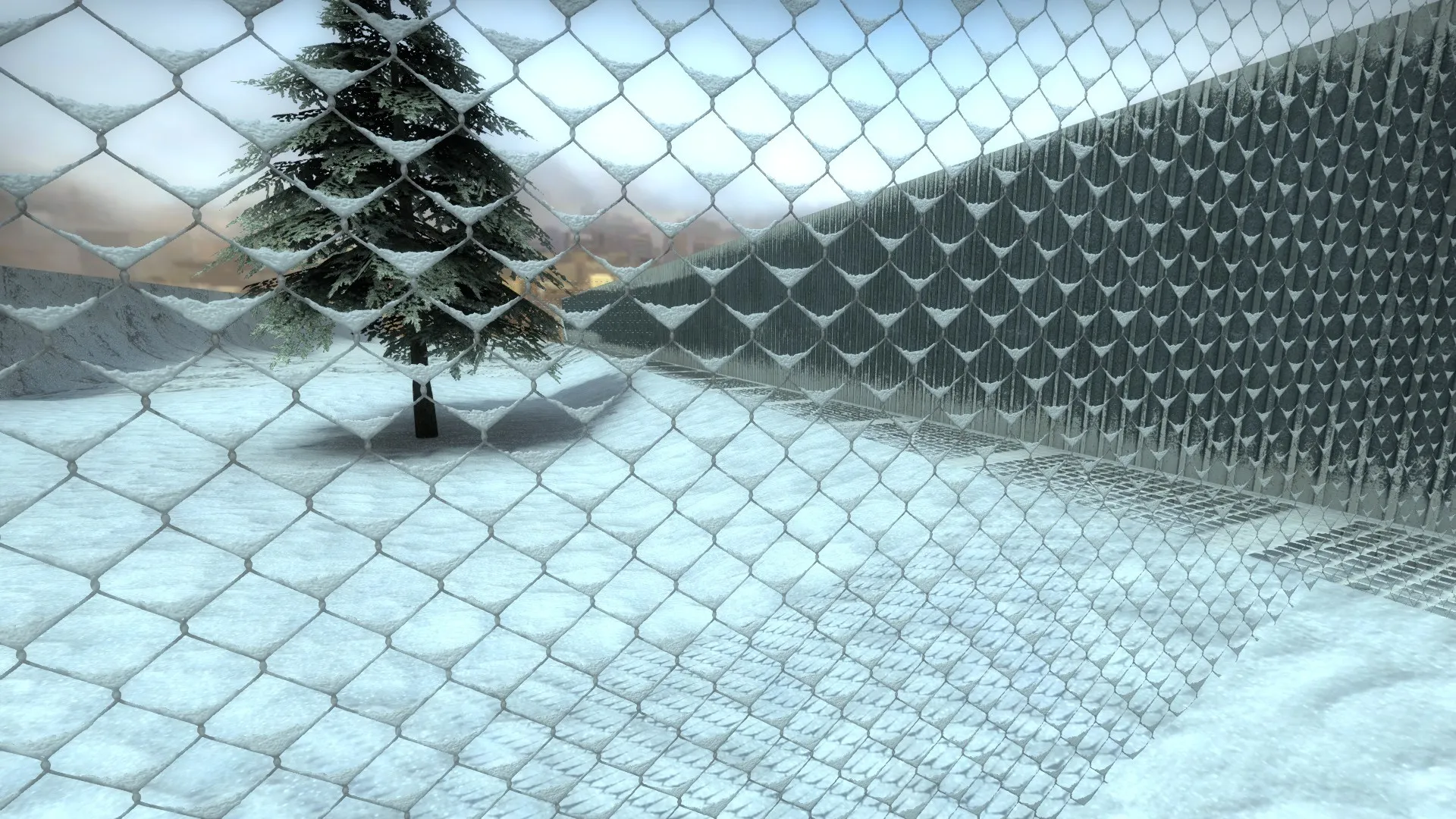
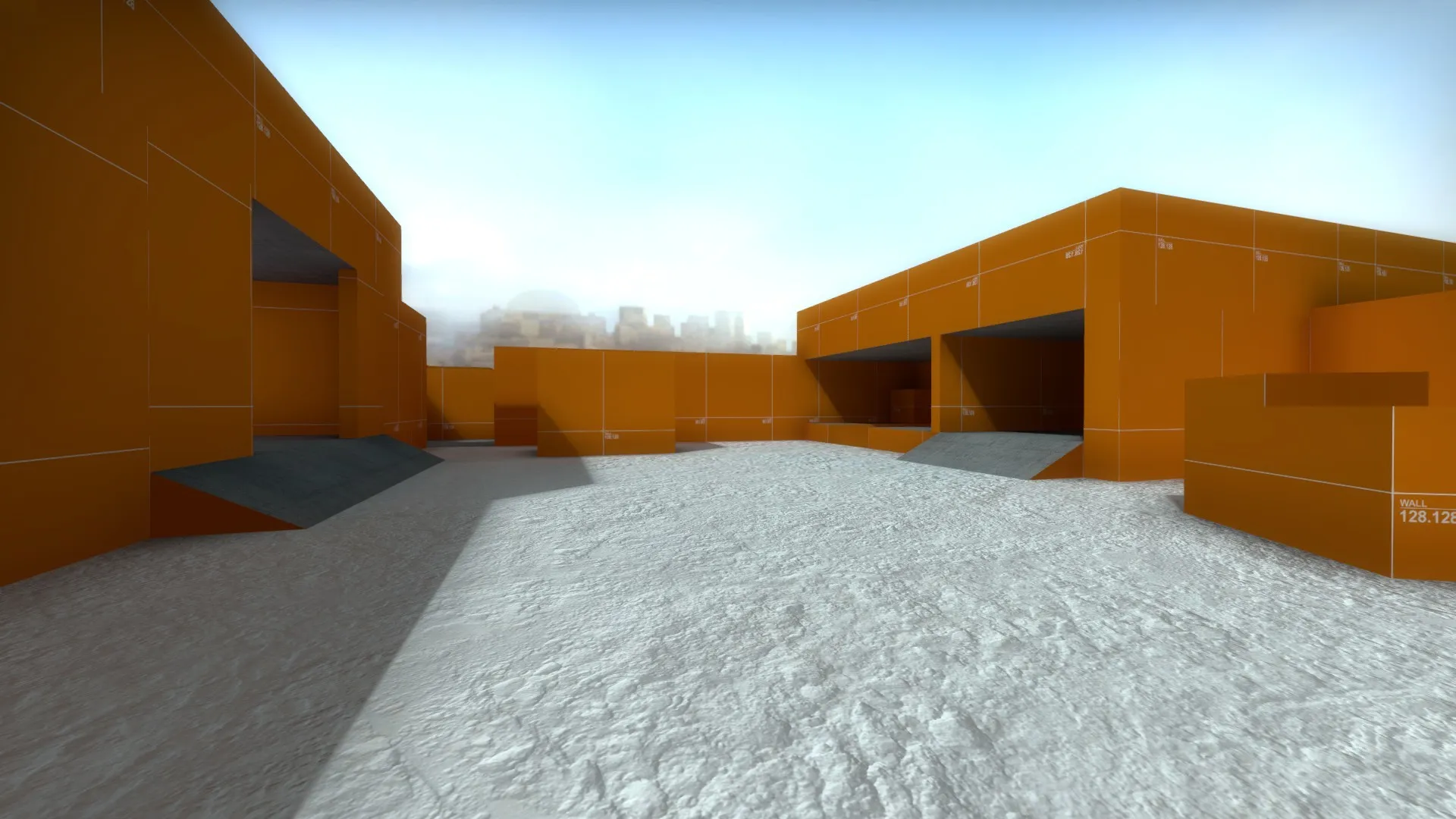
    TEXTURE TEST SCREENSHOTS:

    As my idea is to present an extremely cold and snowy environment I need to focus on interesting and creative snow textures. To make this process easier I created a makeshift "texture test map".

    With this map I can check which textures need to have their values changed or their maps redone.


    More posts to come! ?

  • Classified

    • Edude
    • September 20, 2019 at 5:33 PM

    It's an Exotic Maps Contest, right? ? hahaha I'll change it in the next update!

  • [WIP] de_zansort

    • Edude
    • September 20, 2019 at 2:02 AM

    Looking forward to this one! Really liked the adjustments to the layout and theme!

  • Classified

    • Edude
    • September 20, 2019 at 1:55 AM

    Thanks for the suggestion! I will put some reflections on these textures for sure soon! ?

  • Classified

    • Edude
    • September 19, 2019 at 8:26 AM

    Hello Everybody! This is my entry to the contest... Classified!

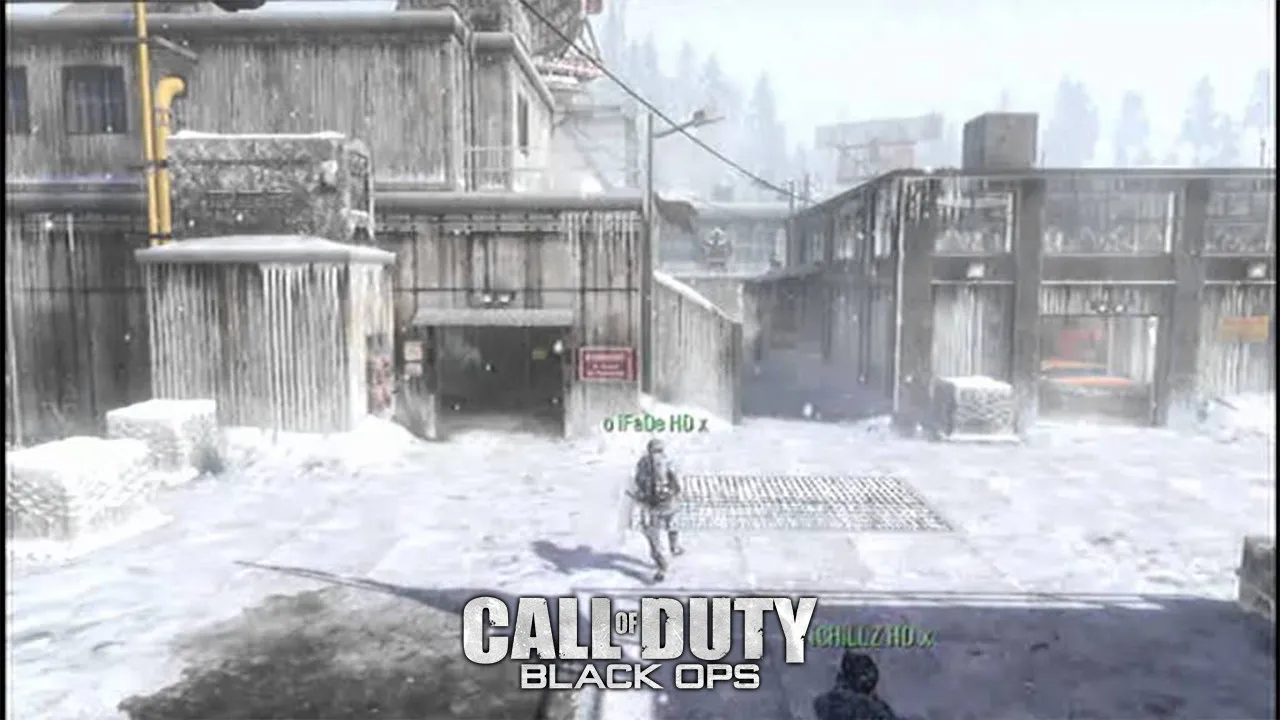
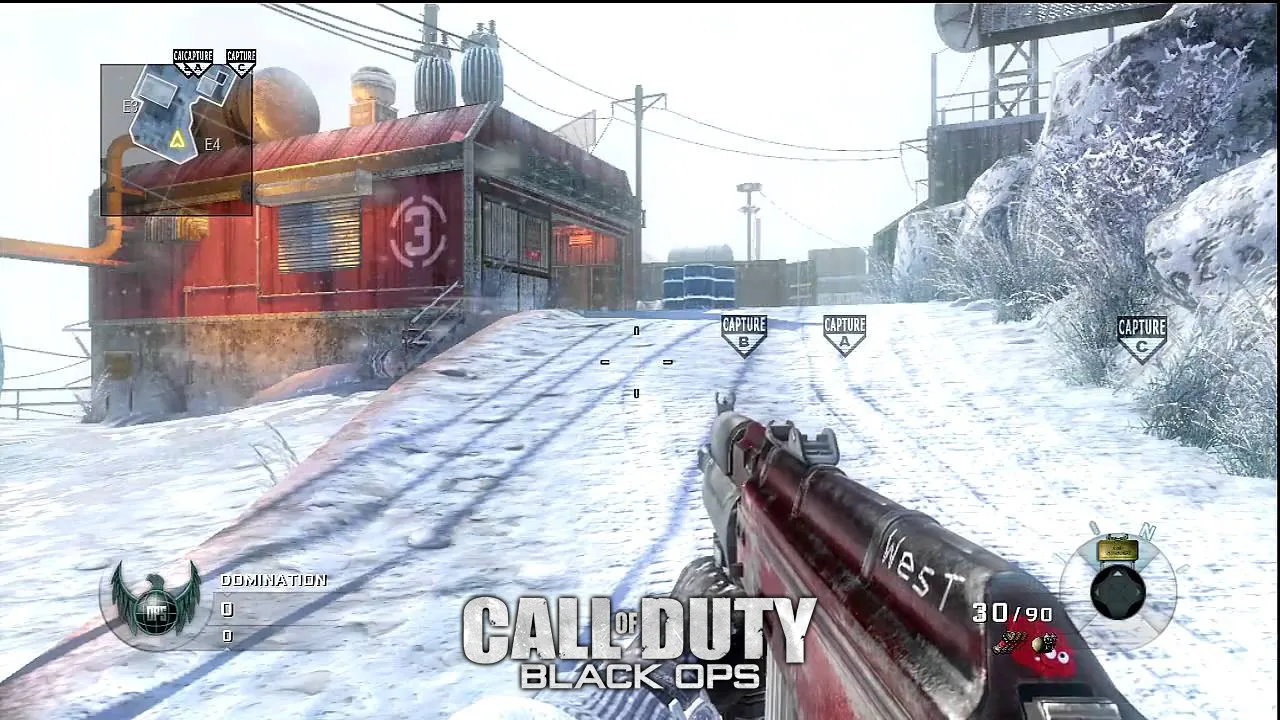
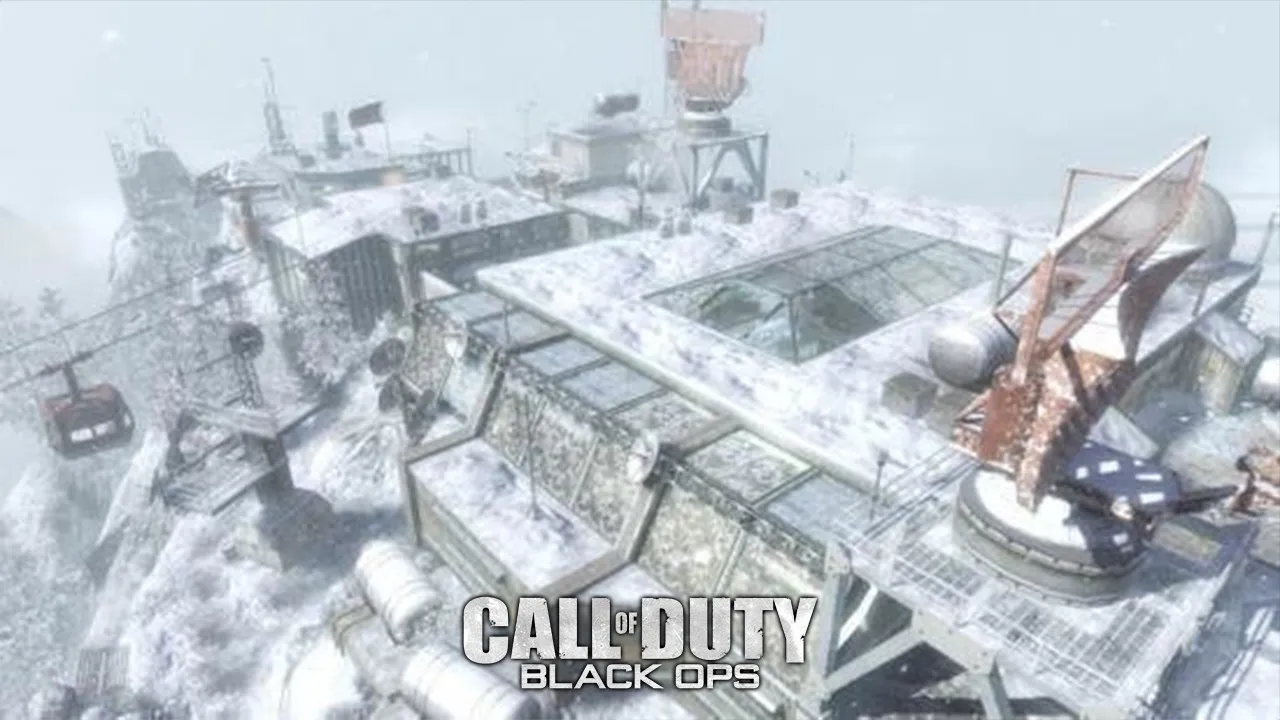
    A map based on a Soviet/American (still deciding) military installation from the Cold War on the peak of an extremely freezing mountain. The outpost still holds many classified secrets to this day even being largely disabled.


    The main inspiration for the theme is "Summit", a great map from Call of Duty: Black Ops and my idea here is to replicate the extremely cold environment with a balanced layout that prioritizes support moves before each advance! (like an "Awper" holding "bunker" in Dust 2 so it teammates can proceed to the A BombSite)


    At this point, I'm working on finishing the bombsites and then Classified will be ready for definitive tests! Maybe it's a little late to enter the contest, but I will do my best on this map! ?

    More posts coming soon!

  • How to properly apply Phong to my textures? (Source Engine)

    • Edude
    • March 7, 2017 at 12:17 AM
    Quote from tomm

    On 15/02/2017 at 5:17 AM, tomm said: That's strange, maybe it doesn't work with blend materials even though it should. I've only tried this on a regular VertexLitGeneric.

    I thought the same thing, but I tested it as lightmapped generic and did not get good result. Sorry for the late reply

    Quote from spa

    On 15/02/2017 at 7:30 AM, spa said: Are you sure that the alpha is working correctly in the base textures ? It needs to be dxt5 or BGRA8888 (BGR888 doesn't have alpha)

    You can view the channels in vtf edit.

    It's very strange because I tried both alpha in the base texture and alpha in the bumpmap. I also tried both formats DXT5 for the base texture and BRGA8888 for bump. Probably Day of Infamy (game I'm mapping) do not support $phong.

    Quote from WD

    On 15/02/2017 at 7:56 AM, WD said: I think $phong is only supported on VertexLitGeneric shader with HL2 ep2 engine.

    https://developer.valvesoftware.com/wiki/$phong

    You're currently trying to apply $phong to a WorldVertexTransition shader so that's why there's errors. Wiki says $phong would work for WorldVertexTransition on the CS:GO engine though.

    You could replace the ground with a model and it would shade correctly then.

    Maybe I was mistaken a bit, I thought that Insurgency and Day of Infamy would be using the CSGO version of the source engine and with that $phong would works normally.

  • How to properly apply Phong to my textures? (Source Engine)

    • Edude
    • February 14, 2017 at 10:32 PM
    Quote from tomm

    18 hours ago, tomm said: try to put your alpha in your base texture and add this parameter in your vmt

    hope this helps

    I did some more testing following your instructions but nothing has changed. The textures remain entirely bright, ignoring the specular map.


    Here's the VMT

    Quote

    Quote "WorldVertexTransition" { "$baseTexture" "tunisia/tun_sand_01" "$bumpmap" "tunisia/tun_sand_01_normal" "$surfaceprop" "sand" "$baseTexture2" "tunisia/tun_sand_02" "$bumpmap2" "tunisia/tun_sand_02_normal" "$surfaceprop2" "sand" "$blendmodulatetexture" "nature/blend_texture_01" "$blendmasktransform" "center .5 .5 scale 1 1 rotate 0 translate 0 0"

    "$envmap" "env_cubemap" "$phong" "1" "$BasemapAlphaPhongMask" "1" "$phongExponentTexture" "1" }

  • How to properly apply Phong to my textures? (Source Engine)

    • Edude
    • February 14, 2017 at 10:12 PM

    Hum I got it. I check here and my bumpmaps were in DXT. Now that I put them on BGR888 they have improved a lot. Thanks!

  • How to properly apply Phong to my textures? (Source Engine)

    • Edude
    • February 14, 2017 at 8:22 PM

    I'm going to test this right now. Thank you for your reply. I also would like to ask, is there any quality loss when converting TGA images to VTF and vice versa?

  • How to properly apply Phong to my textures? (Source Engine)

    • Edude
    • February 13, 2017 at 11:53 PM

    Hello everybody!

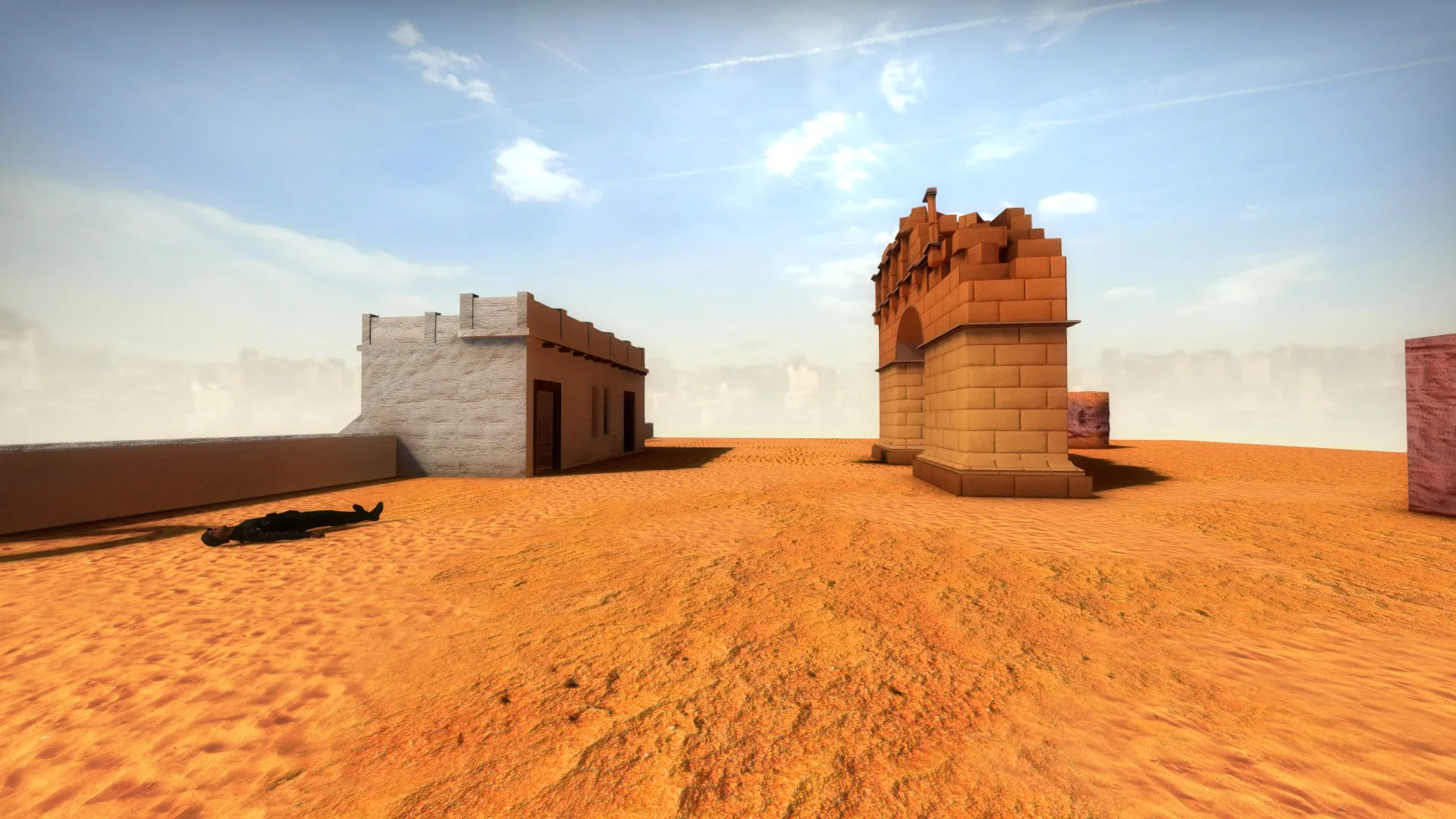
    Lately I've been making a desert map; to fulfill my idea I did some sand and canyon textures. To increase their realism and detail I tried to adding phong to simulate those glowing grains present in the sands. So I made a specular map for the grains and put in the alpha channel of my Bumpmap and added the Phong parameters to the VMT file. But whenever I try the whole texture gets shiny:


    Without Phong


    With Phong


    Specular Map


    As you can see, the whole texture is affected by phong and not just grains. How can I fix this? I believe that I confused myself in the VMT parameters but I'm not sure:

    "WorldVertexTransition" { "$baseTexture" "tunisia/tun_sand_01" "$bumpmap" "tunisia/tun_sand_01_normal" "$surfaceprop" "sand" "$baseTexture2" "tunisia/tun_sand_02" "$bumpmap2" "tunisia/tun_sand_02_normal" "$surfaceprop2" "sand" "$blendmodulatetexture" "nature/blend_texture_01" "$blendmasktransform" "center .5 .5 scale 1 1 rotate 0 translate 0 0"

    "$normalalphaenvmask" "1" "$envmap" "env_cubemap" "$phong" "1" "$phongExponentTexture" "252" }


    Thank you in advice!

  • Day of Infamy Mapping Contest Discussion

    • Edude
    • October 12, 2016 at 7:22 PM

    Hello guys!

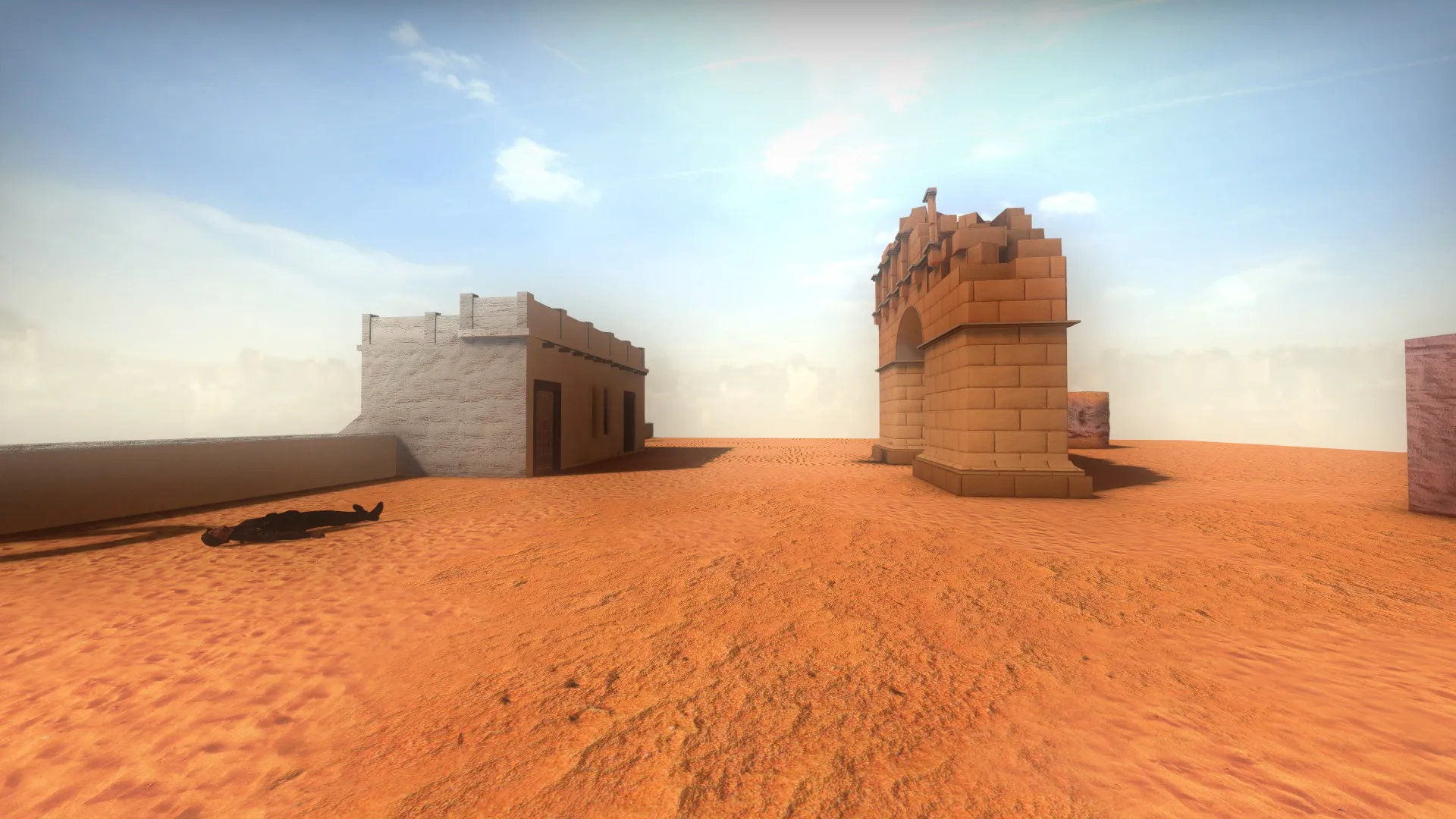
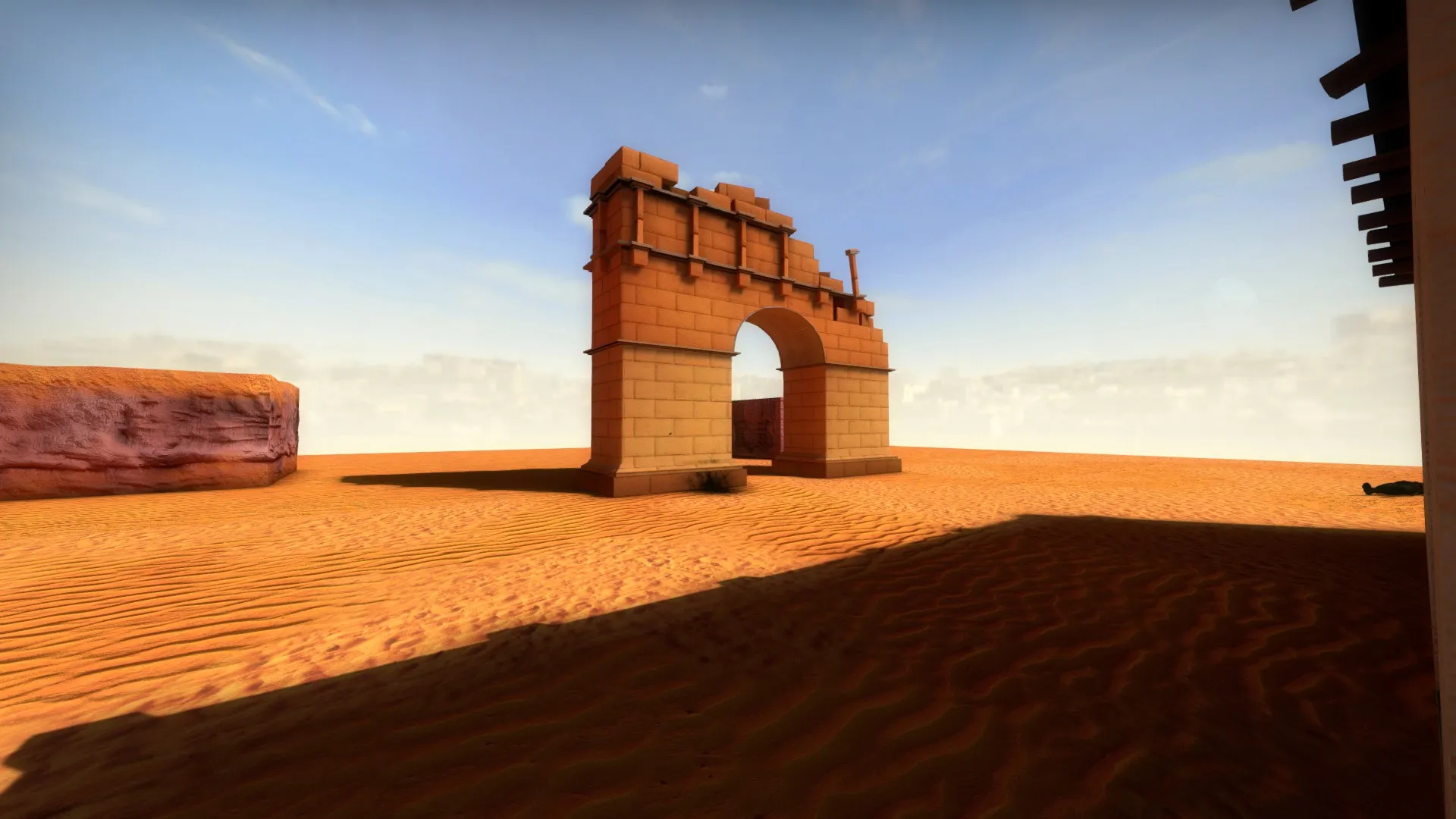
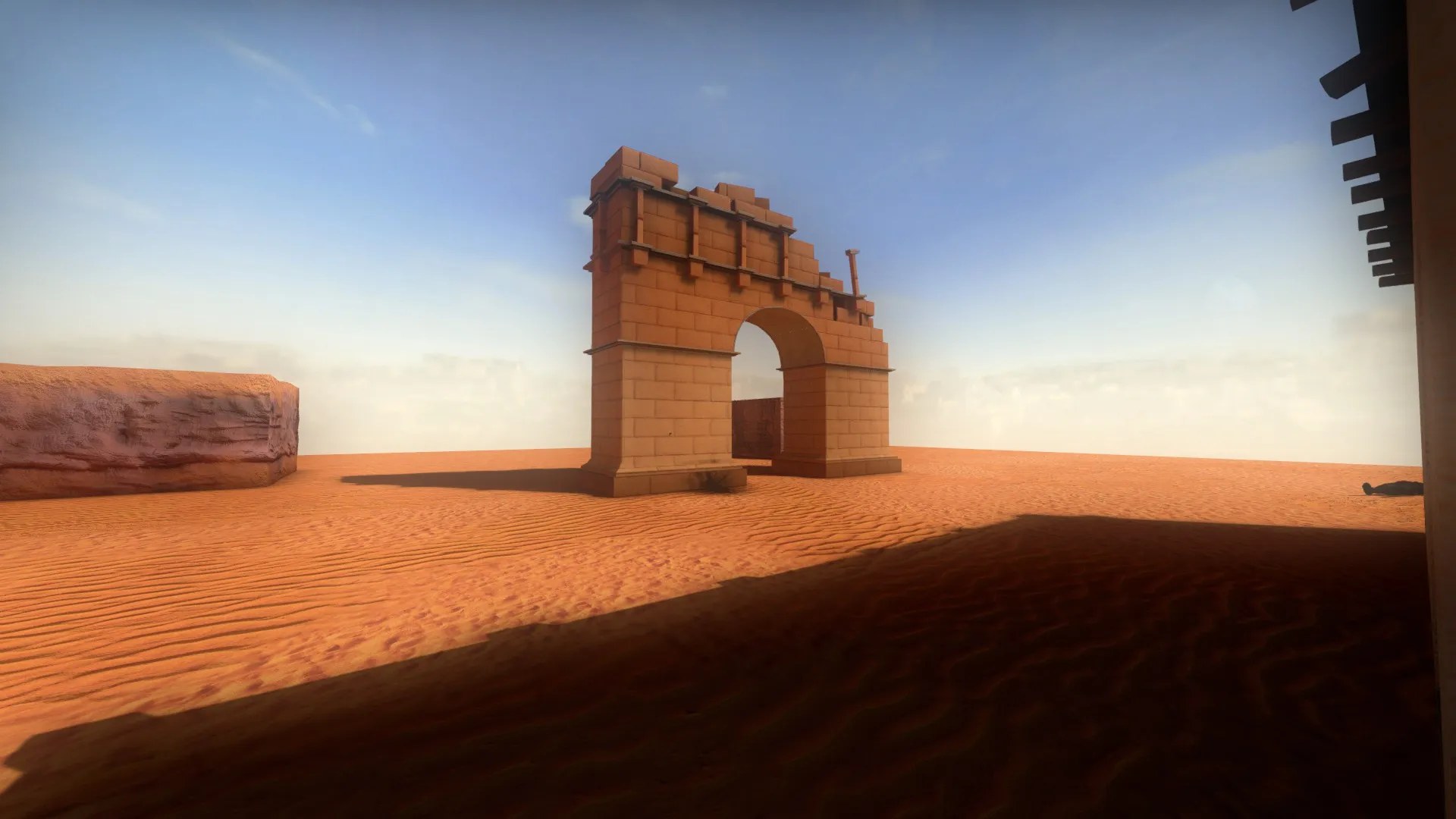
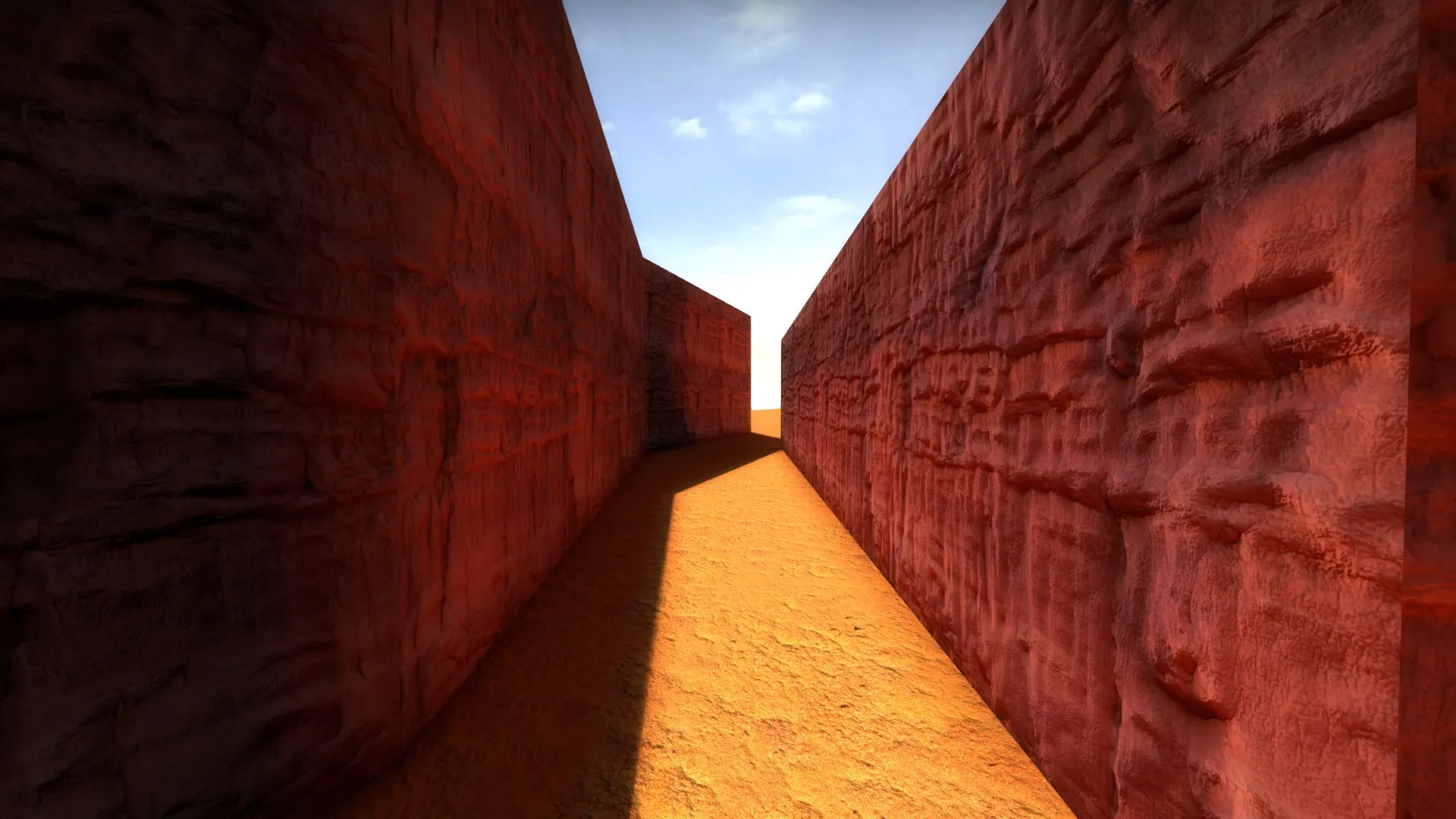
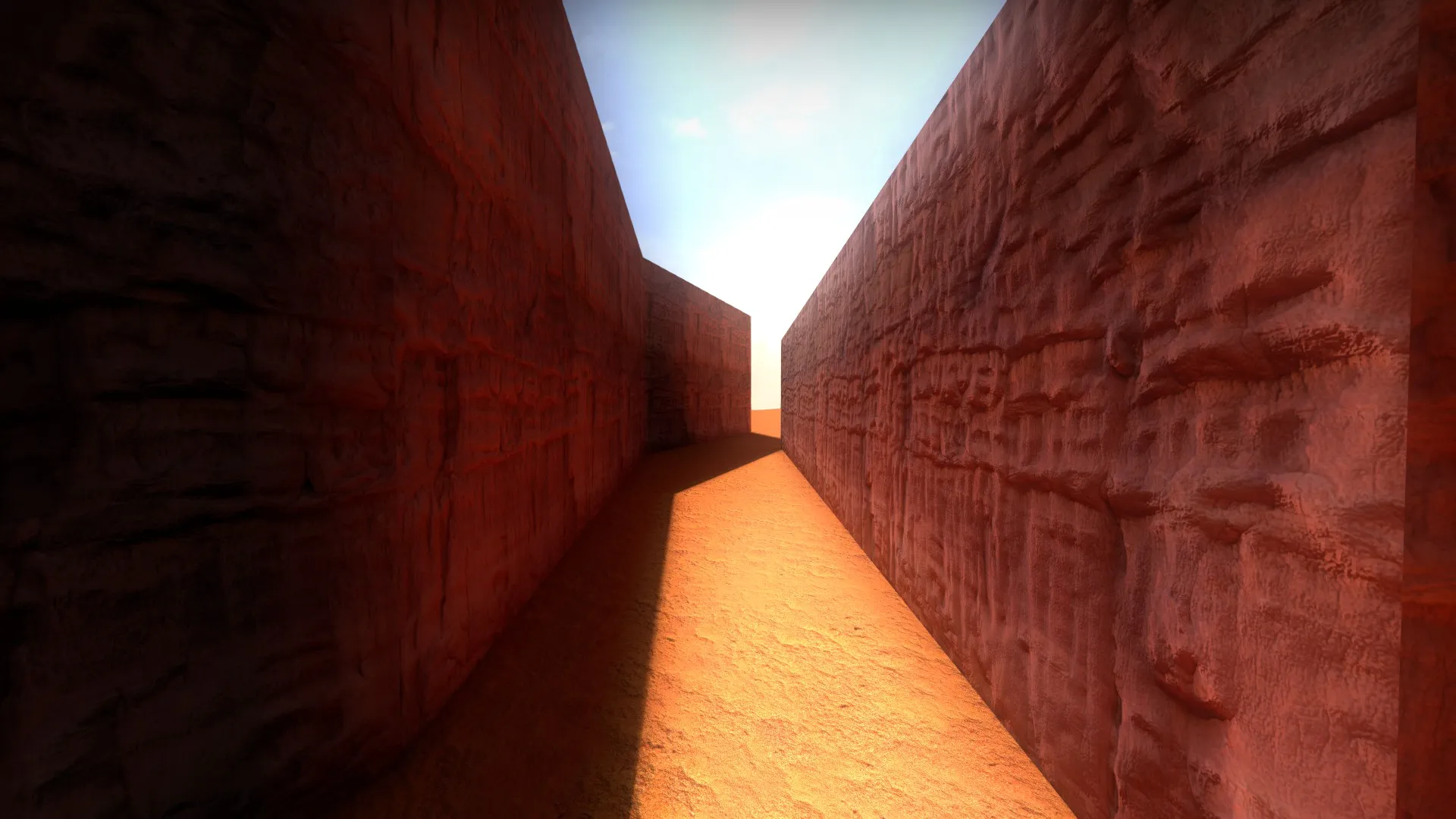
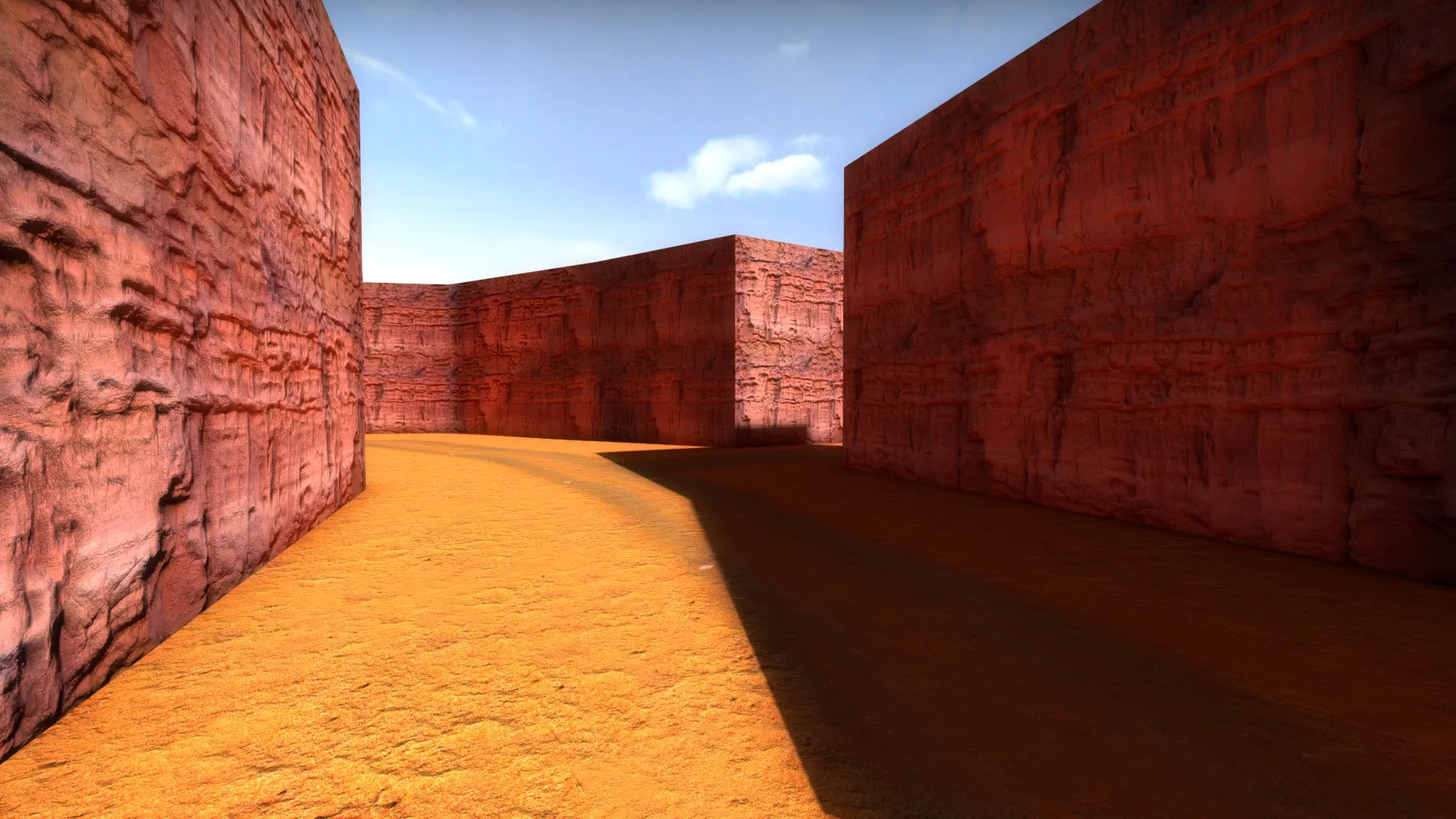
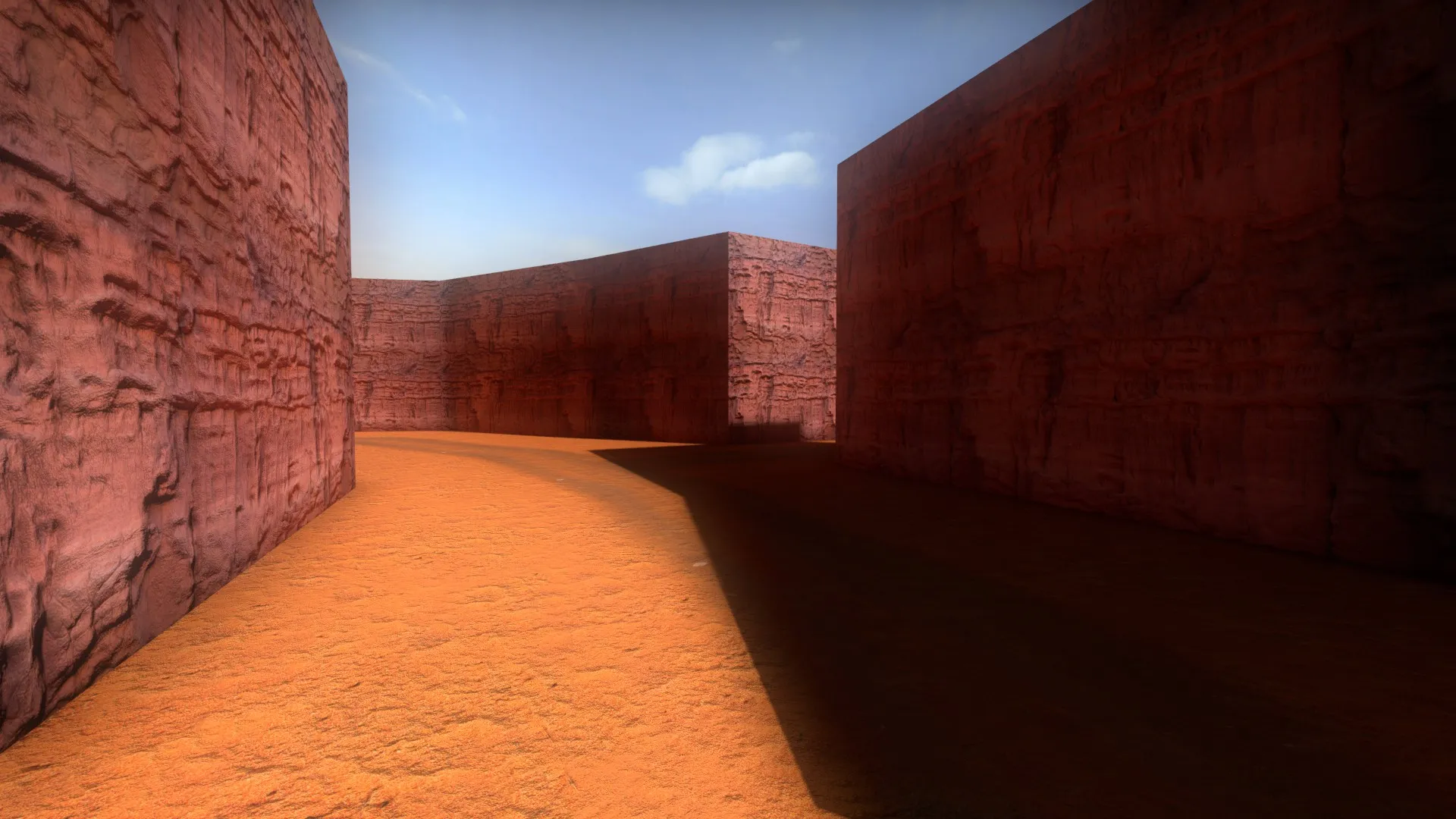
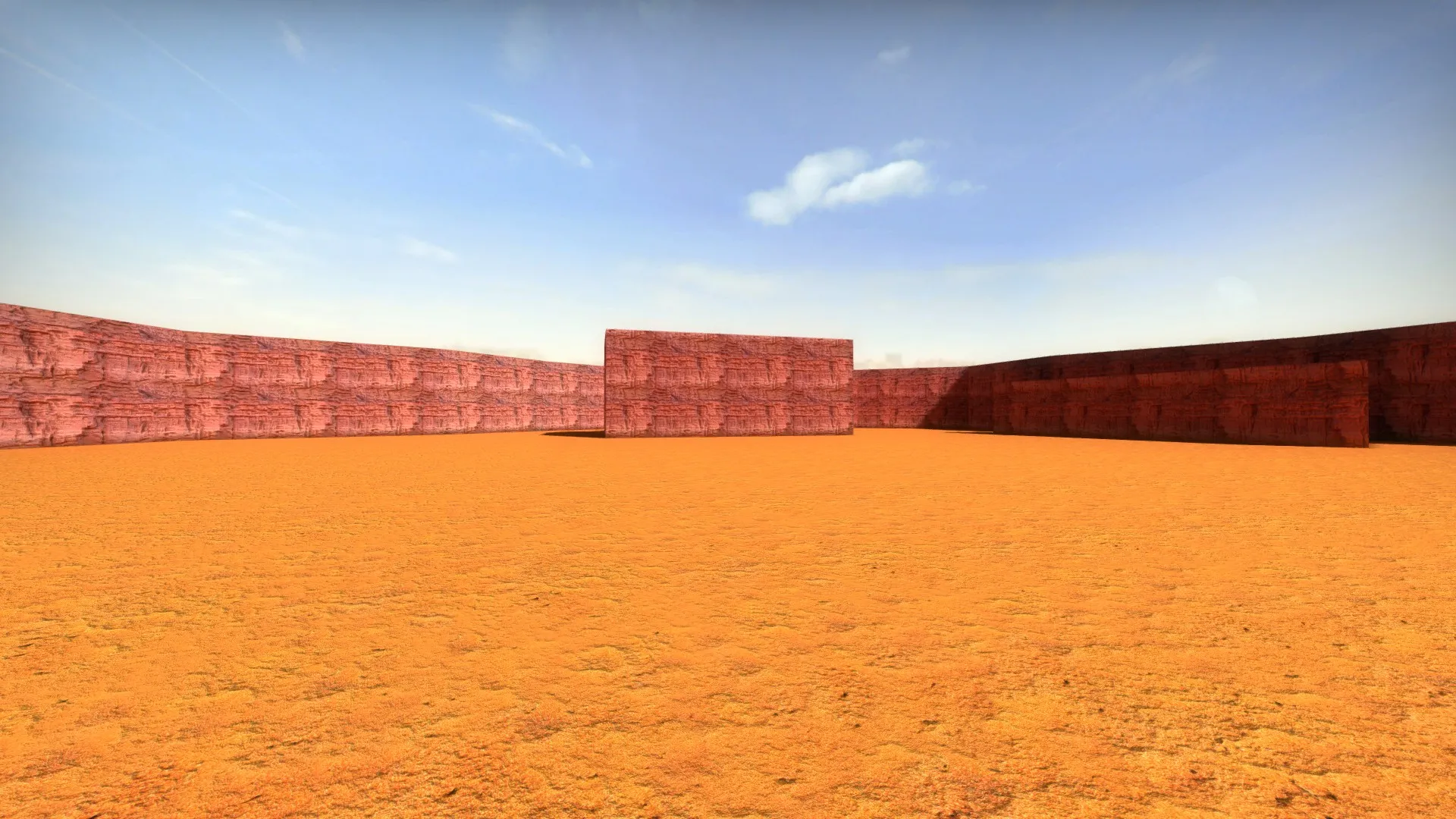
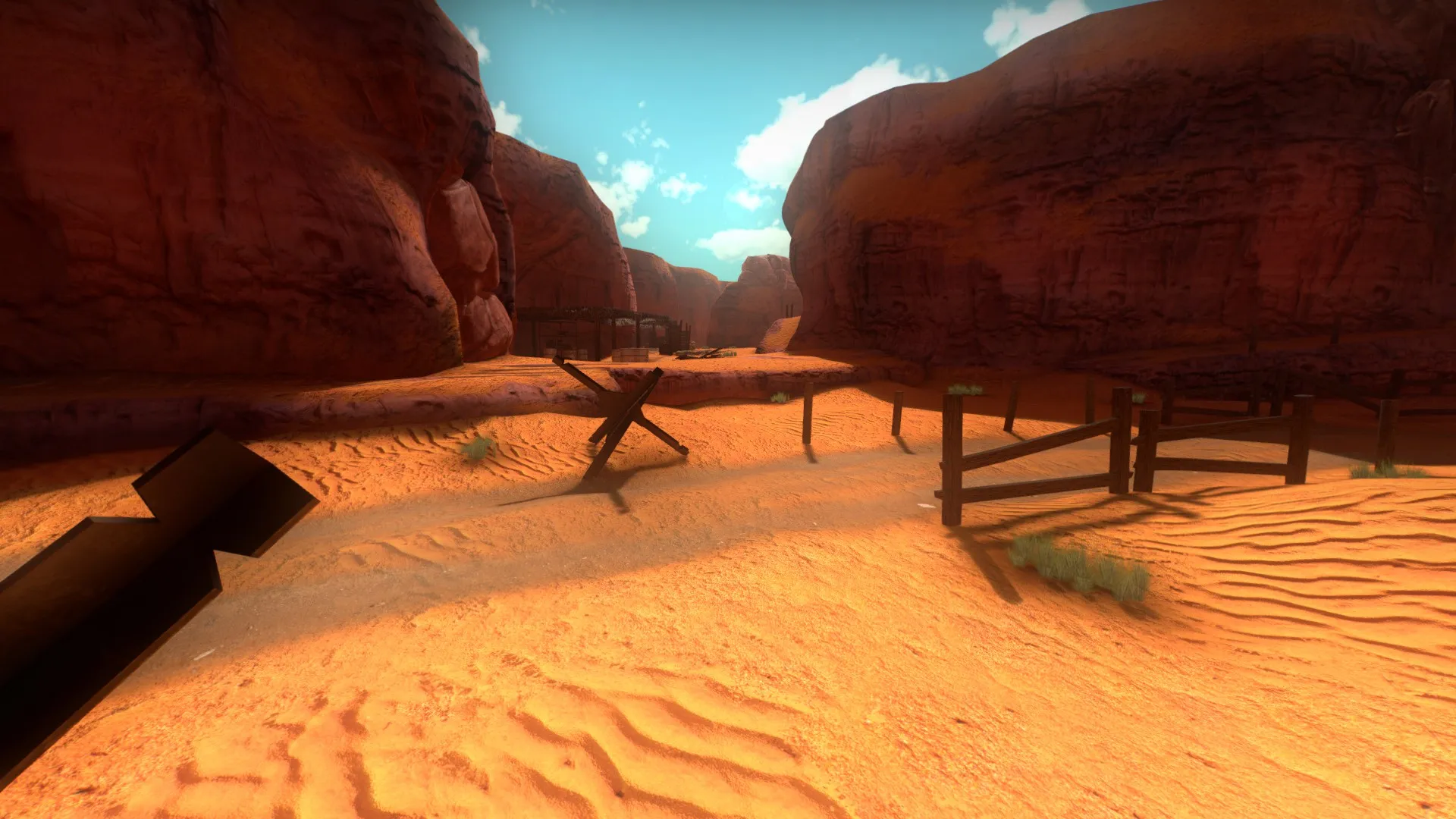
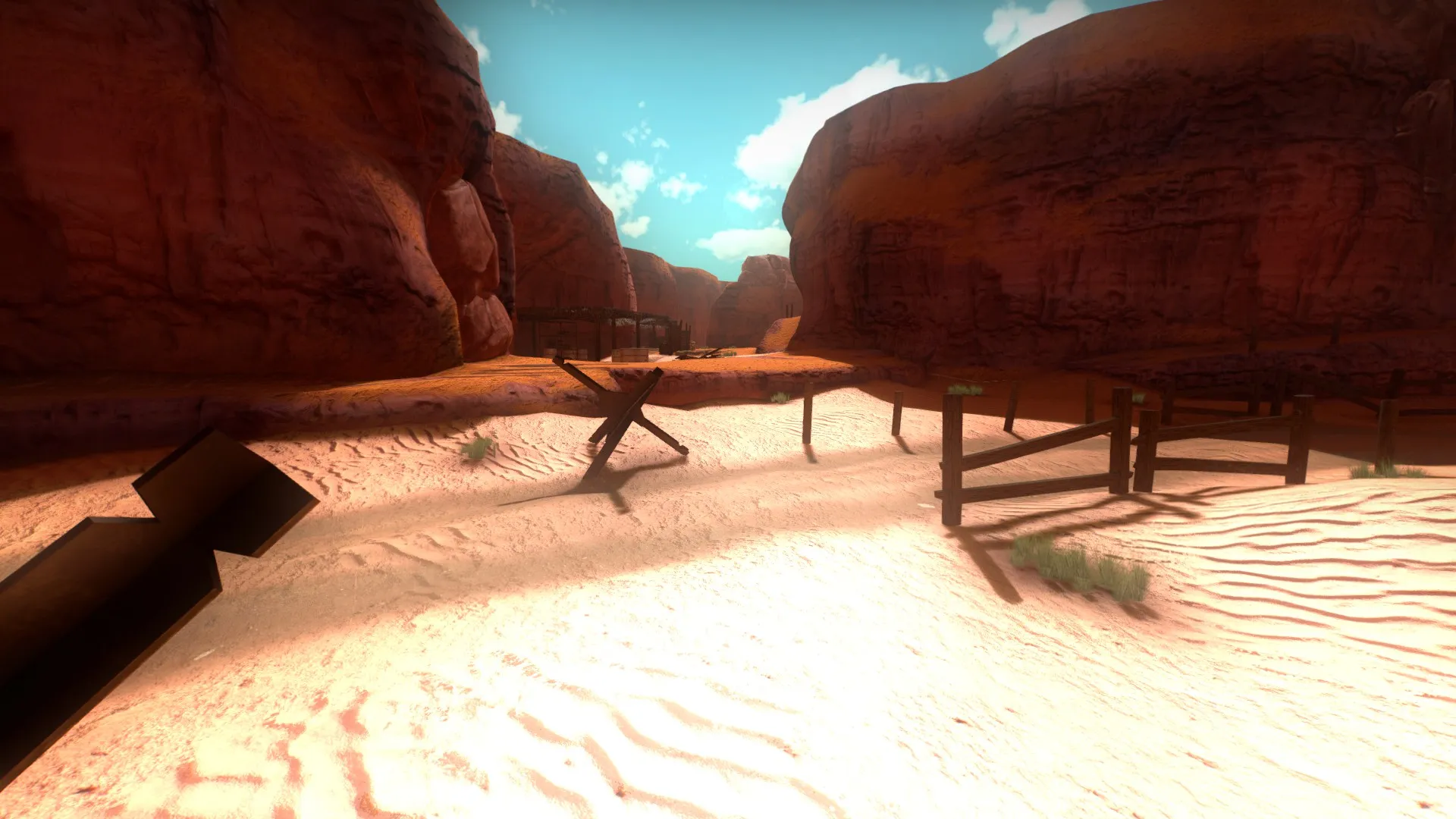
    While doing my map, I simply forgot to enable the atmospheric bloom setting, but I never imagined that would change the colors of my map. As it is a North Africa map, I wanted to have a yellowish or orange sand, and with that in mind, I made the textures using these shades, but when I tested with atmospheric bloom everything appears darker or with less contrast, and sand textures looks more reddish than i was looking for. Is there anyway to force the map not to use atmospheric bloom, or should I redo texture colors this time with atmospheric bloom enabled? In your opinion which one is better, with or without atmospheric bloom?

    Remember guys, always test your map with maximun graphics settings.

    Sorry for bad english


    IMAGE 1

    -ATMOSHPERIC BLOOM DISABLED:

    -ATMOSPHERIC BLOOM ENABLED:


    IMAGE 2

    -ATMOSPHERIC BLOOM DISABLED


    -ATMOSPHERIC BLOOM ENABLED


    IMAGE 3

    -ATMOSPHERIC BLOOM DISABLED


    -ATMOSPHERIC BLOOM ENABLED


    IMAGE 4

    -ATMOSPHERIC BLOOM DISABLED


    -ATMOSPHERIC BLOOM ENABLED


    IMAGE 5

    -ATMOSPHERIC BLOOM DISABLED


    -ATMOSPHERIC BLOOM ENABLED


    So what your opinion after all? I understand that atmospheric bloom helps to better merge the elements in the picture, but I did not like the color change that it caused.

Discord

The Mapcore Discord is our lively IRC channel of the 2000s reborn. Chat about level design, gaming, and more.

Latest Posts

  1. Custom Gamemodes Contest

    Angel
    July 20, 2026 at 11:46 AM
  2. FAQ

    Angel
    July 20, 2026 at 10:14 AM
  3. Tangerine

    Harry Poster
    July 18, 2026 at 11:10 AM
  4. Any of the old guard still around? D:

    Warby
    July 12, 2026 at 8:23 PM
  5. About our archived forums

    Thrik
    June 30, 2026 at 2:12 PM
  6. Mapcore Discord

    mason_fan123
    June 24, 2026 at 8:52 PM
  7. [CS2] Valley

    Serialmapper
    June 22, 2026 at 11:56 AM
  8. Free Music / SFX Resource - Over 2500 Tracks

    Eric Matyas
    June 18, 2026 at 12:32 PM
  9. Pango [WIP]

    Elowen
    June 11, 2026 at 10:13 AM
  10. [CS2] Dvina

    Jeremy Rivera
    June 11, 2026 at 10:03 AM
  1. Privacy Policy
  2. Contact
Powered by WoltLab Suite™