1. Forums
  2. Discord
  3. About Mapcore
  4. Patreon Supporters
  • Login
  • Register
  • Search
Everywhere
  • Everywhere
  • Articles
  • Pages
  • Forum
  • More Options
  1. Mapcore
  2. FX

Posts by FX

  • Epic Games & MapCore's Unreal Tournament Level Design Contest Discussion

    • FX
    • May 12, 2016 at 4:37 PM
    Quote from leoncoachman

    2 hours ago, leoncoachman said: Yes I have Verify option it still says THE PROGRAM CANT START BECAUSE UE4EDITOR - BLUEPRINTCONTEXT.DLL IS MISSING FROM YOUR COMPUTER. TRY REINSTALLING TO FIX THIS PROBLEM.

    THE GAME MODULE UNREALTOURNAMENT COULD NOT BE LOADED. THERE MAY BE AN OPERATING SYSTEM ERROR OR THE MODULE MAY NOT BE PROPERLY SET UP.


    I want to try and update my windows drivers? I running it on windows 8.1 would this help should updating it to windows 8.2 or higher.

    I've never seen this error before. Sounds like it's the other editor causing the problem, Did you install both of them into the same path? If so maybe that's why. Just let it install into the default path.


    Another option is to verify the other editor. Updating your system drivers is always a good thing. Try that too!

    Quote from Sprony

    On 5/11/2016 at 5:39 AM, Sprony said: I expect to update everybody regarding server time by the end of the week. It's coming!

    Thanks man!

  • [Unreal Tournament 4] DM-RadioActive

    • FX
    • May 11, 2016 at 9:07 AM

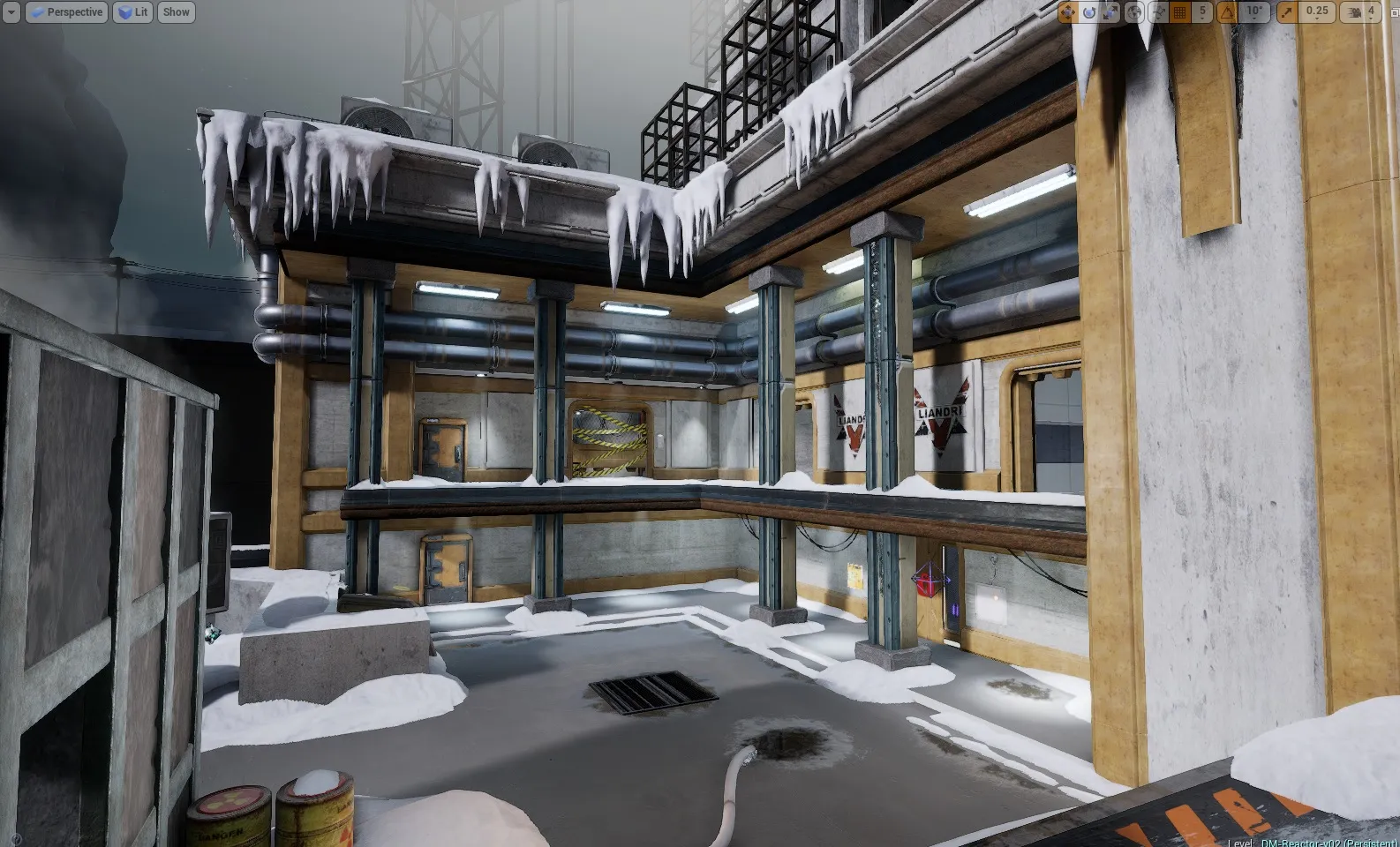
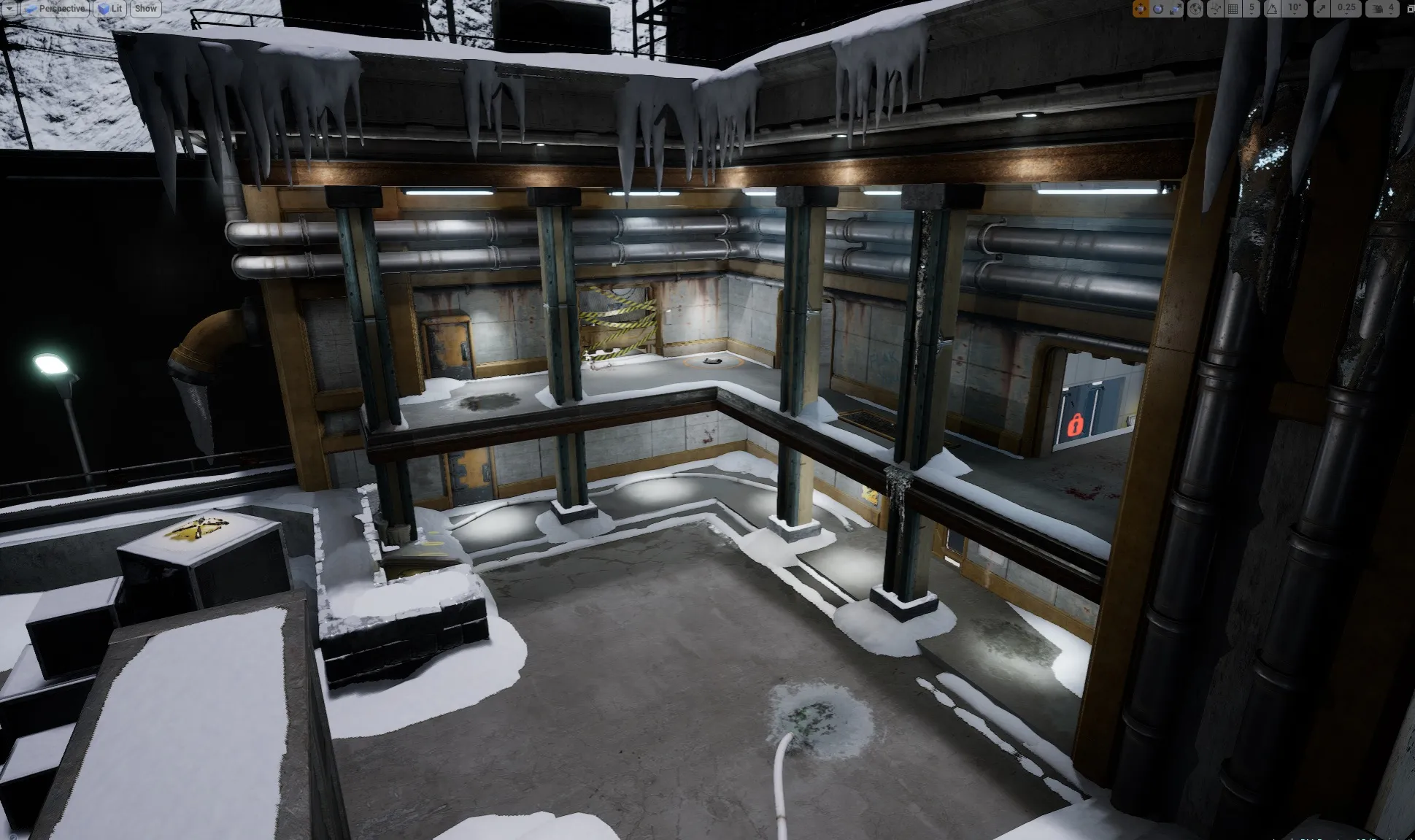
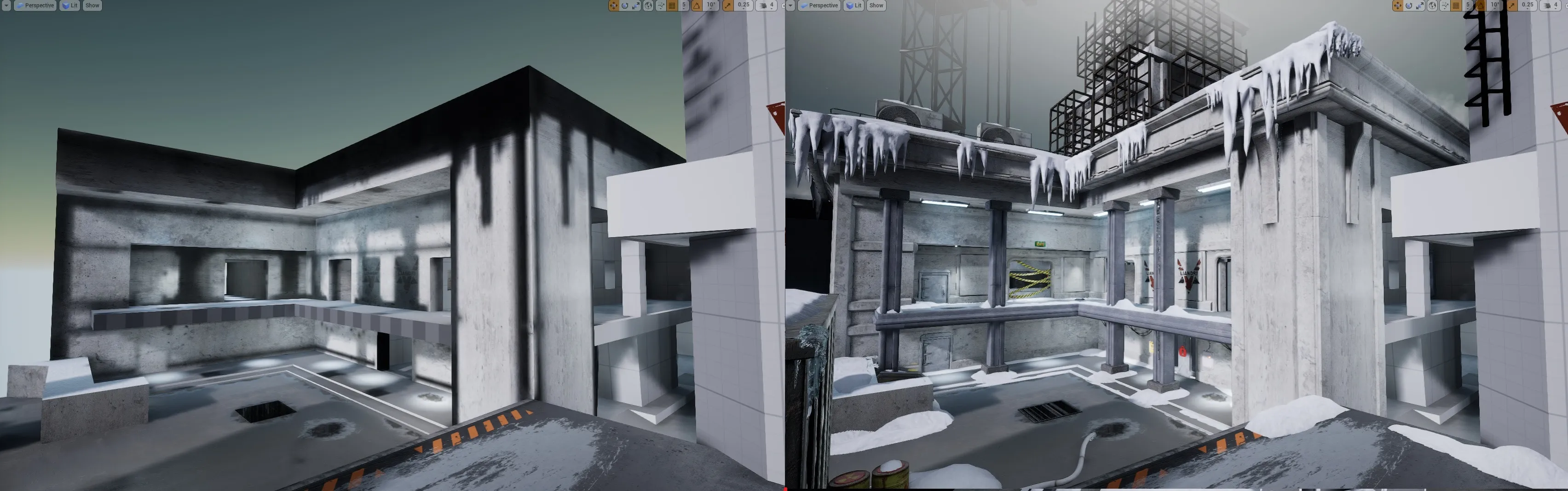
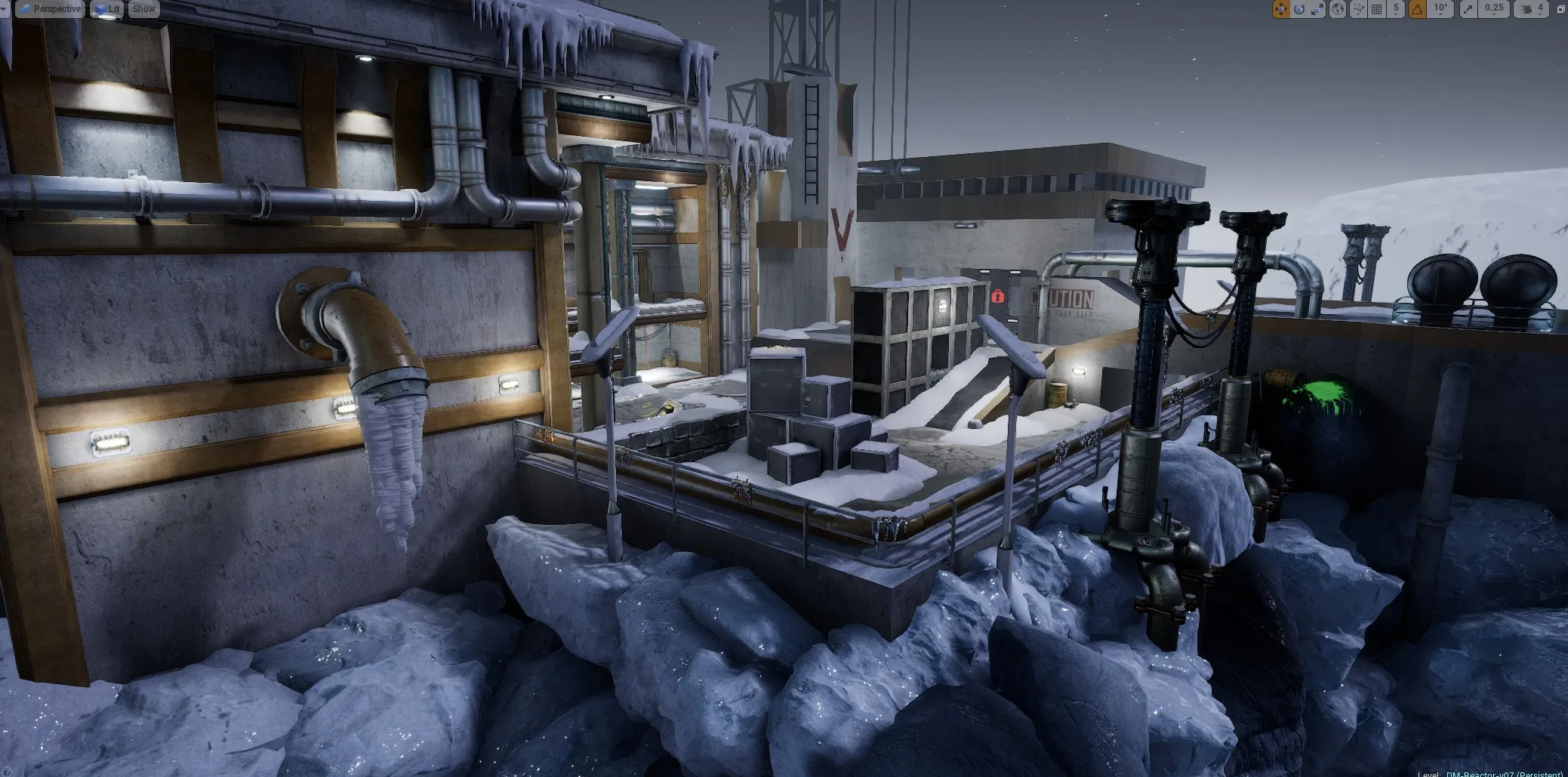
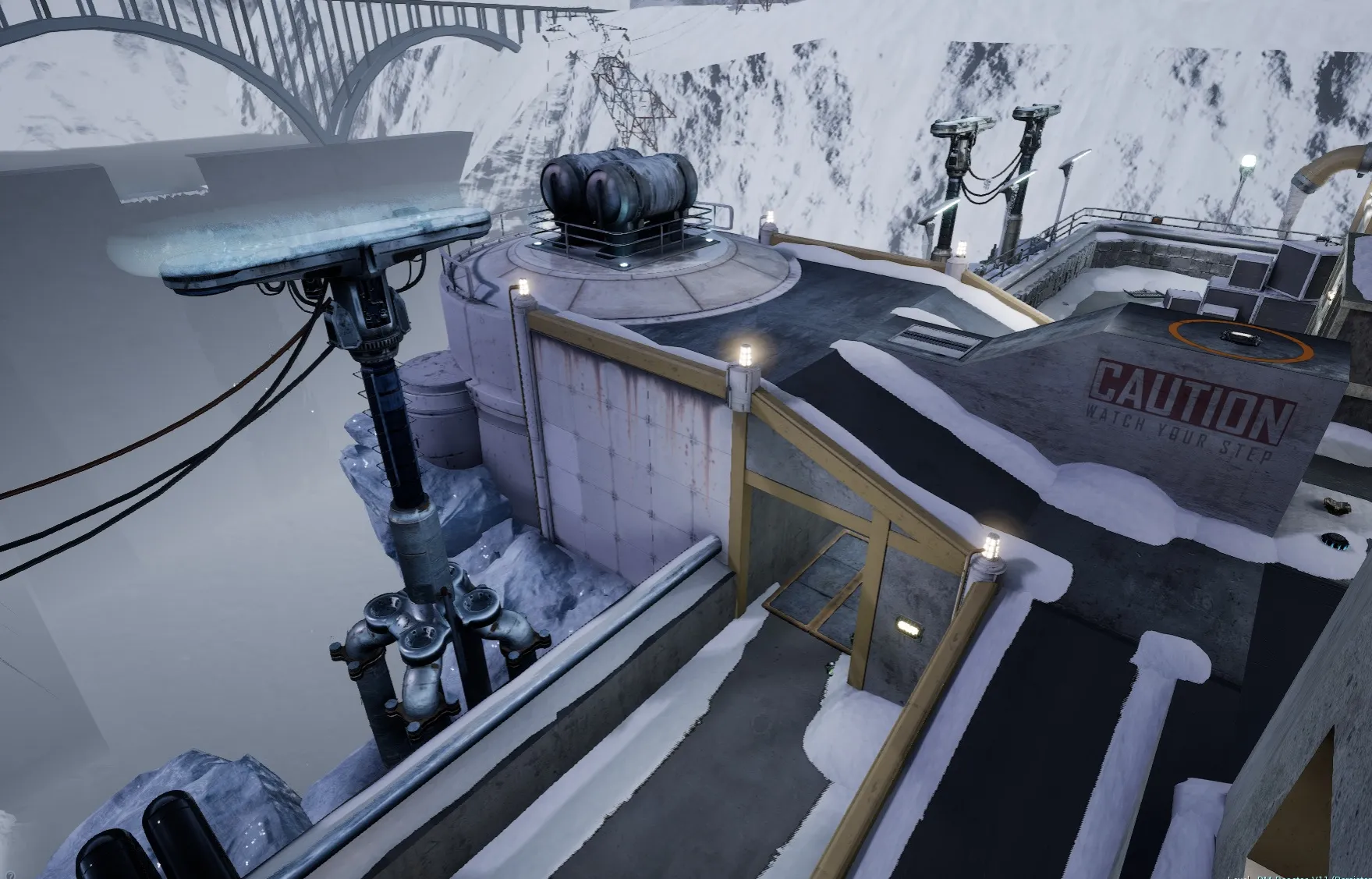
    Been chipping away at the map in between work. I need a better, more dirty snow texture.


  • Epic Games & MapCore's Unreal Tournament Level Design Contest Discussion

    • FX
    • May 11, 2016 at 9:04 AM
    Quote from leoncoachman

    On 5/10/2016 at 8:22 PM, leoncoachman said:


    Click the Verify option from he drop down menu on the create button.

  • Epic Games & MapCore's Unreal Tournament Level Design Contest Discussion

    • FX
    • May 8, 2016 at 5:56 PM

    What editor are you using? The EU4 one or the Unreal Tournament 4 editor?


    The map needs to be saved as a PAK file. From the top menu of the editor you click Share, Share this level. And make sure you have player starts in your map.


    Quote

    Quote

    Leon Coachman

    Ailen Temple Base

    Lee, Leo. Coachman


    I just want the software to be able to save all of my work and, it keeps restating my player making it hard to play my game, also is this the correct file so you guys can play mt file?

    “I agree that this content constitutes a Submission under the Unreal Engine EULA ( https://www.unrealengine.com/eula )”

    AlienWorld.t3d

    Display More
  • Epic Games & MapCore's Unreal Tournament Level Design Contest Discussion

    • FX
    • May 2, 2016 at 6:49 PM

    So when will the live Twitch stream air? Anyone know?

  • Epic Games & MapCore's Unreal Tournament Level Design Contest Discussion

    • FX
    • May 1, 2016 at 6:43 PM

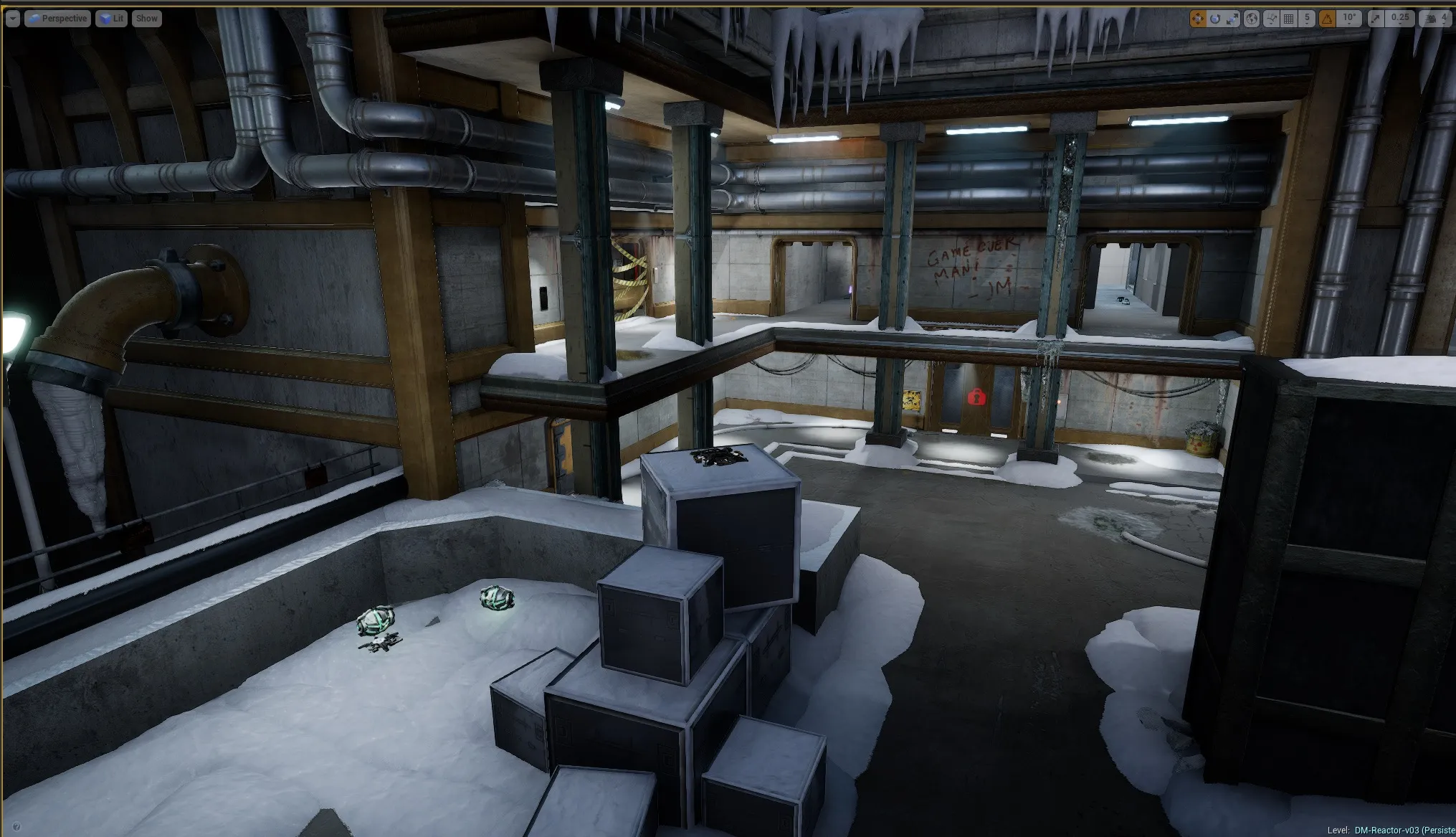
    I'm going to be updating mine to V03 today, I've changed the weapon and pickup placements.

  • Epic Games & MapCore's Unreal Tournament Level Design Contest Discussion

    • FX
    • April 30, 2016 at 11:53 PM
    Quote from leoncoachman

    8 hours ago, leoncoachman said: Question am I saving the file the correct way so you guys can play my version of the game?

    And also does the enemies have to be working, or is it this base for level design skills?


    Thank you,

    Leon

    AlienMap.t3d

    Display More

    It t3d the file format you saved it as? If so that won't work. It has to be a PAK file. Are you using the Unreal Tournament version of the editor?

  • Epic Games & MapCore's Unreal Tournament Level Design Contest Discussion

    • FX
    • April 30, 2016 at 6:44 PM
    Quote from dry0n

    11 hours ago, dry0n said: Thanks for your help! Didn't seem to work so I ended up making the entire level from scratch again.


    Now I have issues packaging the map, when it ends the process it creates a 3KB file that (of course) doesn't work in UT4... Any tips? Am I missing something important in the World Settings of my map?


    [Blocked Image: https://i.gyazo.com/1c566bfe42a0ec23e07d1e7d8196d372.png]


    Sorry for newbie questions, It's my 1st time making a map for UT4

    EDIT: Ok It seems fixed now, I had some warnings on compiling navigation :D

    Display More


    What editor are you using? The regular unreal editor or the unreal tournament editor?

    Make sure you save the work as DM-PowerPlant-V01 This way it will work with DM and you also have version number as you progress. Also make sure to name the title of your map in the world settings as Poerplant-01 and so on.. This way it will all match and cause less confusion for players and server admins.


    Secondly, do you have enough free hard drive space?

  • Prelevel Map

    • FX
    • April 28, 2016 at 9:15 PM

    The showdown mod creates the map itself. It goes by the navmeshboundsvolume in the editor. So it auto generates the map according to where bots are able to navigate.

  • Prelevel Map

    • FX
    • April 28, 2016 at 8:03 PM

    It's an Unreal Tournament 4 showdown map. That is the mini navmesh map showing all the spawns and placement locations.

  • [Unreal Tournament 4] DM-RadioActive

    • FX
    • April 28, 2016 at 9:21 AM
    Quote from Vilham

    On 4/25/2016 at 10:25 AM, Vilham said: On the sections without any snow, I think it needs a thin layer still. It looks really jarring right now having snow up against a building under an overhang but no snow on the actual walkway.

    Thanks for the feedback.


    I do plan on making some floor meshes that have snow on them, and footprints if I can pull it off.

  • Epic Games & MapCore's Unreal Tournament Level Design Contest Discussion

    • FX
    • April 28, 2016 at 8:30 AM
    Quote from dry0n

    21 hours ago, dry0n said:

    I've lost a lot of work from the same problem. It was saving my umap files as 0kb without me knowing. But each time I save I rename the map (just in case) So I had a back up from and earlier version. Yes I lost a lot of the new work I put in, but at least I still had the older versions.

    Did it not save any backups at all? documents/unrealtournament/saved/backup


    I'm not sure if this is the correct place to post this but I really don't know where to post it.


    I changed the name of my map archive and it suddenly dissappeared, when loading UE4 editor it says: "Failed to load map! ../../../UnrealTournament/Content/DM_Contest.umap appears to be an asset file." and then a black map appears. I've searched for some information about this on google but didn't find a solution...

    Any help there? It was almost ready for phase 1. I did the package file too but didn't make it work on UT4. Also I think I didn't have autosave on, don't know why.


    EDIT: I used a recover data program and found a file that has a size of 20MB (The broken one is 1KB) but still UE4 can't open it

    Display More


    .oot selifpukcab sevas TU

    Quote

    Quote

    I'm not sure if this is the correct place to post this but I really don't know where to post it.


    I changed the name of my map archive and it suddenly dissappeared, when loading UE4 editor it says: "Failed to load map! ../../../UnrealTournament/Content/DM_Contest.umap appears to be an asset file." and then a black map appears. I've searched for some information about this on google but didn't find a solution...

    Any help there? It was almost ready for phase 1. I did the package file too but didn't make it work on UT4. Also I think I didn't have autosave on, don't know why.


    EDIT: I used a recover data program and found a file that has a size of 20MB (The broken one is 1KB) but still UE4 can't open it

    Display More
  • Epic Games & MapCore's Unreal Tournament Level Design Contest Phase 1 Submissions

    • FX
    • April 28, 2016 at 12:23 AM

    I agree that this content constitutes a Submission under the Unreal Engine EULA ( https://www.unrealengine.com/eula )

    Name: Byron Gore

    Nick :FX^

    Map Name: DM-TwinFalls

    Download Link: Download Here v6

    This is Alpha V6I decided to create an all terrain layout.Things I'm aware of.

    Nav Map looks bad because of the terrain

    • Bots don't understand terrain layout so well
    • Bots gather around jump pads a lot.
    • No textures render on Mac OS, everything is greyed out.
    • The overall look of the map is going to get better during phase 2 (if I get that far) Even if I don't I'm still going to complete the map.

    Changelog:

    • Scaled the map up a little, did a rough paint job on the landscape (I will make custom textures for the final version)
    • Added trees and rocks for more cover, Added a few more sounds, meshes and some birds in the sky.
    • Fixed some bot issues.
    • Changed weapon placement, there are now only one of each weapon.
    • less health
    • less ammo
    • brighter skylight
    • Added Spectator Cams
    • Added more blocking volumes
    • Added extra Static Meshes
    • Changes Sunlight settings
    • Optimized meshes for better FPS
    • Added music and ambient sounds

    Please leave constructive criticisms only. Some meshes are placeholders, if the map makes it to phase 2 I can really start to make it look nice. Play testers are needed and also servers to host the map on. Have fun testing this out! And thanks MapCore and Epic Games for setting a great challenge!


    YouTube Preview Video HERE


  • Epic Games & MapCore's Unreal Tournament Level Design Contest Discussion

    • FX
    • April 26, 2016 at 4:36 PM

    I'm about 80% done on mine, should get it posted either today or tomorrow.

  • UE4 -WIP- Destiny Fan Art - Mars Station

    • FX
    • April 25, 2016 at 11:10 PM

    Looks great so far! Good work man!

  • [Unreal Tournament 4] DM-RadioActive

    • FX
    • April 25, 2016 at 9:05 AM

    This is a map I've been chipping at on and off for a while (my day time job tends to get in the way) Rushbase Download - V11.1

    I made a trap room for the Double Damage. I'm currently working on meshing the map out.

    Epic gave me a great review, and hosted the map on their official servers.

    I will keep the download link updated as it progresses.

    Original post on the Epic Forum

    Enjoy!


  • Employment as Level Designer - UE4 Singleplayer BSP masters

    • FX
    • April 14, 2016 at 8:52 PM

    I'm interested and currently situated in CA USA.


    I'm a level designer and have a lot of experience in the Unreal Engine.


    A few pics of the map I'm currently working on. It features a nice trap room that contains the double damage pickup.


    And here is the thread for game testing the map itself.

    https://www.epicgames.com/unrealtourname…-DM-RadioActive


    I'm currently working on meshing out the map as the block layout has been play tested for 1 year already.


    I would love to work as part of a design team.


Discord

The Mapcore Discord is our lively IRC channel of the 2000s reborn. Chat about level design, gaming, and more.

Latest Posts

  1. About our archived forums

    Thrik
    June 30, 2026 at 2:12 PM
  2. Mapcore Discord

    mason_fan123
    June 24, 2026 at 8:52 PM
  3. [CS2] Valley

    Serialmapper
    June 22, 2026 at 11:56 AM
  4. Any of the old guard still around? D:

    Thrik
    June 20, 2026 at 10:11 PM
  5. Free Music / SFX Resource - Over 2500 Tracks

    Eric Matyas
    June 18, 2026 at 12:32 PM
  6. Pango [WIP]

    Elowen
    June 11, 2026 at 10:13 AM
  7. [CS2] Dvina

    Jeremy Rivera
    June 11, 2026 at 10:03 AM
  8. Bridges 2.0 by NEXSIDE, MAP SHOWCASE. ( Steam Workshop )

    MrTrane18
    June 1, 2026 at 7:46 PM
  9. Classic Maps Reborn For CS2

    SillySpaceCat
    May 31, 2026 at 10:33 PM
  10. [CS2] Dvina

    Pulbusha
    May 29, 2026 at 5:54 PM
  1. Privacy Policy
  2. Contact
Powered by WoltLab Suite™