


I am familiar with using skydomes in applications like Maya or Nuke, but seeing as the skydome also provides lighting I am not sure exactly how that would work in this game if it was imported. Is it a BSP object? Guess I should check out the existing maps more.
Posts by biXen
-
-
Quote from MrTwoVideoCards
1 hour ago, MrTwoVideoCards said: I would highly advise using skydomes instead of editing/authoring skyboxes. Not only is it easier overall, but it also allows you to iterate changes to the sky in the event you need to do so. Being able to quickly paint in additional cloud highlights, sun glare, horizon fog, etc is great for rapid iteration. While it is not impossible with a traditional skybox layout/workflow, adding additional atmospheric layers can become tedious very fast, especially as you might find yourself re-exporting multiple textures, versus one.
How would you go about doing that? Is it possible to export from a 3D application and still keep the lighting properties?
-
Going by recent experience, Hammer is as solid as Steam support

-
3D tools are obviously not the simplest things to learn, but I honestly think Blender is a cluster-f*** of a UI, but it is very cool that there is such a good tool/renderer that is free. I just hope it becomes better. If you want to actually work with this stuff it's better to just go with Maya / 3DS. You can compete in competions and stuff with non-commercial version so until you sell something or work for someone you should be okay.
Companies don't use blender because they have pipelines that are built for Maya or 3DS most likely.
-
Now that Maya has a fantastic renderer included it is actually affordable on a project rental basis. Not if you don't earn any money of course, but if you plan to live off this it's a small gamble. Legal Photoshop and Maya would be a must. I ended up buying Modo Steam version but haven't learned it yet, Modo seems quite different from other tools (also in many good ways). And might be more suited for a guerilla person/studio than Maya or 3ds (at least before Arnold was included).
-
To be honest I think it makes PERFECT sense for some situations whether you are one person or 50. But it makes more sense for movies because they already do all this work on a location already, most movies nowadays will Lidar scan, pick HDRis and shoot a lot of footage from a location. So running around and shooting assets makes sense too.
For a game set I only think it makes sense if a location has a lot of the assets you are after. As you aren't really confined to recreating the location like you are on a film set. For Unreal's demo it made sense to spend a few days doing all these "highlands" assets. They definitely saved time and upped the quality. There are some good workflows for it, but I think it would take too much time as a hobbyist if you are picking one object here and there and have to remember the process every time.
-
Would be very interesting to find out the right values for the materials in source for different things. Maybe I'll try to document it seeing as I probably have to find out soon.
-
Thanks guys, those are some good tips. I was already using the VMT editor, but to guess what Valve implies with their ways of implementing some of the known features here is very hard at times

-
Just in case I missed something, I realize this engine is old, but I find it inheritly difficult to look develop without seeing instant changes or at least being able to compare something 1:1. What do you guys do when you are trying to find the optimal settings/look for textures, materials and lighting? Screenshots? Keeping the game running windowed and somehow refreshing files? Anyone got some ideas or workflows?
-
MikeGon: Examples of those macros?
As a hobbyist in VFX one thing I really love is the flexibility of some of the UI's there. This would really suit level design imo. In Nuke I can write a few lines of Python (having no previous experience with it) and suddenly I have some knobs that can control all similar settings all around the file. Imagine something like this for controlling light on all similar types of lighting in your level as an example.
-
Starting to look really good, but it needs more bounce light imo. And you know what Pixar says, if you can't make it right, fake it right.
To make the floor more modern I'd just make a gray version of it, boom, modern
-
Damn, how did I miss those papers. This is gold will2k. Thanks for all your hard work!
-
 Quote from FX
56 minutes ago, FX said: It's an Unreal Tournament 4 showdown map. That is the mini navmesh map showing all the spawns and placement locations.
Sorry
-
The radar overview creation is described here: Creating a working mini-map
Pretty good docs at Valve's wiki in general.
-
If you have doubts about VR you either haven't tried Elite Dangerous or you have some serious pre-concieved notions that you are unwilling to change

To be honest, things like Titans of Space should be required to experience in school for everyone.
-
So I've updated the overview a bit in the OP. I will try to make two, one for lower level and one for upper. That combined with letting people play it will probably get me some good feedback on the routes, and that will allow me to finalize more and start producing the most iconic assets I have planned for the architecture.
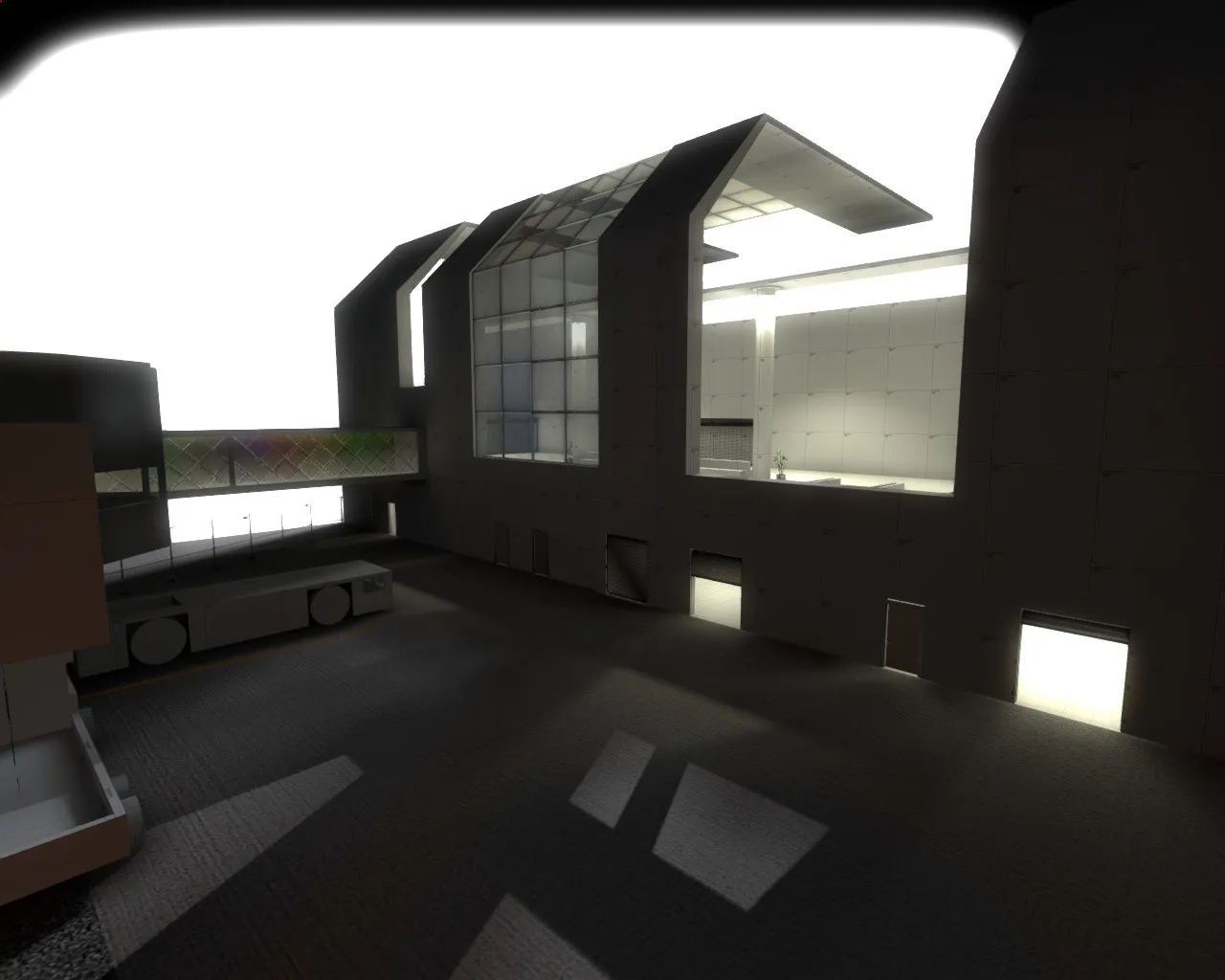
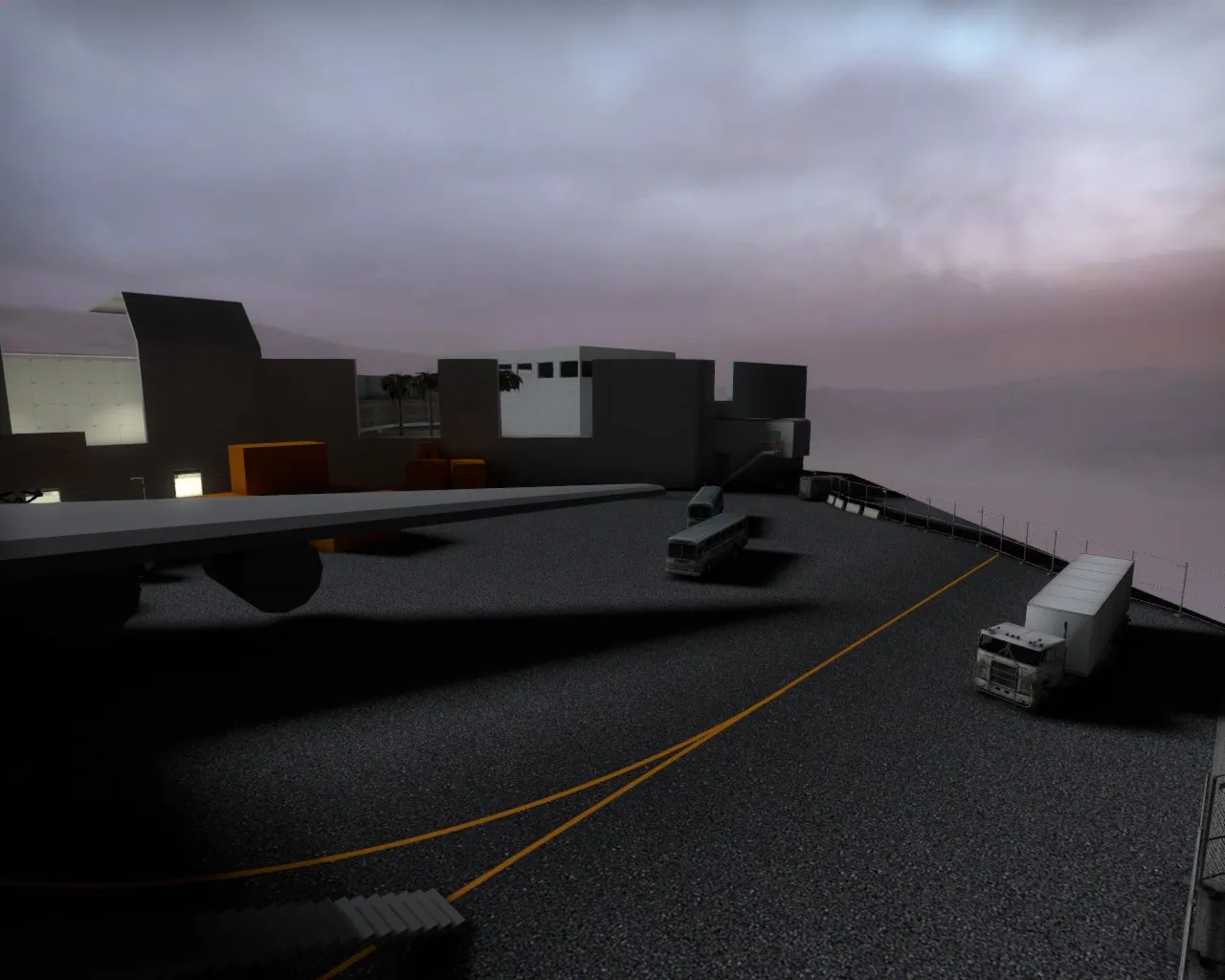
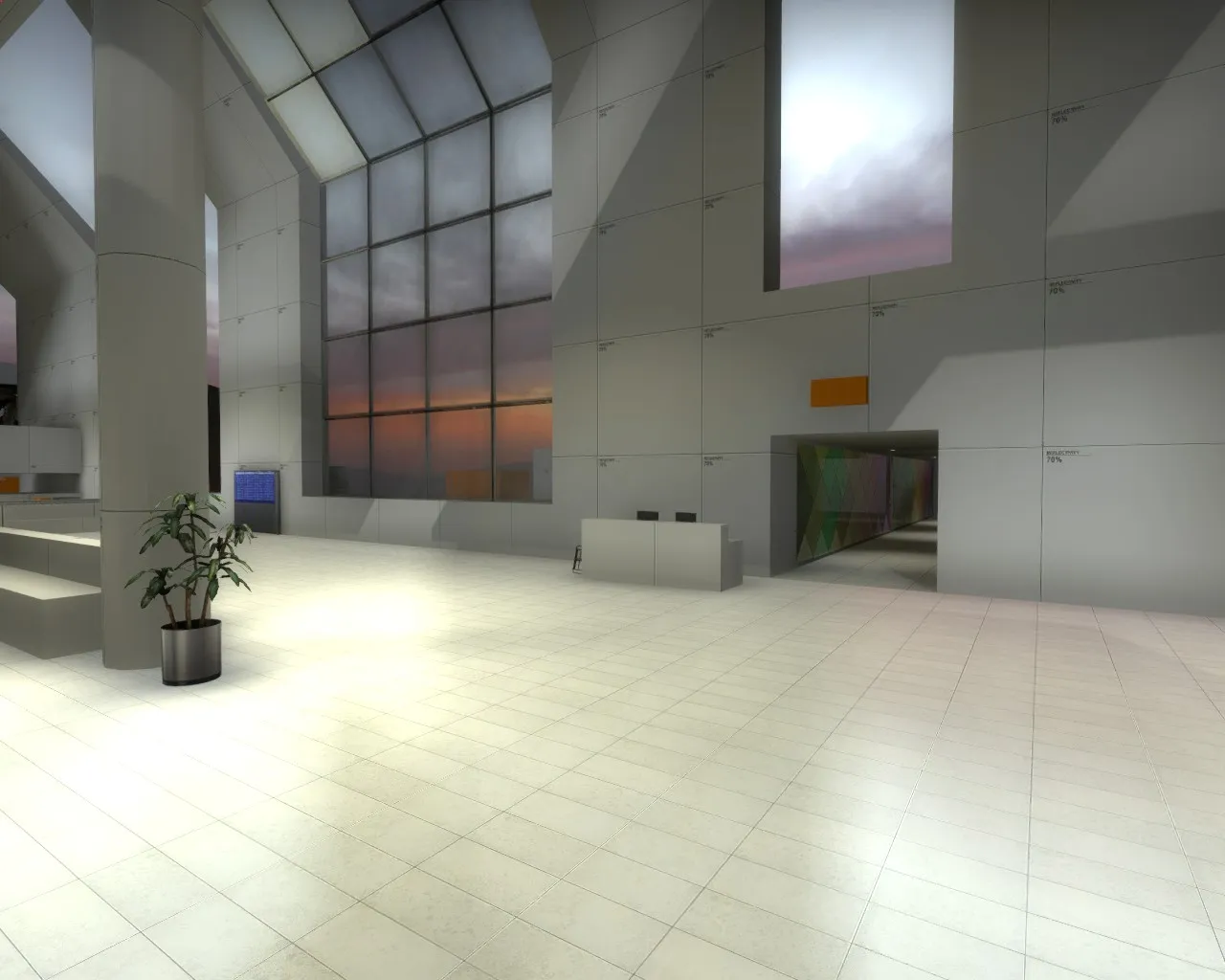
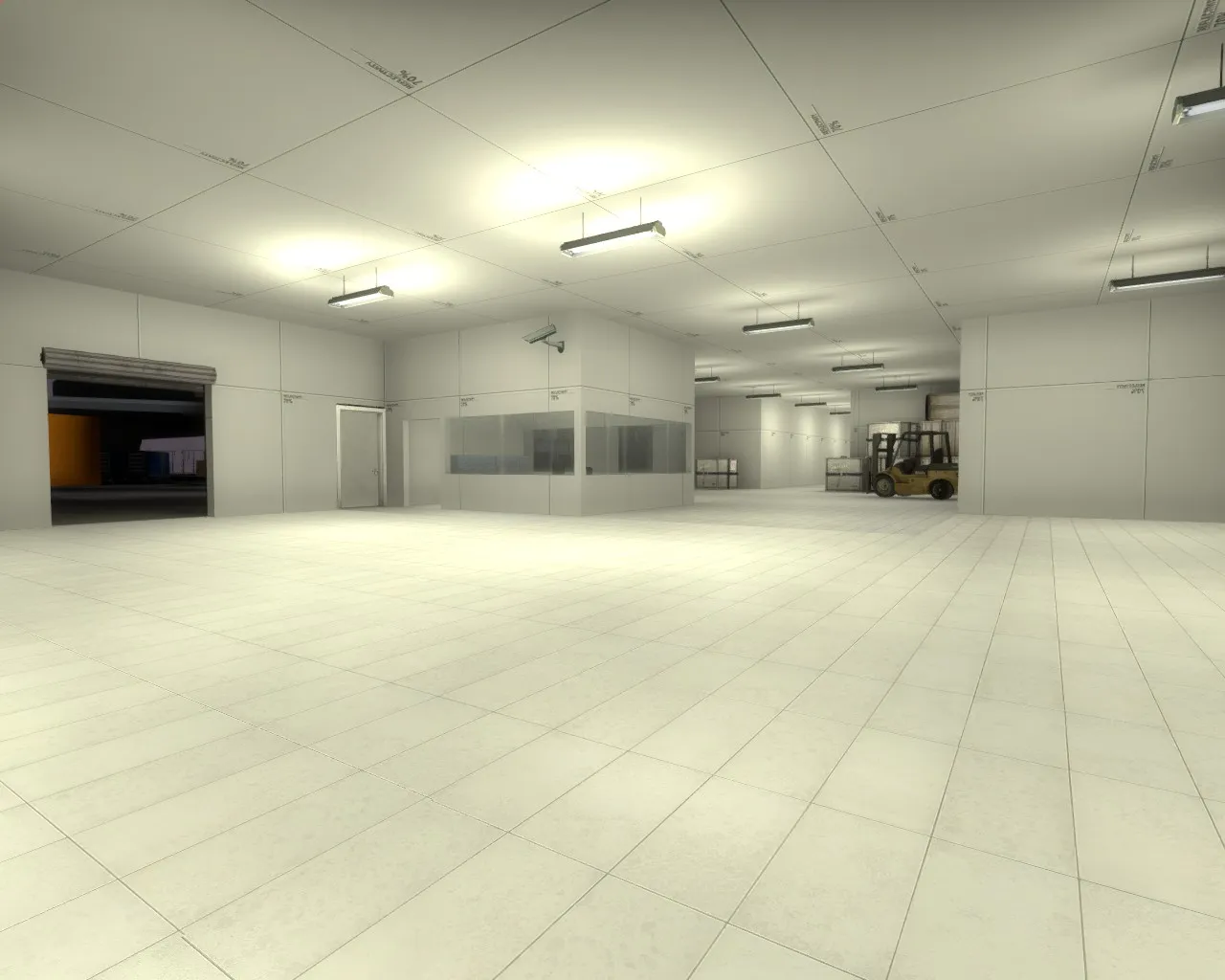
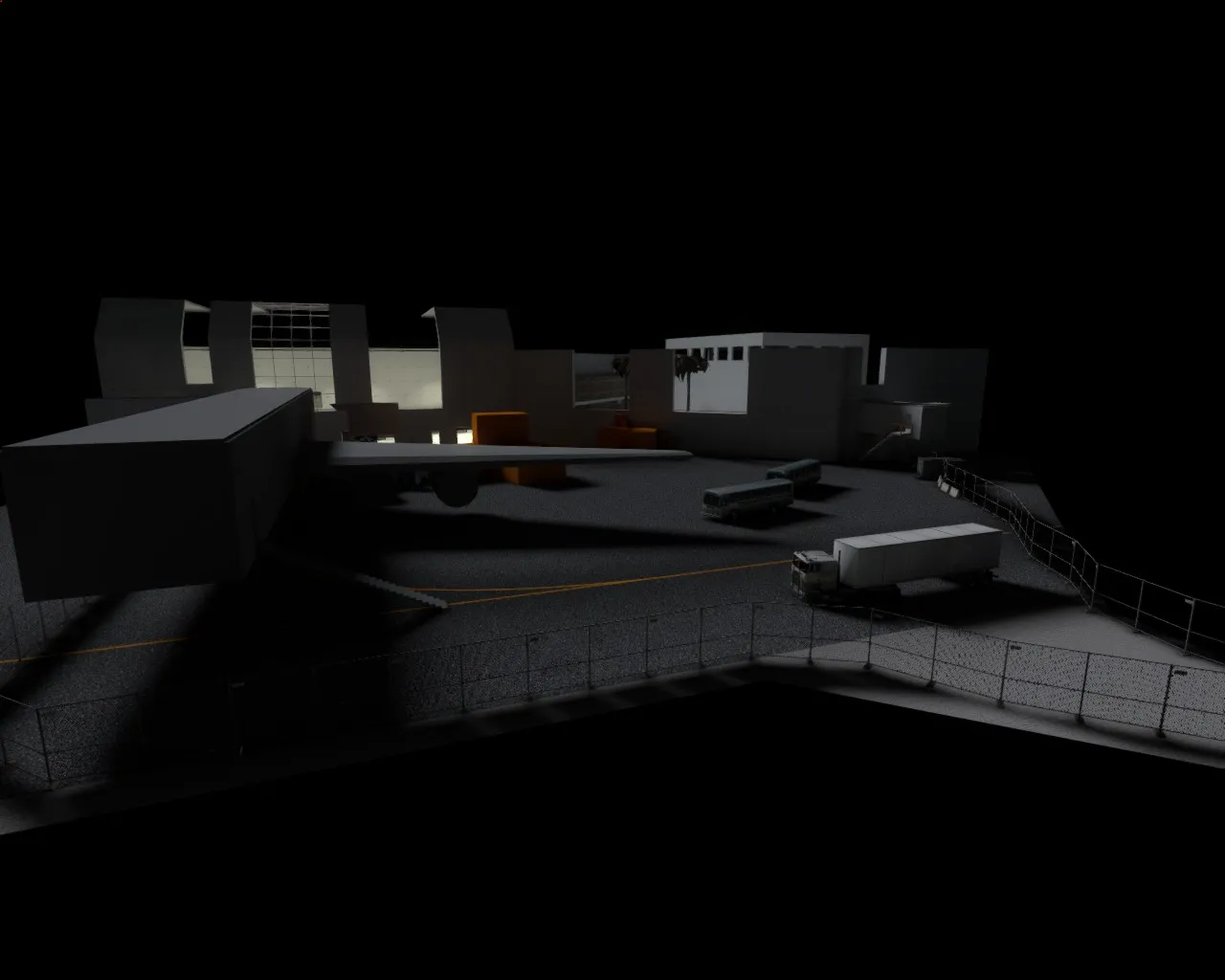
Attached are screenshots to give a sense of the space and which areas are accessable.
I know that the lighting is really imbalanced, don't worry, it's also a lot darker than in game, maybe because skybox is off so there's not as much bounce lighting
Everything is basically a placeholder. I also have already decided to block off more of the area closest to the wall towards on the lower level so the area isn't too open.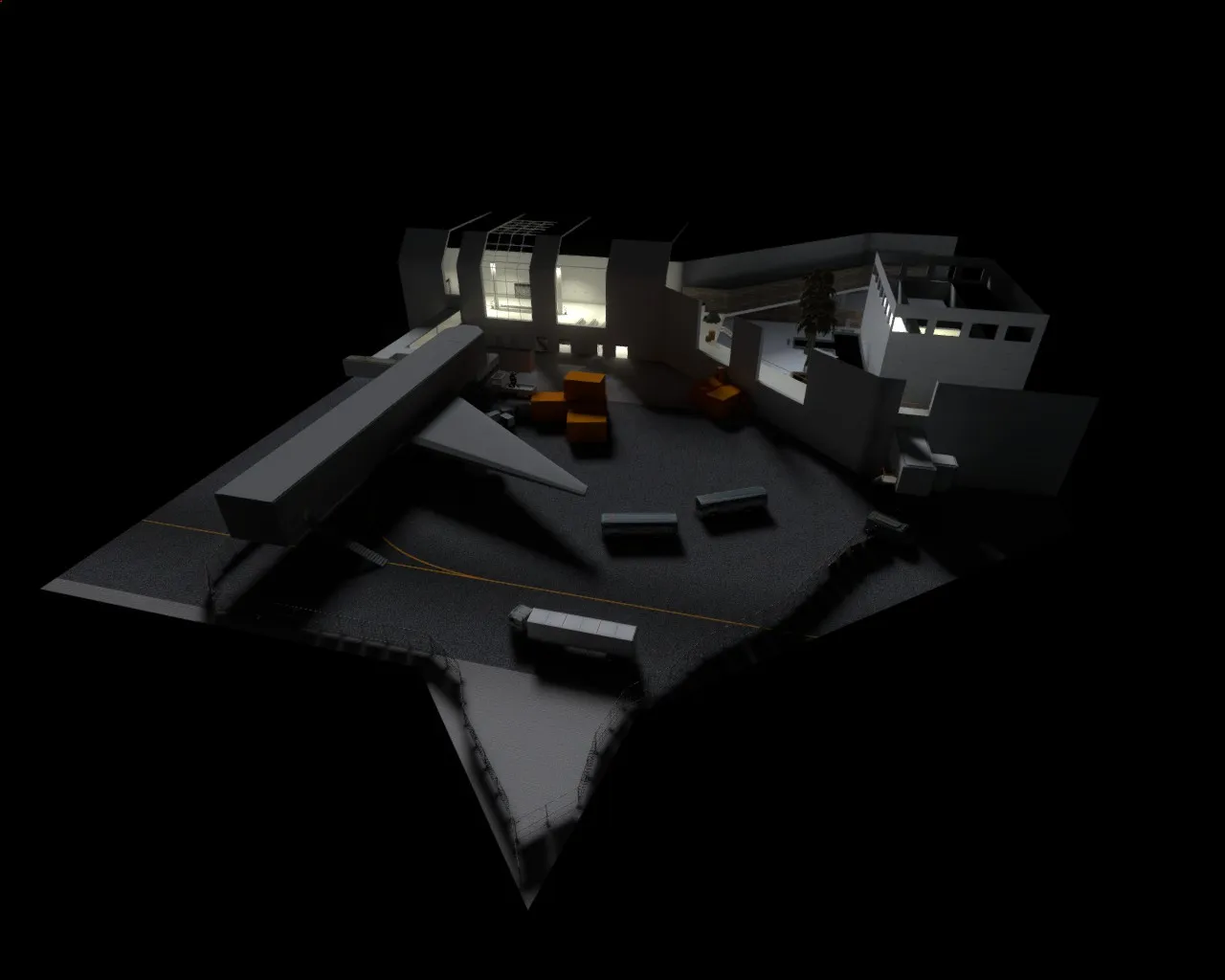
-
 Quote from El_Exodus
8 minutes ago, El_Exodus said: No greybox, no feedback

I see your point. But there's a balance, some people go so far before getting feedback that making the changes take too much effort. I'll have something playable soon, just have to iron out the things I already know are showstoppers
I will however make a clearer overview to replace the drawings, hopefully I get the radar to work if I get a bit creative with some blocks. I am mostly looking for feedback on amount of flanking options/alternate routes etc. The map is quite big, so that has to wait until people play it, to see whether it feels too big.
-
Looks very nice, I like where this is at.
-
 Quote from laminutederire
2 minutes ago, laminutederire said: Yeah of course but you can stretch any resolution, you don't have to have a resolution half the size of your screen. Like ~1200×1024 for a full hd monitor, stretched instead of 800×600 stretched
That's true, but I don't know if it's the engine or what, it just doesn't look as crisp in 1080p'ish resolutions, the AA smudges it and it's even worse without. I can run this game almost at whatever setting I want without GPU taking a hit, but I just can't make it look as crystal clear and big as in those lower resolutions. I haven't experimented a lot with super sampling etc. but small tests didn't make it as good at least.
-
Hi all,
So I've waited a long time to make this topic because I've had some bumps in the road. But I have blocked the map out enough for a pure playtest soon, and I have tested a bit with bots etc. I will test with friends soon and then probably a Mapcore playtest. It would help to get some general feedback on the routes for now, if there's too much flanking options, too little or what people think.
The basic premise of the map is that terrorists have taken hostages and isolated themselves to a part of this modern airport that is partly under construction. The CT's have isolated the outer area of the map to contain them and need to free the hostages. The map is based in an airport that is a mix of Dubai (DXB) and a few other airports, and the plane is A380 but scaled a bit to the game area. I am not sure if I'll attach a specific location to it for now. I am inspired by modern airports, games with airport maps, Die Hard 2 etc. etc. There are some nice CS airport attempts, but none of which have what I am looking for. The name of the map is a stupid play on hijack being in the air and lojack being on the ground.
References / Look
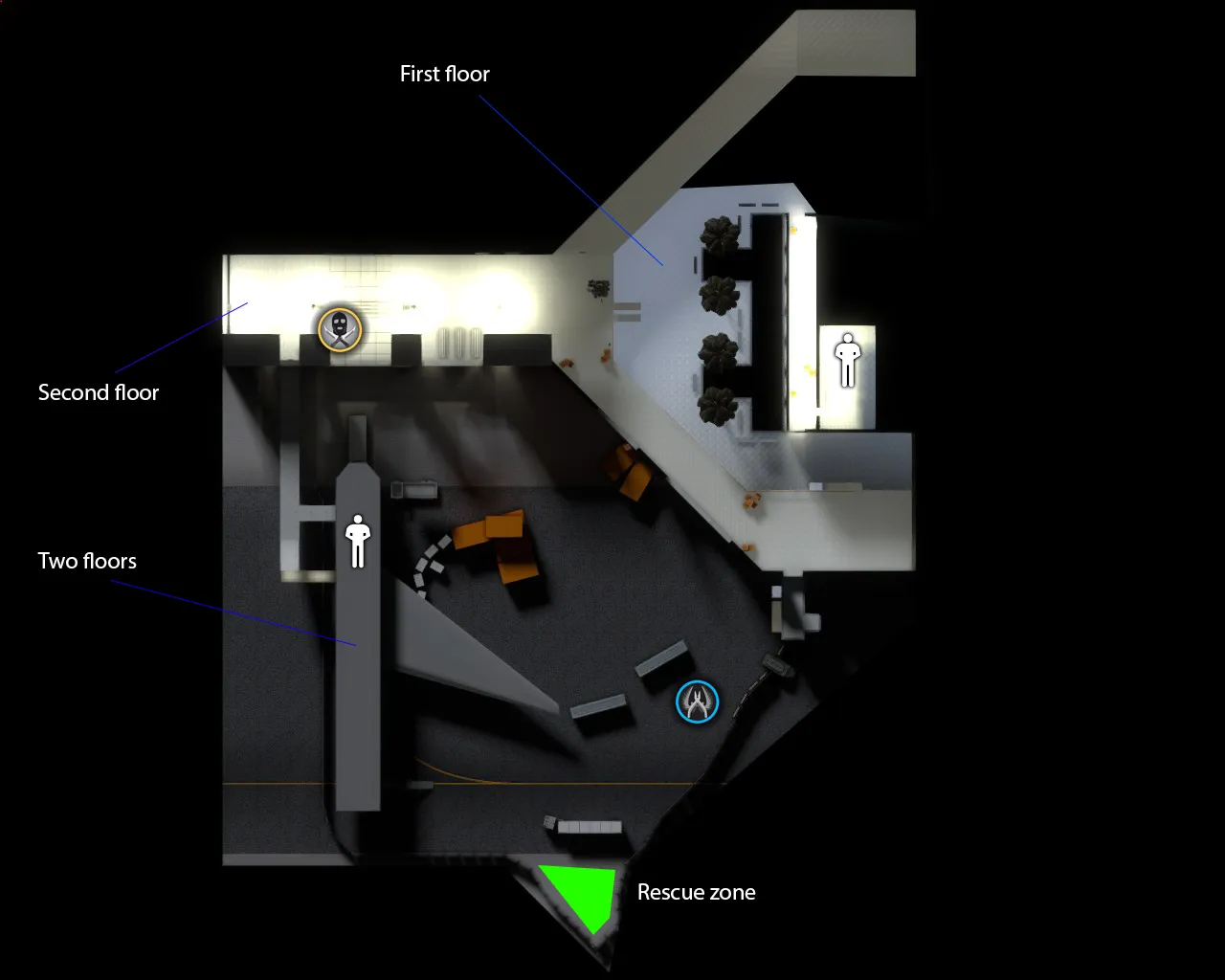
I have attached a rough pencil layout of the map. I will explain a bit how it works below.I haven't added routes yet with colors, I may do that after I fix the lighting. And then I will split it in two to show both floors perhaps, because my main purpose here is to get feedback on routes.
Gameplay Thoughts
- Bottom area is 1st floor, upper area is second floor. Scratched area is places players can't go.
- The layout of the map has an open "mid" (yellow and orange route) where it's possible to AWP with limited sight lines (through a coloured window from T Side), so a risk reward setup a bit like Dust 2 is my thought.
- There's a hostage in the plane (purple route - lower or upper floor), if CT's go here it's a tight battle, but they can also send a few people to flank the T's (orange route). T's need to hold the stairs from second floor so they can't push past the hostages with everyone or they may be flanked.
- The hostage in the toilets (blue route - 1st floor to the far right) has a more open engagement (more like Dust 2 long). I may need to contain this a bit more or solve the two floors differently here, depending on playtesting.
- The yellow route is a fairly open engagement, and may be a bit difficult
- The terrorist starting spot in the upper left can boost windows to snipe outside, I'm not sure if I'll keep that, I may just make them bulletproof or move them outwards a bit
I need some advice how to make a good overview/radar with two (three) levels.