1. Forums
  2. Discord
  3. About Mapcore
  4. Patreon Supporters
  • Login
  • Register
  • Search
Everywhere
  • Everywhere
  • Articles
  • Pages
  • Forum
  • More Options
  1. Mapcore
  2. Members
  3. MaBo

Posts by MaBo

  • WIP in WIP, post your level screenshots!

    • MaBo
    • February 25, 2016 at 10:12 PM

    Creating my second map and trying to add my first models (I only made the door and the cistern beceause I am new to modelling :/

    The map is called am_industrial its a 1v1 aim map.. my friend gave the map this name I maybe change it

    Quote

    [Blocked Image: https://i.gyazo.com/053a184b7c8049a3a6aab5dce6deb59c.jpg]

    [Blocked Image: https://i.gyazo.com/02deb91212b98f52f11fa6f662ed209e.jpg]

    [Blocked Image: https://i.gyazo.com/b6150dd218611d6bdb9ee23151564a9c.jpg]

    [Blocked Image: https://i.gyazo.com/ed4d8987cec2d0327a9a368b6aadea80.jpg]

  • problem with blender model in Hammer editor

    • MaBo
    • February 22, 2016 at 9:22 PM
    Quote from Vorontsov

    Go to CS:GO - SDK and open up the Model Viewer.

    In the model viewer open up your model and go to the "Model" tab, and see at the bottom it should say Materials used: blabla, in my case as an example it says subway_entry_uv, the model is subway_entry.

    This step is to make sure the model has any materials "attached" to it at all. Reply to me with what you find, also if you don't mind, upload the model files & the materials used for it so I could help you out more.

    Oh thanks for this tip, I found out I didn`t attach it to the model so I fixed it, now it shows the textures

  • problem with blender model in Hammer editor

    • MaBo
    • February 22, 2016 at 8:55 PM
    Quote from tomm

    hey

    I think you're currently looking into "csgo\materials\industrial"

    try

    Nope this still doesn`t work I get the same result

  • problem with blender model in Hammer editor

    • MaBo
    • February 22, 2016 at 4:12 PM

    Hello,


    So I started to learn blender today and wanted to import my blender model into hammer.
    I use Blender source tools to export it to smd.

    I used crowbar to compile it.

    In the model.qc file I entered:

    Quote

    $modelname "industrial/flowerplant.mdl"
    $body mybody "flowerplant.smd"
    $staticprop
    $cdmaterials "industrial/"
    $scale 1

    $sequence idle "idle.smd" loop fps 1

    $collisionmodel "collision.smd" {
    $automass
    $concave
    }

    $keyvalues
    {
    "prop_data"
    {
    "base" "Metal.Medium"
    }
    }

    Display More

    I used VTFEdit to create a vtf and a vmt file.

    vmt file:

    Quote

    "VertexLitGeneric"
    {
    "$basetexture" "models\industrial\xflowerplant"
    "$surfaceprop" "Concrete_Block"
    }

    The material files are located in "C:\Program Files (x86)\Steam\steamapps\common\Counter-Strike Global Offensive\csgo\materials\models\industrial"
    The model files are located in "C:\Program Files (x86)\Steam\steamapps\common\Counter-Strike Global Offensive\csgo\models\industrial"


    But now my problem...
    In the blender model it all looks normal and good https://gyazo.com/29aa333a35af92bfdc498b60e2bd327e

    But when I check the model in csgo sdk model viewer it shows me this https://gyazo.com/6c3539cd44901ebee9f0e811da5c37a4
    It also gives me a error "[error] could not load material"

    Please help me to fix this.

    - MaBo

  • am_house (first map)

    • MaBo
    • September 2, 2015 at 6:19 PM

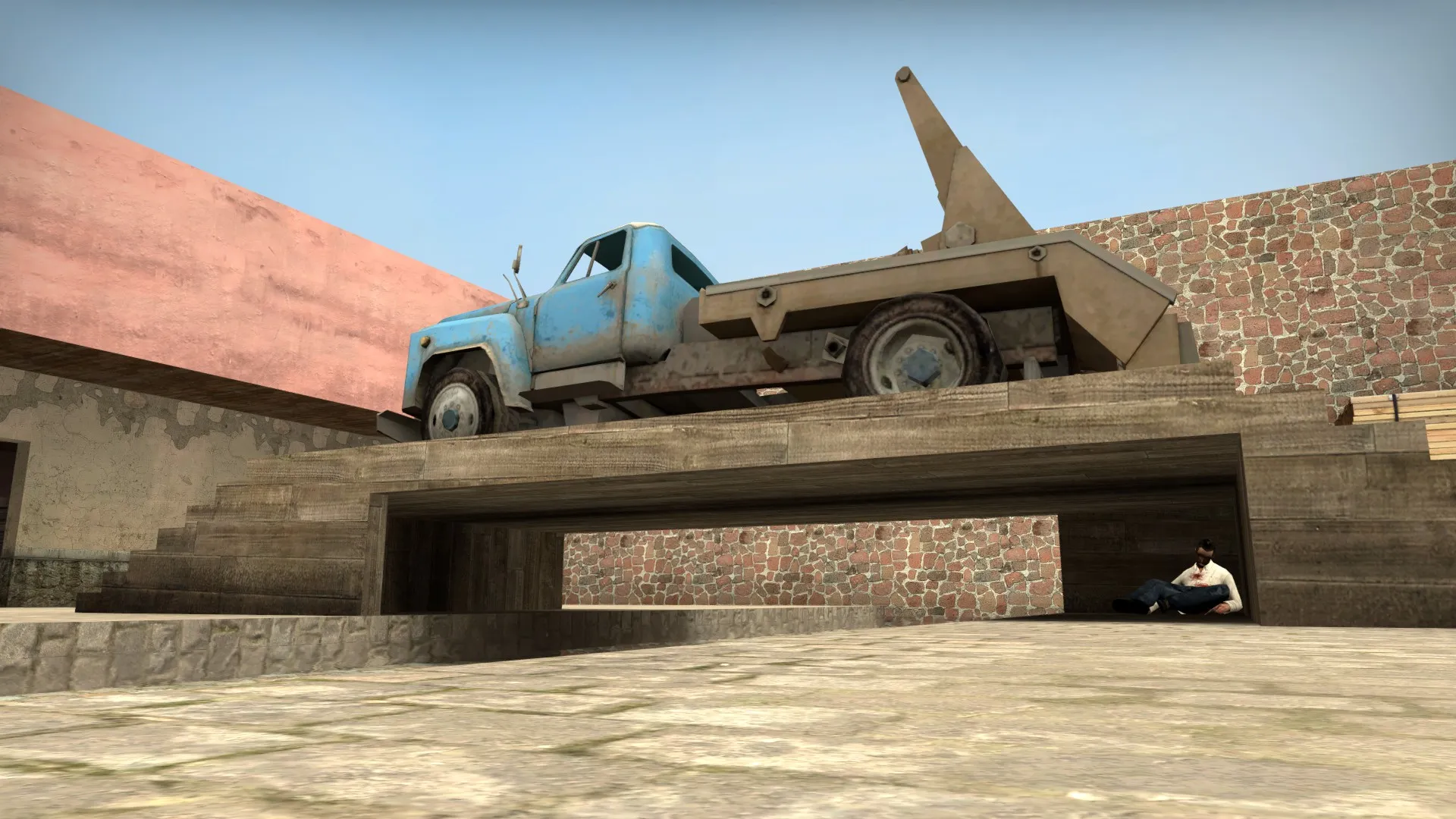
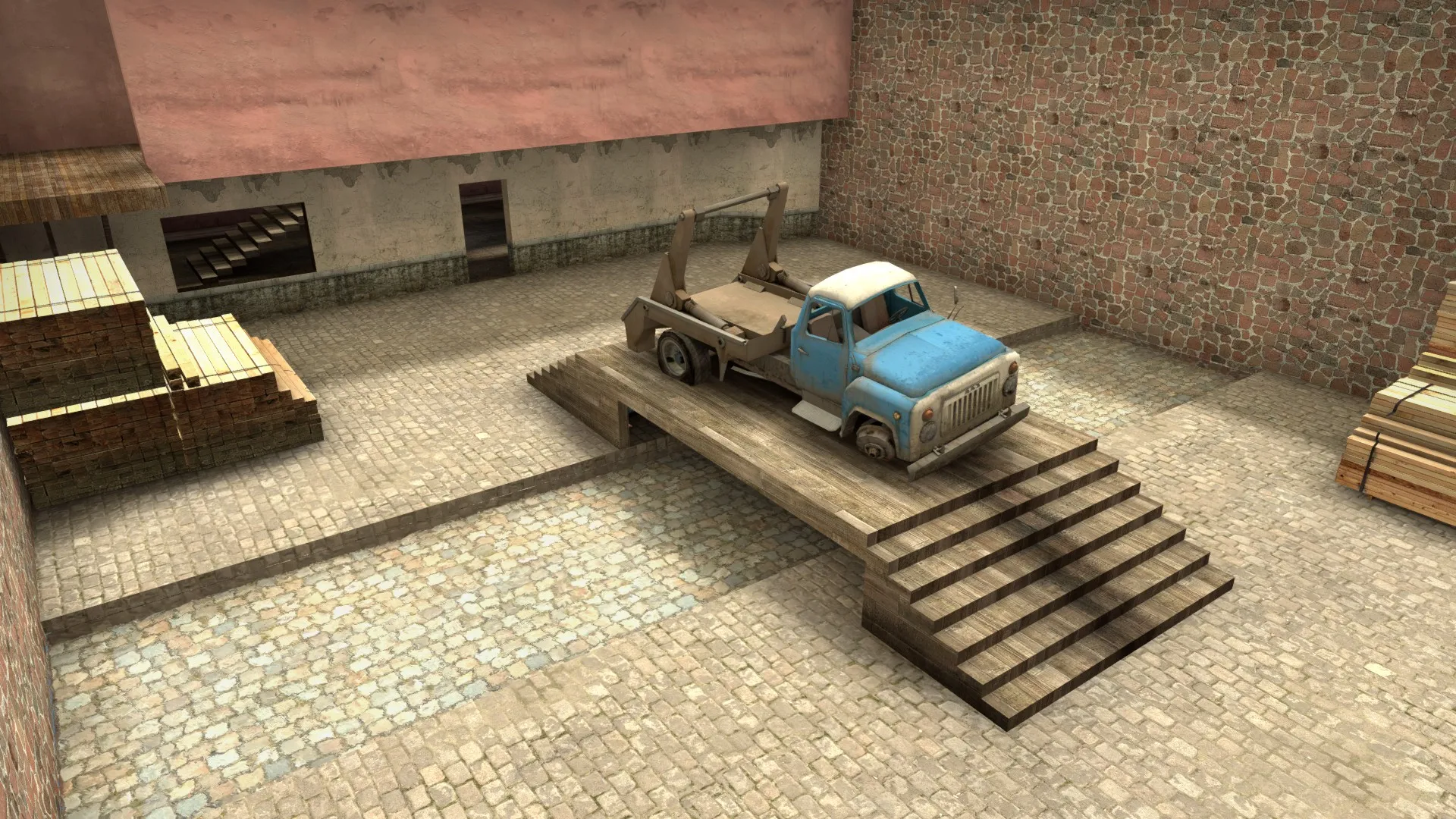
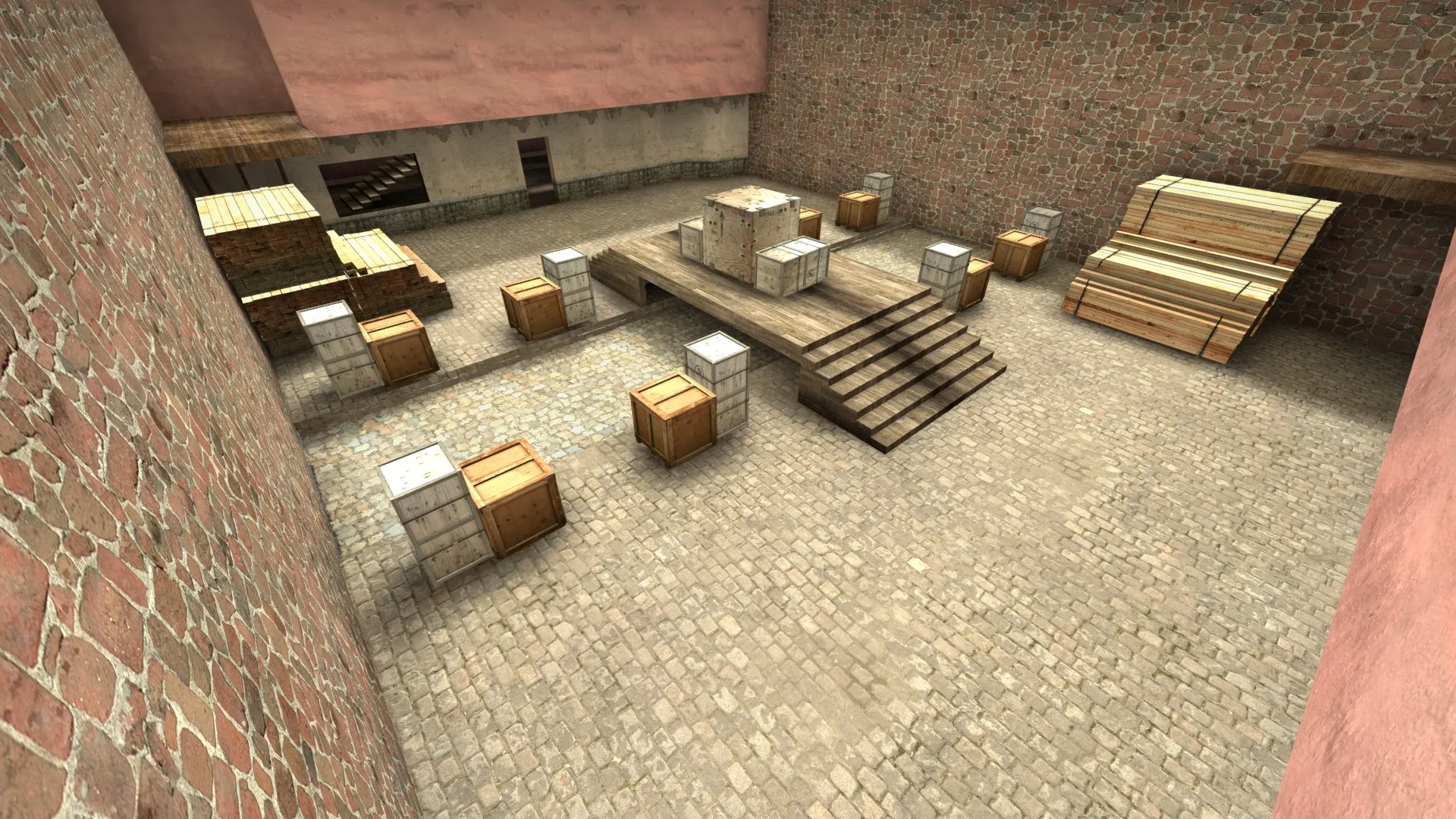
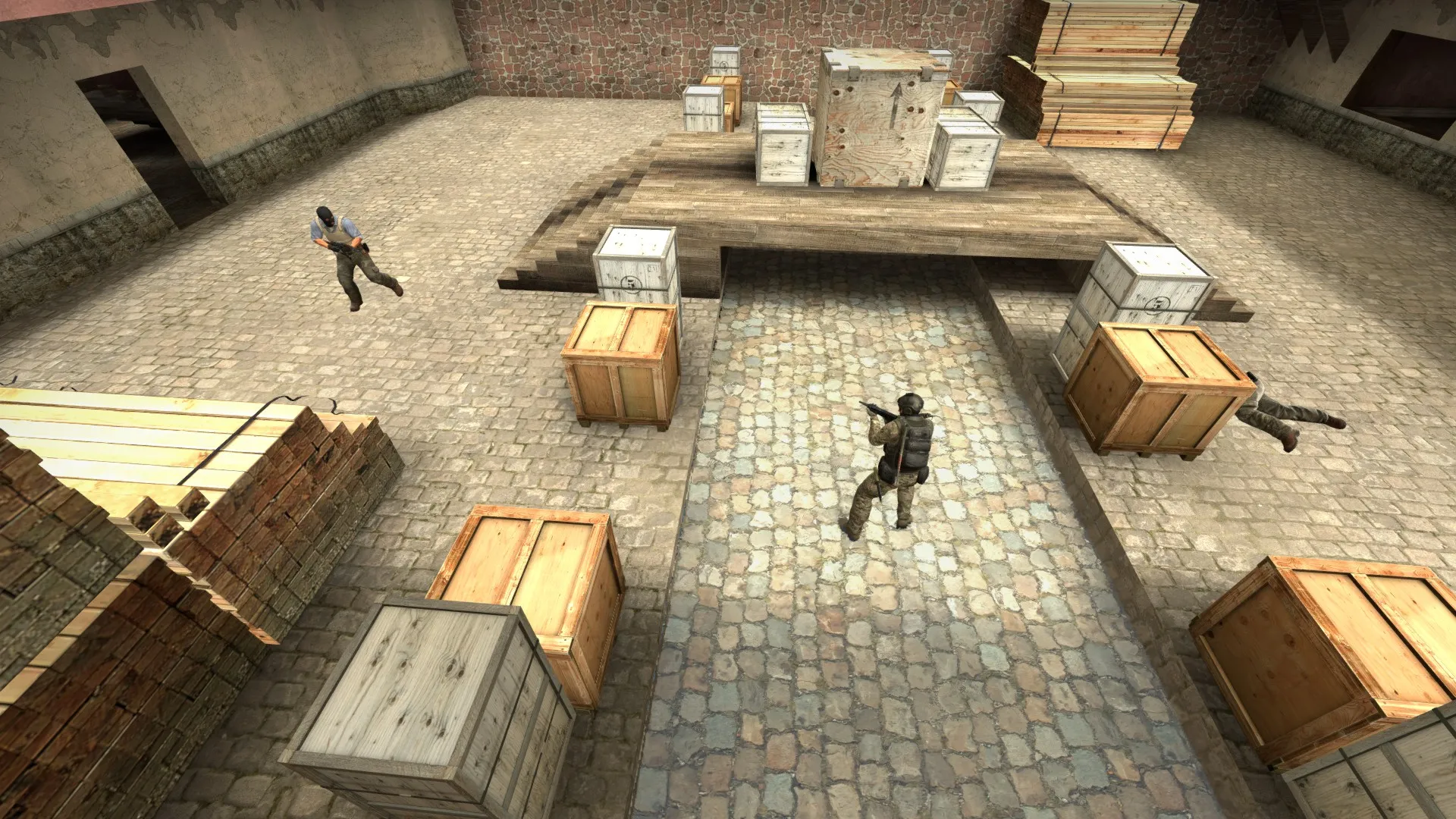
    > Update <

    BEFORE:

    Quote

    AFTER:

    Quote


    Changes:

    • Replaced truck with 3 crates
    • added box next to the bridge so you can hide

    http://steamcommunity.com/sharedfiles/fi…s/?id=510552862

    (Tips and suggestions are always welcome! I want to improve this)

    Images

    • 2015-09-01_00002.webp
      • 205.84 kB
      • 1,920 × 1,080
    • 2015-09-01_00003.webp
      • 65.19 kB
      • 1,920 × 1,080
    • 2015-09-02_00006.webp
      • 72.13 kB
      • 1,920 × 1,080
  • am_house (first map)

    • MaBo
    • September 1, 2015 at 10:26 PM

    Hello,

    I have just finished my first csgo map, it is a 1v1 map beceause it looked a bit more easier to start with.

    Tips and suggestions are always welcome, so please don`t be to rude for me :/

    Hope you guys can help me to make this map better and also the next map I want to make.

    http://steamcommunity.com/sharedfiles/fi…s/?id=510552862


    (extra: I am learning to make my own textures and want to add this in an update!)

  • de_REEF

    • MaBo
    • September 1, 2015 at 10:23 PM

    Have tested this map with friends but we all loved the design and the map itself ofcourse!

Discord

The Mapcore Discord is our lively IRC channel of the 2000s reborn. Chat about level design, gaming, and more.

Latest Posts

  1. Building a Huge Library of Free Images for Everyone

    Eric Matyas
    August 10, 2026 at 1:52 PM
  2. Any of the old guard still around? D:

    Chunks
    August 7, 2026 at 11:08 PM
  3. CS:S | cs_manoir | Map creation process by D'artagnan

    Thrik
    August 3, 2026 at 10:42 AM
  4. Custom Gamemodes Contest

    Angel
    July 20, 2026 at 11:46 AM
  5. FAQ

    Angel
    July 20, 2026 at 10:14 AM
  6. Tangerine

    Harry Poster
    July 18, 2026 at 11:10 AM
  7. About our archived forums

    Thrik
    June 30, 2026 at 2:12 PM
  8. Mapcore Discord

    mason_fan123
    June 24, 2026 at 8:52 PM
  9. [CS2] Valley

    Serialmapper
    June 22, 2026 at 11:56 AM
  10. Free Music / SFX Resource - Over 2500 Tracks

    Eric Matyas
    June 18, 2026 at 12:32 PM
  1. Privacy Policy
  2. Contact
Powered by WoltLab Suite™