1. Forums
  2. Discord
  3. About Mapcore
  4. Patreon Supporters
  • Login
  • Register
  • Search
Everywhere
  • Everywhere
  • Articles
  • Pages
  • Forum
  • More Options
  1. Mapcore
  2. Members
  3. Anduriel

Posts by Anduriel

  • Leagues

    • Anduriel
    • February 8, 2025 at 4:27 PM

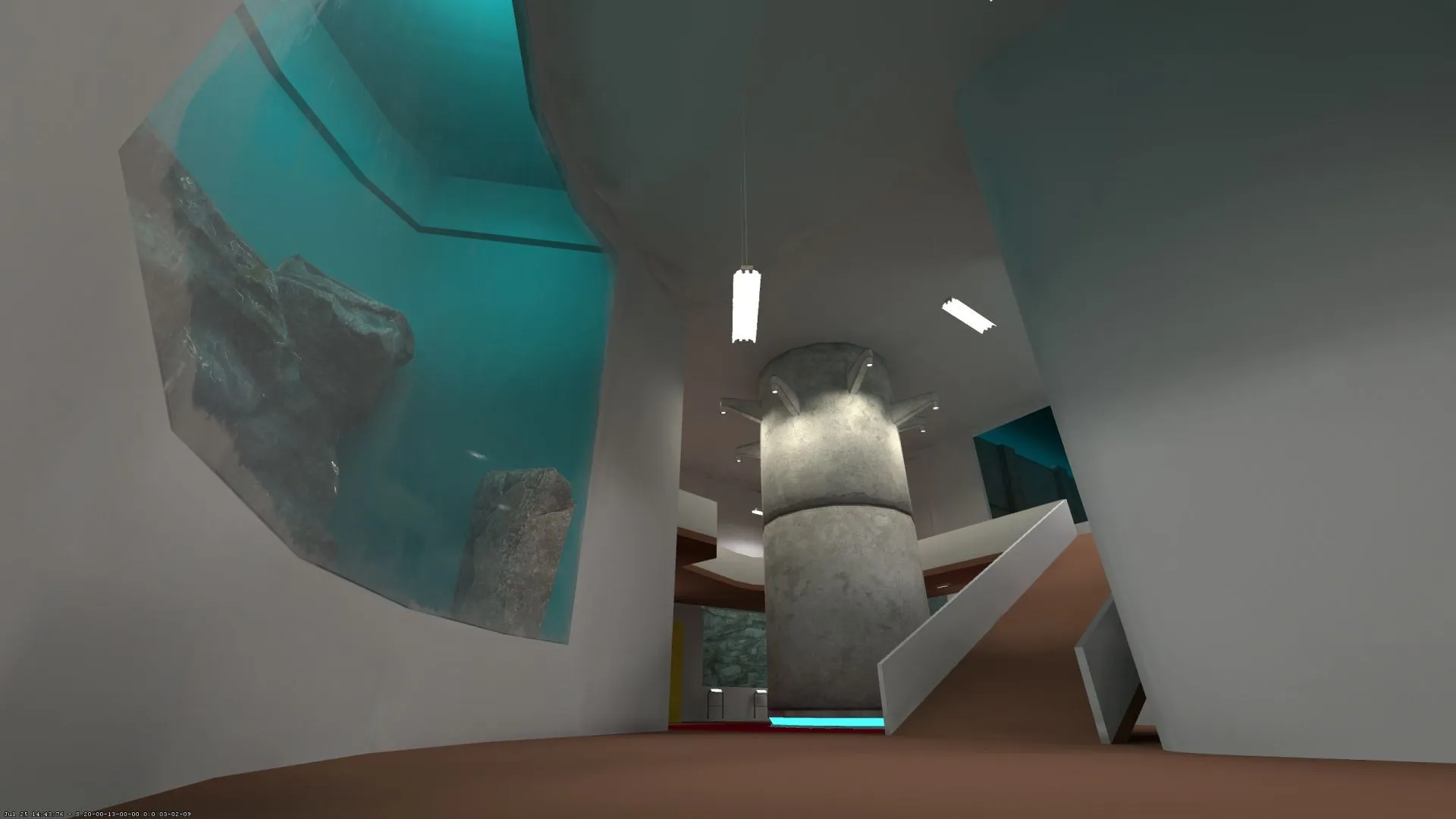
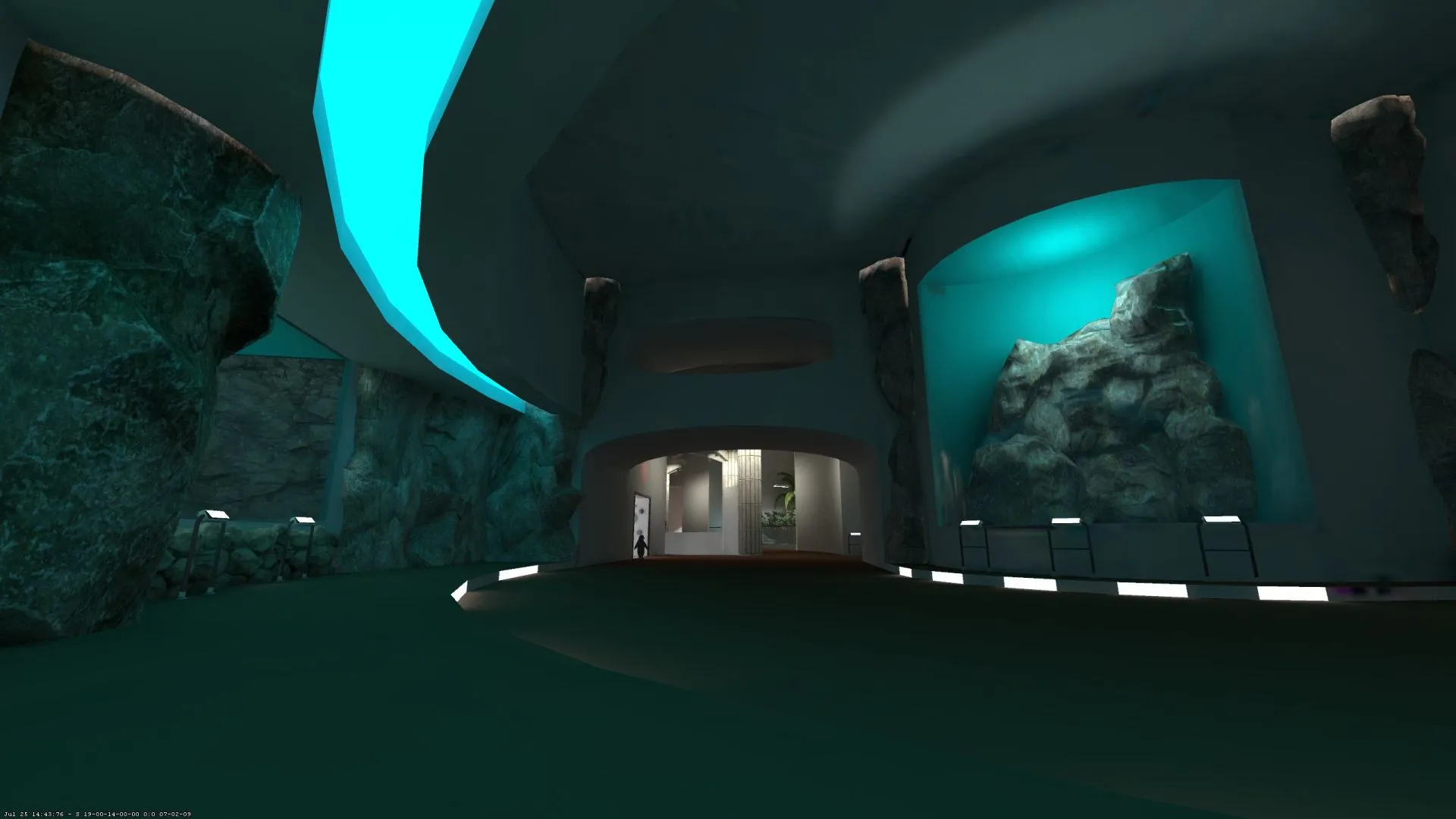
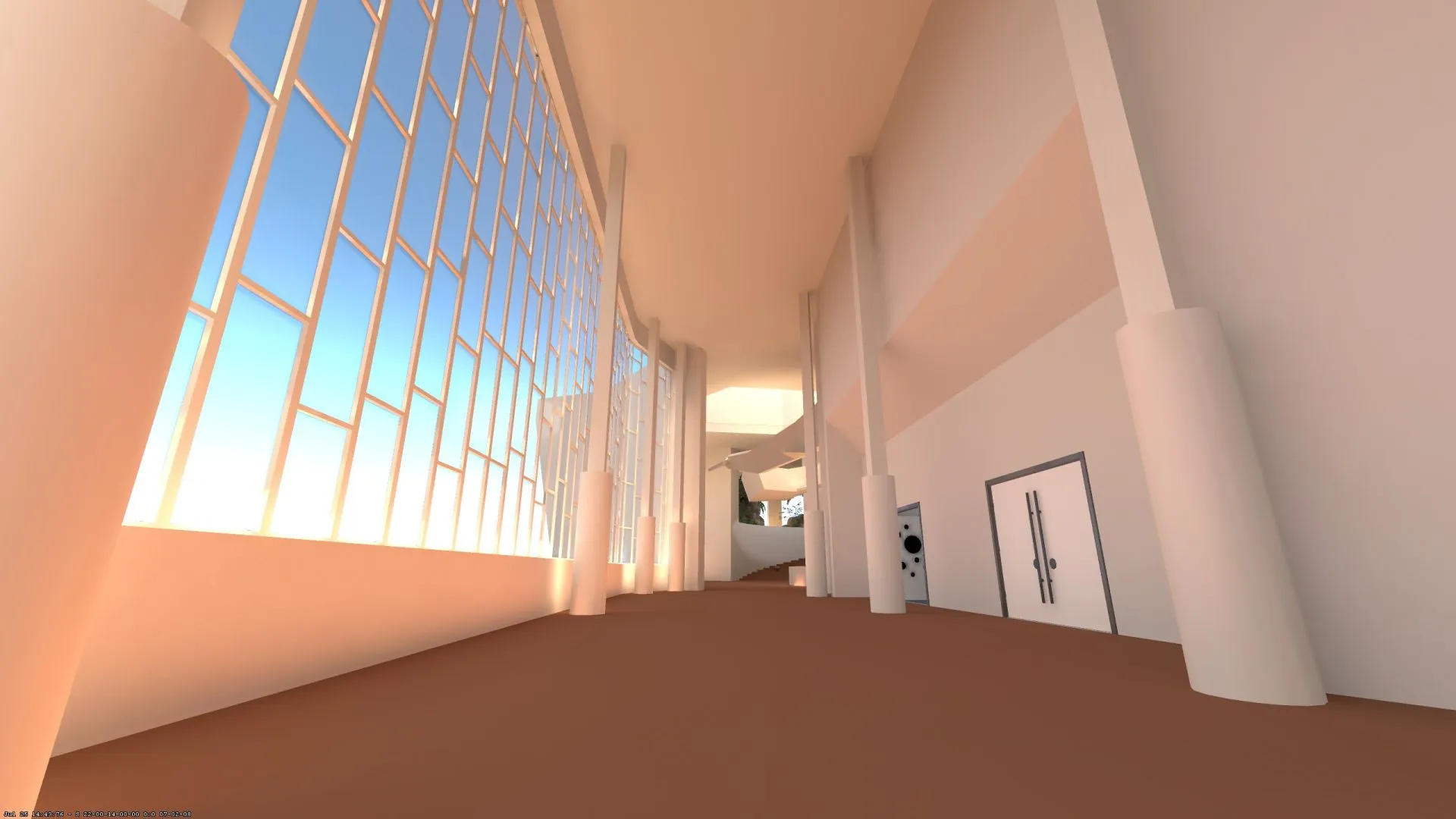
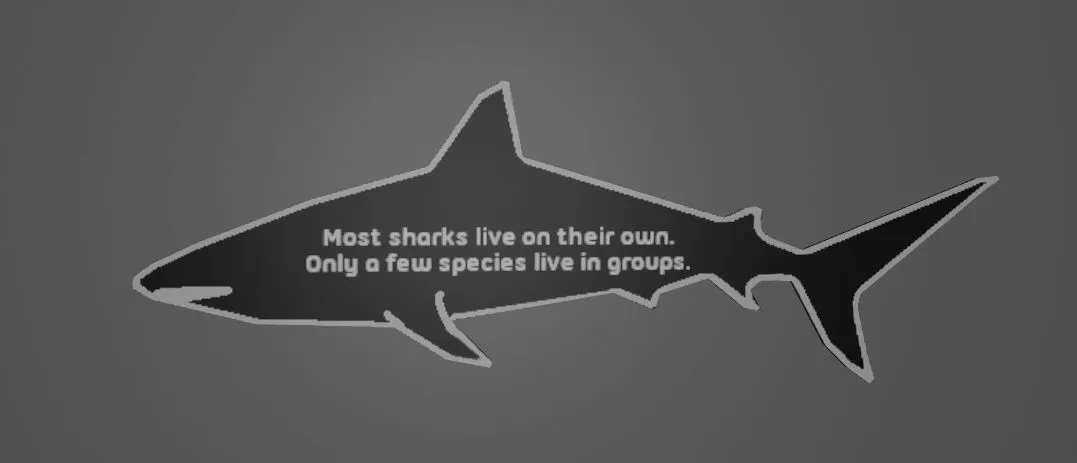
    We havent't updated this map for a long time and we won't do it before the deadline. But I still wanted to leave a quick note here that the map project is not dead. We just weren't able to invest the time that would've been needed to ship something that's worthy to compete for Top 10 in this contest. Apart from that @SirK created a really cool Layout that shouldn't be wasted. We'll continue to work on this map and hope that we can deliver some updates in the coming months. For now I can just offer a small content sneak peak.

    Good luck to everyone in the contest.
  • Leagues

    • Anduriel
    • August 3, 2024 at 12:50 PM

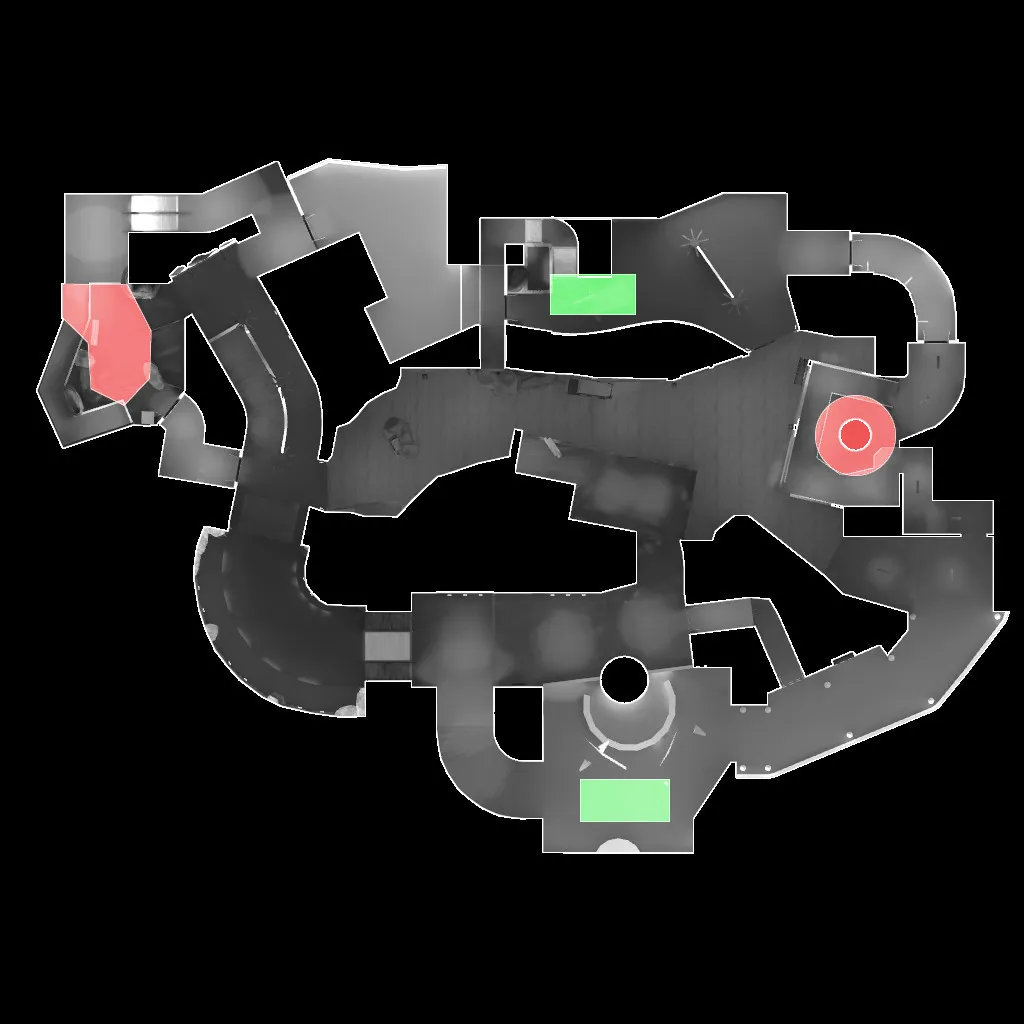
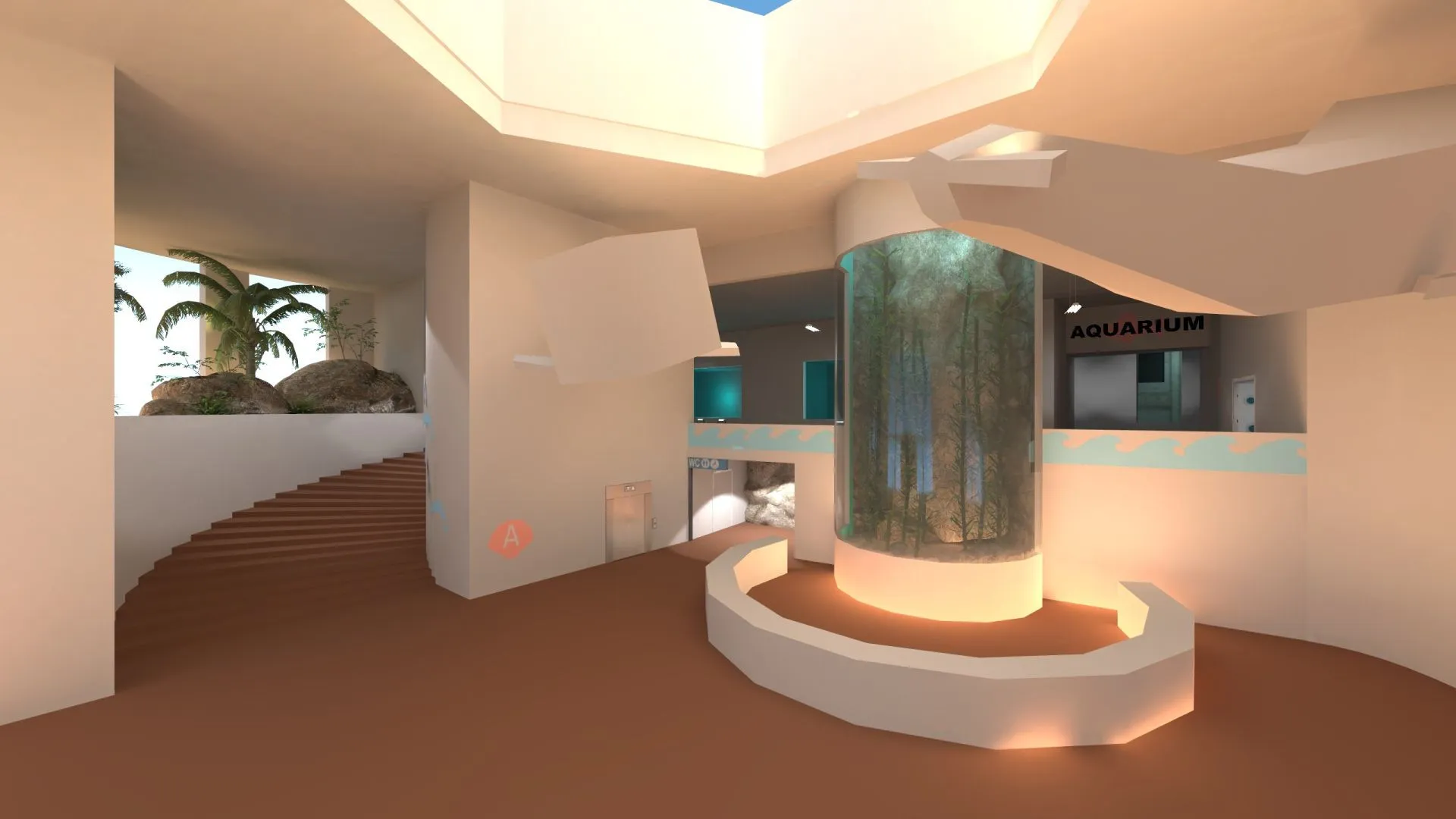
    Don’t leave without us! @SirK and I also created a map: Leagues is our entry to the Big Adventures Mapping Contest. It’s a bomb defusal map set in a huge aquarium, where visitors experience the exciting life below the water surface. CT forces have been called as a group of violent animal rights activists threatens to destroy the building.

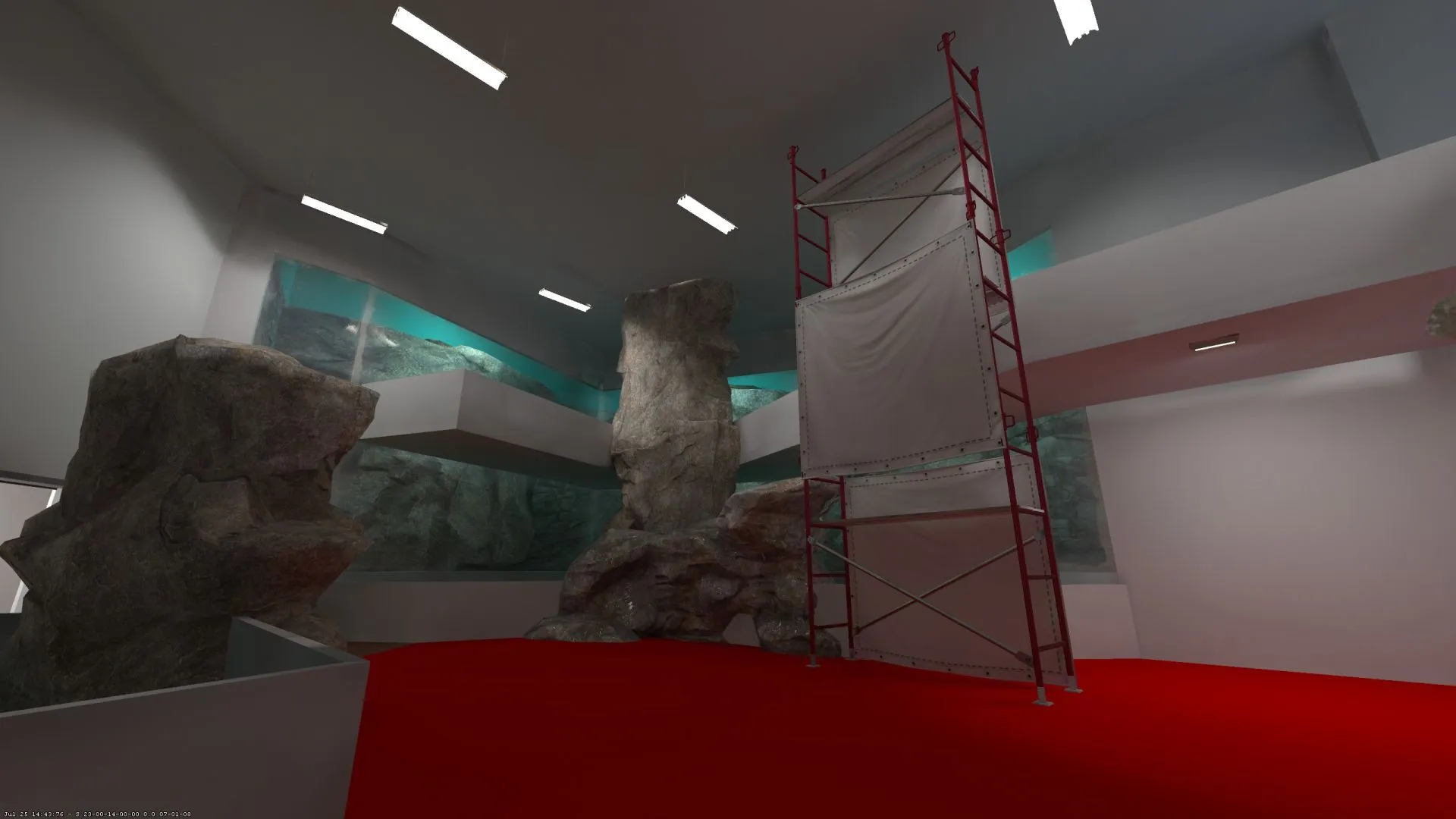
    The central element is a massive fish tank, which is currently under construction. It serves as the middle route and an almost direct connection between both bombsites.

    You can find the map here: Leagues Workshop Page


    Overview and Screenshots:


    Thanks for checking out. We’re looking forward to your feedback.

  • WARNING: Model has 2-dimensional geometry

    • Anduriel
    • May 30, 2021 at 8:52 PM

    If you're getting this error then it usually means that there's a problem with your collision model. There are a few traps you can walk into. Most important is that your model has to be convex and you have to smooth the parts of your collision mesh one by one. I'll try to give you a start here.

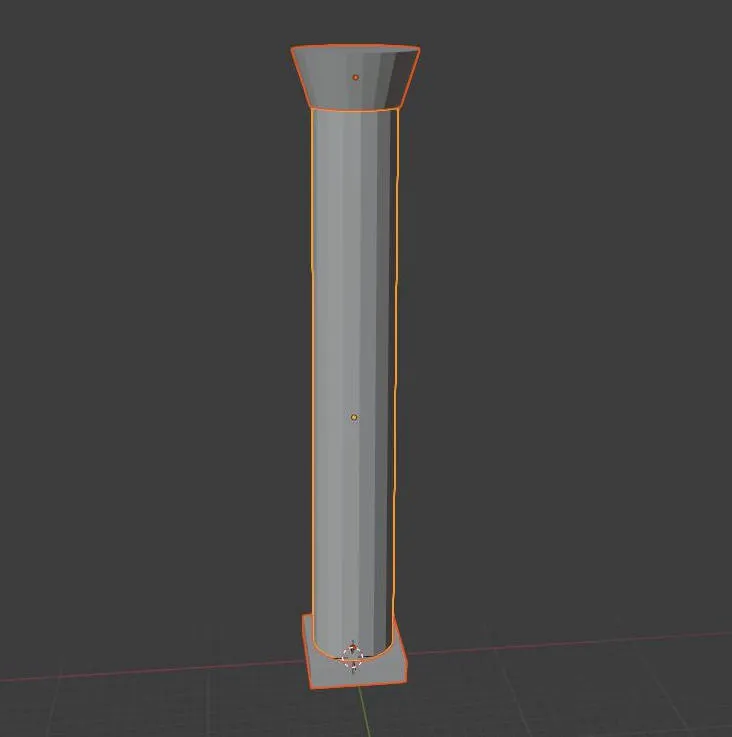
    Let's say this is your model:

    This is a concave shape. For your collision model, you have to split it in multiple convex parts. You can do this in multiple ways. For example select the respective faces in edit mode, press "P", which will open the "Separate" menu and click on "Selection". I'm also pretty sure that your separated parts must not miss any faces or the error will still occur. So you go into edit mode again and select the edges which would build up the missing face. Press "F" to fill the hole. Antoher way would be that you just recreate the meshes from scratch.

    So you want your model to be split like this:

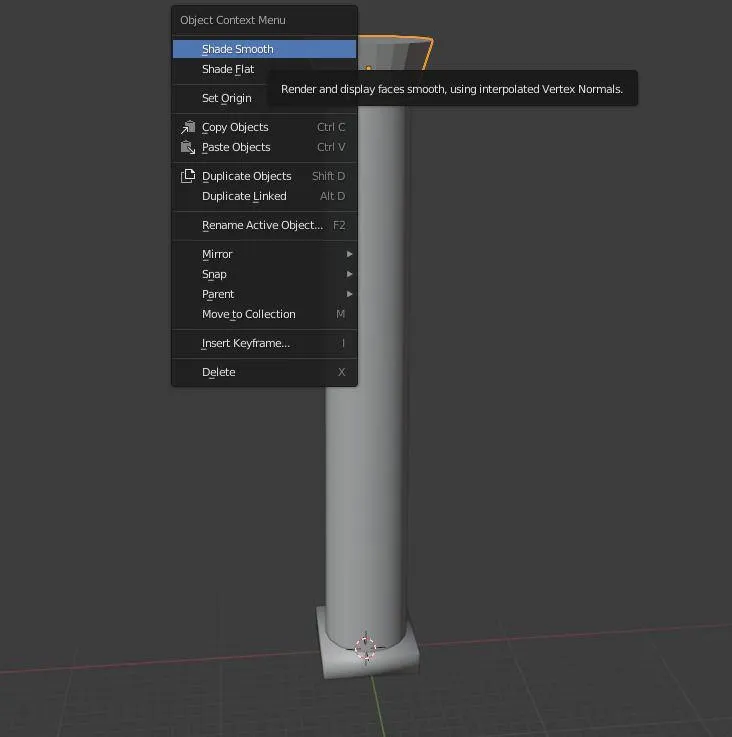
    This example collision model consists of three individual parts. Every single one of these three meshes is convex, which is important for you collision to be accurate. Now you have to apply smooth shading on these parts one by one. You simply do this by selecting one mesh, right click and choose "Shade Smooth".

    Now your collision mesh should be set up correctly. I think you can then just join these meshes again for exporting. After the export you can Ctrl+Z to go back to the state where they aren't joined.

    Hopefully this will help you at least a little bit. You may run into additional problems. For example the error message will continue to be there if you have bad geometry like duplicated vertices in one of your meshes. Also your collision model must not include cloned meshes. If you need additional help, then just come back to this thread :)

  • The random model thread!

    • Anduriel
    • June 27, 2020 at 9:54 PM

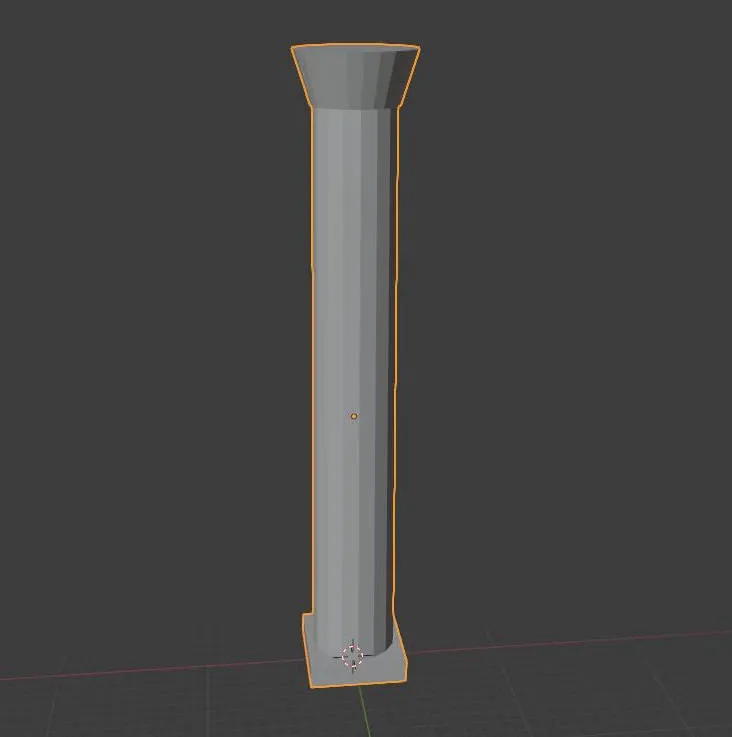
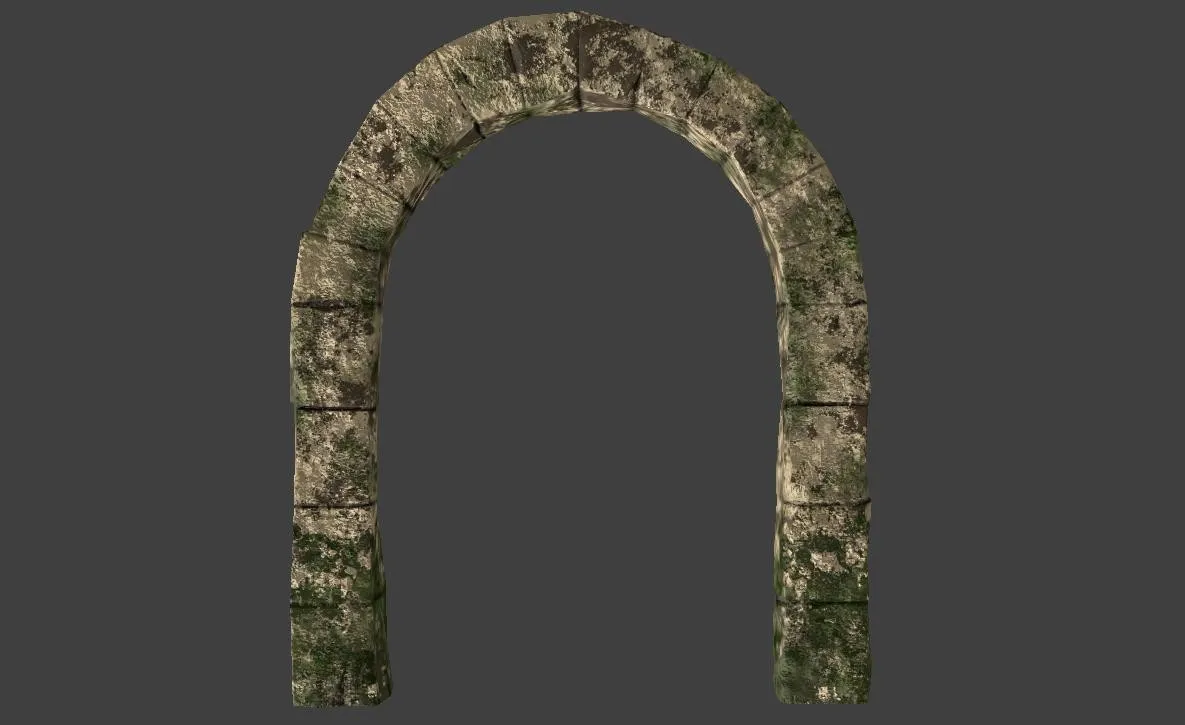
    This is a milestone for me. Finally created my first CS:GO Prop with the help of a lot of tutorials and some nice people on Discord. Thanks!

  • The Half-Life 3 thread of closure and memorium AKA what Tyler McVicker just said on YouTube

    • Anduriel
    • November 23, 2019 at 6:06 PM
    Quote from Vaya

    23 hours ago, Vaya said: I would say until gordon's story progresses/concludes


    I'm hoping HL:A is all they need to get the ball rolling again

    I also think that HL:A could be an important step towards a potential HL3. Seems like the developers enjoyed working on the franchise again.

  • Swamp

    • Anduriel
    • October 4, 2019 at 11:25 AM

    Yes, please write a tutorial :)

    Swamp is a map that I'm really looking forward to. Your detail work and the assets you create are so good. Keep up the good work! You're also motivating me to get better ;)

  • WIP in WIP, post your level screenshots!

    • Anduriel
    • December 18, 2018 at 4:45 PM

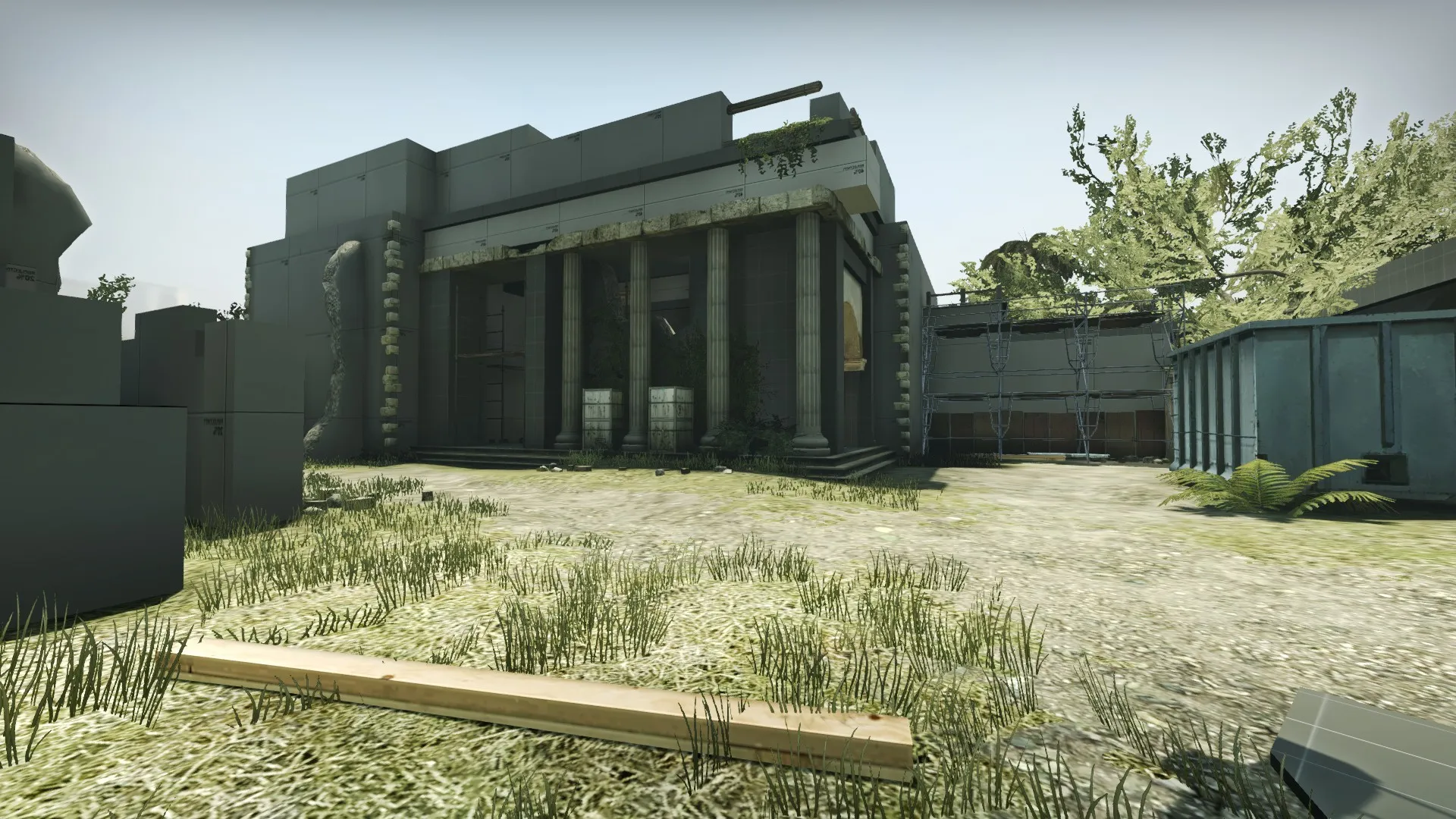
    Here's another sign of life from my de_losttemple remake. This project got dropped and picked up again a few times and I feel really bad about that. Still I absolutely want to finish it. There's one big step I have yet to take to get closer to that goal, which is learning how to make textures. I will need a good amount of custom content to give it the look I've got in mind. So still a long way to go, but here's at least a WIP screenshot of the A site.

  • ERROR Model attempted to load one or more VMT's it can't find.

    • Anduriel
    • November 5, 2018 at 2:53 PM

    My guess is you have flipped normals. In Blender go into edit mode, select all faces and press Ctrl+N. This will automatically orientate the selected faces and should fix the problem.

    The reason why you can't go into your pipe is the collision model. As you can see in your compile logs on the first page, the model compiler just creates one convex part. Holes are a bit tricky because they usually get covered and you have to make it clear for the compiler not to do that. Maybe I know a solution, but I have to do some testing first.

  • ERROR Model attempted to load one or more VMT's it can't find.

    • Anduriel
    • November 4, 2018 at 6:21 PM

    Try what @esspho said and remove that "compiled 0.34 " part from your qc file, so your model will be placed in another folder after you compiled it again. The folder name might be the problem.

    Don't forget to remove the old model files in the "models/compiled 0.34" folder or you'll have two version of your model in hammer.

  • ERROR Model attempted to load one or more VMT's it can't find.

    • Anduriel
    • November 4, 2018 at 12:34 PM

    Also change your $surfaceprop back to something like "metal" or wahtever fits your model. It was wrong what I told you in one of the posts before. And again the question: Do you have separate idle and collision models? Since I don't think so, I'd recommend you use your normal "pipe.smd" for these settings. You may need a separate collision model to avoid weird collisions, but it depends on the shape of your pipe. If that's the case, we can come back to that later.

    Did you place the model as a prop_static in your map? You can't use prop_physics since you defined it as a static prop in the qc file. Anyhow there should be an error when you compile your map which states why the prop isn't shown in-game. There should be a ".log" file in the folder where the ".vmf" of your map is located (usually it's Steam\steamapps\common\Counter-Strike Global Offensive\sdk_content\maps) with the same name as your map. That's the compile log. You can open it with any text editor. Check it for errors referring to your model.

  • ERROR Model attempted to load one or more VMT's it can't find.

    • Anduriel
    • November 2, 2018 at 1:28 AM
    Quote from Squad

    9 hours ago, Squad said: That's not right. $surfaceprop should be one of the properties in this list (not sure if this list can vary between different branches of Source).

    You're right and it totally makes sense. In fact I learned that false information from a tutorial and since it didn't cause any major issues with the few models I compiled so far I failed to realize that it was wrong.

    Nonetheless the problem may be the path to the file locations in the qc file. So I'd recommend moving the VMT and VTF files to the normal "materials" folder used by CS:GO, adjust the paths in the qc file as described above and do another compile.

  • ERROR Model attempted to load one or more VMT's it can't find.

    • Anduriel
    • November 1, 2018 at 11:30 AM

    I think your qc file is the problem.

    $surfaceprop has to be the name of your texture, which has to be identical with the material name used in Blender.

    Also $cdmaterials starts at Steam\steamapps\common\Counter-Strike Global Offensive\csgo\materials and the same is the case for $modelname which starts at the Steam\steamapps\common\Counter-Strike Global Offensive\csgo\models - I'm not sure how it works with custom directories as you're doing it. You can try to place your files in the /models/ and /materials/models/ folders for now, just to be sure it works.

    And I don't think you've got a separate idle animation, do you? So you can adjust $sequence to the orignal name of the model. The same applies to $collisionmodel, except you created a separate collision model.

    Place the files in the normal folders of the game as described above and then try this version of your qc file:

    $modelname "pipe_test.mdl" (you may have to adjust that if you're using a subfolder) $body "Pipe" "Pipe.smd" $staticprop $surfaceprop " PipeUV_textured" (or whatever the name of your VMT is) $cdmaterials "\models\Pipes" $sequence idle "pipe_test.smd" $collisionmodel "pipe_test.smd" { $concave }

  • ERROR Model attempted to load one or more VMT's it can't find.

    • Anduriel
    • November 1, 2018 at 10:22 AM

    Are there any errors while you're compiling the model? You can press the pause button on your keyboard after you dragged the qc file on your studiomdl.bat, but you have to be fast ;) You can check for errors there. Also how does your qc file look like? Maybe you can post it's content here.

  • ERROR Model attempted to load one or more VMT's it can't find.

    • Anduriel
    • October 30, 2018 at 8:57 PM

    Are you working with Blender? Every object which is part of the model you're exporting must have a material assigned which has the same name as your VMT file for the model.

    And check the content of your VMT file. It should look like this (also look for typos):

    VertexLitGeneric { $basetexture "models/subfolder/modelname" }

  • A leak that shouldn't be there.

    • Anduriel
    • August 5, 2018 at 8:33 PM

    Did you use nodraw on brushes which already had the skybox texture? That's not allowed, skybox brushes need to have the "toolsskybox" texture on all faces.

  • A leak that shouldn't be there.

    • Anduriel
    • August 5, 2018 at 10:12 AM

    Sorry I didn't add it: nodraw isn't considered a transparent texture. So it's ok to use nodraw anywhere.

    What did the "Load Pointfile" show? Focus on the area where the red line exits your map.

  • A leak that shouldn't be there.

    • Anduriel
    • August 4, 2018 at 10:16 AM

    Also try Map -> Load Pointfile. It should draw a red line in 3D view from the leaked entity to the void. The point where the line exits your map is the source of your leak.

    Remember that some types of brushes are not valid as map boundaries. This includes dispalcements, water, func_detail brushes and brushes with a transparent texture on at least one face.

  • [WIP] de_splash

    • Anduriel
    • July 31, 2018 at 5:11 PM

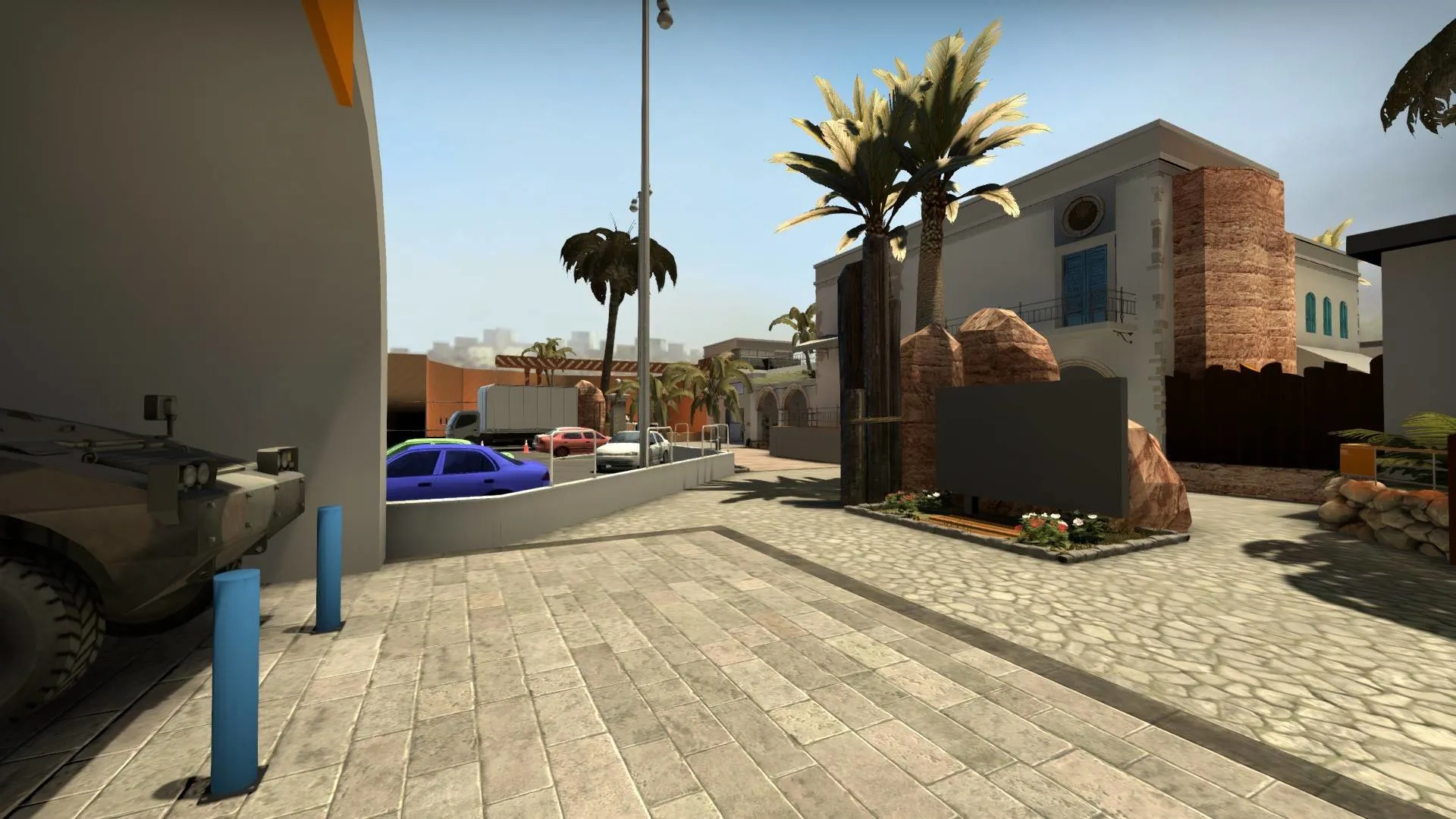
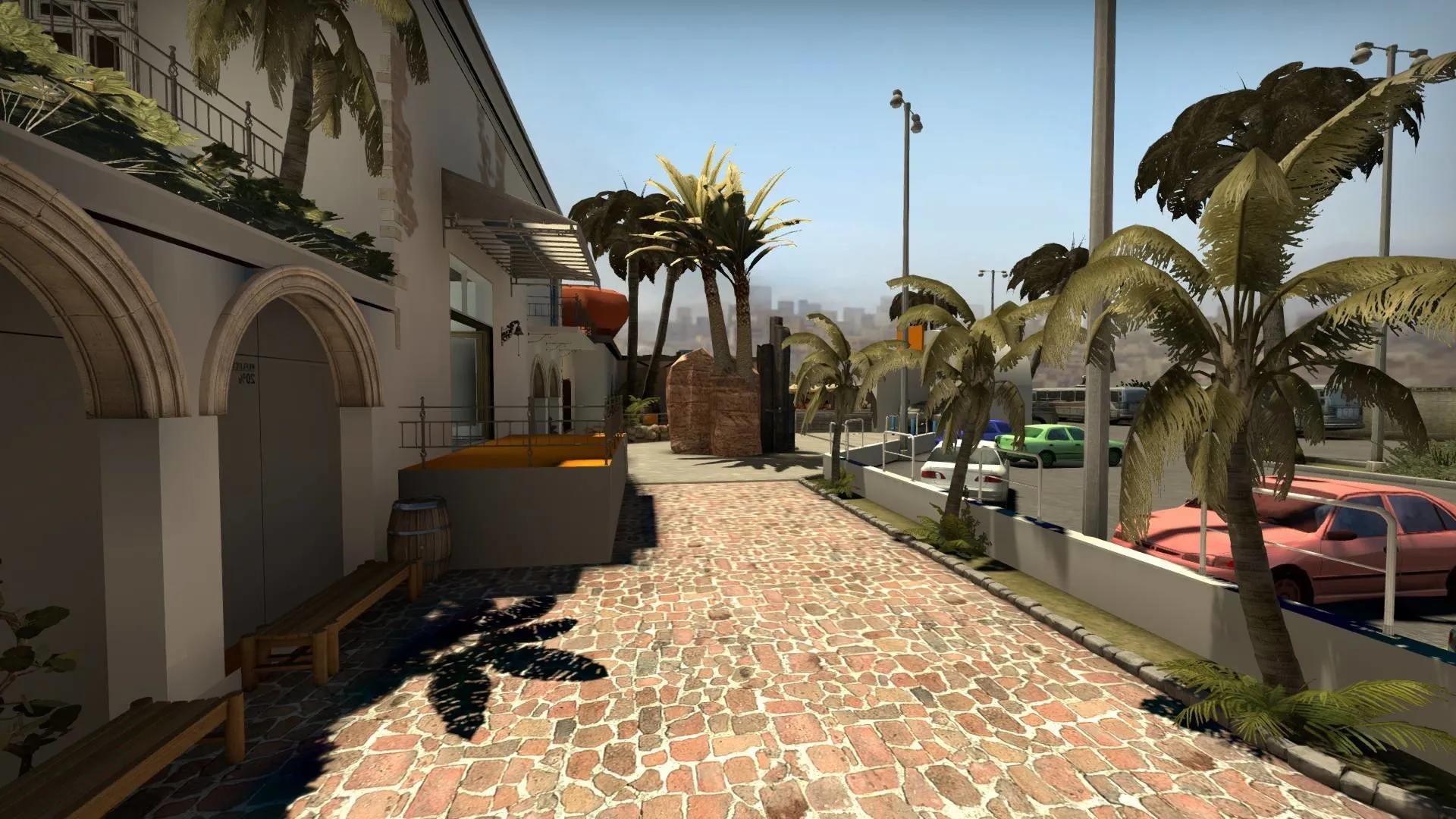
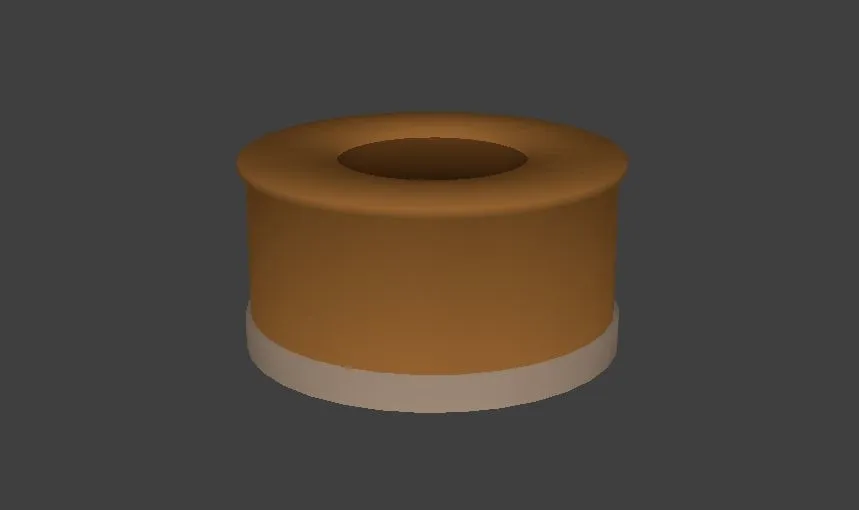
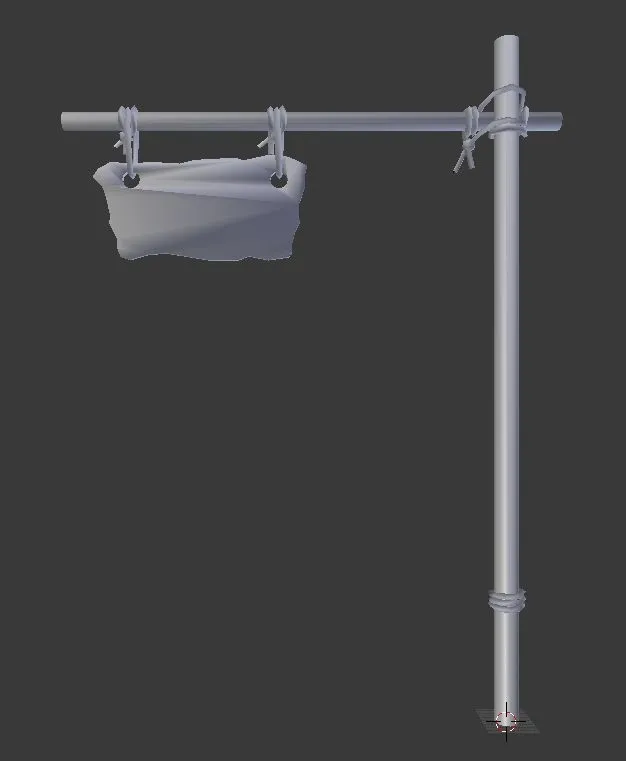
    The good news is: This project is not dead. The bad news is: Progress is interrupted again and again. But over the past months I learned a lot about Blender and how to get the models work properly in source. Thanks to @grapen, @Terri and many others who helped me out with all the modeling and exporting issues I had.

    In the near future I'll try to focus better on making some fitting models to get this map to look like something. I've got ideas for at least some of the areas. But for now, here are screenshots of the CT Spawn in it's current state and some unfinished models.


    Images

    • splash_wip_1807_01.webp
      • 173.4 kB
      • 1,920 × 1,080
    • splash_wip_1807_02.webp
      • 242.76 kB
      • 1,920 × 1,080
    • planting_box_wip.webp
      • 3.66 kB
      • 859 × 510
    • sign_cave_wip.webp
      • 5.93 kB
      • 626 × 761
    • splash_wip_1807_01.webp
      • 173.4 kB
      • 1,920 × 1,080
    • splash_wip_1807_02.webp
      • 242.76 kB
      • 1,920 × 1,080
    • planting_box_wip.webp
      • 3.66 kB
      • 859 × 510
    • sign_cave_wip.webp
      • 5.93 kB
      • 626 × 761
  • [CS:GO] Granite (Wingman)

    • Anduriel
    • May 11, 2018 at 8:55 PM

    Overall pretty map :)

  • [CSGO] de_ruby

    • Anduriel
    • May 1, 2018 at 9:49 PM

    Great map, especially the visuals. Good work as always :)

Discord

The Mapcore Discord is our lively IRC channel of the 2000s reborn. Chat about level design, gaming, and more.

Latest Posts

  1. Custom Gamemodes Contest

    Angel
    July 20, 2026 at 11:46 AM
  2. FAQ

    Angel
    July 20, 2026 at 10:14 AM
  3. Tangerine

    Harry Poster
    July 18, 2026 at 11:10 AM
  4. Any of the old guard still around? D:

    Warby
    July 12, 2026 at 8:23 PM
  5. About our archived forums

    Thrik
    June 30, 2026 at 2:12 PM
  6. Mapcore Discord

    mason_fan123
    June 24, 2026 at 8:52 PM
  7. [CS2] Valley

    Serialmapper
    June 22, 2026 at 11:56 AM
  8. Free Music / SFX Resource - Over 2500 Tracks

    Eric Matyas
    June 18, 2026 at 12:32 PM
  9. Pango [WIP]

    Elowen
    June 11, 2026 at 10:13 AM
  10. [CS2] Dvina

    Jeremy Rivera
    June 11, 2026 at 10:03 AM
  1. Privacy Policy
  2. Contact
Powered by WoltLab Suite™