

I finally defeated VRAD. Slightly cheaper than our favourite Source tree, here for scale.

I finally defeated VRAD. Slightly cheaper than our favourite Source tree, here for scale.
 Quote from kinggambit
On 11.1.2017 at 10:37 PM, kinggambit said: [Blocked Image: http://i.imgur.com/s4ZjFki.jpg]
Any experienced substance designer users have an idea of how to procedurally apply snow to the lower crevices of the model? I'm planning on adding snow to most of my exterior models.
Ambient Occlusion + Position input -> mask?
I'm positive that those will look fantastic on your polar base. Imho, compared to the rest, the shovel looks a little bland. Maybe you could make it a little more interesting like in this picture
[Blocked Image: http://www2.apwa.net/images/Publications/Reporter/DSC01575.jpg]
Also those rubber-chaines (?) should be way darker than the metal wheels.
Anyway great job. I would be interested in seeing the colission model if you feel like sharing.
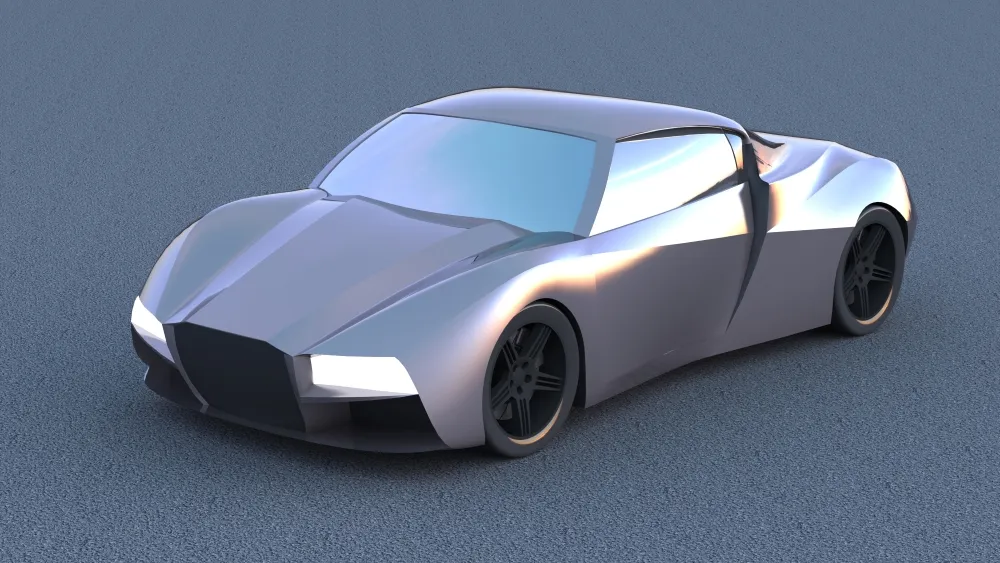
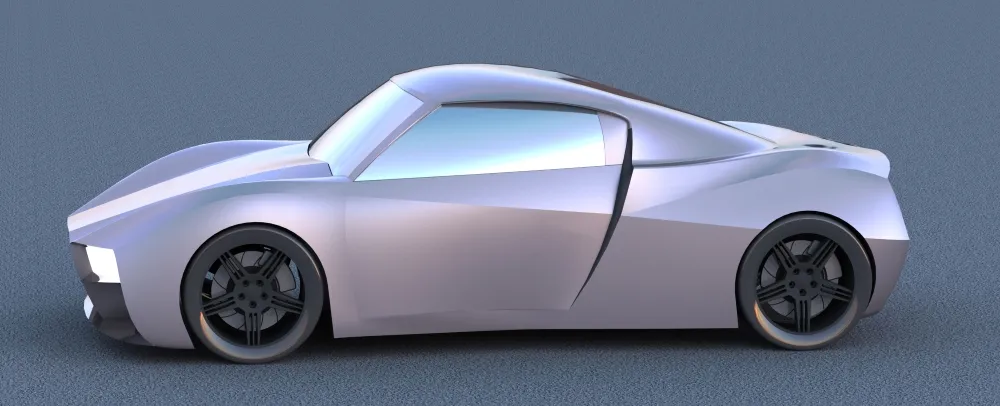
Took a break from solid modeling and did some surface modeling for fun 
Done in Solidworks, so gimme a break  I know there is a curvature/tangency error on the sill below the door; it has been fixed, just not in this render.
~8hrs of work on this.
Ideas on the design are welcome!
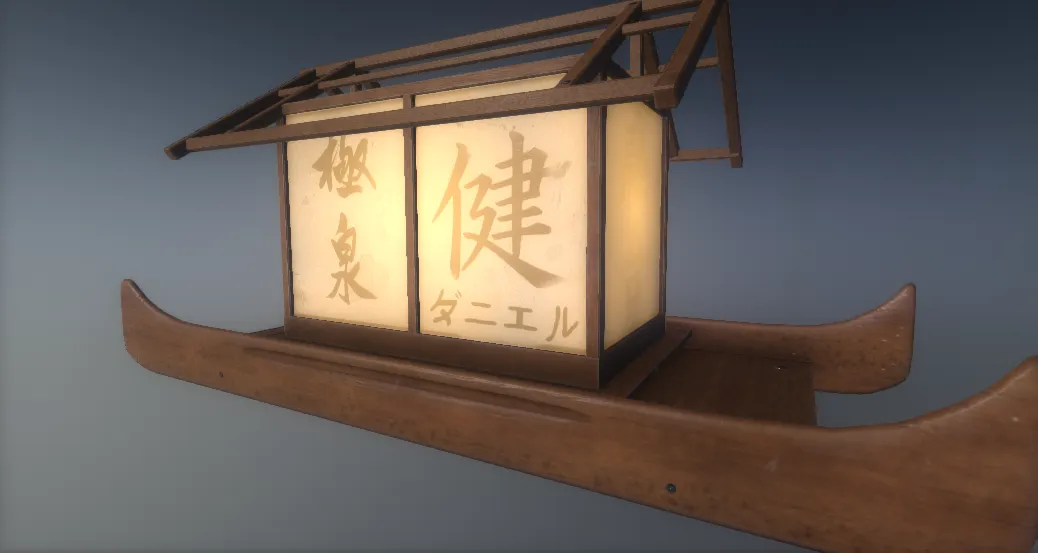
Learning moddeling in Maya, and texturing with Substance Painter.
 Quote from Vorontsov
On 1/14/2017 at 4:26 AM, Vorontsov said: Smoothing groups are old stuff! Get on editing the vertex normals of your models
 Quote from grapen
On 1/14/2017 at 2:39 PM, grapen said: I finally defeated VRAD. Slightly cheaper than our favourite Source tree, here for scale.
did you edit vertex normals for that? Coincidentally read about them the other day for a maxscript and I had no idea how essential they are [Blocked Image: http://wiki.polycount.com/w/images/5/58/TreeMakerScript_plus_NormalThiefScript.gif]
Quote from kinggambit1 hour ago, kinggambit said:
did you edit vertex normals for that? Coincidentally read about them the other day for a maxscript and I had no idea how essential they are [Blocked Image: http://wiki.polycount.com/w/images/5/58/TreeMakerScript_plus_NormalThiefScript.gif]
Yep. Without edited normals it looks pretty much like that gif. You can enable "ignore surface normals" on the prop in hammer, but that makes it look flat instead.
I understand what a vertex normal is (and how to edit it), but can you describe a use case where it is a better option than applying smoothing groups on a complex object? Foliage it works well for clearly as it smooths shading across the various planes making up the foliage... any other use cases where it would be advantageous though?
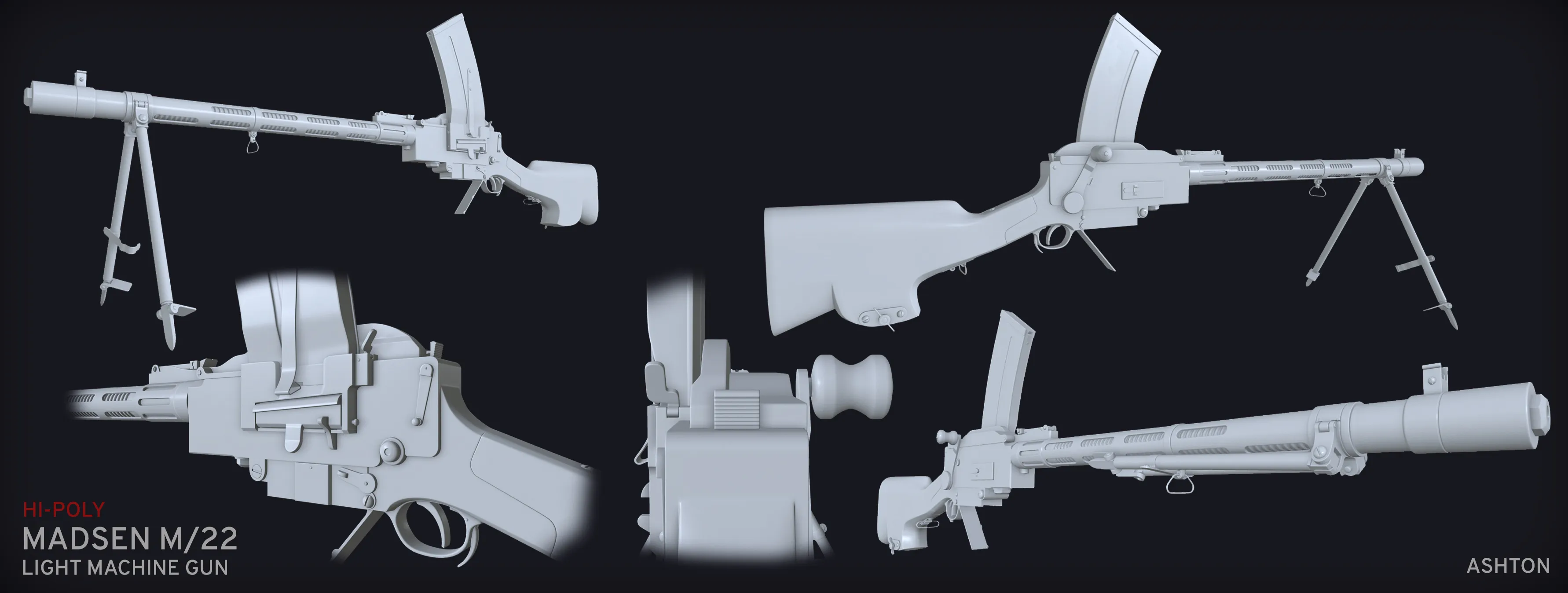
Finally I managed to get the HP for this thing done after having it dusting on my desktop for several months
 Quote from Sigma
20 hours ago, Sigma said: I understand what a vertex normal is (and how to edit it), but can you describe a use case where it is a better option than applying smoothing groups on a complex object? Foliage it works well for clearly as it smooths shading across the various planes making up the foliage... any other use cases where it would be advantageous though?
Everywhere 
Quote from Vorontsov1 hour ago, Vorontsov said: Everywhere
Thanks for the explanation
As a matter of passing along information, apparently you can quickly edit vertex normals (for trees/foliage) by transferring another meshe's normals (say a very smooth cone) to the vertex normals of a tree mesh. This makes doing the foliage/trees normals work much easier (and faster).
Quote from grapenOn 1/19/2017 at 5:24 AM, grapen said: Yep. Without edited normals it looks pretty much like that gif. You can enable "ignore surface normals" on the prop in hammer, but that makes it look flat instead.
damn i made a tree a long time ago and i chalked it up to me being inadequate, is there a good tutorial on editing normals? ive never actually seen that before.
 Quote from Dillon Beard
1 hour ago, Dillon Beard said: damn i made a tree a long time ago and i chalked it up to me being inadequate, is there a good tutorial on editing normals? ive never actually seen that before.
There's probably lots of them depending on what software you use. In the case of my tree, in Blender I just enabled Auto Smooth in the mesh properties, then added a Normal Edit Modifier, set it to Radial and turned down Mix Factor a bit.
Some quick model practise before doing a lecture about modelling and pbr texturing. Maya + Photoshop, 256x256
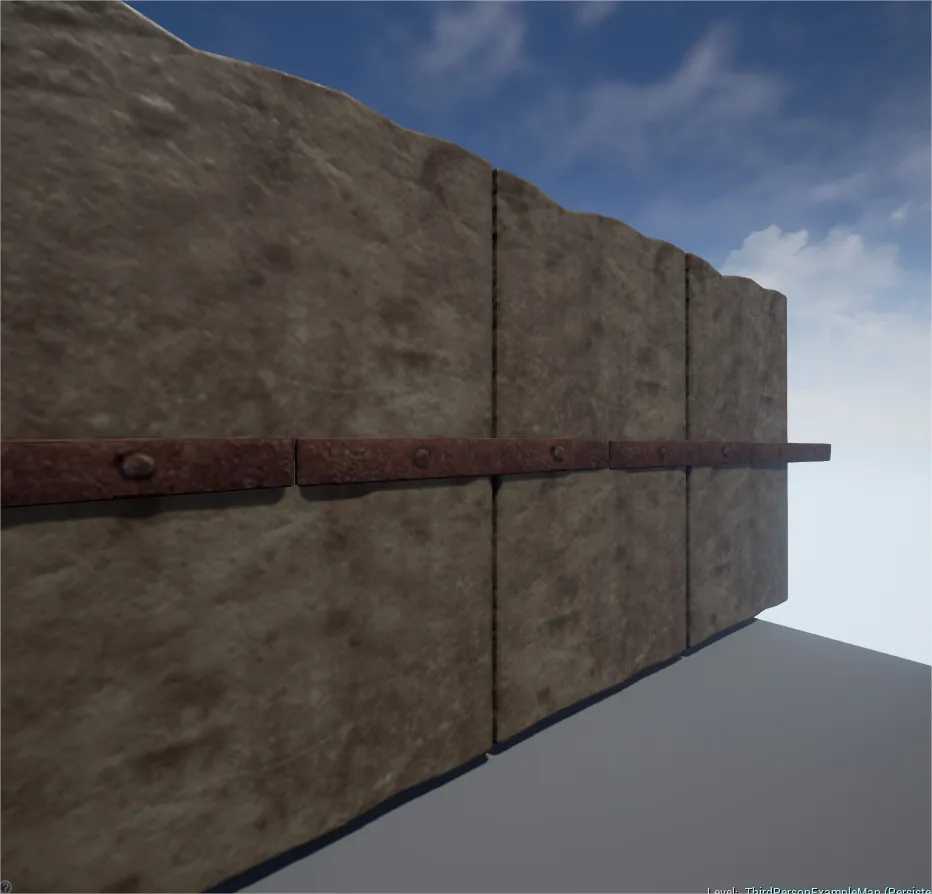
Is there a specific reason to demonstrate the PBR with a low-res texture ?
 Quote from leplubodeslapin
55 minutes ago, leplubodeslapin said: Is there a specific reason to demonstrate the PBR with a low-res texture ?
Yepp. I will show them how to use UV-tiling to get higher texel density to make a point; that it's important to reflect over your texel density and not just lazily use high res textures. I'd say a low-res texture shows this better.
Alright, yes indeed it's important to learn them the good maners i guess
I just find it a bit disapointing that it doesn't fully show the potential of PBR (from my point of view). Maybe it's just because of the camera position or lighting orientation, i can't see much shading on this single picture (just some bumps on the top left).
Quote from leplubodeslapin1 hour ago, leplubodeslapin said: Alright, yes indeed it's important to learn them the good maners i guess
I just find it a bit disapointing that it doesn't fully show the potential of PBR (from my point of view). Maybe it's just because of the camera position or lighting orientation, i can't see much shading on this single picture (just some bumps on the top left).
Yeah you are entirely right about that. When normal maps drop so low in res it looks like the definitions kinda dissapear completely or gets very blurred out. But there is some definition there that can be seen if you rotate the whole thing.
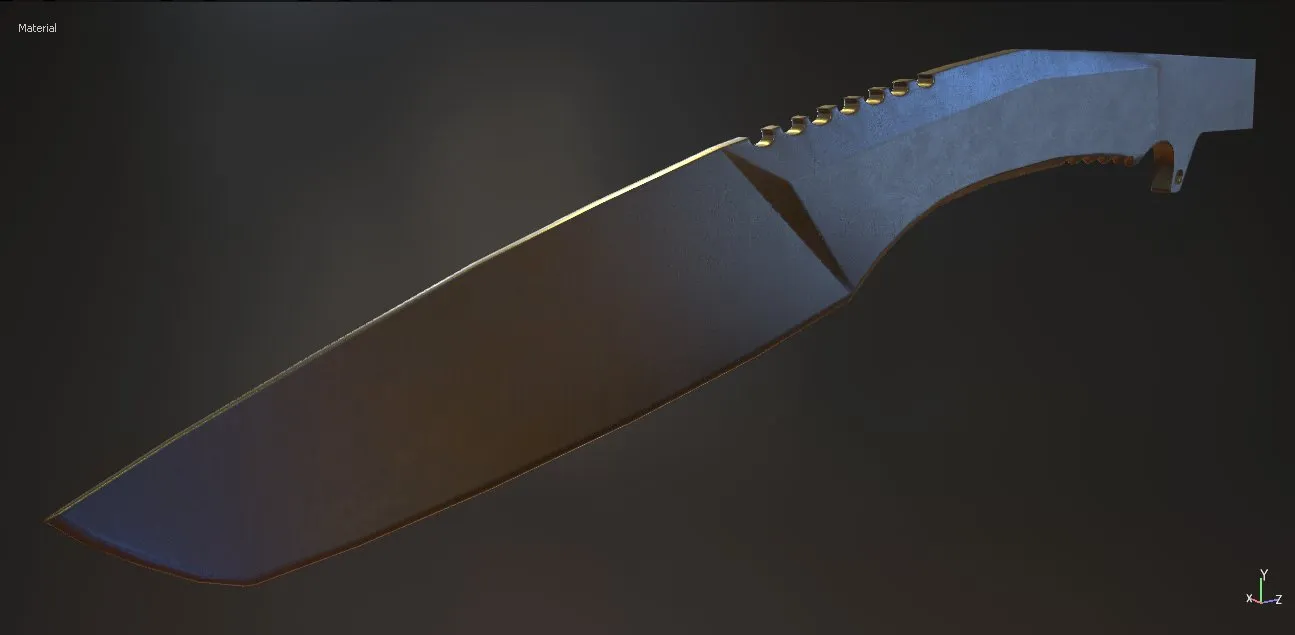
Just sharing what I am currently working on. This is following Tim Bergholz's tutorial with exception to the final smooth operations for the high poly creation. This was just a screenshot of the successful test bake with a simple material slapped on there. I am hoping to finish this within the next week or two (handle, completely custom materials/textures). I am going to do a energy type slicing blade I think.
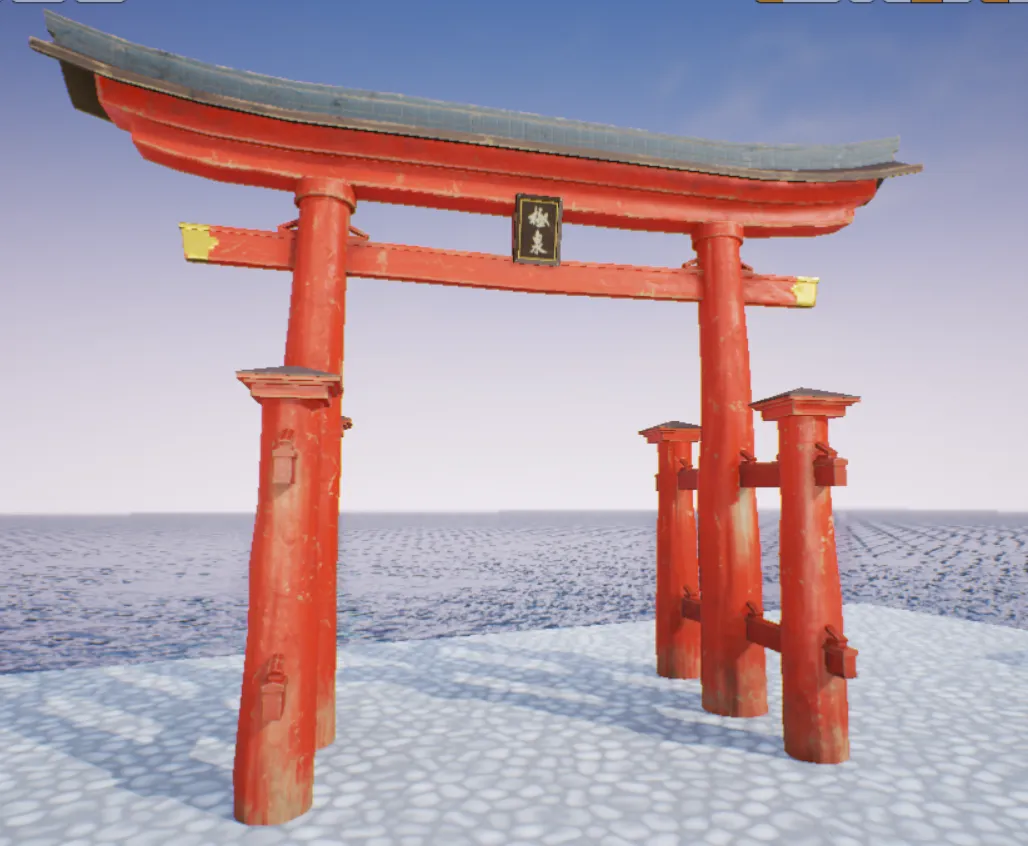
Just another model for the scene i'm trying to build inside the ue4
[Blocked Image: http://i.imgur.com/yFwdB84.png]
Making progress. I am understanding this process more and more again. YAY!
Don’t have an account yet? Register yourself now and be a part of our community!