


I started with making concept art in photoshop.
I hope to get at a descent level of quality someday. And soon I will start making textures as well. Making textures is a bit more important for me. But making concept art feels less as work which is nice. I also think it's good for photoshop practice.
For who's interested. A few tips. Get a wacom tablet if you can afford one. This is not only because you can add strokes more natural but they have pressure control. So the harder you press, the less opacity for example.
Second tip, get custom brushes. They help so much.
Ok here it comes.
O yeah, I first draw in a dummy and then I scan and then I draw over them.
My first one, I stopped after a while cause...:
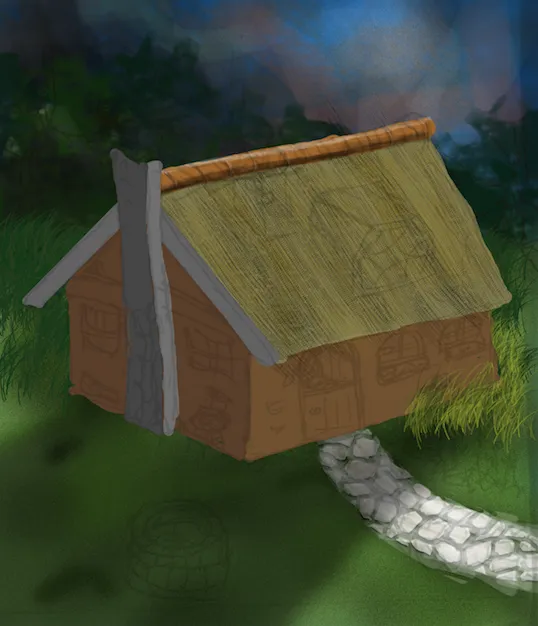
Second attempt, here I started using custom brushes.
The light could be a bit stronger. Also it needs harder lines.
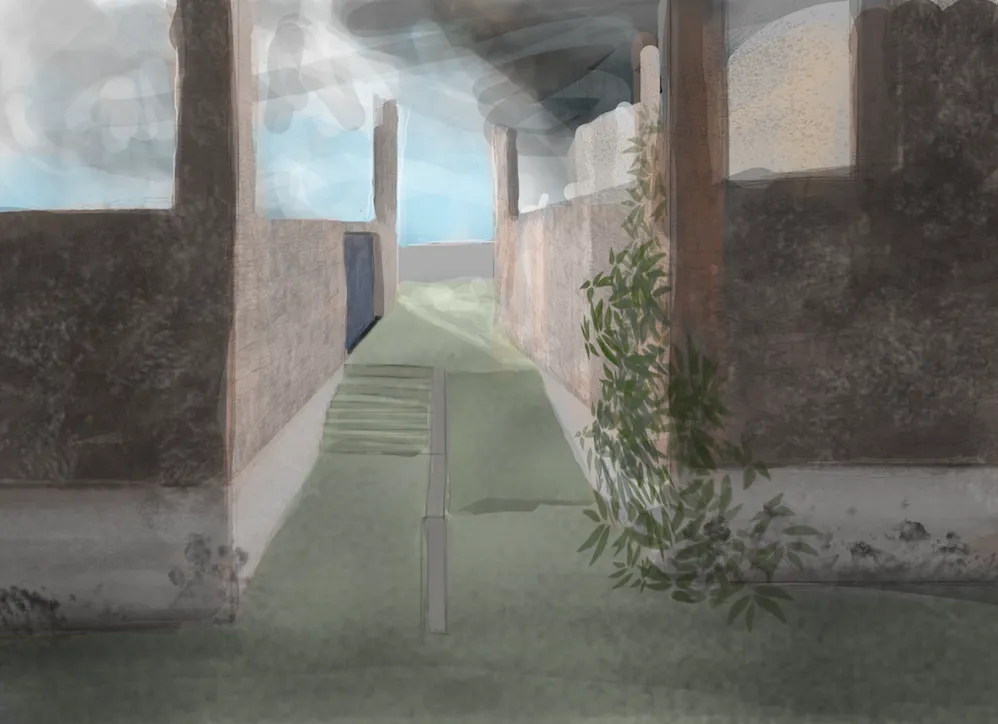
3th, I wanted some hard sunlight on the asphalt but I really failed at that. I also really dislike how the stair goes to the grass but because of the angle it was a bit hard.
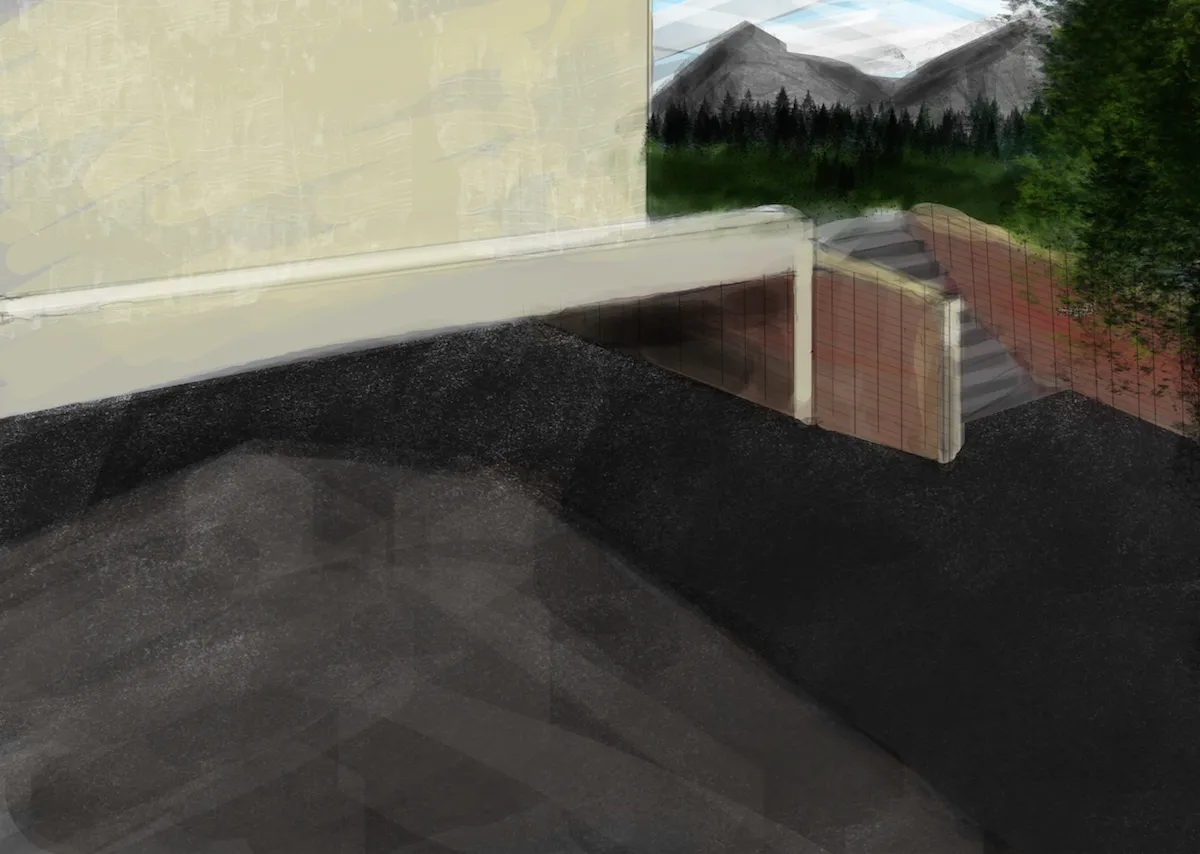
I kinda like this one. Here I started adding photo material as well.
I'm really happy with the fence.
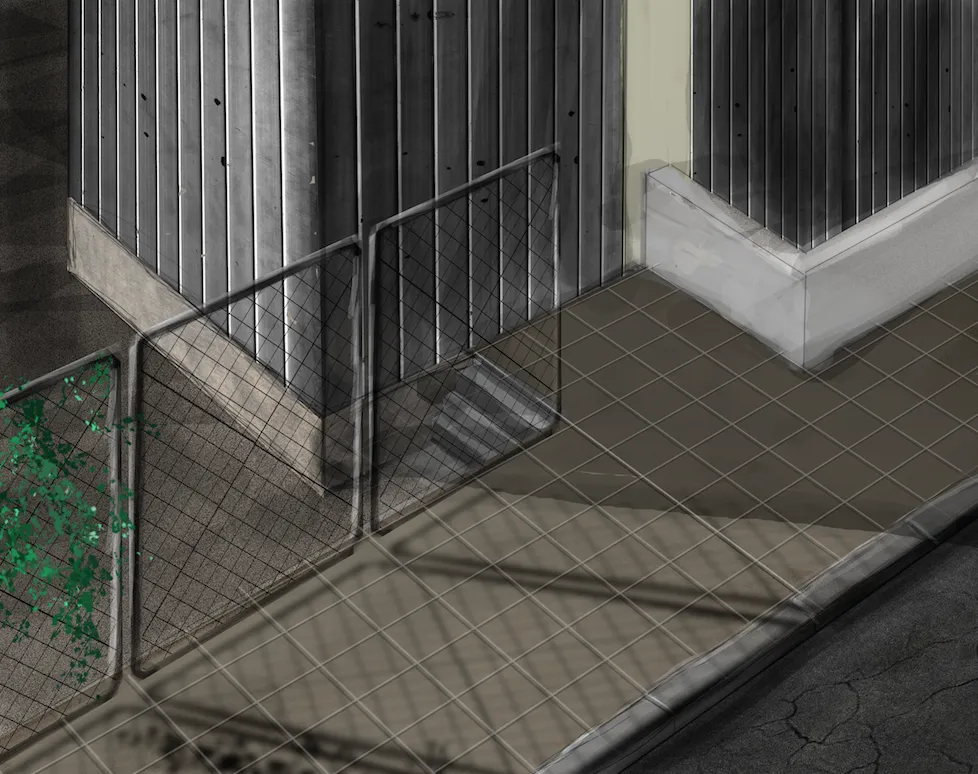
Here my finger started to hurt and I was getting hungry from photoshopping all day:
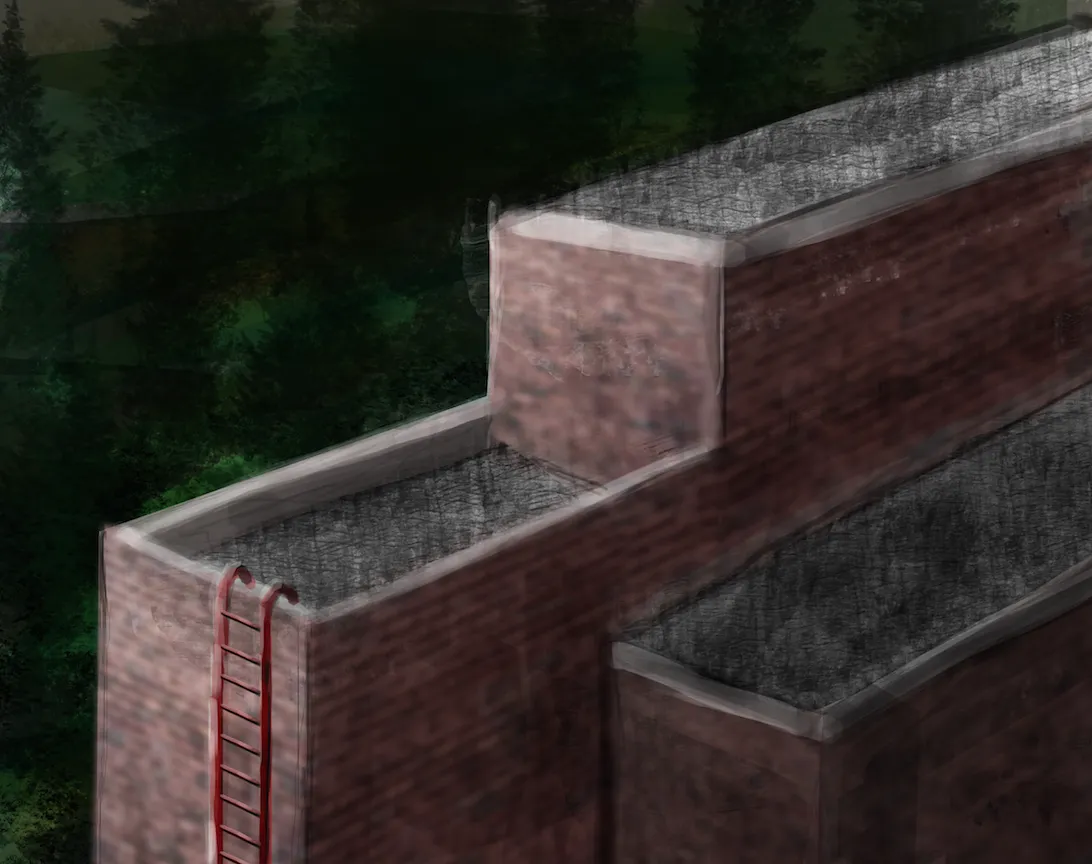
This was based on a tutorial, but my result is so bad:
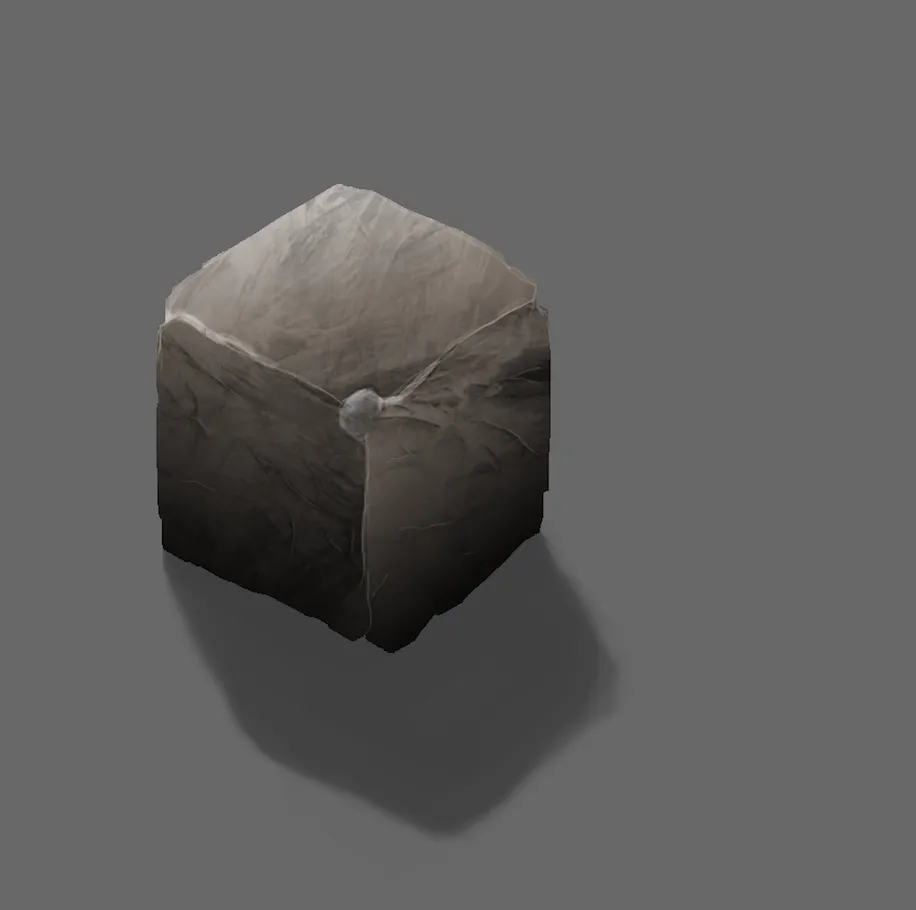
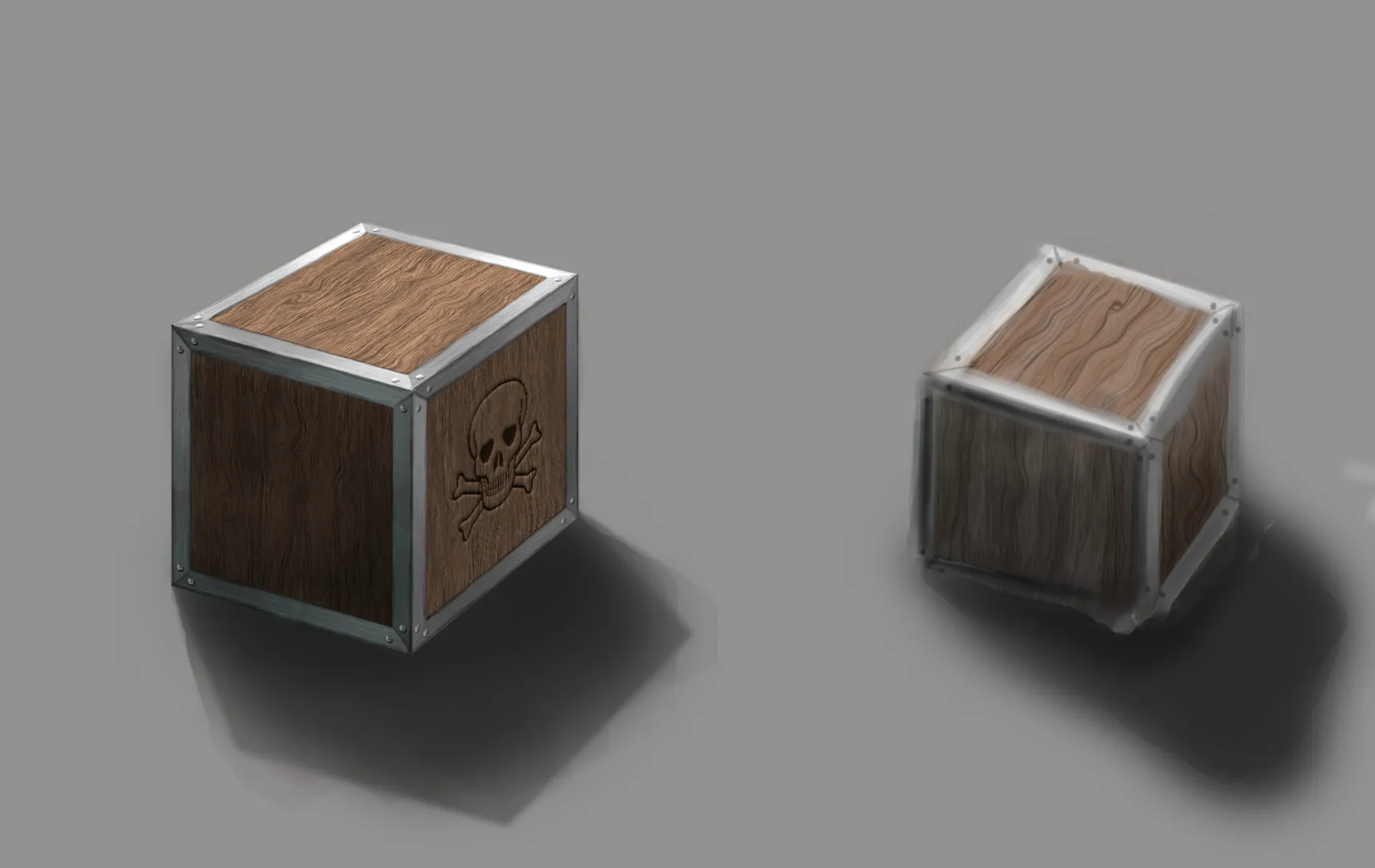
I did a wood tutorial, wood is really easy.
I thought it would be nice to make a box as well.
On the right I wanted to make a quick one. Cause I prefer to be good in speed painting then the detail photoshopping like on the left.
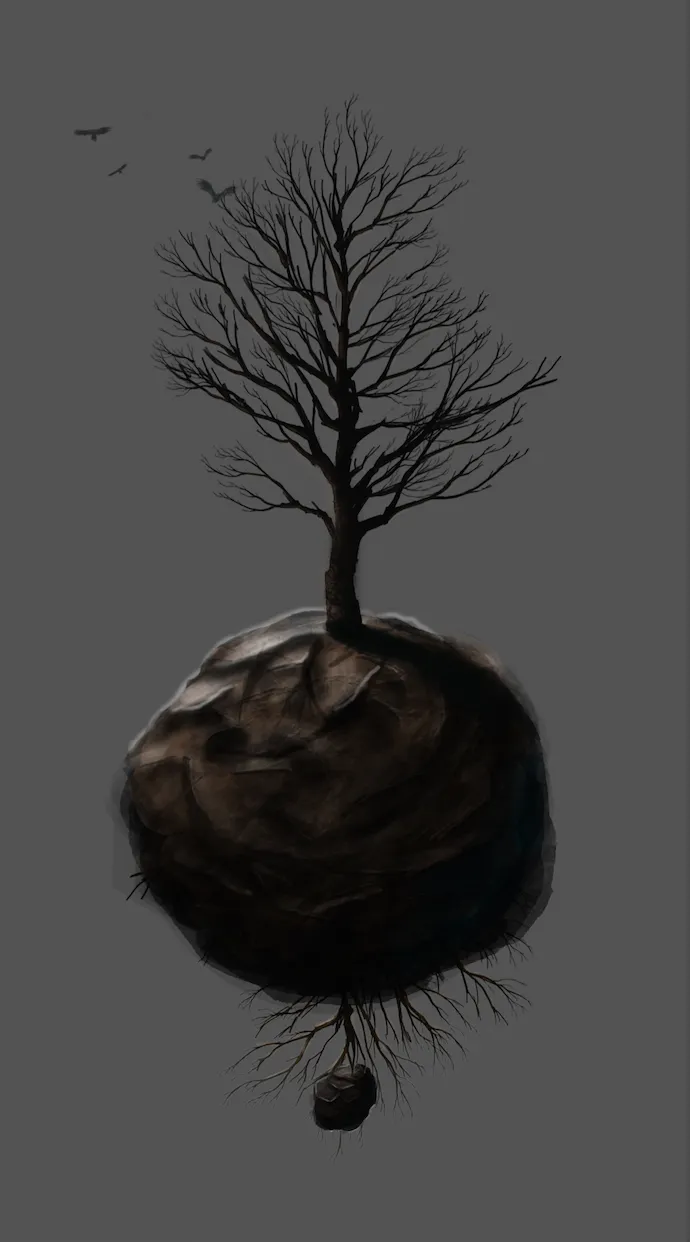
Last one to finish the day. The tree and birds are a brush, so yeah all I did is quite bad.
Ok more later...
