


Congrats to the winners!
Congrats to the winners!
 Quote from FX
3 hours ago, FX said: I have a few mappers in mind that I think are gonna get this. I will be in work during the stream
As Murphy's Law would have it, I will be tied up all day at work and into the evening. Good luck everyone.
 Quote from TheGlecter
4 hours ago, TheGlecter said: Got the screenshots, thank you very much!
So it seems that the update has turned my level into an absolutely ugly pile of crap... Totally unacceptable, seriously...
I was thinking you were going to be in trouble with yours also since it looked like you used a lot of TitanPass assets like I did. At least they will judge them on the previous build but it doesn't help the fact that my map is now an unplayable mess.
Welp, Maelstrom suffered heavy damage with this update. Had quite a few TitanPass assets. So sad... looks like tons of work to fix. Missing materials, messed up UV mapping on TitanPass meshes, missing meshes etc.
I hope its not an engine update mostly from the Hub management standpoint. I have 40 custom maps on my hub and it's tough to start over each time. They are talking about adding voice so that sounds like an engine update. #prealpha...
Well, I think I've finally detoxed from the last minute crunching to get my map ready. Thanks for running the contest guys! Too bad there's not a special category for "Dad's with full time jobs" :D.
Full Name:[/b] Martin Fay
Nickname:[/b] MauL
Map:[/b] DM-Maelstrom_RC1
Download[/b]:[/b] https://drive.google.com/open?id=0B0adL…SmFuaVlsVkRPTFU
Alternate Download: [/b]https://redirect.mpforums.com/ut4/users/Unre…owsNoEditor.pak [/b]
I agree that this content constitutes a Submission under the Unreal Engine EULA ( https://www.unrealengine.com/eula ).


 Quote from Mitch Mitchell
31 minutes ago, Mitch Mitchell said:
Well, it's a material instance. I don't see any issues with it being copied to another location.There is perhaps an argument that if the instance is deleted from stock assets, you will get issues on your map build moving forward, but I think that's unlikely...then again it is from a prototype folder, so who knows?
Personally, duplicate the MI, move it to another (shorter) folder, update the references and move on.
As for filesize...I honestly don't know the answer, but if you are using materials instanced from Epic materials, their location is immaterial. I do thank you for giving me the awesome set-up for that turn of phrase
Put a pot of coffee on and test it, see what happens.
Nevermind, duh I didn't notice it was an MI.
Anyway... the real point of my post was to inform people that are new to the process (It seems like there might be a few in here) that there are dangers lurking. Was hoping to prevent people from losing a ton of time trying to figure out that problem if they ran into it.
Quote from Mitch MitchellDisplay More6 hours ago, Mitch Mitchell said: Others will humbly correct me, but I believe that is the 'windows string length'. If you copy/replace in the content browser and get all actors using that asset, reference themselves to the new asset location, it should solve it.
Copy it to a location with less characters in front of it, like your own developer folder. So instead of:
Content/RestrictedAssets/Environments/Chill/ProtoType/Materials/Banners/Distressed/MI_Banner_GChannelDesign_BLACK_GDistress2.uasset
It could be:
Content/Developers/MauL/MI_Banner_GChannelDesign_BLACK_GDistress2.uasset
Much shorter string length. Yum.
Yeah, I think you misunderstood NATO. It's the actual location of the stock asset - it's not a custom asset. Since it is likely due to my filename length, the reason I put this post in here was to alert others since a stock asset, all on it's own, is dangerously close to causing pak errors. For people new to the process, it can be nightmare.
Mitch: I try to minimize duplication of stock materials if I can help it since it seems to make the filesize larger. I'd much rather use the MI that I'm currently using. Sure, if I can't get it to work I will have to duplicate it and put it in a shorter path location but I try to use duplication sparingly. Am I wrong on that?
Just in case anyone is having packing issues, I finally had the dreaded FAIL today. It took a while picking through my cook.txt, but scrolling up from the bottom I found the two errors. Both errors are "filename is too long". I've seen others have this issue and it's a bit silly since it's a stock asset.
They are both related to the following asset:
C:/Program Files/Epic Games/UnrealTournamentEditor/UnrealTournament/Saved/Cooked/DM-UC-Maelstrom_A1-23/WindowsNoEditor/UnrealTournament/Content/RestrictedAssets/Environments/Chill/ProtoType/Materials/Banners/Distressed/MI_Banner_GChannelDesign_BLACK_GDistress2.uasset
The error is "filename is too long" but I believe it is actually "path length too long" since I haven't changed the length of the filename and this asset is fairly new in my map. I'm going to rename my map something shorter (which I was going to do anyway). I will report back if that doesn't fix it.
By the way, if you are new to the cook.txt file, the word "error" occurs quite frequently and is not an issue. This makes doing a word search for "error" a non-starter. Try searching for either "CookResults:Error: " or "LogCook:Error:" to find the offending errors.
Name: Martin Fay
Nickname: MauL
Map Name: DM-Maelstrom (vA1-11)
Download link : https://drive.google.com/open?id=0B0adL…ZG5sZTQxQ0RsYkk (updated for UE 4.12)
I agree that this content constitutes a Submission under the Unreal Engine EULA (https://www.unrealengine.com/eula ).[/i]
UT Forum Post: https://www.epicgames.com/unrealtourname…trom-WIP-5-1-16
Flythru:
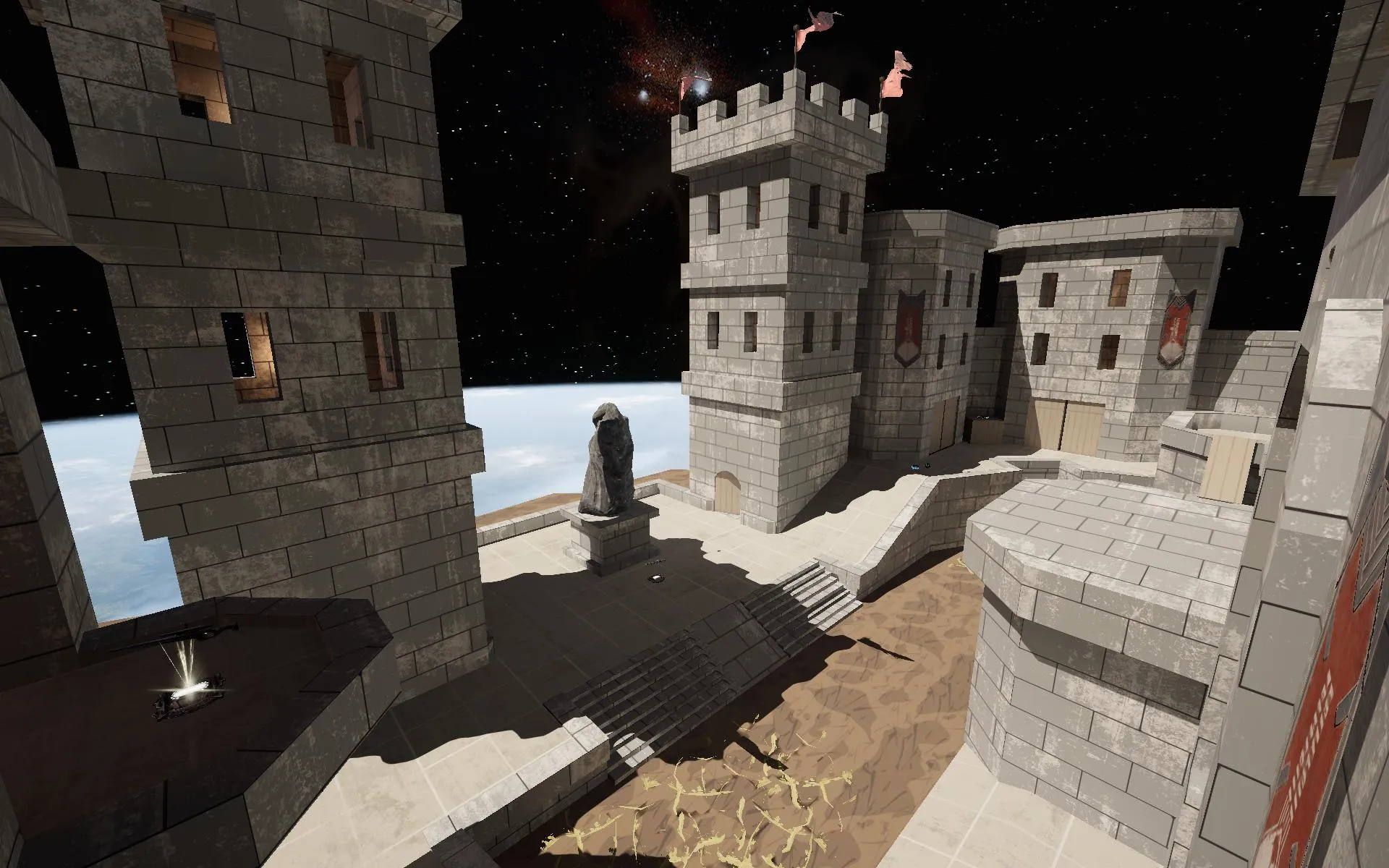
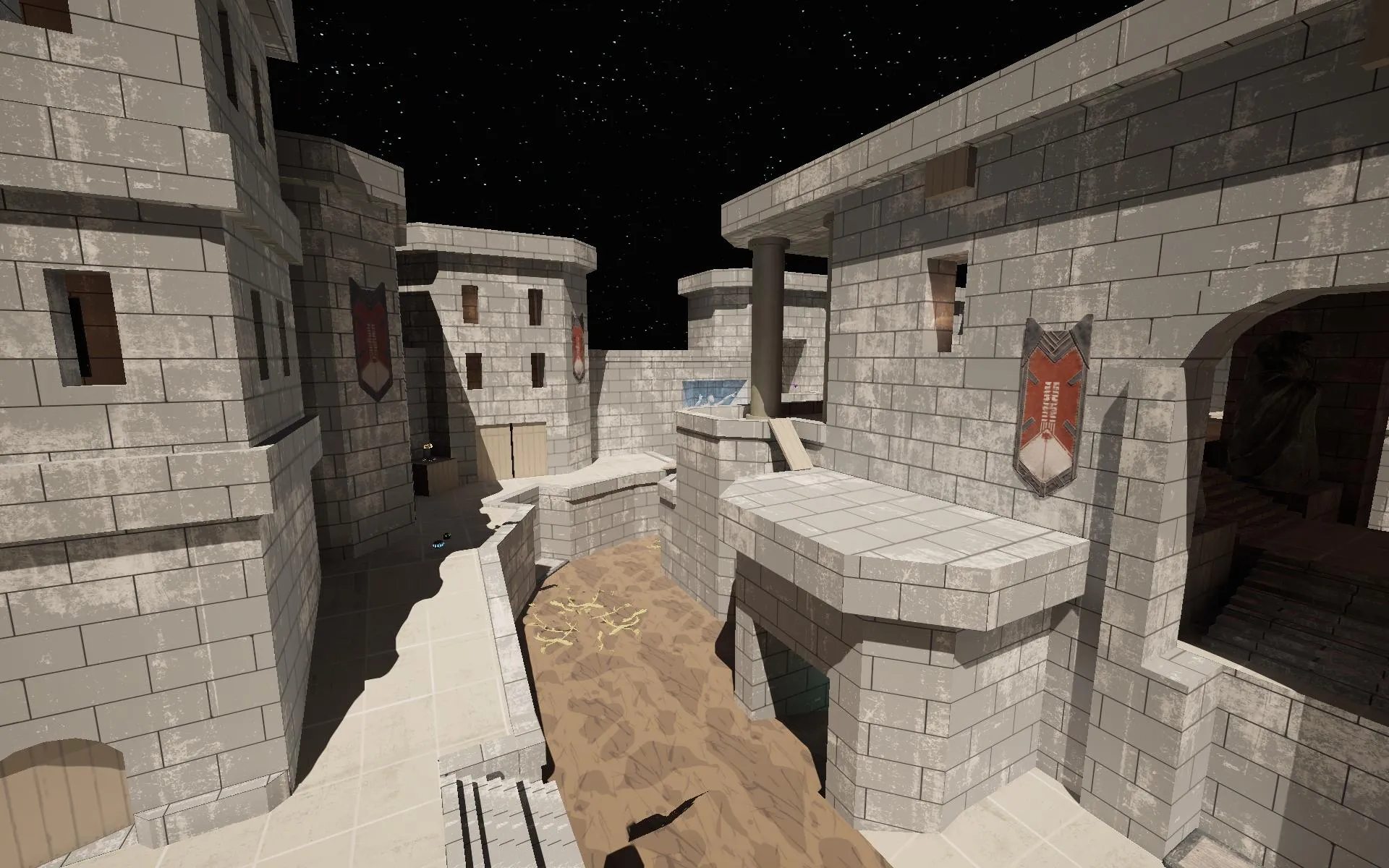
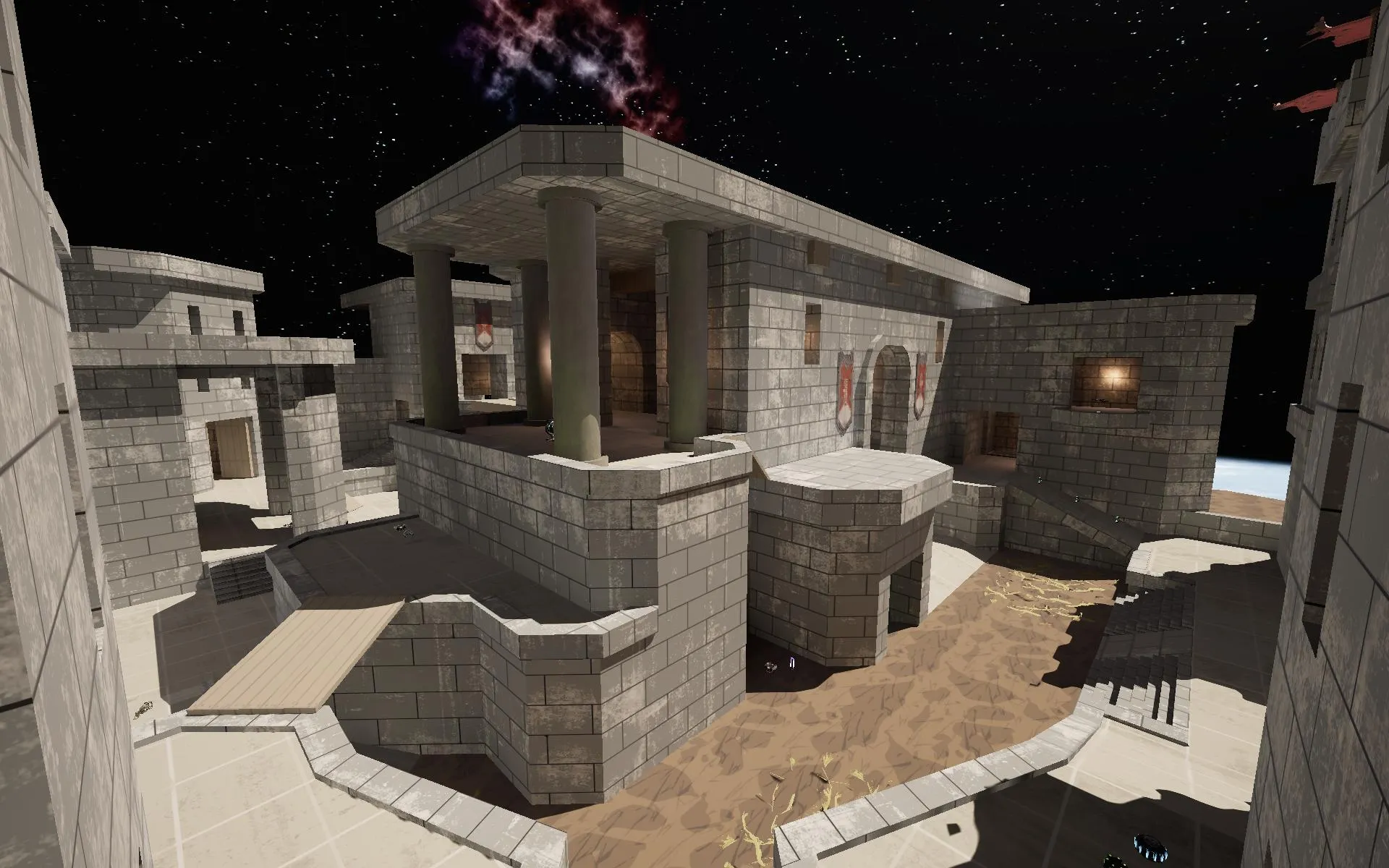
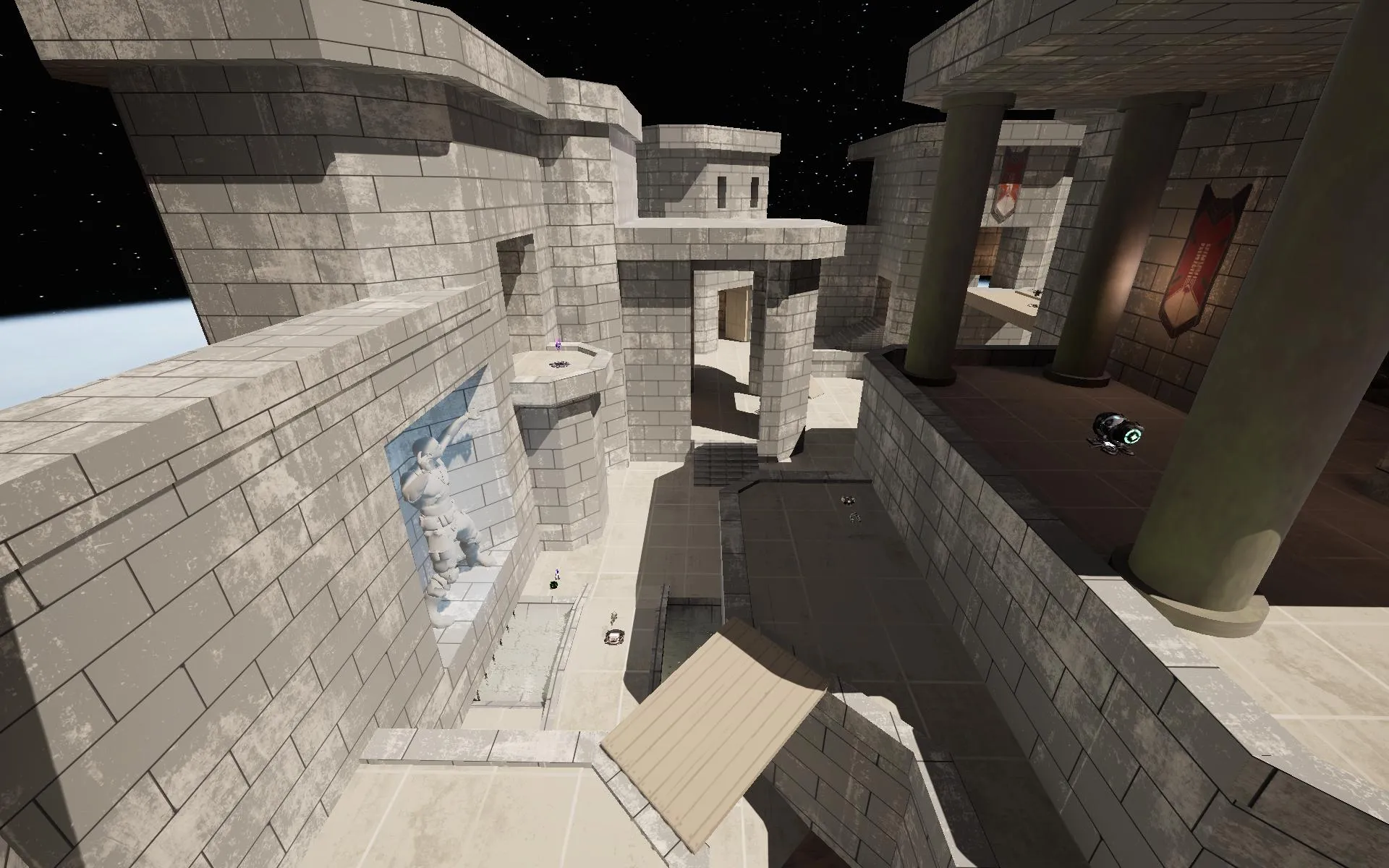
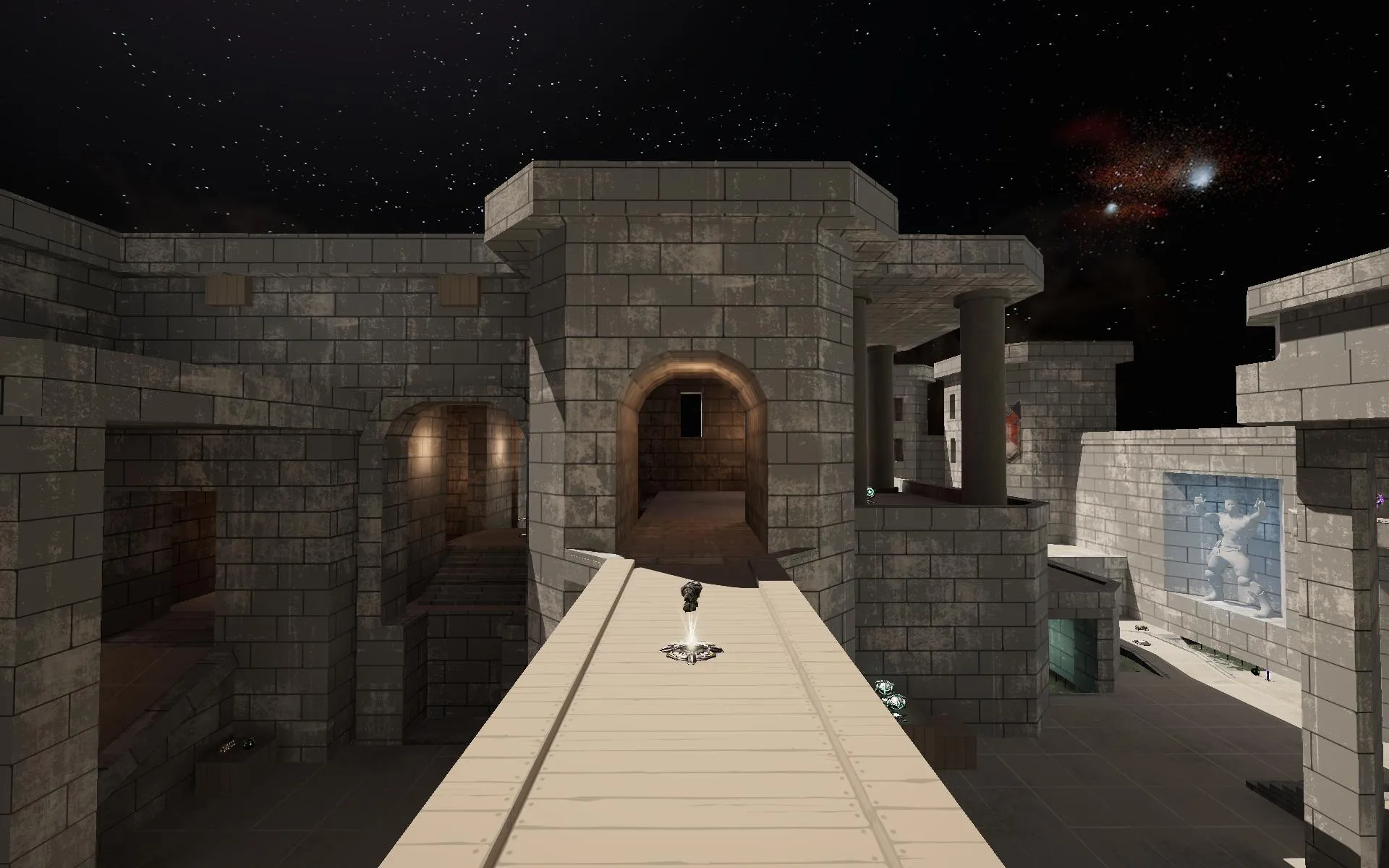
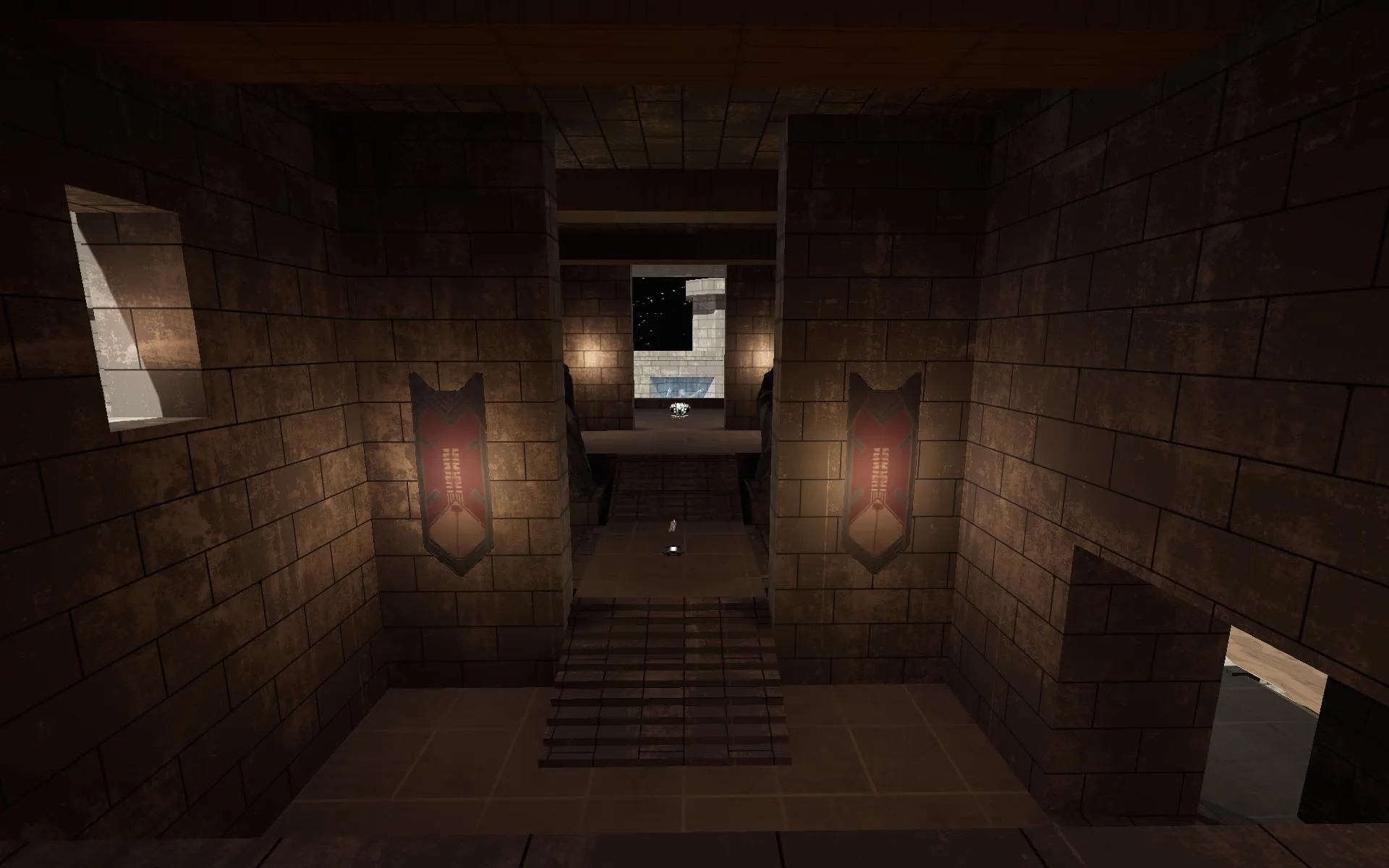
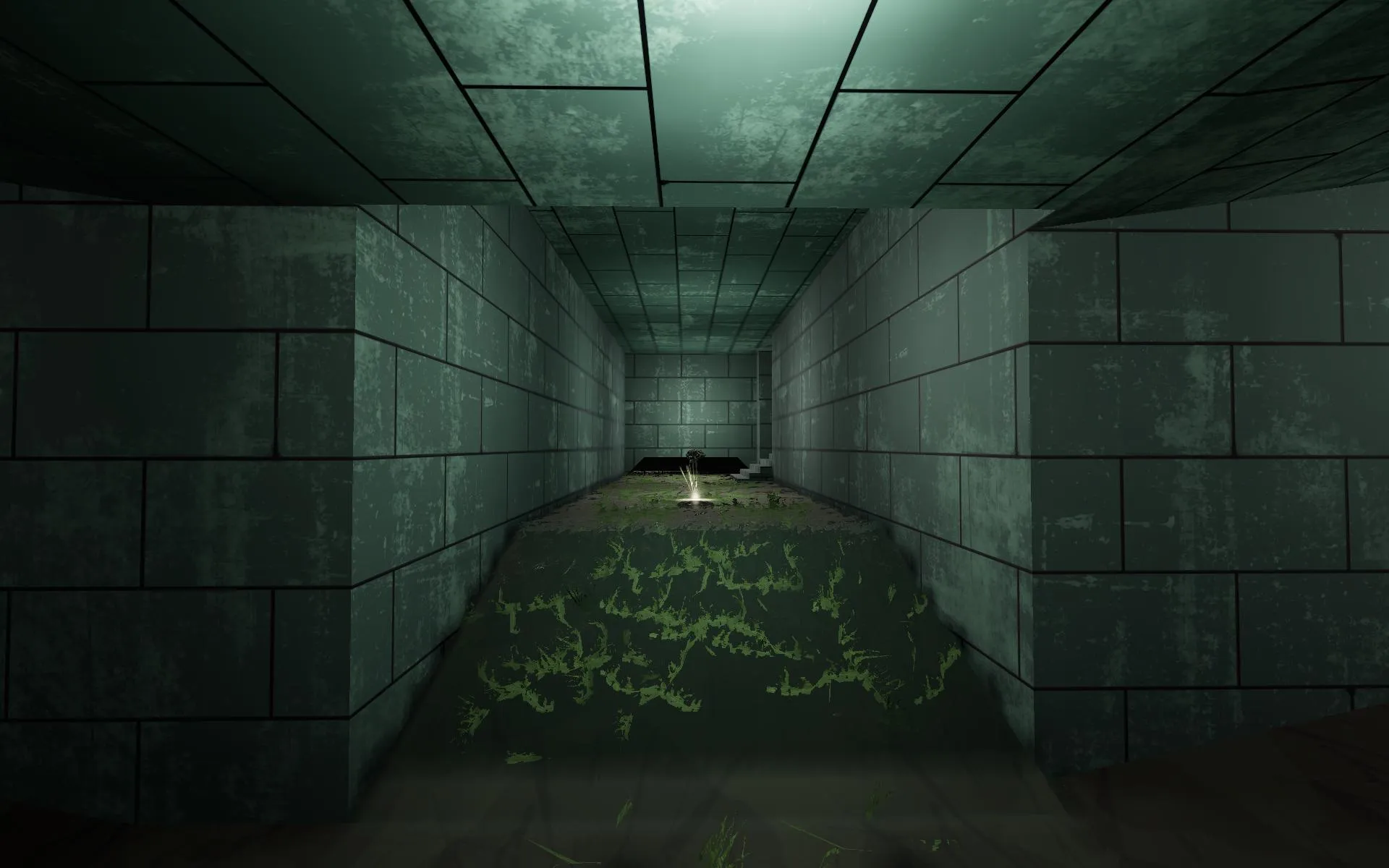
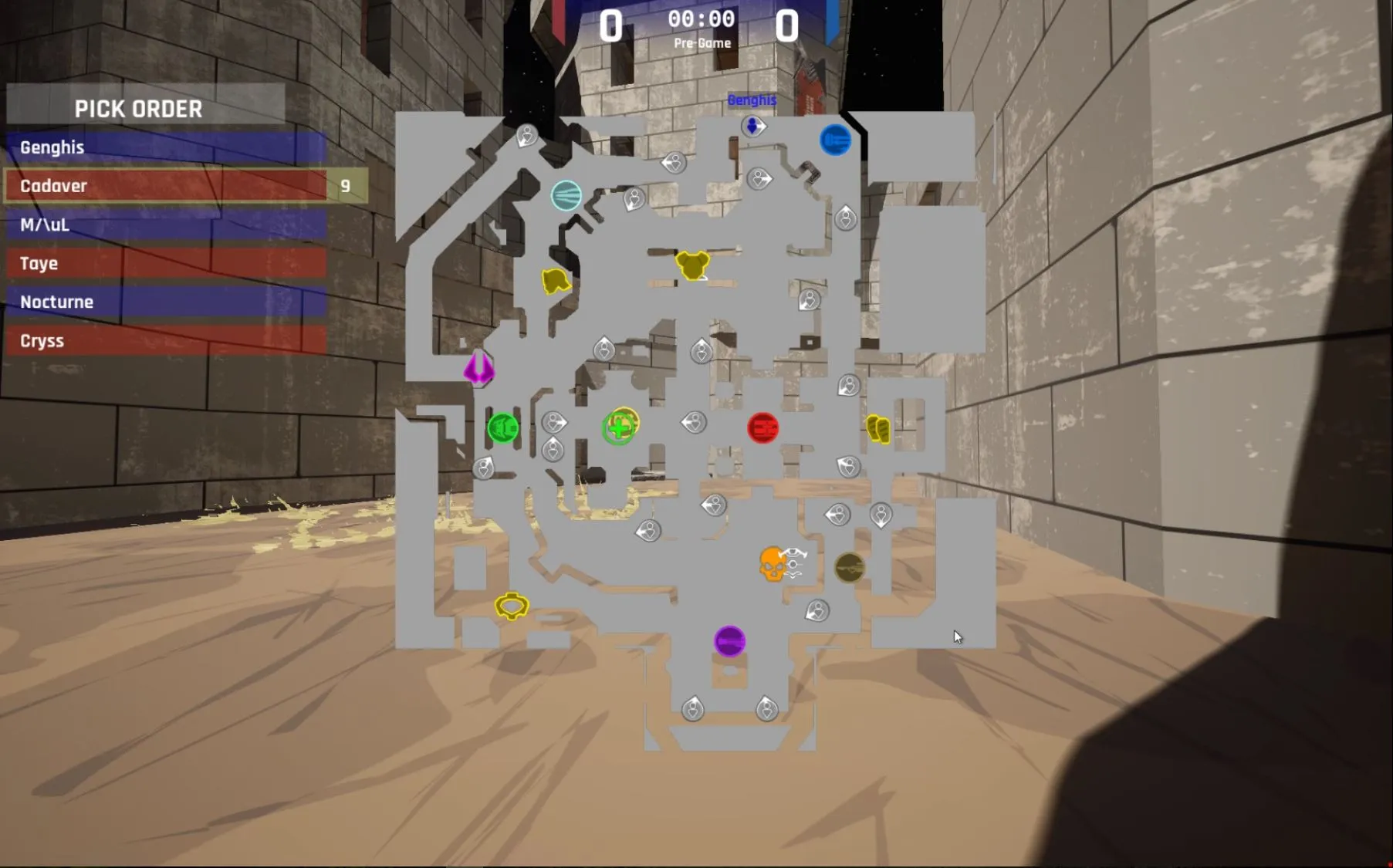
Started this two weeks late after the start of the contest. I need to pay more attention to these things :).


