


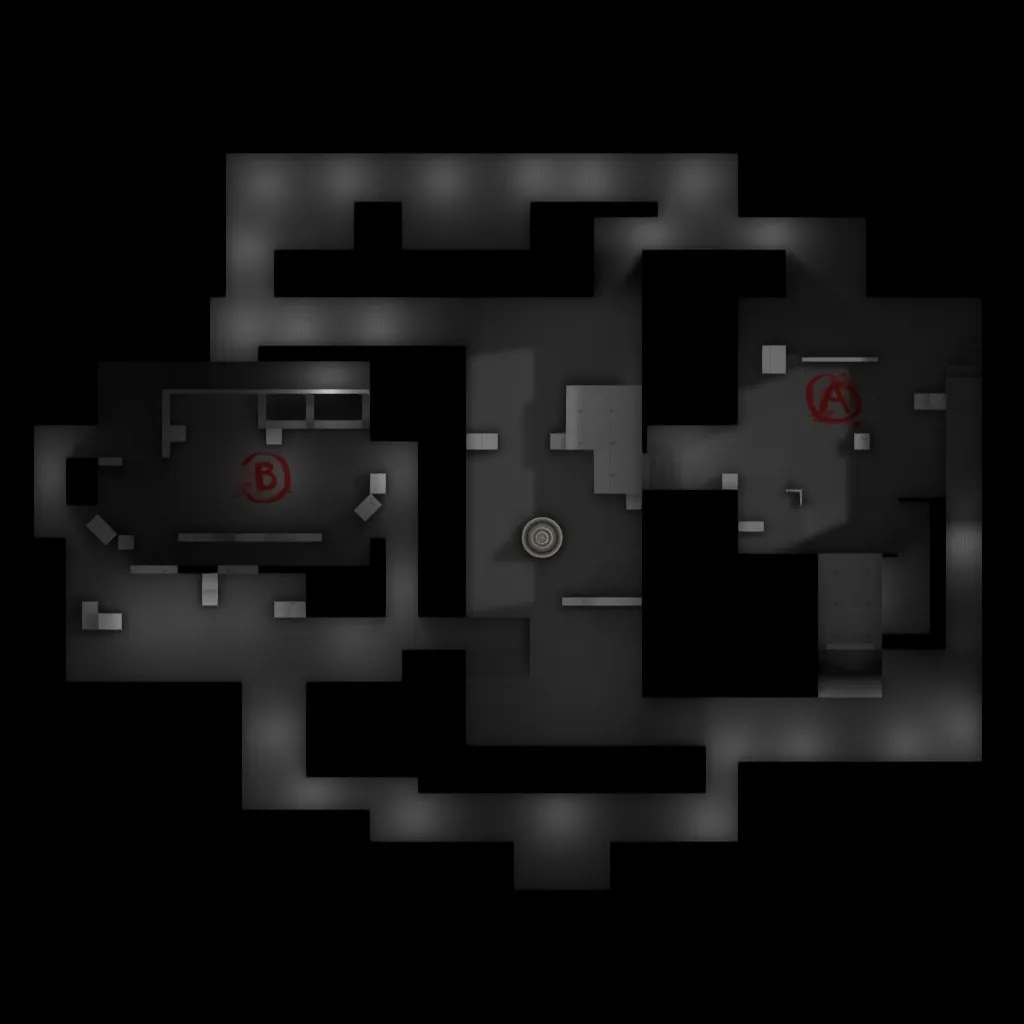
Fixed/Adjusted MinimapAdded Ladder to A siteMoved T Side Ground Entrance on A SiteRemoved Extended Wall on B SiteRemoved two boxes on B SiteMade additions to midAdded a Mid to B connector
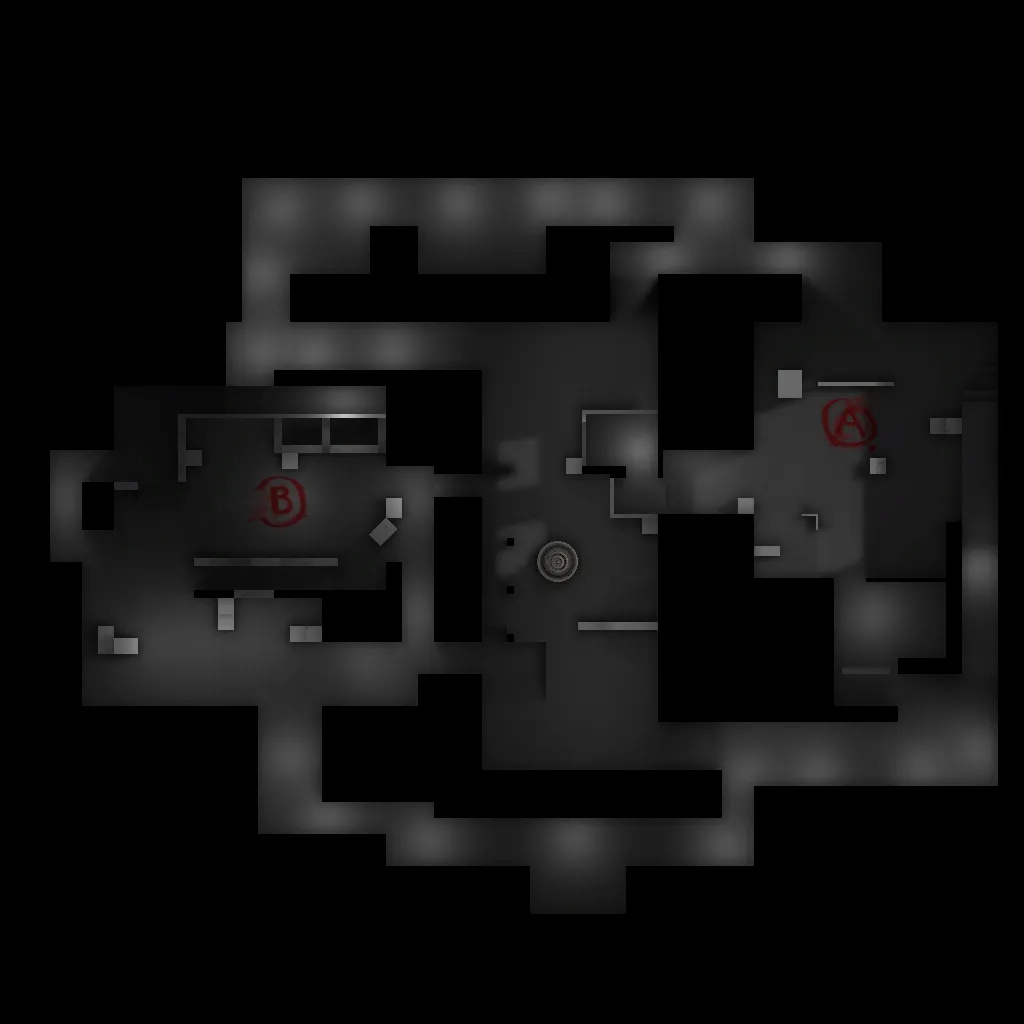
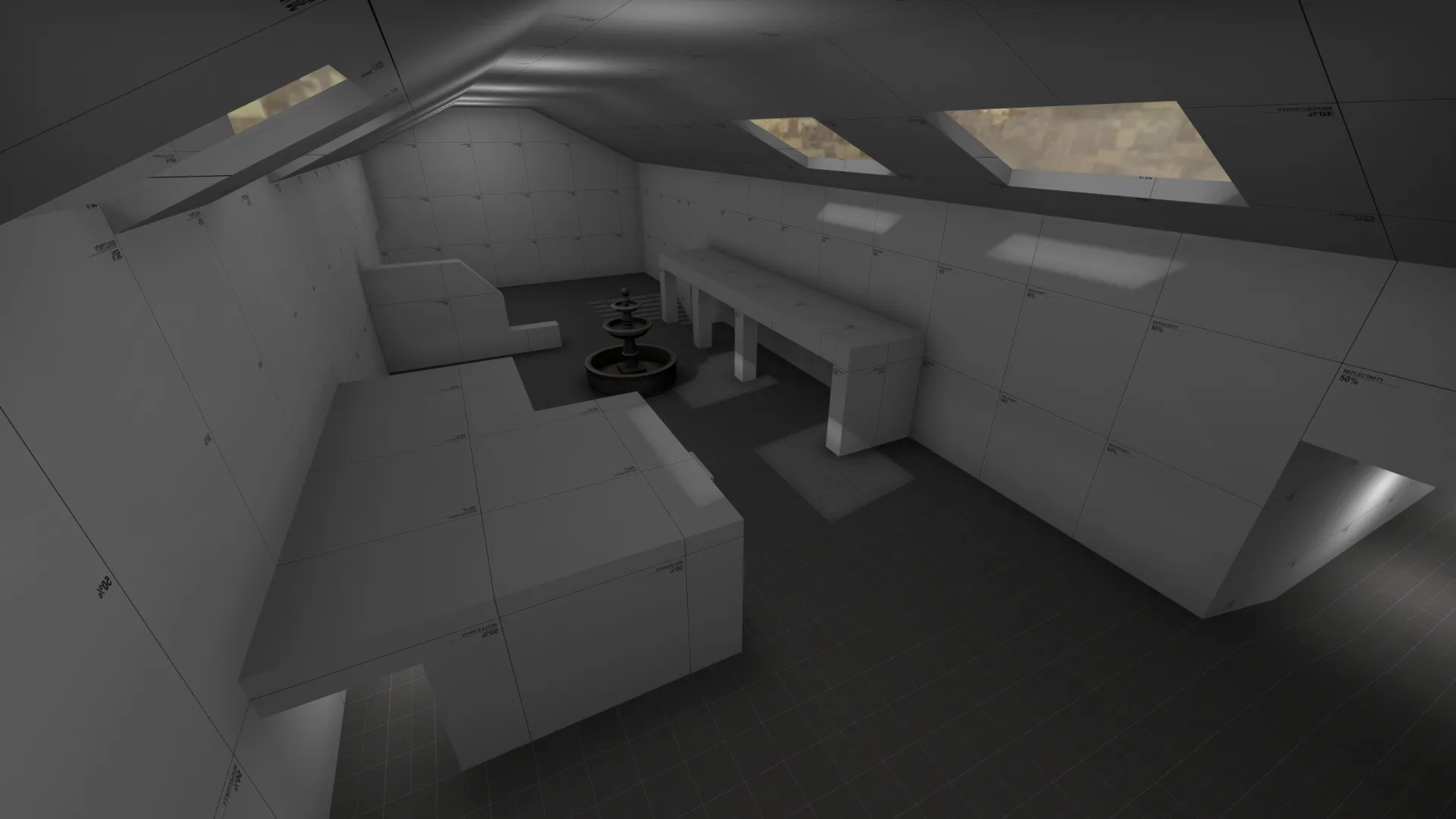
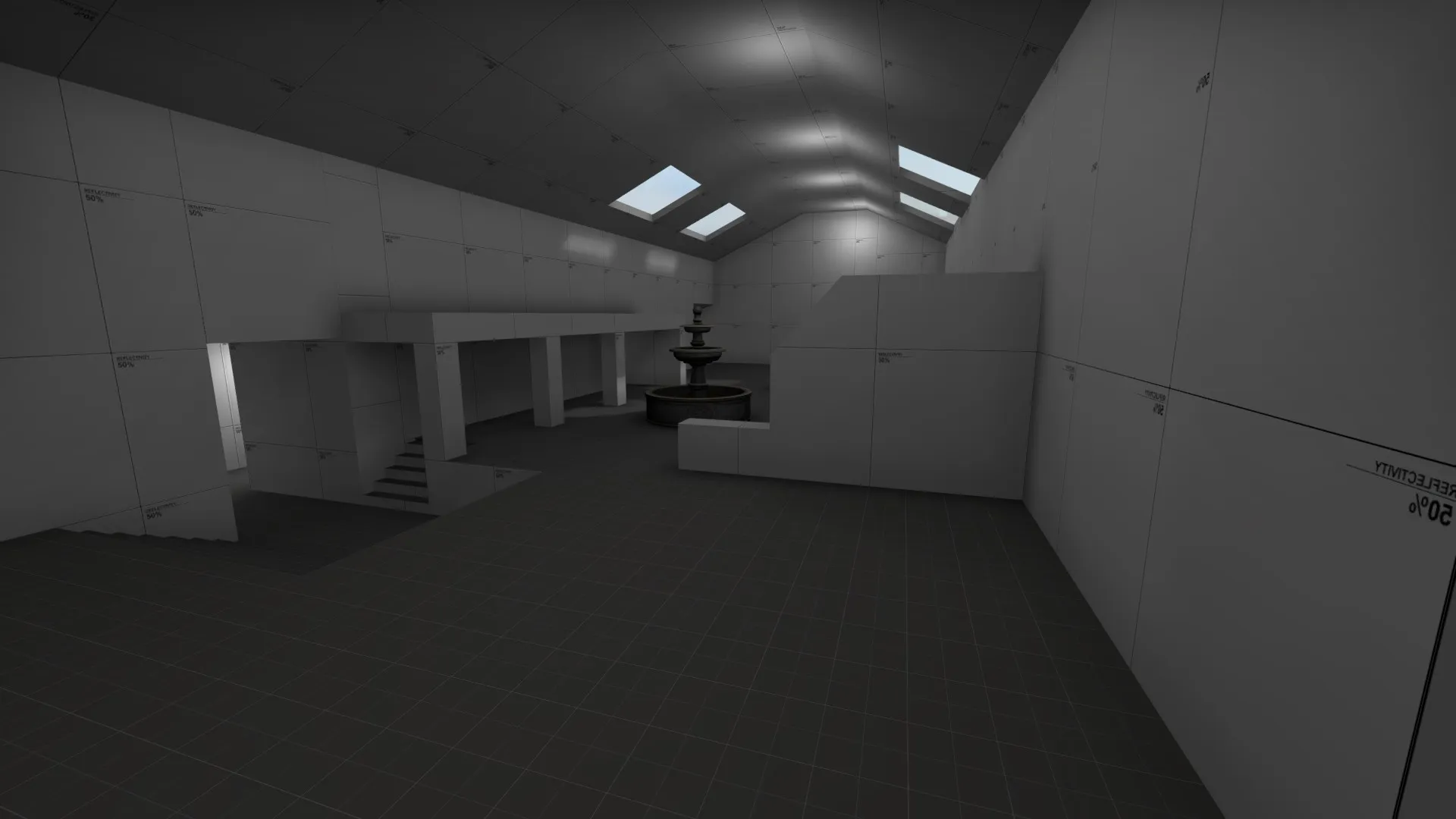
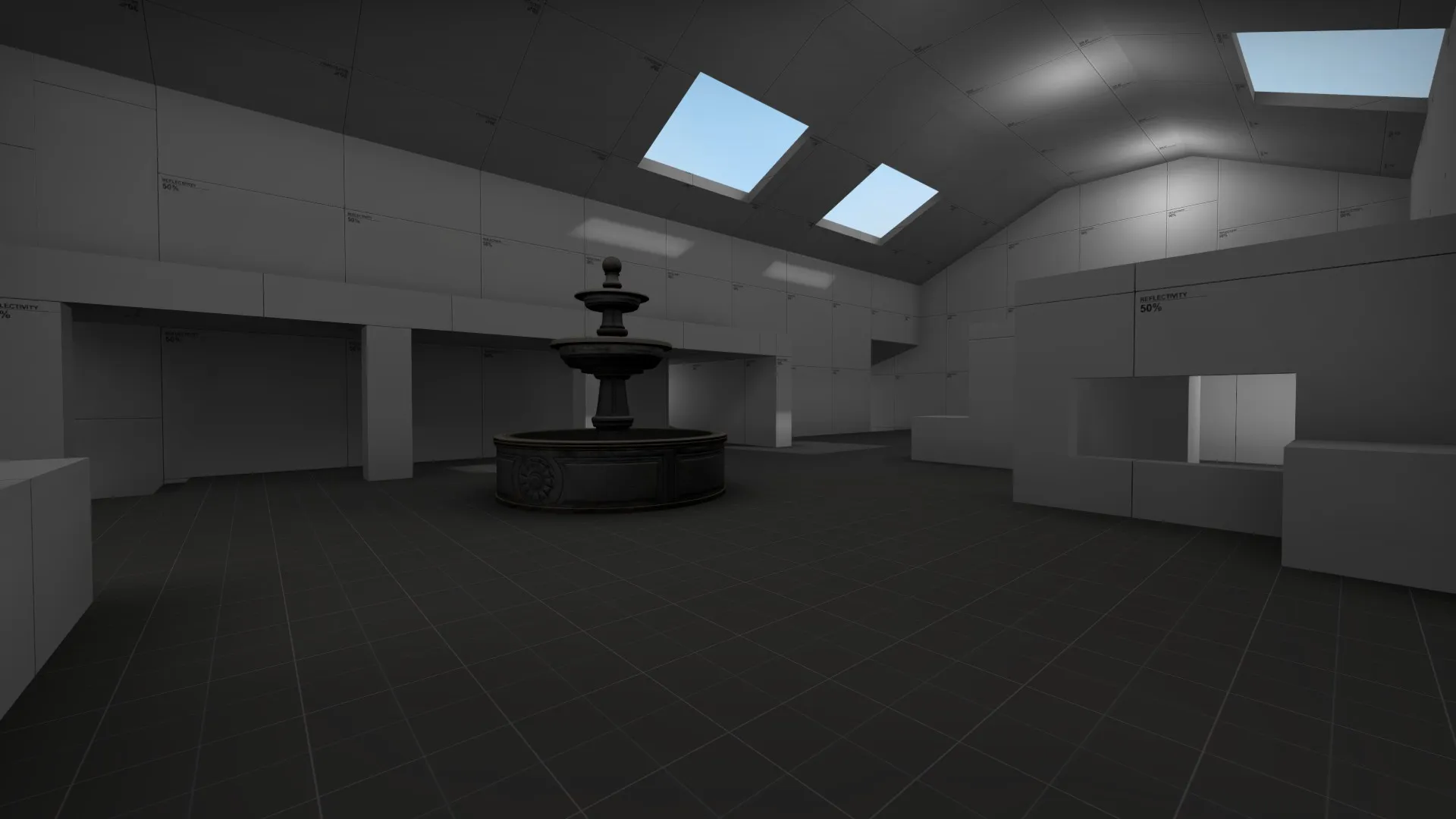
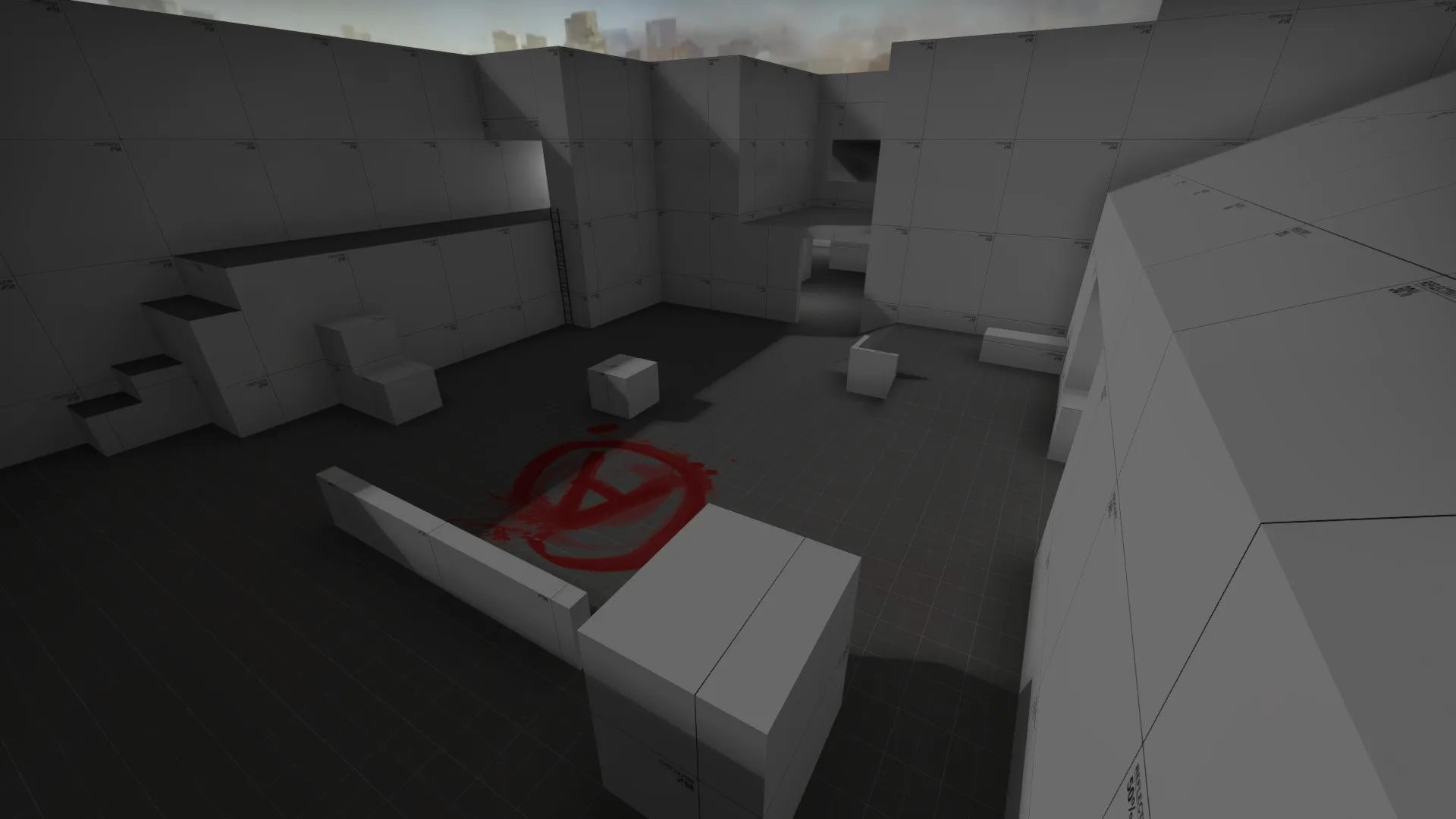
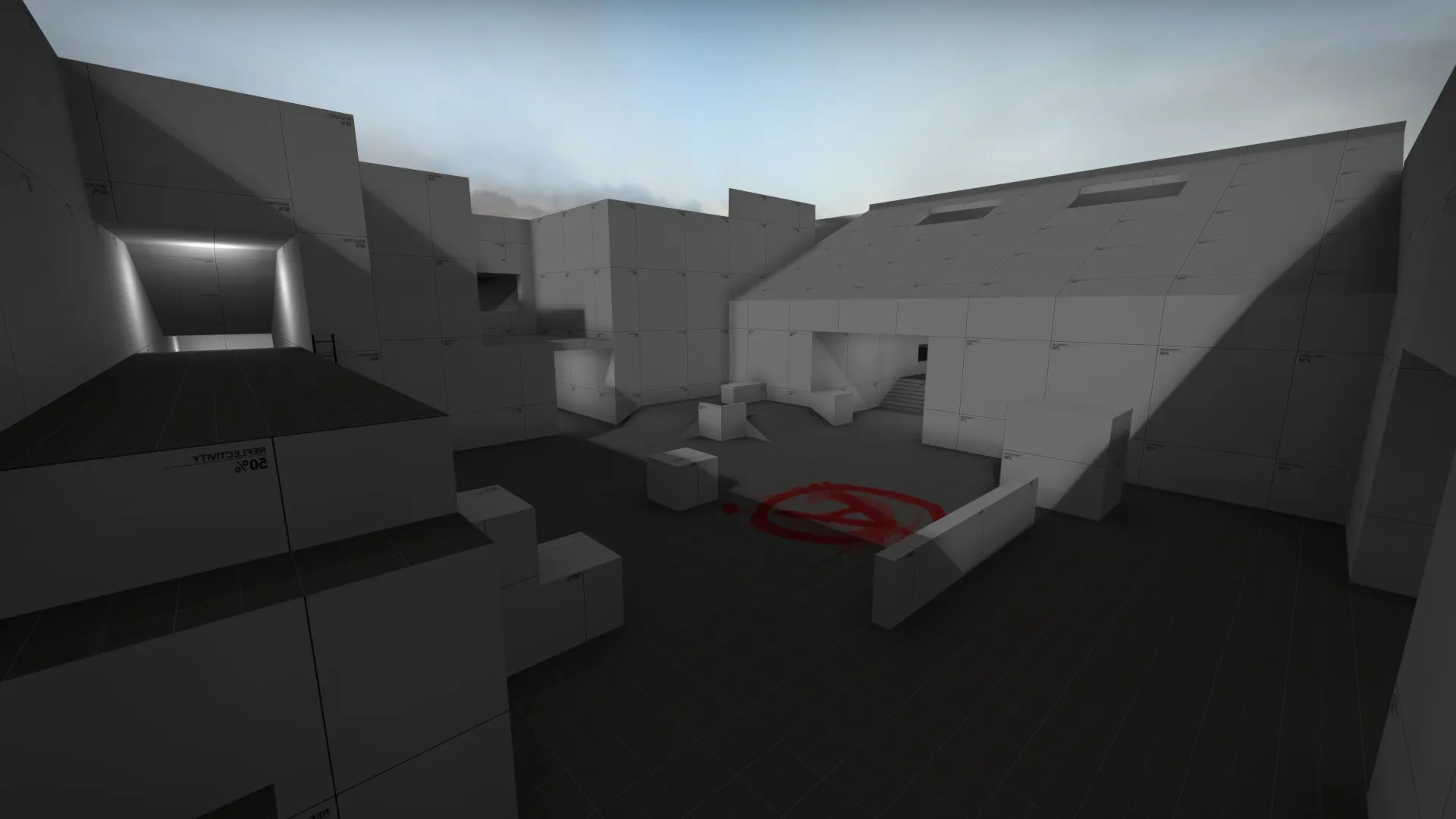
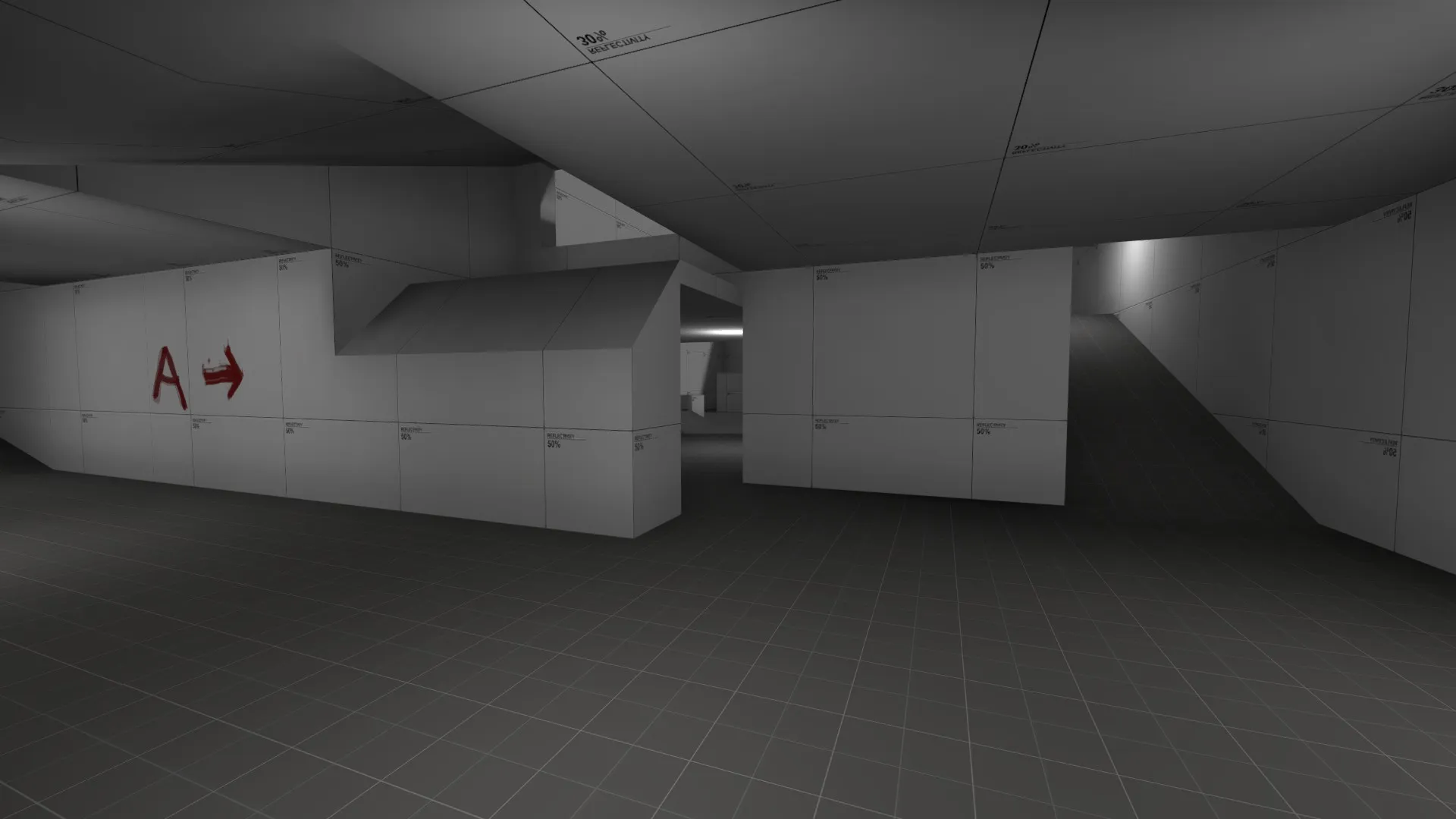
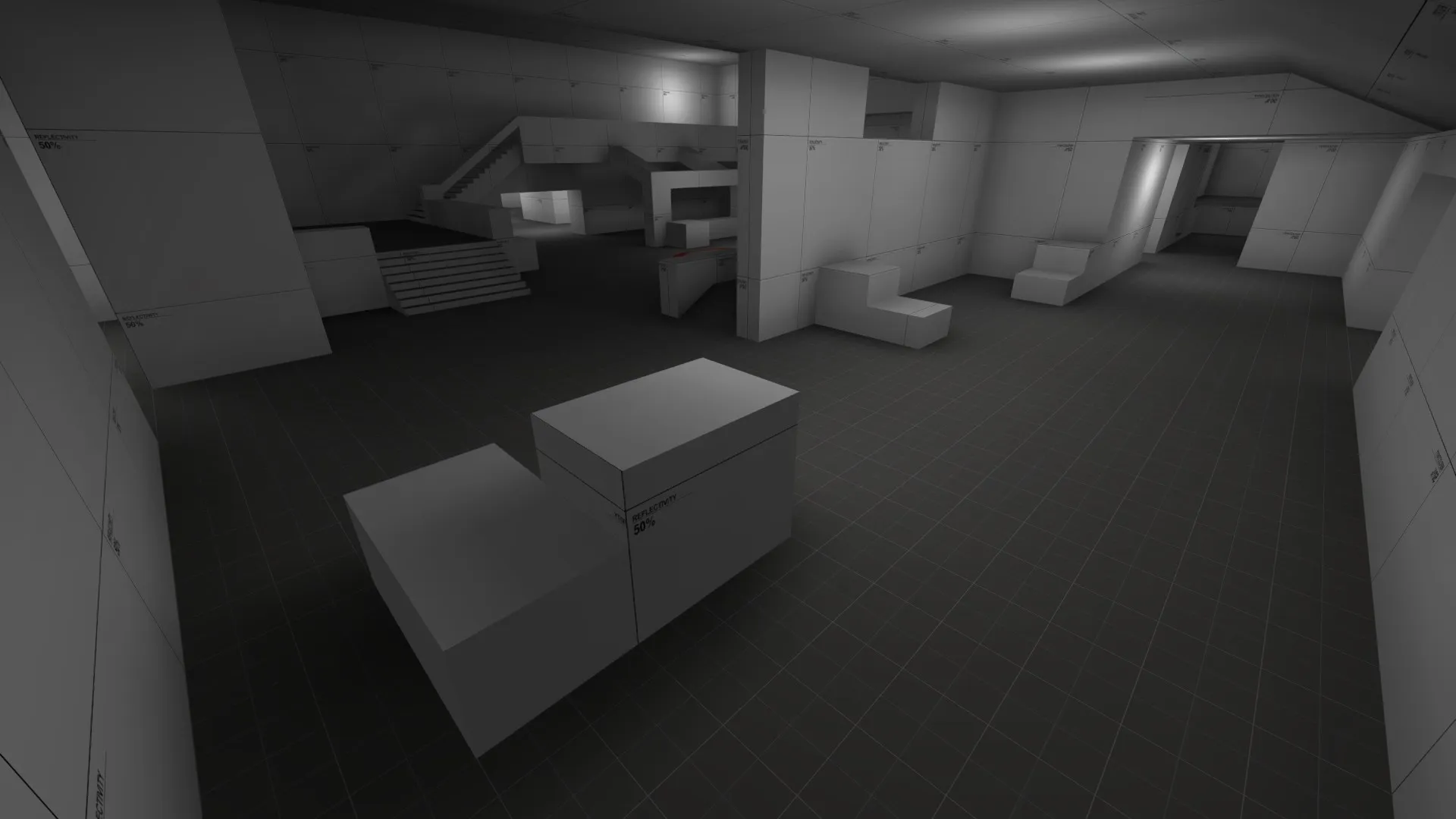
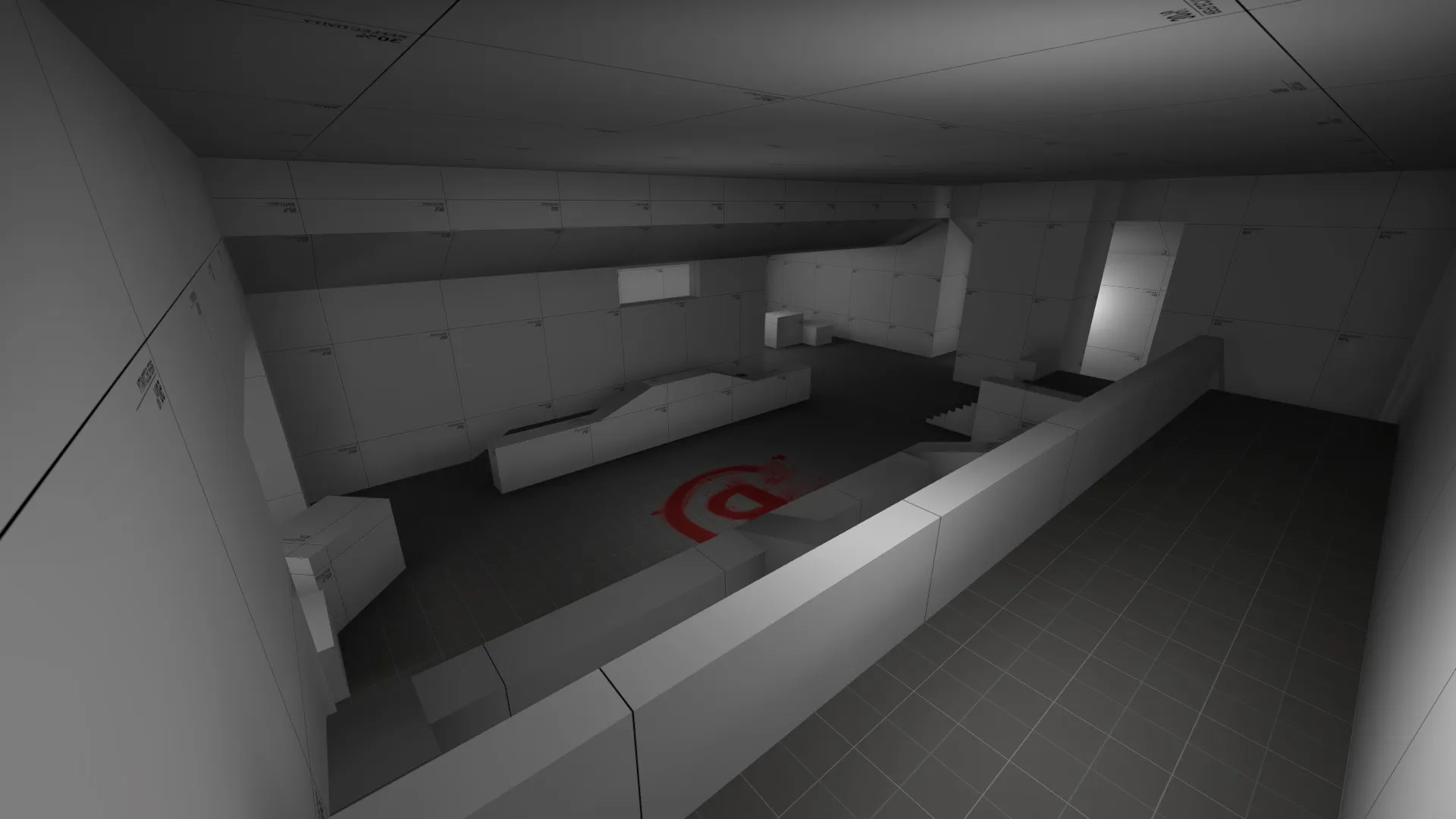
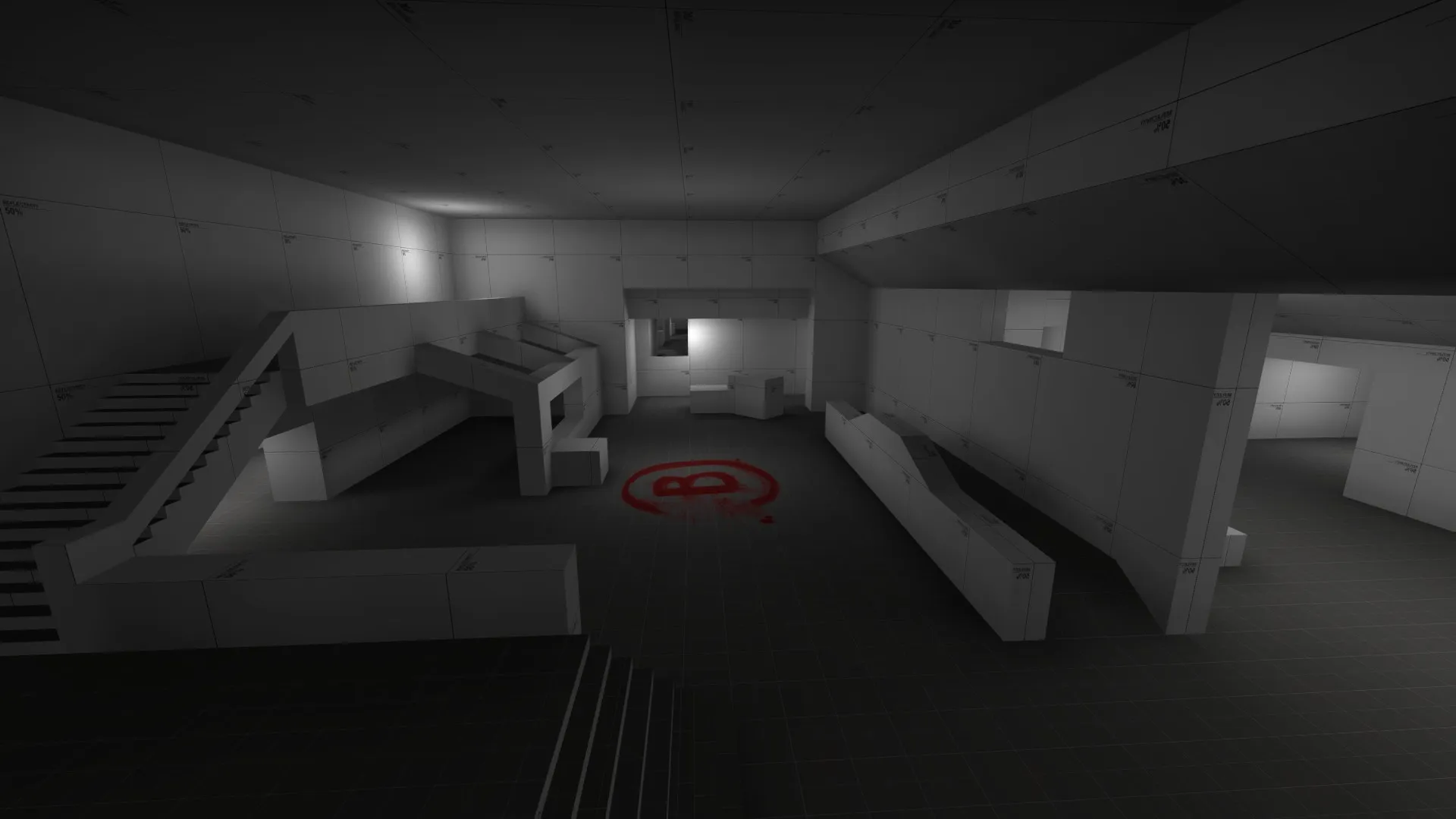
Fixed/Adjusted MinimapAdded Ladder to A siteMoved T Side Ground Entrance on A SiteRemoved Extended Wall on B SiteRemoved two boxes on B SiteMade additions to midAdded a Mid to B connector
More images outlaying the map and the slightly updated radar, didn't differ all that much.


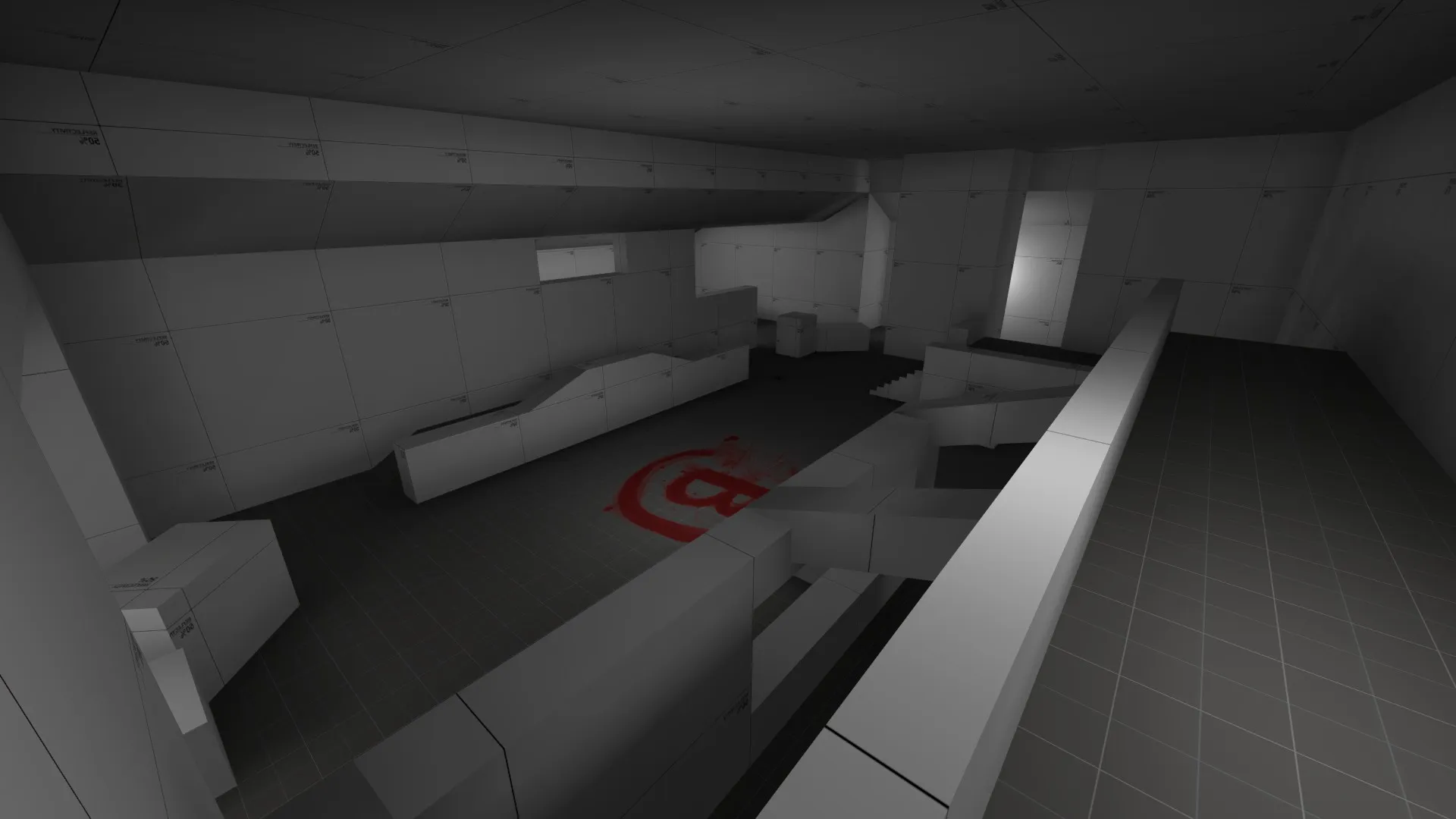


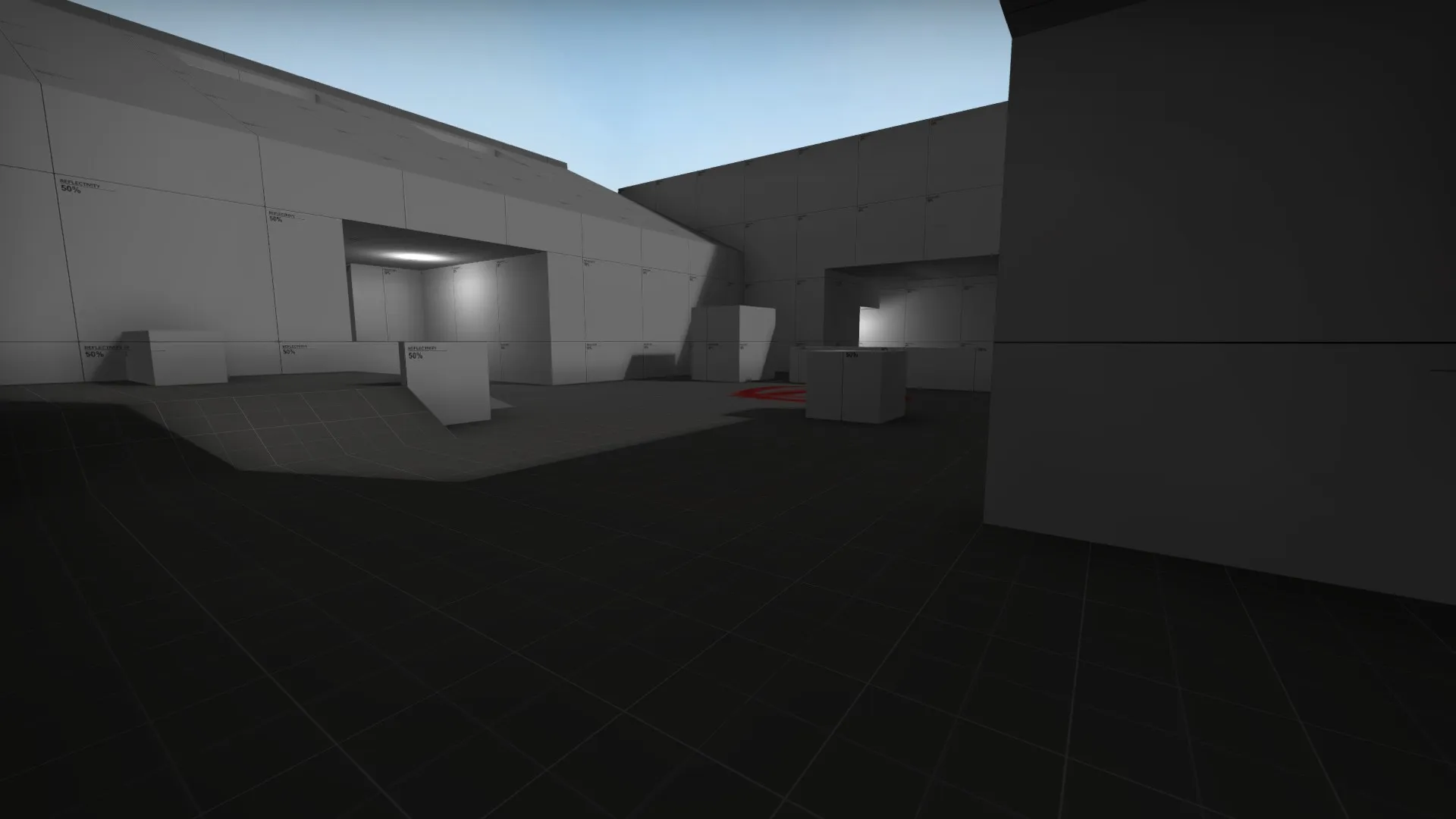
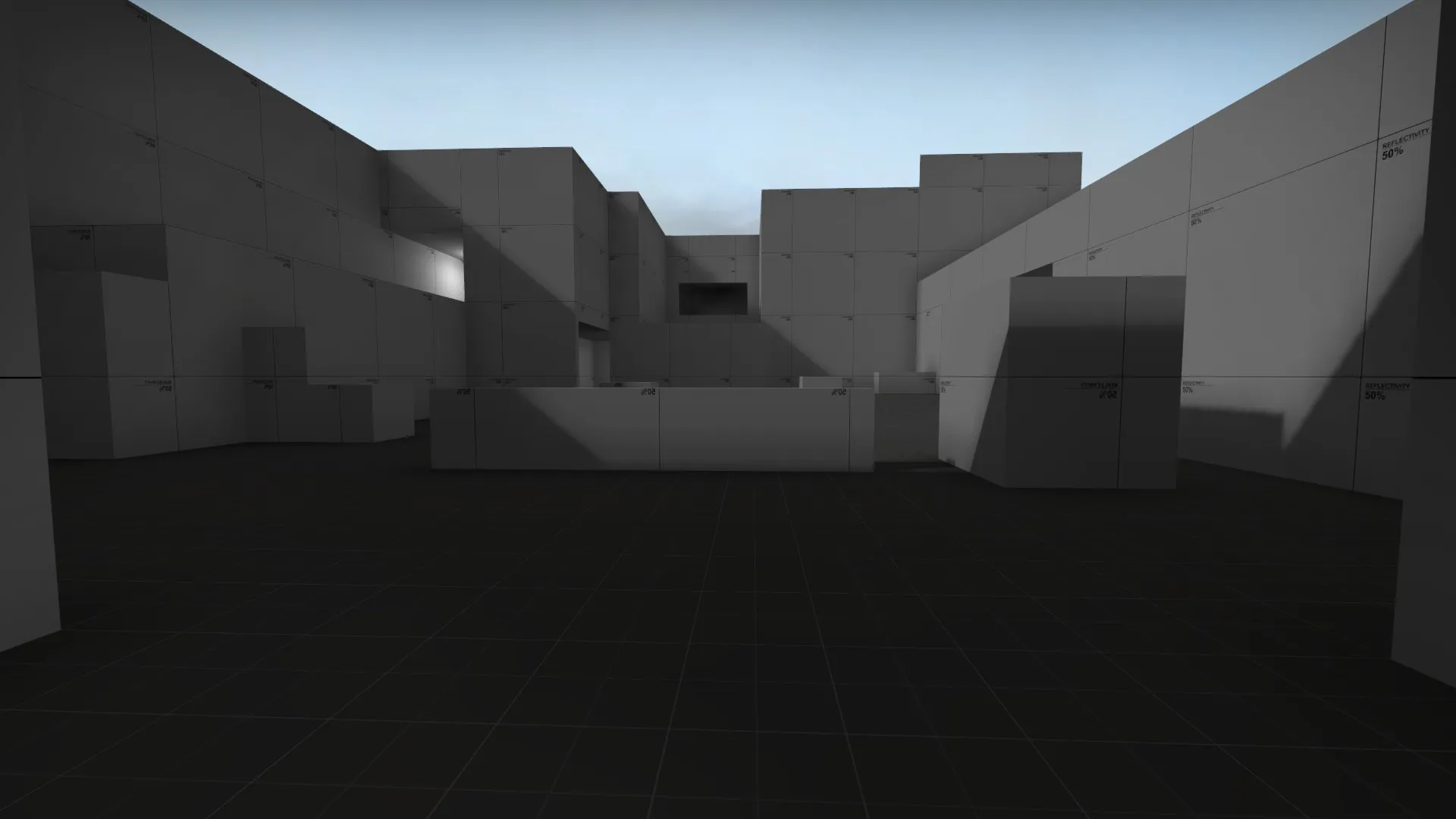


Okay, after taking an extensive break from this, I am coming back to continue progress on this map. I would still love peoples feedback and on it and how it plays competitively if people would like to test it. I have it uploaded to the workshop with a working minimap. Thank you for any input!
Fixed minimap and changed the lighting.

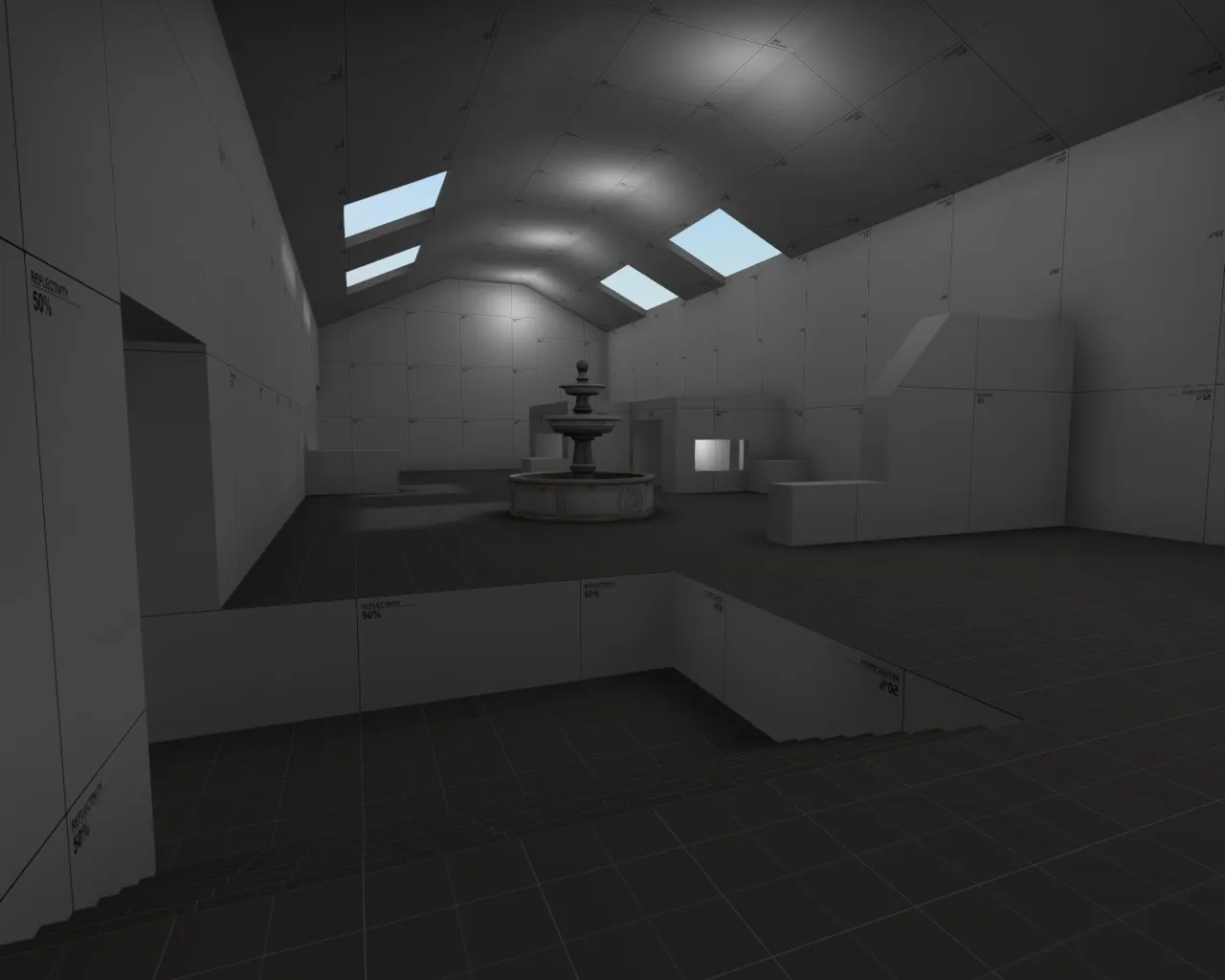

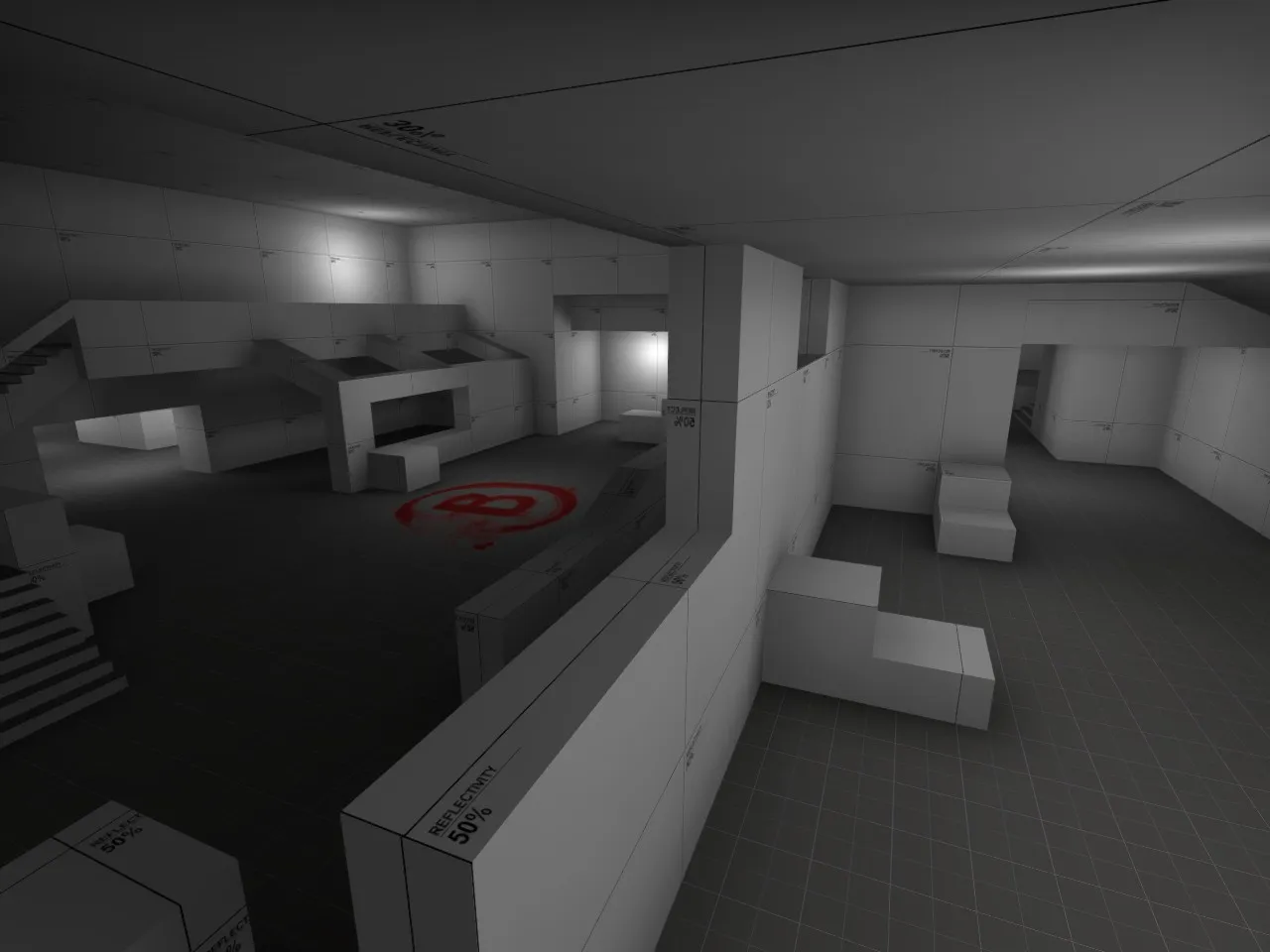
 Quote from jackophant
To expand on Vaya's points:
You can add all the roof parts of your map into a custom visgroup. The visgroup can then be hidden very easily.
I'm not sure what's going on with your black sky and lighting, but if you go to the Valve Developer Community - Sky List - CSGO you'll see a list of the skybox names and what light_environment you can use to produce nicer lighting.
I'll admit black sky was a minor hiccup in planning picture taking , the skybox was disable in the pictures .
 Quote from maladus
The layout looks like a solid start, but there aren't a lot of choices for approaching the bombsites because the choke points are a bit limited. This may be just my perception of the map, but I'm sure playtesting will find these issues (if they exist). Have you tested the timing of the map yet?
Each site has two choke points, both of which connect to mid. Mid allows for a lot of control if taken by T side. The timings are currently favored towards ct having a few seconds to set up before t's can get into site if they were to rush at the moment. I've done some 3v3 play testing and eliminated one op execute onto A site.
Updated map name.
Major update to environment of map.
Applied planned indoor/outdoor areas.
Reworked mid.
Added placeholder lighting for playtest reasons.
Only issue I am having is trying to make a minimap without the roof for mid showing.

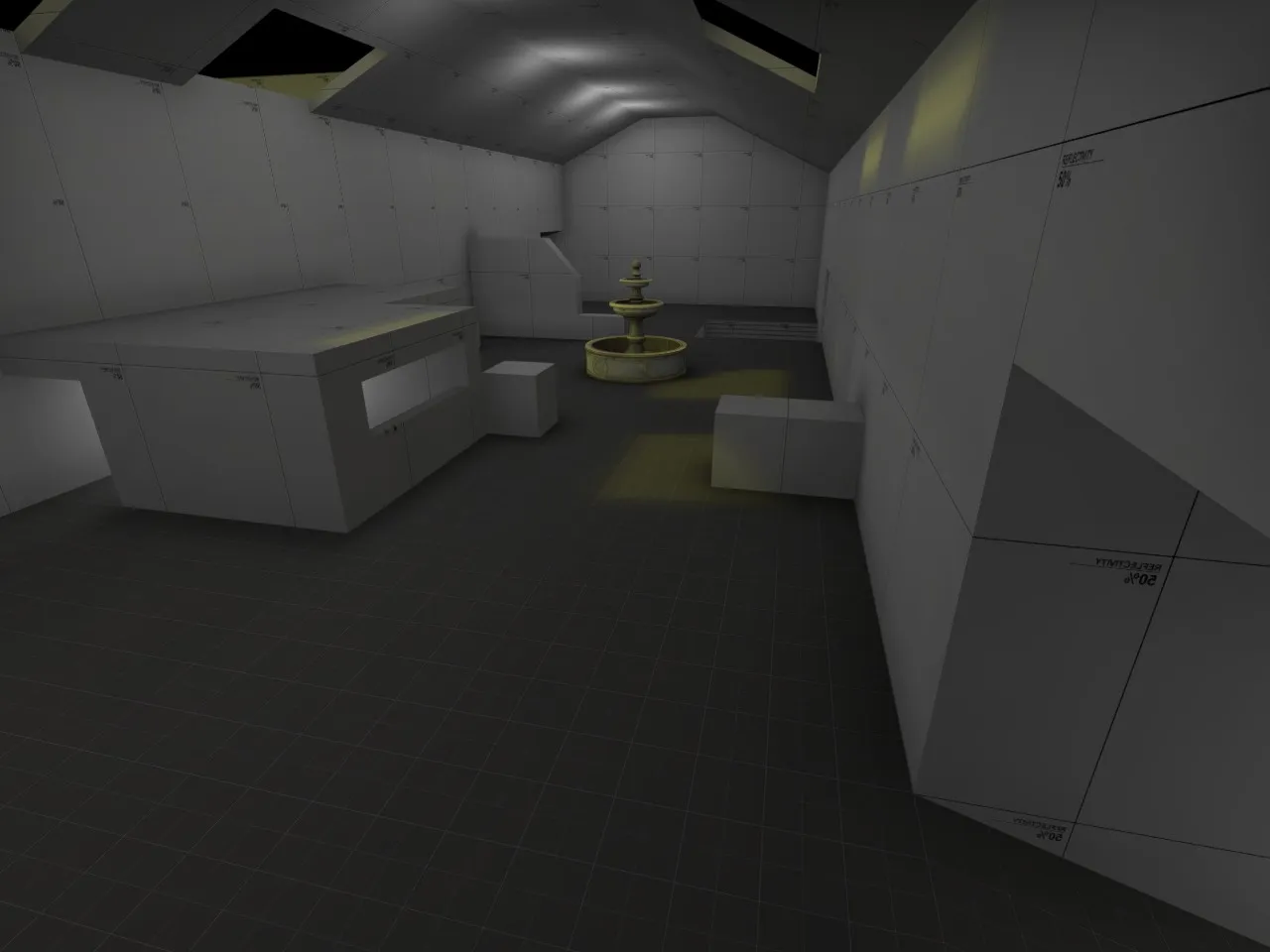
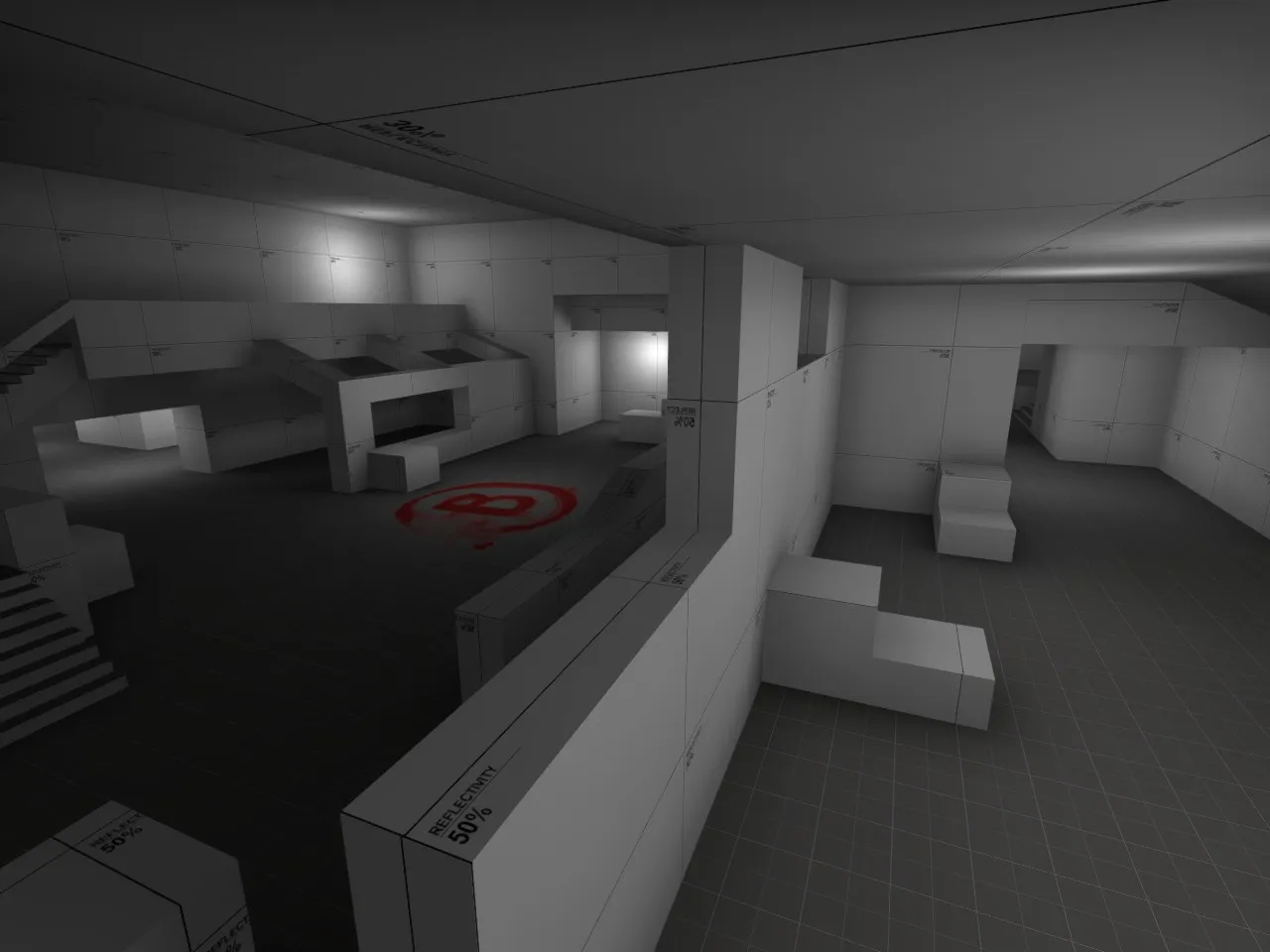

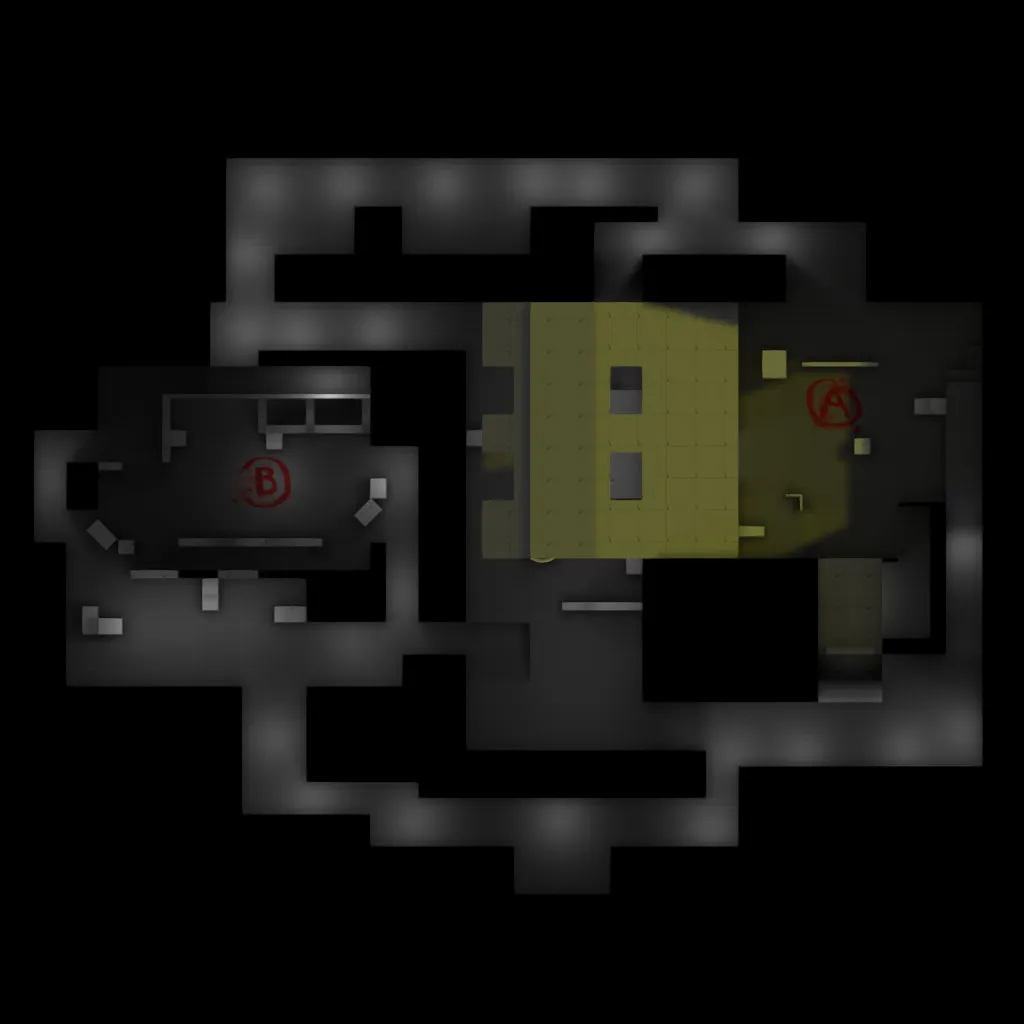
I have been interested in getting into game development for years but I wound up going straight to work (I have a solid job for only a high school education.). Recently I really wanted to go back to school to try to get a bachelors in game design and was more or less curious how prevalent employers in the industry look at what school you do graduate from? I ask because it would be a semi long term process (as all extra-educational school is....) because I would primarily be doing it all as online courses due to working a really good full time job (I just see it as a placeholder job till I find something I am passionate about), but working overnight. So I figured I would try and get myself into the best position out of school as possible. I understand that the school you go to isn't always everything a lot of it is usually what you can offer that differs from everyone else, or rather makes you unique. (Did I just answer my own question????) Input would be awesome!
Sirlock-Sirlock68 both psn and xbox
Quote from jackophant1) Personally I use about 50% for the walls, 30% for the roof/ceiling and "dev/devmeasuregeneric_01b" for any accessible, walkable surface. But this is just my initial preference. However, if I was working with a particular theme in mind and I had large dark granite pillars, I would colour them with a low reflectivity to give an idea. If I know an area will be white plaster, I will use a similarly light tone. It's not the sort of thing that needs a tutorial, just painting by numbers but in shades of white-black rather than full colour, make sense?
2) Tightening up the map is really dependent on a map test. You need to see what parts are bigger than they need to be. Sometimes it's a particular alleyway which is too wide and could be a bit better being narrower, or the walk across an open area between an entry point and the bombsite is too exposed so you want to bring things a bit closer together. Sometimes there are corners of your map which are "dead space", places which don't offer any tactical advantage and might be counter-productive to the flow of the map so you can just fill them in. It can often be a bit of everything!
Just get a mapcore play test arranged, and you'll see what I mean
I did grayboxing so far, I was gonna take time to lower the walls when I have more free time and can make it reasonable for each area of the map.
Quote from jackophantThey're only grey (hence term "greyboxing"). Ranging from 10% reflected light (dark grey) to 90% reflected light (almost white).
The idea being that if you're working with coloured lighting, you can see more easily the combinations of tones created. Use the reflectivity texture that will be closest to the texture you aim to use.
I find orange is quite over powering, and if used at all is better as a highlight colour.
Okay, something else I am trying to clarify on, am I making everything varying percentages reflectivity textures i.e. walls, floors, and ceilings depending on what the end game texture will specifically be? At least that's what I seem to be gathering from what you are exampling. There isn't a tutorial or anything I have found on this topic so it is hard for me to understand. Also as far as tightening up the map, do you mean leave the site sizes the same and just making it so their is less void space, or adjust scale of the bomb sites as well as reduce the void space? Sorry for all the questions but thank you for taking the time to answer!!!
Quote from jackophantLooks like a good start, I like the layout of bombsite B especially but it all needs a little tightening up.
I would suggest you drop those walls right down as well, (makes everything feel very enclosed and shady) and work with the reflectivity textures as they give a better idea of lighting as they are closer to white.
What sort of theme will you be aiming for? It's important to get that down now, so you can start looking for references and craft the brushwork towards that final theme.
So I was looking into reflectivity textures, is there a specific percentage I should use or does it not really matter, and as far as it goes I can't seem to find the reflectivity textures in orange they only seem to be gray.
Quote from jackophantLooks like a good start, I like the layout of bombsite B especially but it all needs a little tightening up.
I would suggest you drop those walls right down as well, (makes everything feel very enclosed and shady) and work with the reflectivity textures as they give a better idea of lighting as they are closer to white.
What sort of theme will you be aiming for? It's important to get that down now, so you can start looking for references and craft the brushwork towards that final theme.
Yeah I was intending on making the walls lower eventually it was just a matter of working out the flow of the map first , and I was intending on going for a casino theme so its going to be fairly enclosed in the long run.
Hey there for the past couple of months (minor break in between some of my work due to hitting a wall with what to do.) I have been working on a competitive defusal map for CSGO. I feel I am at the point where most of my tweaking is really going to come from play testing it with people but I figured I would see if anyone else has input on what could potentially be reworked. Any sort of feedback would be awesome. This is my map so far: http://steamcommunity.com/sharedfiles/fi…s/?id=530978504
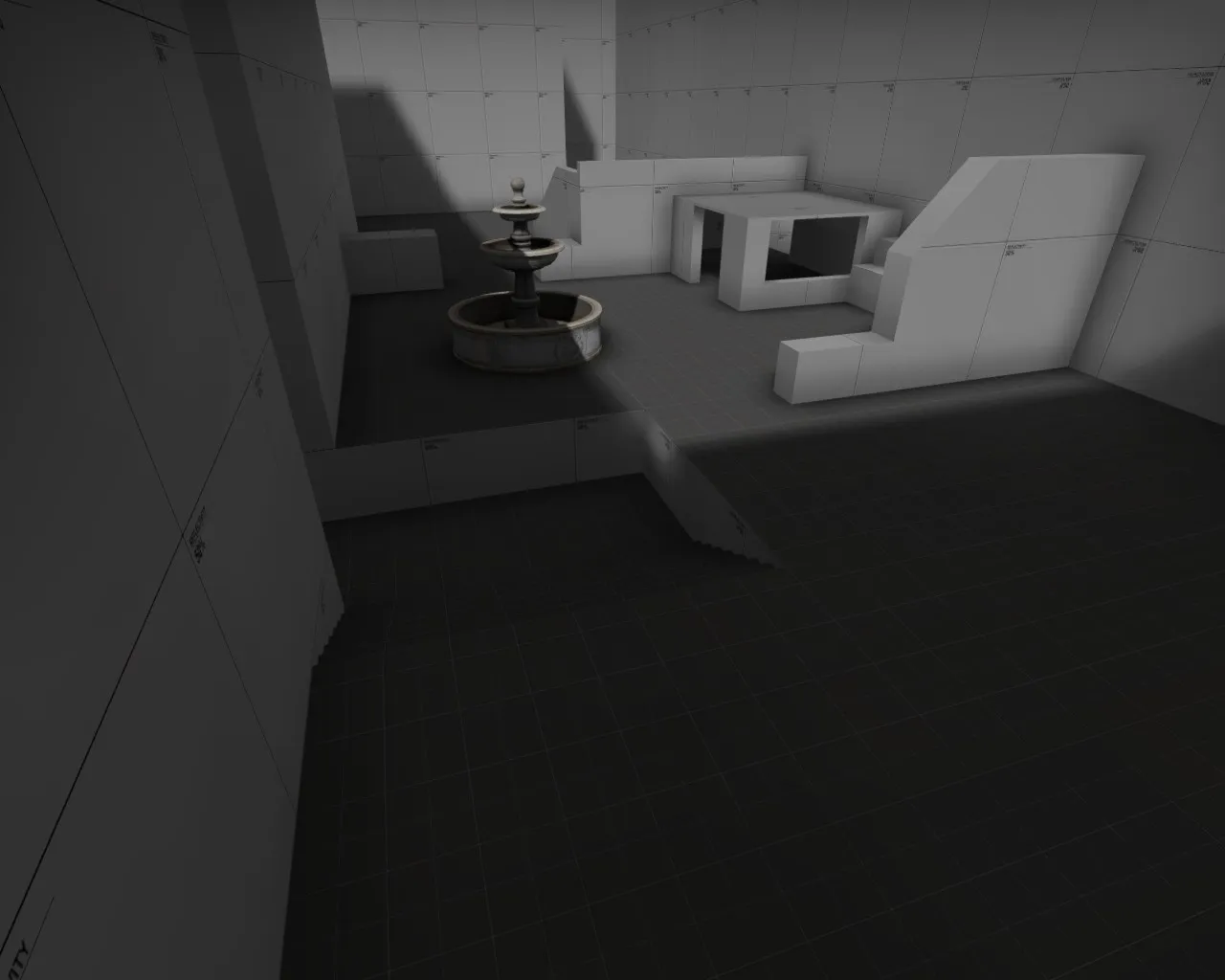


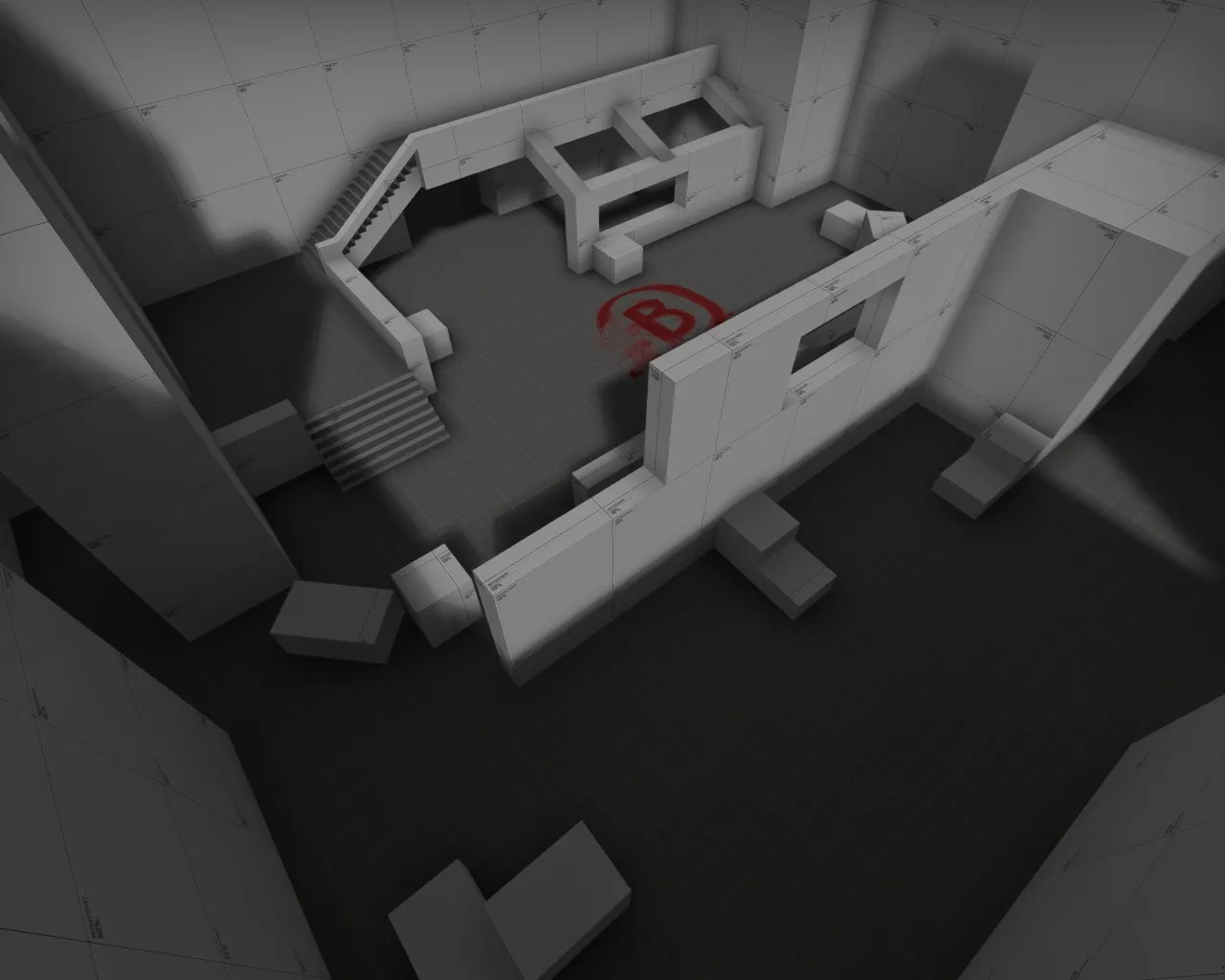
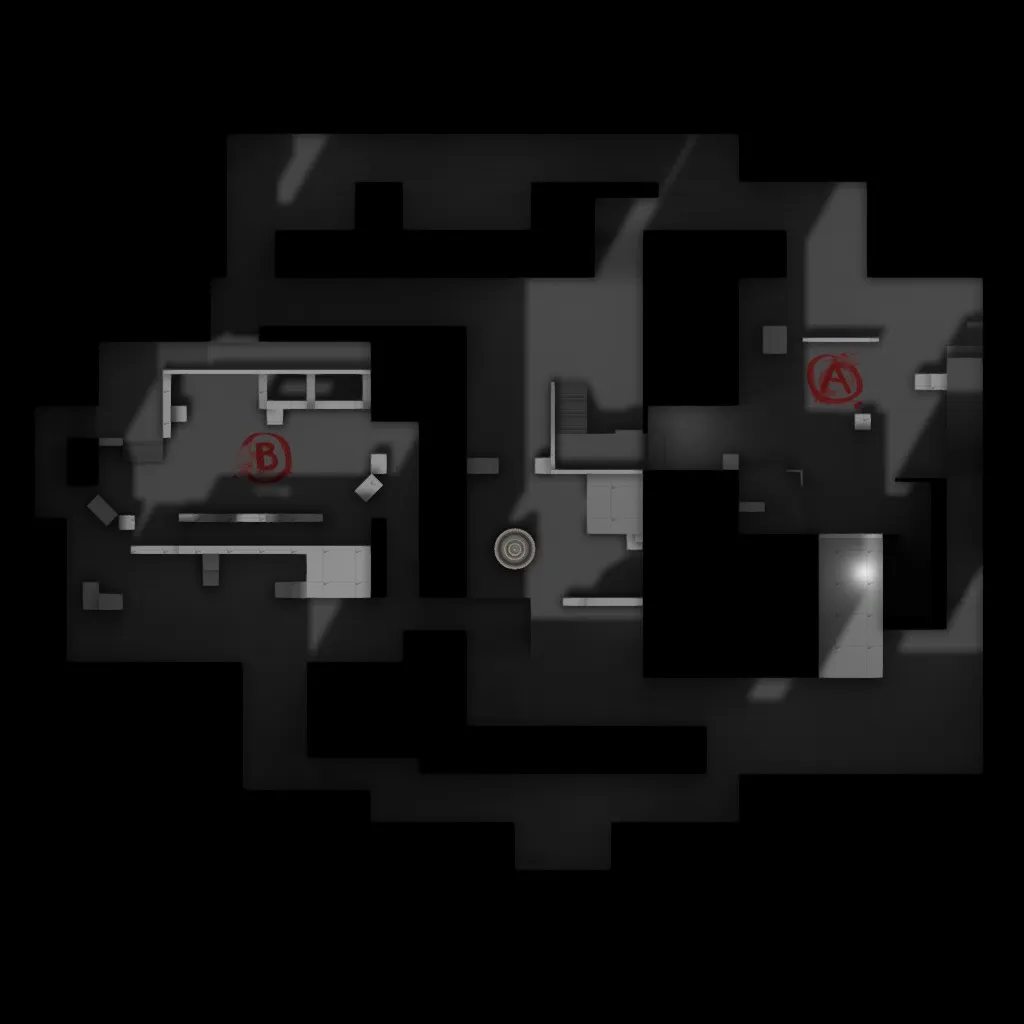
Personal opinion based on being a very competitive player, that rotation time is HUGE. If this map were to be played on a 35 second timer that means the people on either site would have to rotate instantly otherwise it would be near impossible for ct's to retake the site.
I have been working on this map for CSGO for a couple months now and was hoping people would take a look at it so I could get some feedback. I just recently got help working out my minimap from people on this forum and on reddit, It is currently in Dev texture mode because I wanted to make sure that the flow of the map at its core is good before I go into texturing and props. This is the workshop link : http://steamcommunity.com/sharedfiles/fi…s/?id=530978504
Any input would be awesome!!!
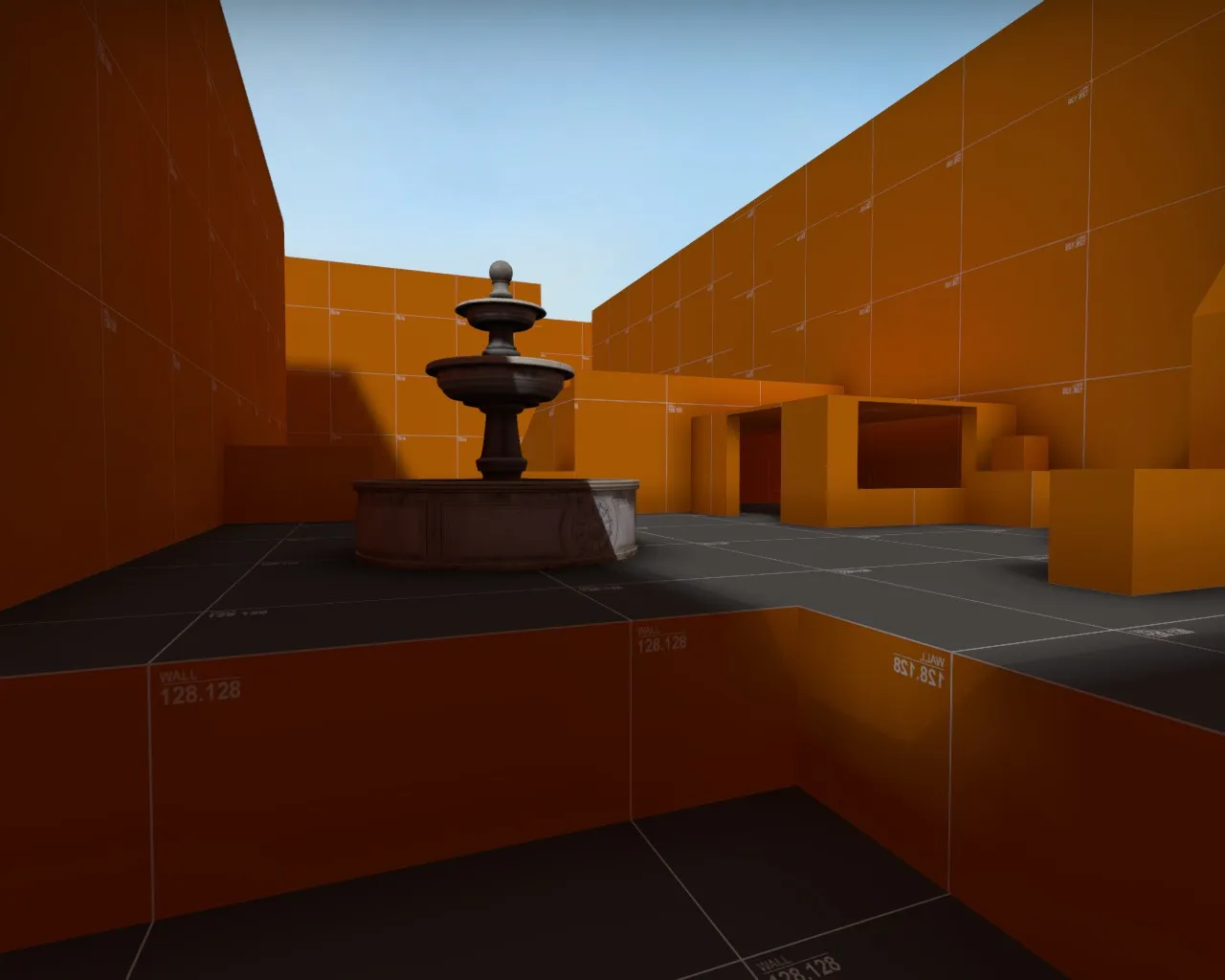
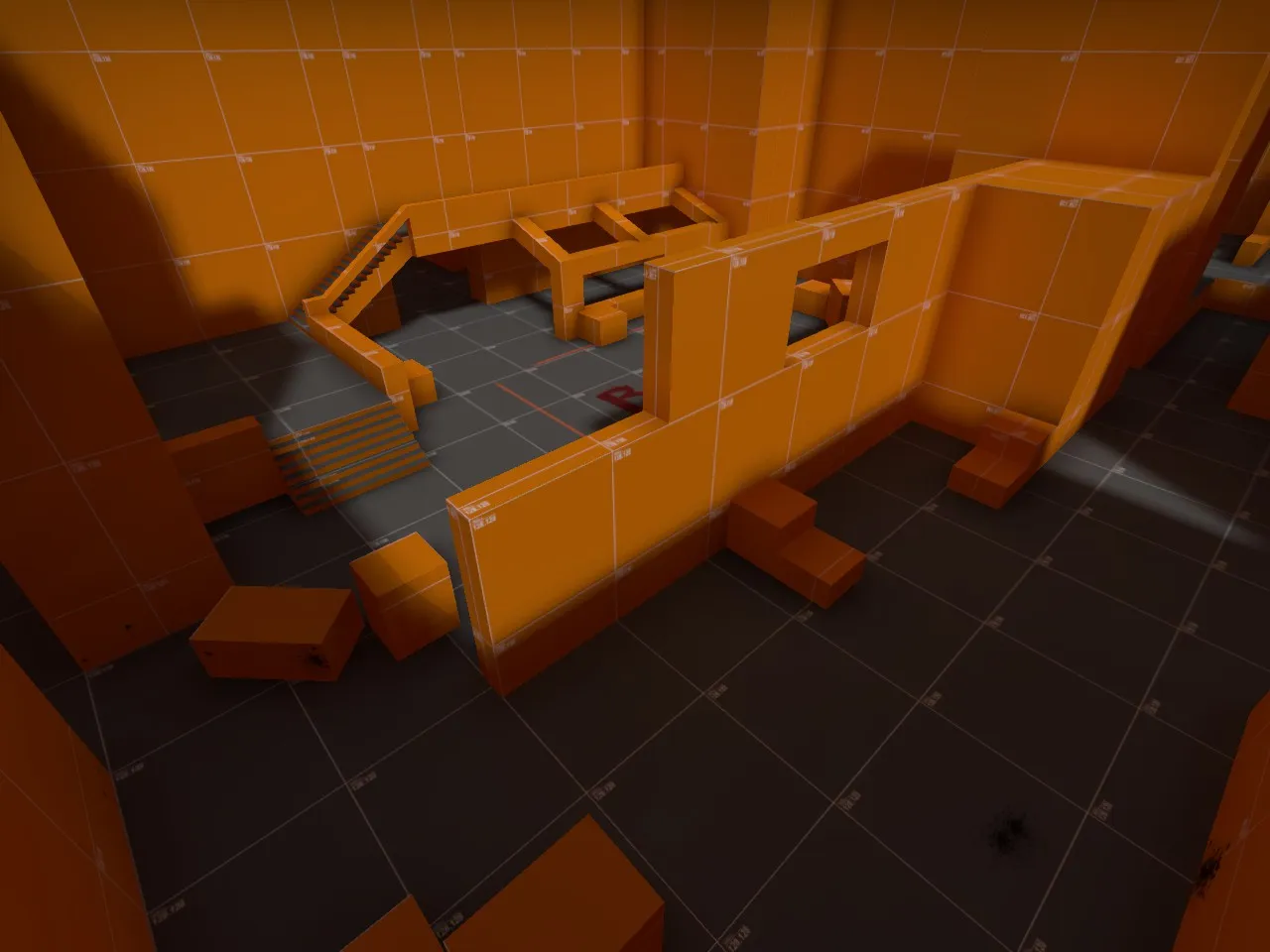
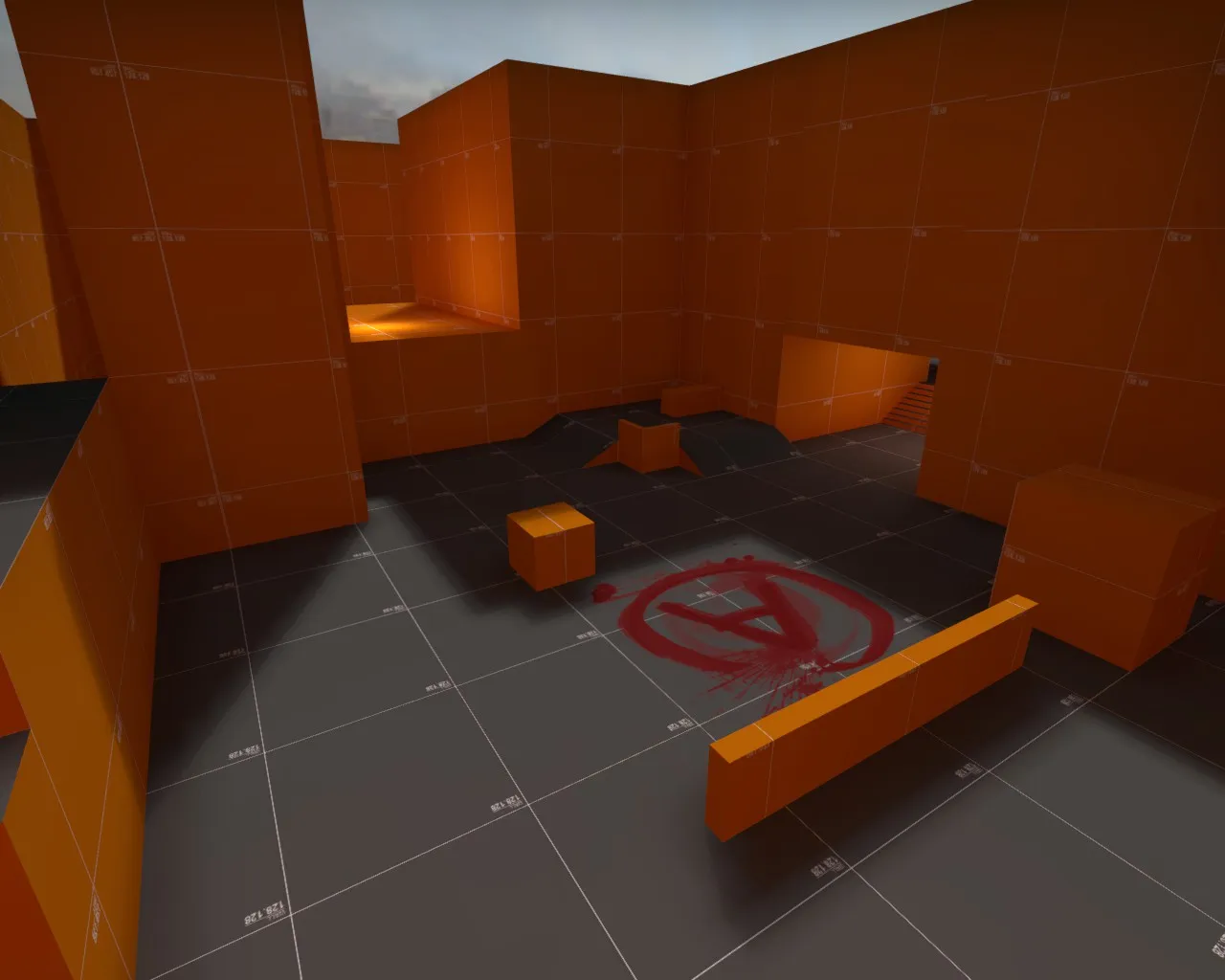
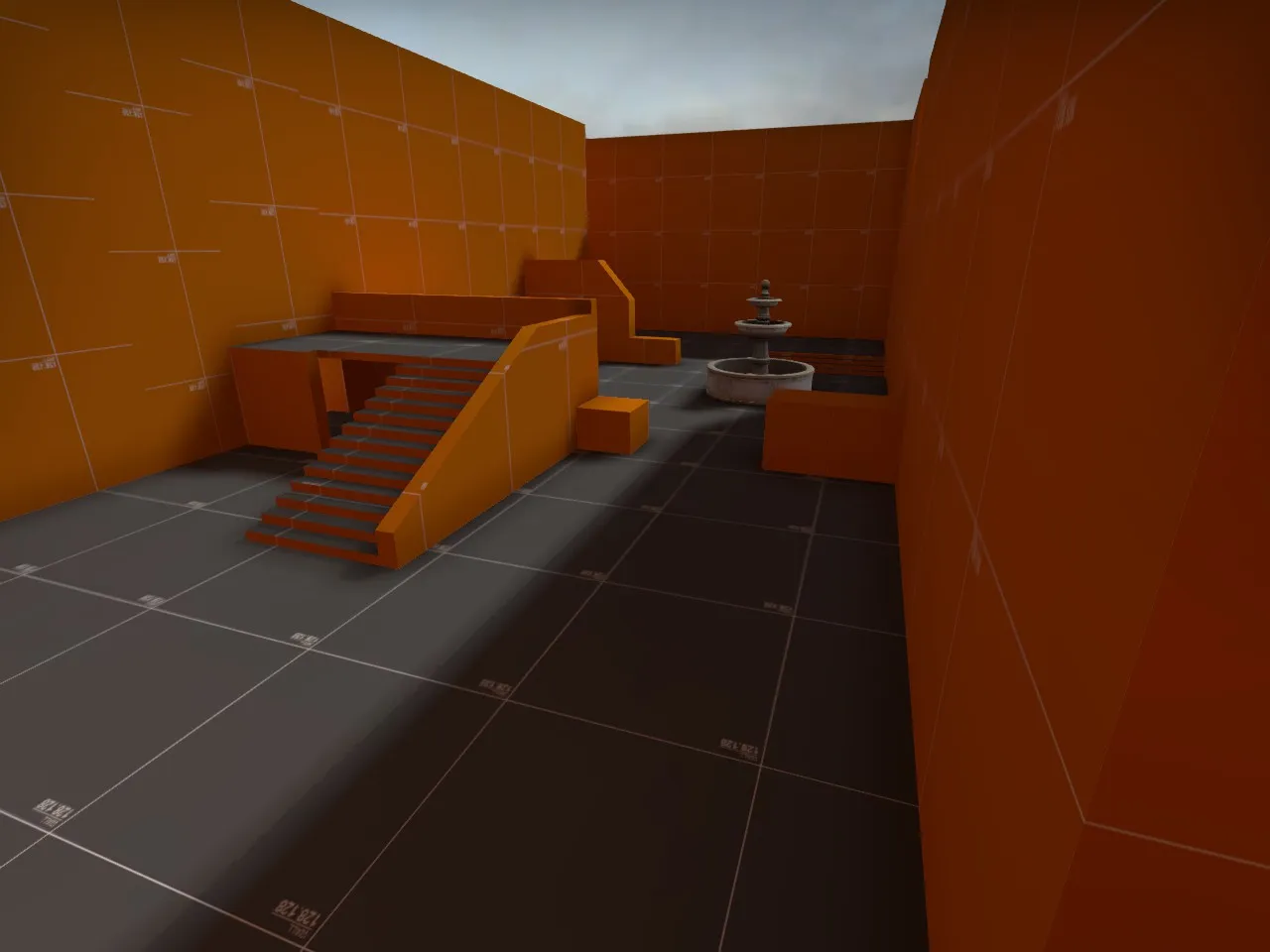
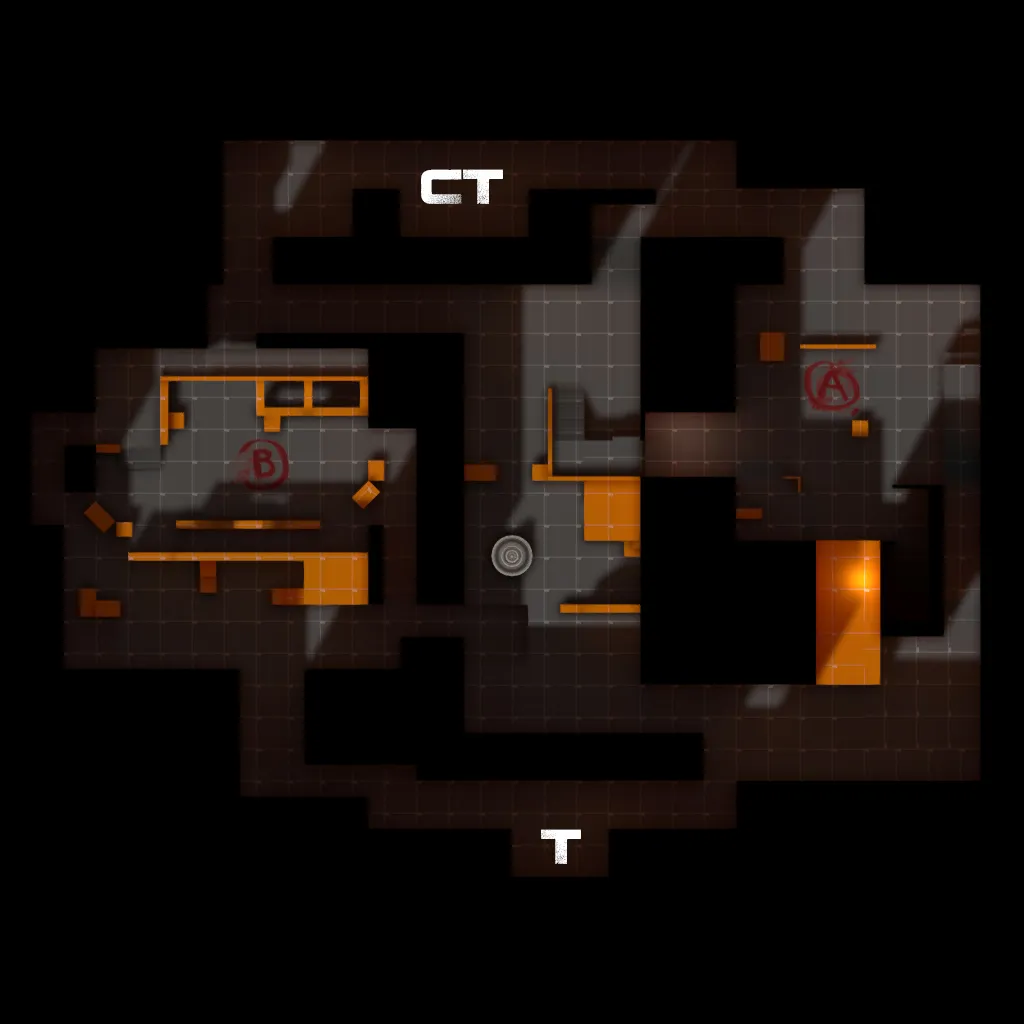
So I finally got it solved after also getting help from someone on Csmapmaker reddit Vaya jackophant . I had my skybox as one whole brush on top of the map( insert laziness reason) so he recommended I try remaking the skybox but as individual brushes as the skybox instead of one giant one. So I took time to do that when I got home today and it is now working! Thank you for all the input and time guys!
Quote from jackophantI take my screenshots outside the skybox in the void, otherwise I get strange issues where some faces draw black.
@Sirlock try and set all your game settings before you compile. That includes setting res to 1280x1024 and maxxing out your graphics (it doesn't matter if you're lagging, it's a static shot you're taking). Using another resolution can lead to misalignment in editing afterwards. Those black and green screens are also what I suffered with. You need to set your level overview value to 4 or higher and set it after you noclip out of the map. If 4 still isn't enough, try it in whole integer intervals until you can see something, and then fine tune.
Otherwise maybe you have a problem with your skybox as it looks a little rough atm, and perhaps have some sort of leak which has allowed you to still compile.
If you don't know how to check for leaks, in hammer go to Map > Load Pointfile and then look for a squiggly red line, if it asks you about trying to find the file, then hammer didn't create the .lin file during compilation and you should be ok.
I may have missed something, but have a mini-guide here if you this help still and other stuff:
So, I tried what you said, it still isn't working. Everything was set to max, I tried at value 4 and then went all the way up to 20 and got nothing, and hammer didn't create any .lin files.
I am using 1280x960 stretched at the moment. but it does it even if i switch to the recommended resolution.
Here is exactly what is happening. https://www.youtube.com/watch?v=yNymhKM4GGA
