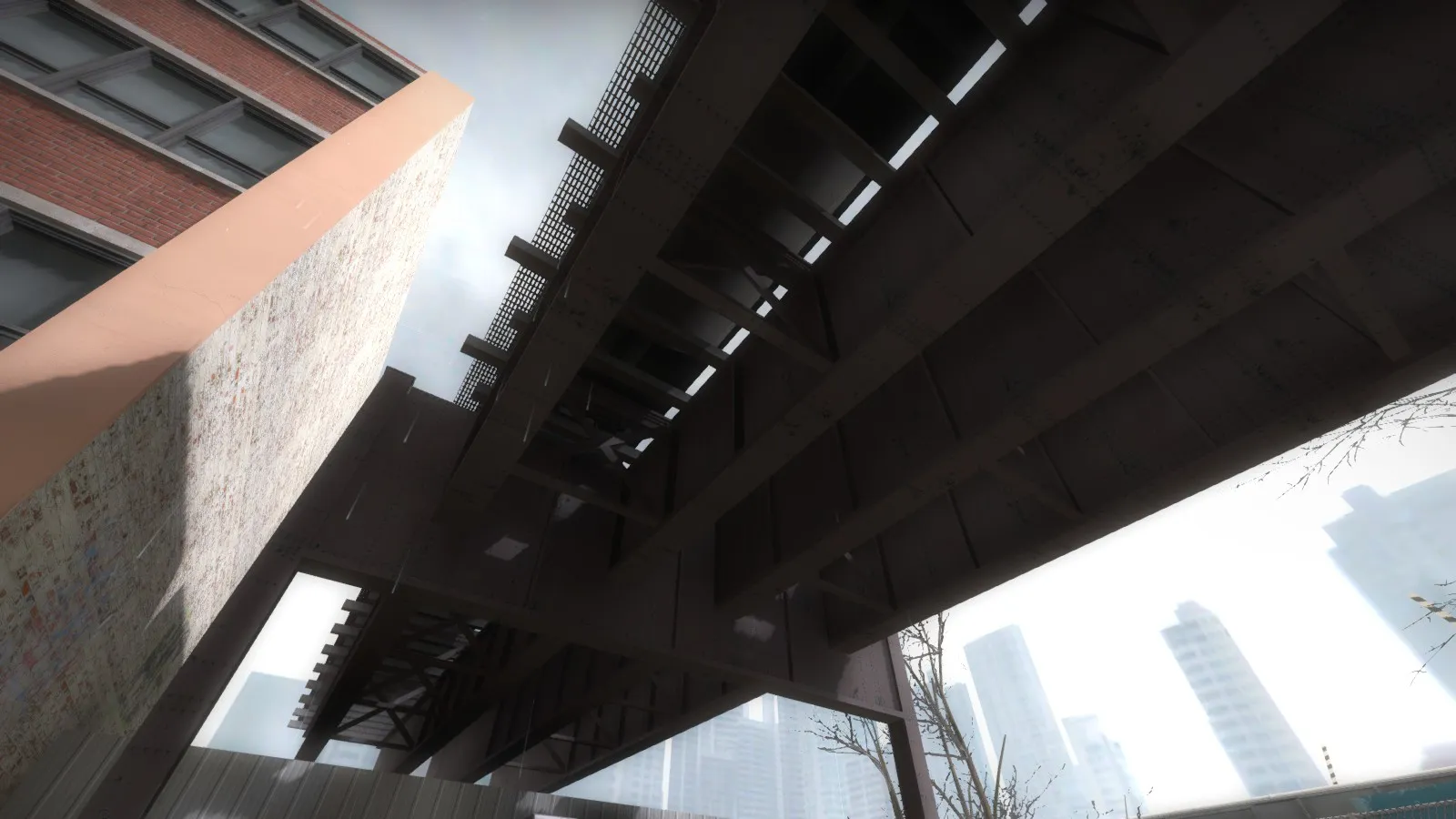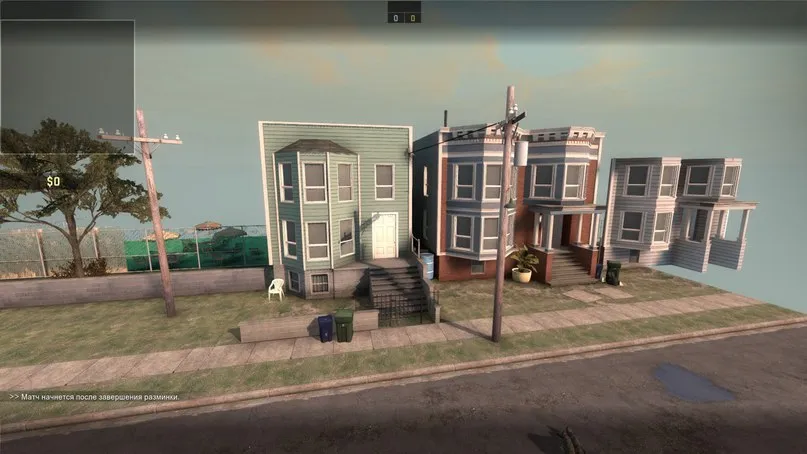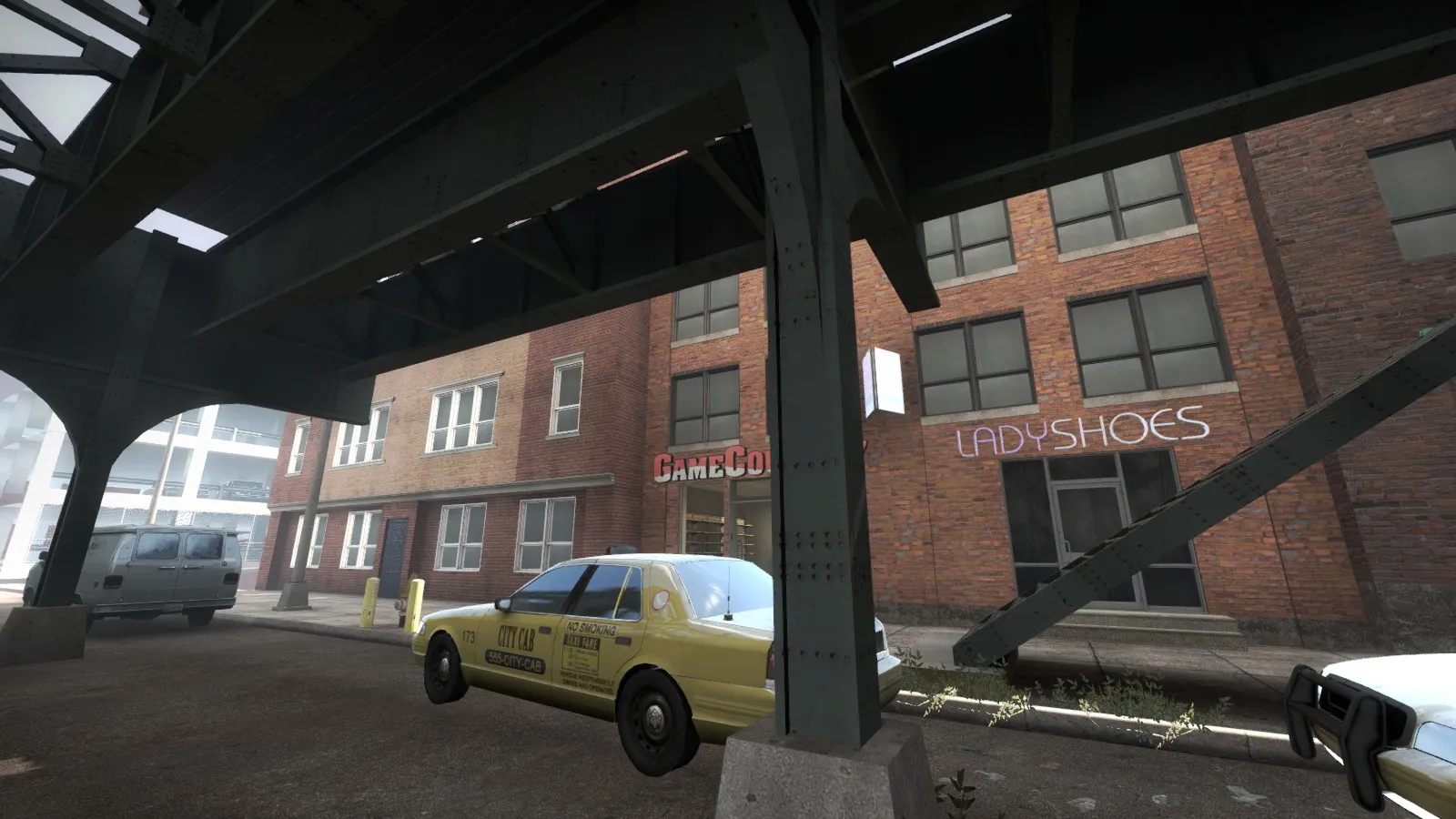
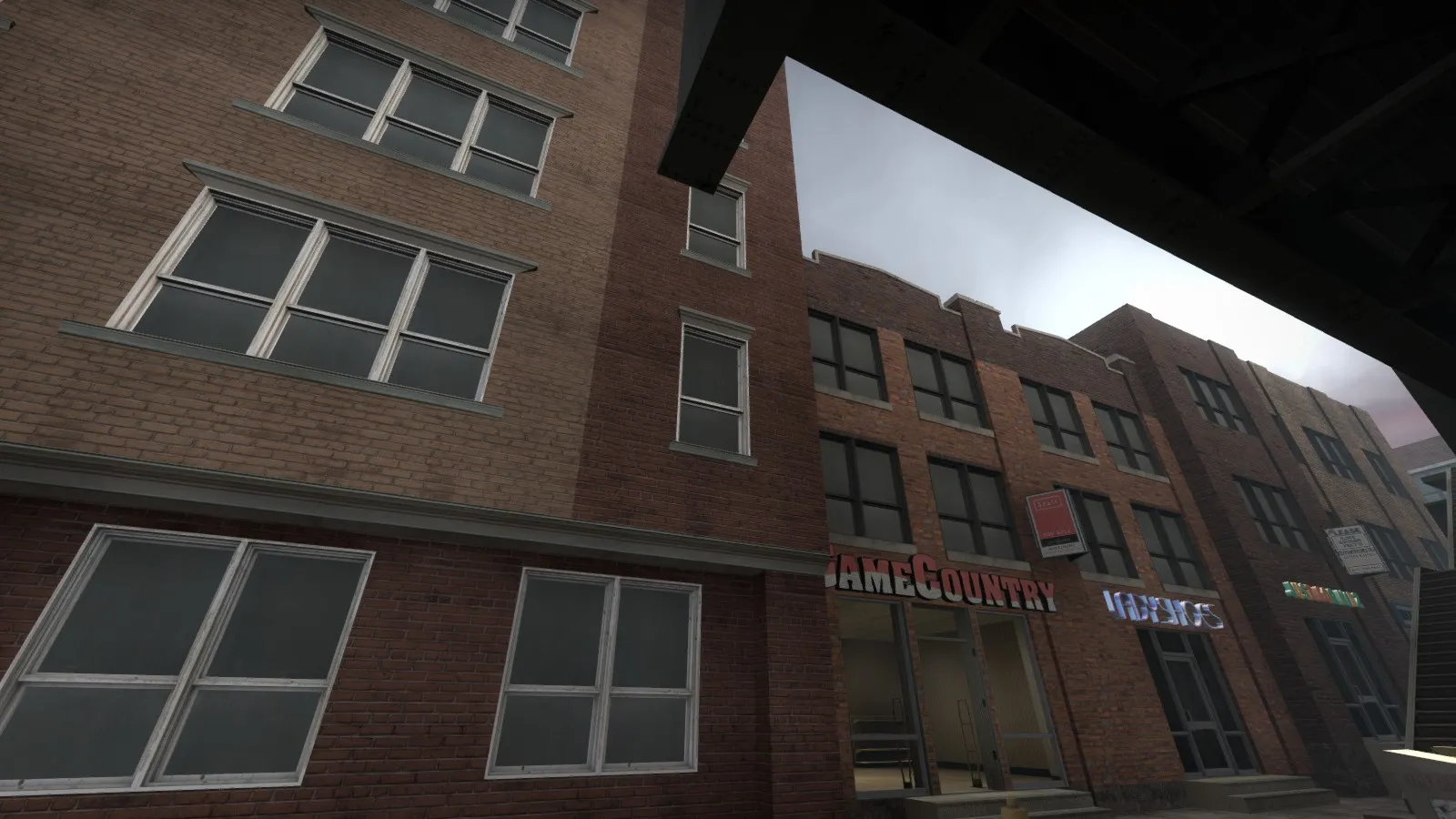
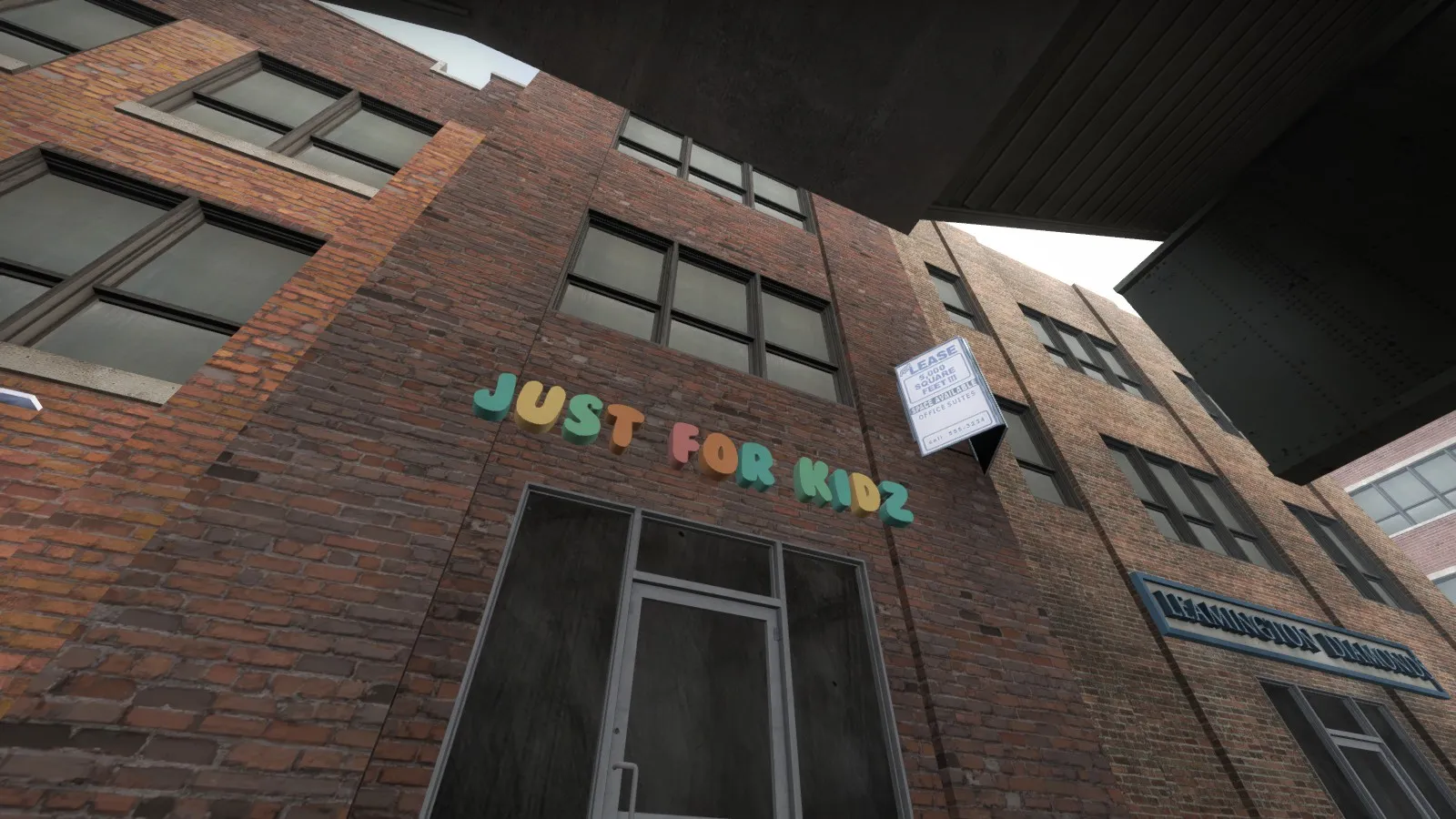
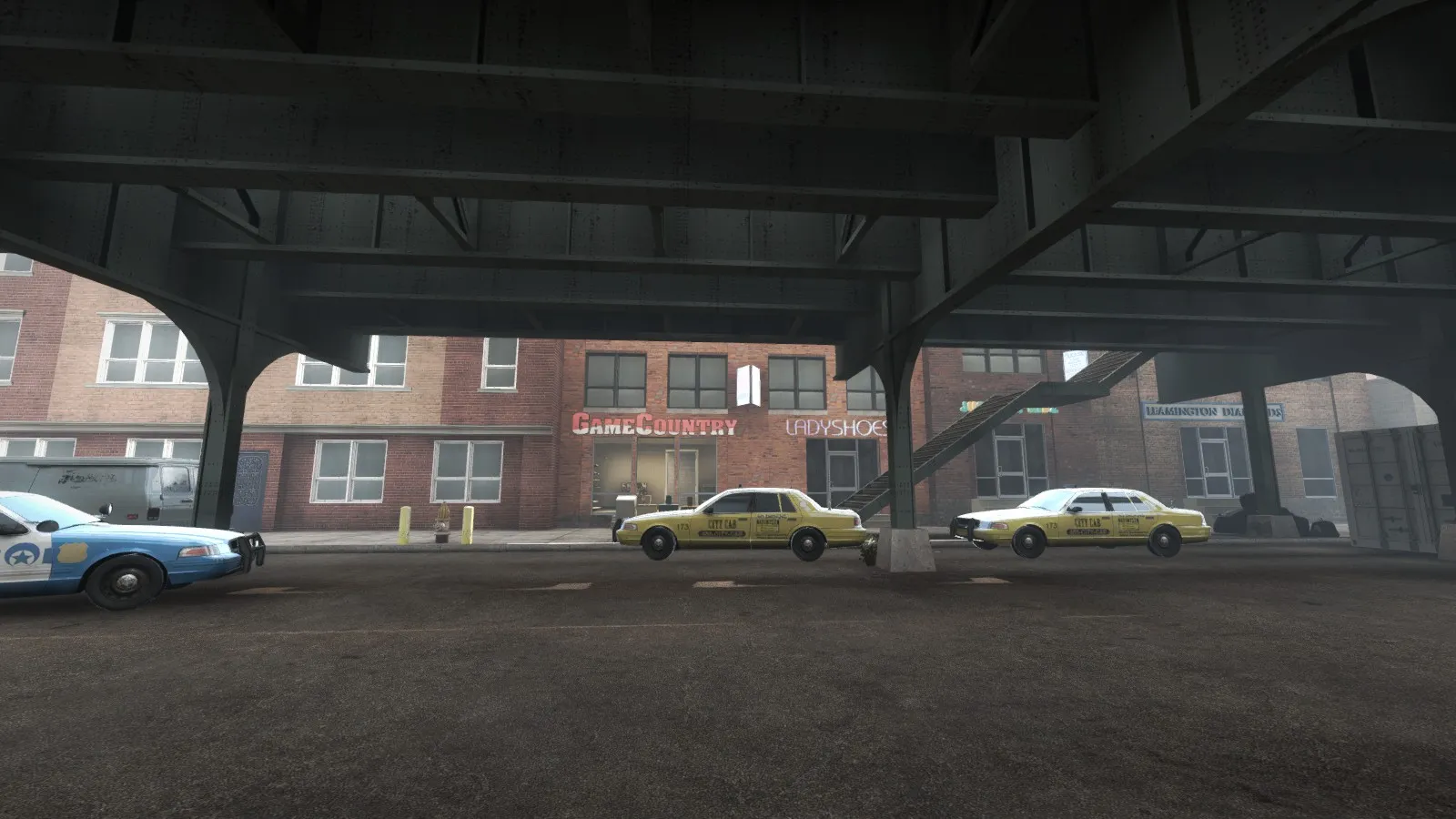
new name of map - "Uptown" ))
Posts by slavikov4
-
-
 Quote from Aztk
ok, thanks!
Quote from apratsSo we have to change the game resolution from your options before taking the screenshot. I'll tests.
The map see it visually very nice but I think like other users, the positions of the hostages would make a rather boring gameplay. Otherwise I have nothing to say.
The map may be a bit small, but this need not be a problem to end up being fun.
Sorry for my English.
thanks
-
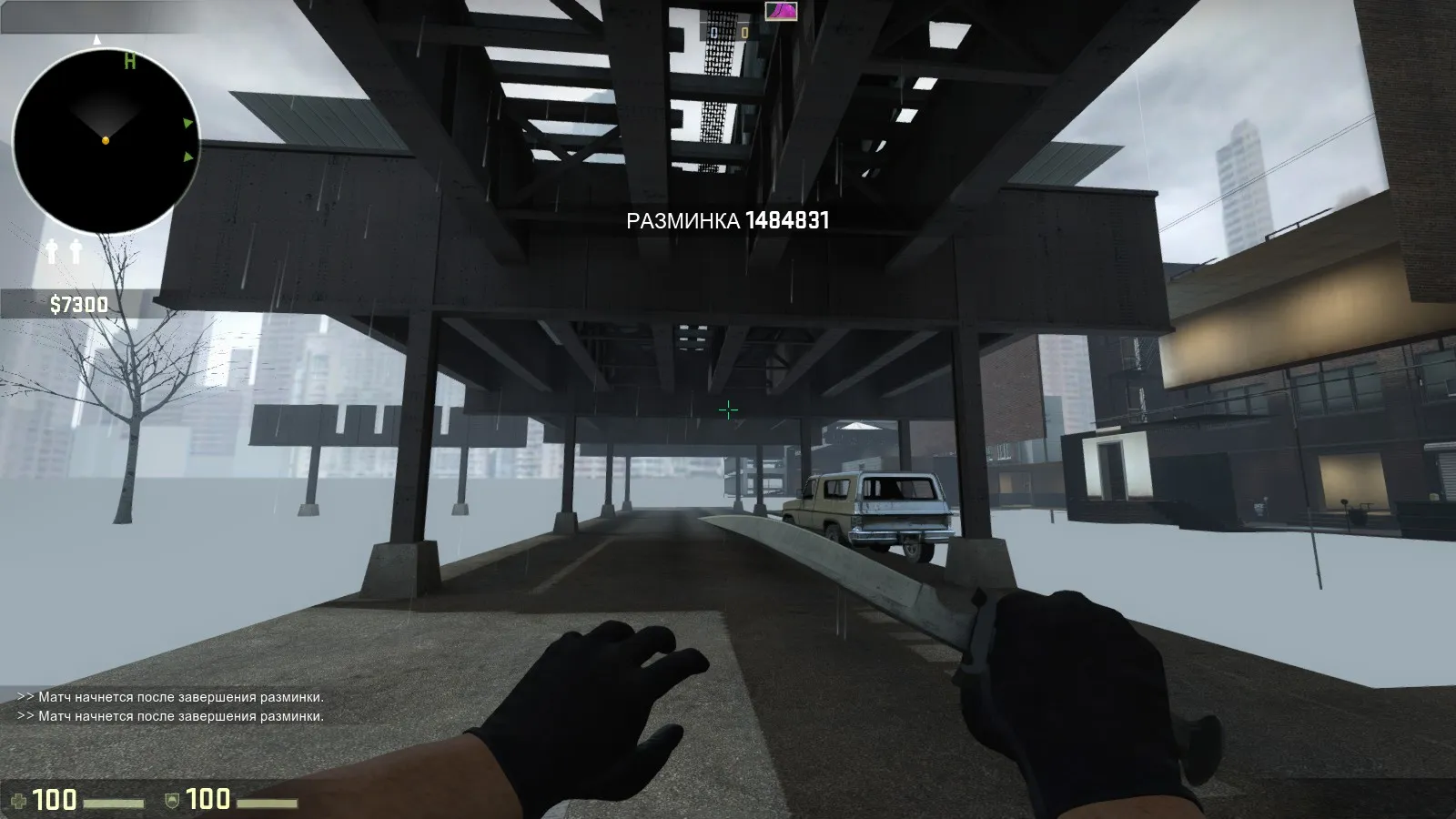
new light env
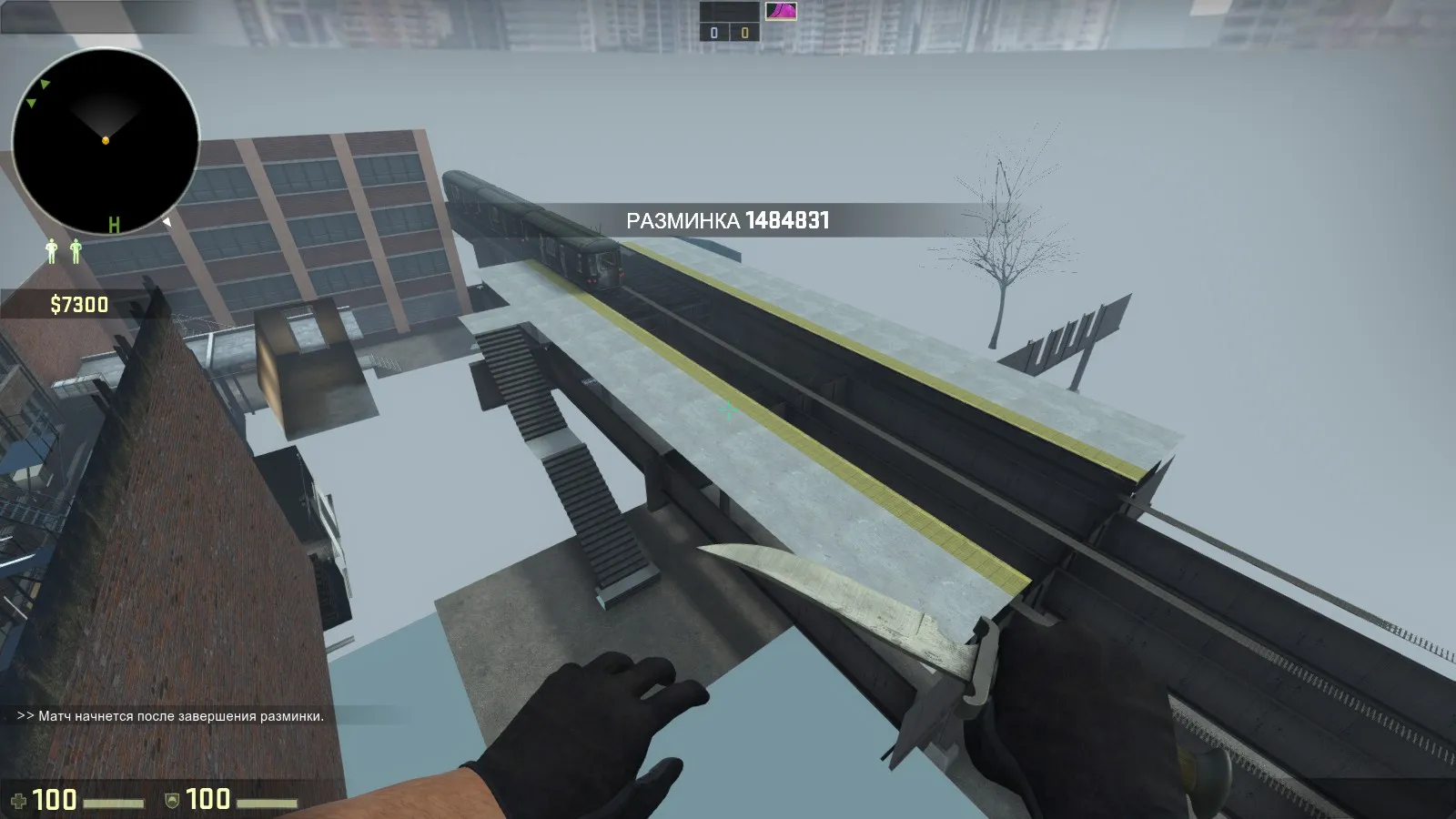
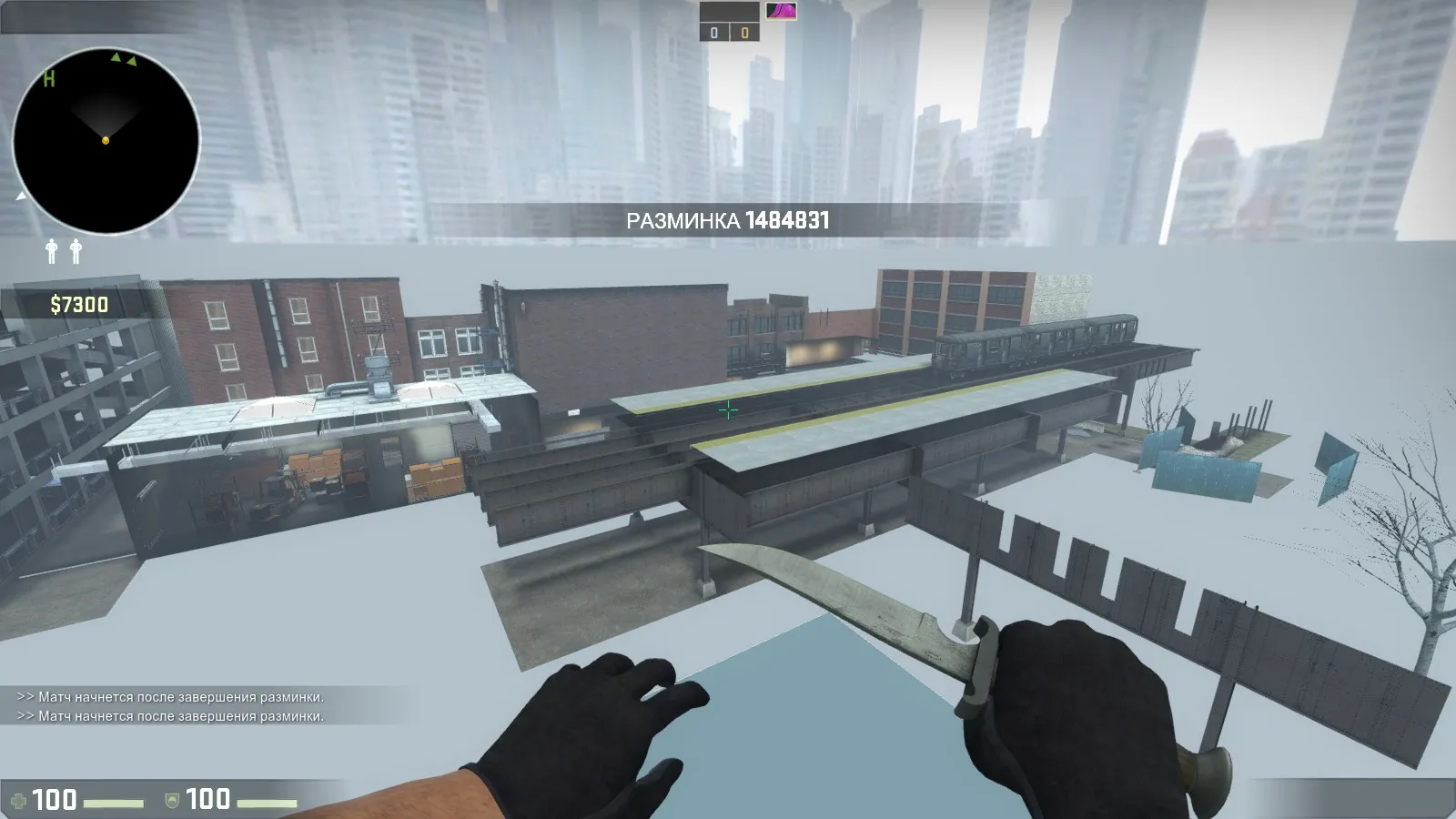
start to build train station for gameplay
-
-
-
 Quote from Bodd Jonar
What I loved about workout, and the reason as to why it is the best hostage map ever in my opinion, is that the hostage locations forced the T's to play somewhat aggressive. They could not just hold the doors leading to the T spawn. Think about where you wanna place the hostages, possible more towards the middle of the map.
ok, i agree
 Quote from Overdoziz
Have you gotten it playtested yet? It's a good way to get feedback: https://migrationtest.mapcore.org/topic/17116-ma…playtesting-40/
in future will be playtest map. map is not ready for test
-
Quote from nikkoshipDisplay More
First you need a tool called GCFscape (google it) to look at all the materials packed in L4D2.
Once you get GCFscape, drill into your L4D2 installation and open up Steam\steamapps\common\Left 4 Dead 2\left4dead2 pak01_dir.vpk
Inside here you can find all the skyboxes under materials/skybox. Just search for the one you're looking for. Most of the time there are 6 textures that you need to make up one skybox (front, back, down, up, right, left). There should be a .vtf and a .vmt for all of these making it 12 files that you need to make one skybox.
So for example if you want sky_l4d_predawn02 you would take these files: http://i.imgur.com/uW4UYxQ.png
Put those in your Steam\steamapps\common\Counter-Strike Global Offensive\csgo\materials\skybox
They should show up in hammer's texture browser once you restart it. Hope this helps. Just know that some skybox textures from L4D2 look a little strange in CSGO. I'm not really sure what the solution is to that. Certain ones will work though.
not working. so I asked
Quote from nikkoshipDisplay MoreFirst you need a tool called GCFscape (google it) to look at all the materials packed in L4D2.
Once you get GCFscape, drill into your L4D2 installation and open up Steam\steamapps\common\Left 4 Dead 2\left4dead2 pak01_dir.vpk
Inside here you can find all the skyboxes under materials/skybox. Just search for the one you're looking for. Most of the time there are 6 textures that you need to make up one skybox (front, back, down, up, right, left). There should be a .vtf and a .vmt for all of these making it 12 files that you need to make one skybox.
So for example if you want sky_l4d_predawn02 you would take these files: http://i.imgur.com/uW4UYxQ.png
Put those in your Steam\steamapps\common\Counter-Strike Global Offensive\csgo\materials\skybox
They should show up in hammer's texture browser once you restart it. Hope this helps. Just know that some skybox textures from L4D2 look a little strange in CSGO. I'm not really sure what the solution is to that. Certain ones will work though..
matirials and models working, but skybox not working
-
help. how add l4d skybox in csgo sdk?
-
Please feedback
-
-
new gameplay on map

-
 Quote from El_Exodus
new orleans?
new york
-
-
- fix model lighting
-new light of sky
-add rain

-
-
 Quote from jackophant
don't forget cl_leveloverviewmarker 1024 to get that helpful red box to aid in radar creation.
thanks
-
 Quote from Radu
I believe the commands you are looking for are "r_drawviewmodel 0" and "cl_leveloverview x"

Thank you, I was just to lazy to write the commands
-
-it is hostage rescue map


-
-