

I like the new interface of Blender 2.8 and what is capable of, regarding modeling, but my major problem is the export posibilities to source engine. I'm sorry but that smd plugin is light years behind of what wallworm can do combined with 3dsmax. If something similar like wallworm would be created for Blender than i would gladly switch to it.

Blender
-
-
@Zarsky Sounds better than 3000 a year... I'm in!
-
And now 3ds max and Maya are getting free indie versions. Competition is always good
-
@Serialmapper You don't need SMD files anymore, you can compile a model for Source from a .fbx now !
So you don't need that SMD plugin anymore.
You just have to give .fbx files to your .QC, here's an example :
QuoteQuote $modelname "cs_archives\furniture_desk_01a.mdl" $cdmaterials "models\cs_archives" $body "Body" "furniture_desk_01a.fbx" $staticprop $surfaceprop wood $sequence idle "furniture_desk_01a.fbx" $collisionmodel "furniture_desk_01a_phys.fbx"{ $concave }
Personally I was really used to 2.79 (I mean before 2.8).
I tried working on a blend file on 2.80, on the next day I tried to open it with an older version of Blender and it didn't work anymore (makes sense) so I continued working on 2.80 and I'm getting used to it it's great

-
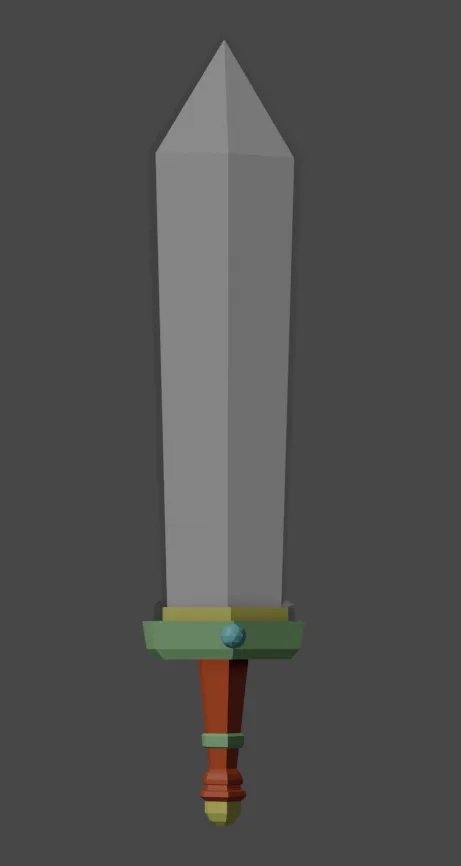
Well I followed a basic tutorial to create this ugly sword:
I really like a lot of the 2.8 changes. After taking time to actually figure out how to use blender, its actually pretty fucking simple.
I don't know what anyone (myself included) is complaining about.
-Edge loop tool is awesome
-3D cursor is nice
-Interactive creation + removal of gizmos by default seemed gimmicky but actually works really well.
-Material browser does not try to be substance
-New layers (collections) are a huge upgrade
These were just a few things I liked in a 10 minute period. I get the hype now and I can't believe 2.8 is free. If the uv unwrapping and baking goes well I think imma switch.
-
Now that I have used blender to UV unwrap and topologize I have to say I am impressed. Its the same core functionality with little voids. Time to start work on neons for my map.
-
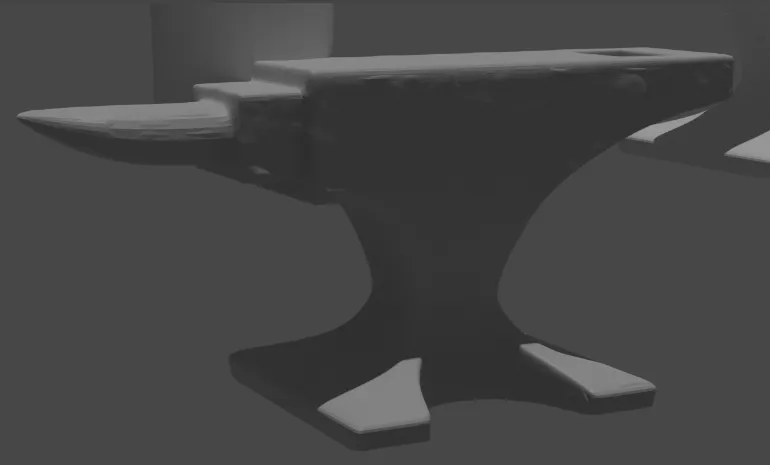
Oh yeah, I remember that anvil.
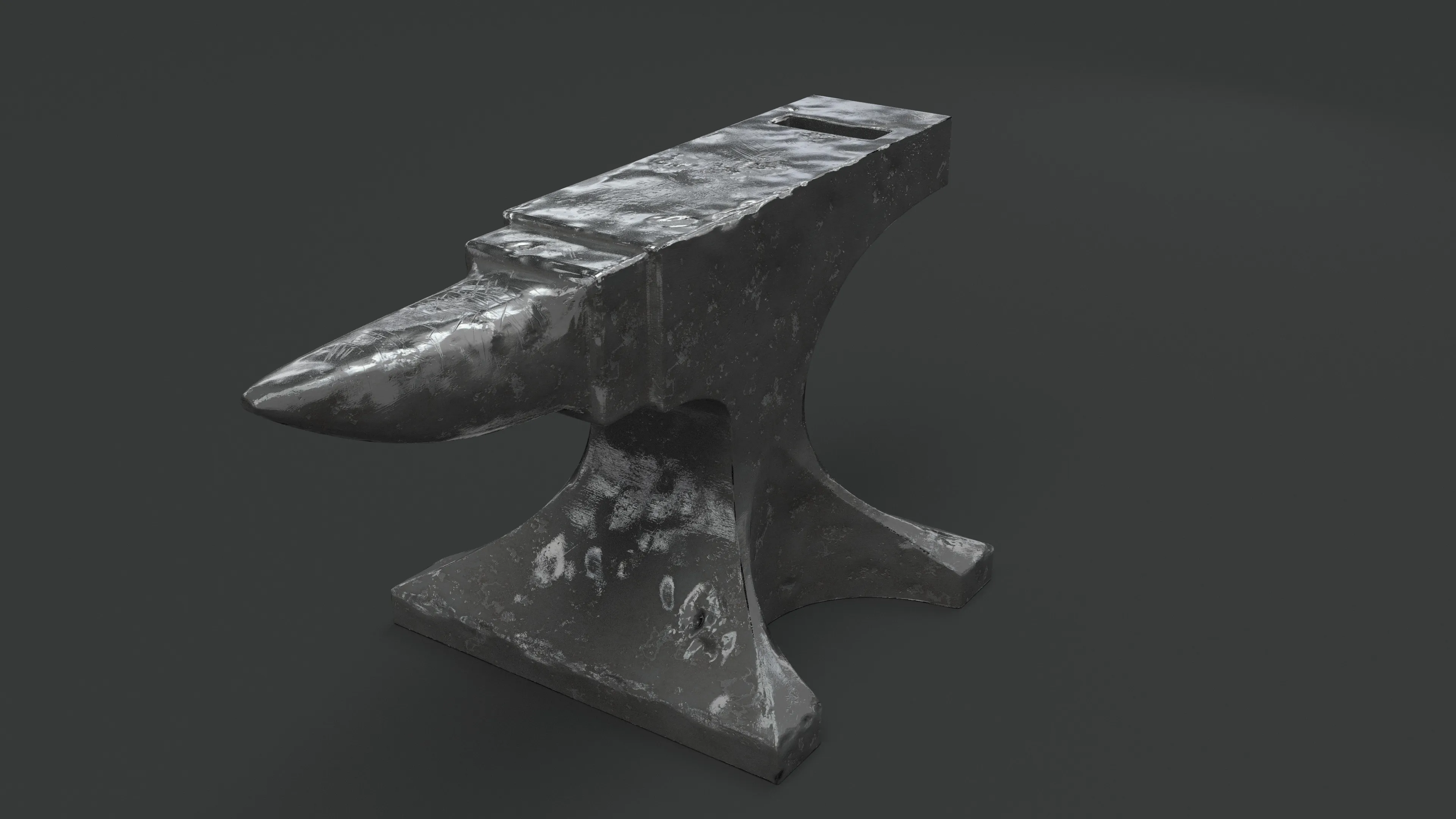
That's a great tutorial series.
External Content www.youtube.comContent embedded from external sources will not be displayed without your consent.Through the activation of external content, you agree that personal data may be transferred to third party platforms. We have provided more information on this in our privacy policy. -
@esspho You can see that I completely skipped over texturing since I wont do it in blender
 Great video, the way he patched up the Boolean seems versatile and easy!
 -
Thats awsome @Pericolos0 and ty for this addon, i really love the ease of use and like that the tools arnt hidden within more lil (pull dwn) sub-menus, really nice keep up the awsome work ?.
-
Iv been kind of reluctant to totally switch from an old custom build of blender 2.7 and with alot of ol addons & my own pref hotkeys mapped out, but have spent the last few nights getting upto speed with 2.8 (which isnt a huge change iv jst bn lazy) but there is just 1 addon by Lluis Garcia (blender to ue4) that is stopping me from totally switching to 2.8 just because how great and simple it was. I have tryed out Xaviers ue4 addon and although it is a good tool and no disrespect but my OCD kicks in^^ and feel with so many pulldwn menu's and naming tags it could be simplified (this ovc is just my own opinion & ovc the tool is catering for the masses + free)
Does anyone know of any other free or payd ue4 addons for 2.8 they can recommend? (iv tryd to contact Lluis to find out if he has any plans to update his addon but seems he hasnt been very active with the addon for a few years) and my lack of python knowlage is by-far not enough to update the addon myself.. but hey.. with so much support blender has been getting with 2.8 im sure there will soon be a lot more addons & tools on the way and its really is awsome to see!!
-
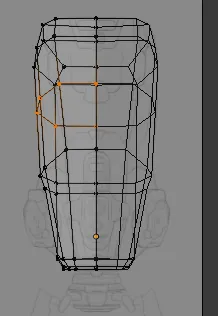
I bought this tutorial to try to learn the ins and outs of blender modeling. However I have run into a problem. When working in ortho views in xray, the back of the mesh shows up and it becomes difficult to determine the depth of the mesh. Creating the overall form has been really time consuming because of this. If I turn xray off the reference is blocked. Is this something I just have to get used to or is there a workaround?
-
 Quote from Interfearance
On 8/12/2019 at 5:16 PM, Interfearance said: I bought this tutorial to try to learn the ins and outs of blender modeling. However I have run into a problem. When working in ortho views in xray, the back of the mesh shows up and it becomes difficult to determine the depth of the mesh. Creating the overall form has been really time consuming because of this. If I turn xray off the reference is blocked. Is this something I just have to get used to or is there a workaround?
I would say the quickest and easy way would to just lasso select "Ctrl+drag" the backend polys and to jst hide them with "H" then when you need to unhide them jst "Alt+H".. though you can adjust the ref image or background image within its tab to have the image focus infront of the model or change its alpha ect, you would need to play around with it for your own preference but changing the ref to "front" & "xray off" will let you beable to see the ref while still having a wireframe (like) view and no backend polys of your model showing (until you put on xray).
-
Officially switching back to Blender as my main 3D tool. I was looking for a reason to ditch Autodesk for years and looks like the time is now!
It's going pretty well, I'm able to find pretty much all the info I need online, but now I'm stuck... I can't figure out how to paint a normal map in Texture Paint!
I painted a grayscale bump map and that works fine, but with a normal I don't wanna just paint a "color", I want to paint like a shape that's gonna get translated to whatever color that would be on the normal map based on the direction of the face (I hope I'm making sense)
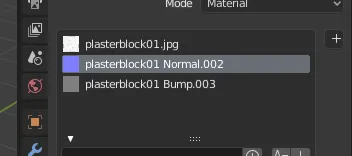
I could convert the grayscale bump map to normal with NDO2 or something but that seems counter productive, I'm sure there's a way to paint normal in Blender in the first place, right? ?
This is what the shader looks like, nothing fancy:
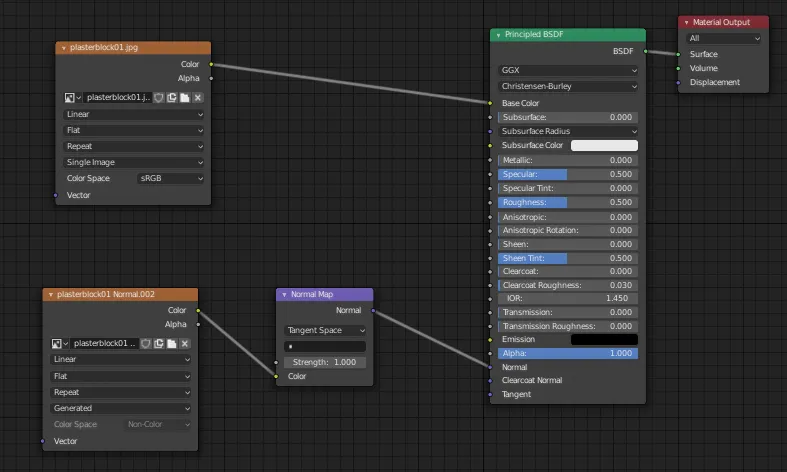
How do you guys go about painting normals in Blender??
If one of you guys could kindly explain how they do it I would appreciate it ❤️
-
@MikeGon AFAIK you can only paint bump and then convert it to normals. ?
In other news:
With more studios and companies jumping aboard the dev fund, I’d imagine new features being implemented faster than ever before.
Blender 2.81 is not far of and it will include a huge upgrade to sculpting tools and much more.
-
 Quote from ZarskyDisplay More
10 hours ago, Zarsky said: @MikeGon AFAIK you can only paint bump and then convert it to normals. ?
In other news:
With more studios and companies jumping aboard the dev fund, I’d imagine new features being implemented faster than ever before.
Blender 2.81 is not far of and it will include a huge upgrade to sculpting tools and much more.
Ooooor more hookers.
-
Quote from Pericolos0
On 8/2/2019 at 4:31 PM, Pericolos0 said: I've been using 2.8 professionally since last year now, I think it's phenomenal!
If anyone is interested, I updated my easybake script a few months ago. Makes textures baking quick and easy, with a similar setup to xnormal: https://github.com/leukbaars/EasyBake
Plan to work on it a bit more soon so if you have any feature idea, lemme know
Cool script!
-
Blender 2.81 released! Many great new features and quality of life improvements.External Content www.youtube.comContent embedded from external sources will not be displayed without your consent.Through the activation of external content, you agree that personal data may be transferred to third party platforms. We have provided more information on this in our privacy policy.
-
New year, new Blender release! Blender 2.82 has been released and brings a lot of nice new features with it.External Content www.youtube.comContent embedded from external sources will not be displayed without your consent.Through the activation of external content, you agree that personal data may be transferred to third party platforms. We have provided more information on this in our privacy policy.
Here's a few highlights:
QuoteQuote In this release you will find UDIM and USD support, MantaFlow fluids and smoke simulation, AI denoising, Grease Pencil improvements, and much more!
-
I love blender
-
External Content www.youtube.comContent embedded from external sources will not be displayed without your consent.Through the activation of external content, you agree that personal data may be transferred to third party platforms. We have provided more information on this in our privacy policy.
-
Participate now!
Don’t have an account yet? Register yourself now and be a part of our community!