

Why the light_environment's direction and colour doesn't match the skybox texture? (the most obvious is in the first screenshot)

-
-
 Quote from Serialmapper
29 minutes ago, Serialmapper said: Why the light_environment's direction and colour doesn't match the skybox texture? (the most obvious is in the first screenshot)
Just because

-
If you like the current lighting, pick a skybox texture that is more permissive. Sunset textures look artistic but they are very restrictive regarding lightning direction and colour.
-
 Quote from Lizard
18 hours ago, Lizard said: Hello everyone ! We are very close to pushing big update today.Changes:[Blocked Image: http://i.imgur.com/VWJZ3Nd.jpg]
I'm really liking the direction this map is taking and shaping up; props to you guys (no pun intended)

serialmapper has a point though as the environmental lighting direction being the opposite of the sun's position cannot be...unseen

You could change the skybox or the lighting setup, however, one way to deal with this (if you really like this skybox and don't want to change the lighting angles) is to edit the skybox texture itself (photoshop, Gimp...) and repaint the sun in the correct location for your map's settings. You would need to save the skybox texture under a different name but it should be a small price to pay.
Best of luck and looking forward to more progress and beauty shots.
-
 Quote from will2k
8 hours ago, will2k said: I'm really liking the direction this map is taking and shaping up; props to you guys (no pun intended)
serialmapper has a point though as the environmental lighting direction being the opposite of the sun's position cannot be...unseen
You could change the skybox or the lighting setup, however, one way to deal with this (if you really like this skybox and don't want to change the lighting angles) is to edit the skybox texture itself (photoshop, Gimp...) and repaint the sun in the correct location for your map's settings. You would need to save the skybox texture under a different name but it should be a small price to pay.
Best of luck and looking forward to more progress and beauty shots.
Yeah I noticed the second sun on the screenshots because you are not able to see both of the suns at the same time playing on the map
We will fix it sometime soon. ~~EDIT~~ Map has been updated !http://steamcommunity.com/sharedfiles/fi…tscn=1480892086 -
External Content www.youtube.comContent embedded from external sources will not be displayed without your consent.Through the activation of external content, you agree that personal data may be transferred to third party platforms. We have provided more information on this in our privacy policy.
was going to make this into a gif and loop it but oh well
-
i tried your mapupdate all in all some areas are better now. but i think the mapcenter , the bridge was better before it was more realistic the truck is a nice idea but its a 60s-70s truck and in real war it would never get as much into the city the subbridge area is now fantastic also the docks on the docks is a weird graphicsbug in one of the hangars the churcharea is near to perfect but i would add a chokepoint where you can get from graveyard to the bridge a bit curved so germans cannot shoot in hope this feedback helps you
Gz Modtools
P.S: sorry for the layout
-
Thanks for the feedback dude
I'd like to get screenshot of that graphical bug if possible.
-
Several stone rubble models are above ground at the church and you can get stuck in them.
Spoiler [Blocked Image: http://i.imgur.com/FDwEiCe.jpg]
As an ally, I spawned in the sky and then near the bridge - falling to my death.
Spoiler [Blocked Image: http://i.imgur.com/wa8UBtx.jpg]
-
Thanks for the feedback
Did you run the map with the command 'map brest_c4 liberation'?
-
I did.
-
hmm okay. Will need to see what happens with the spawns. I had the issue myself but it cleared itself up once I applied the gamelogic text file.
Thanks again for your feedback
-
here some screenshots from the problems
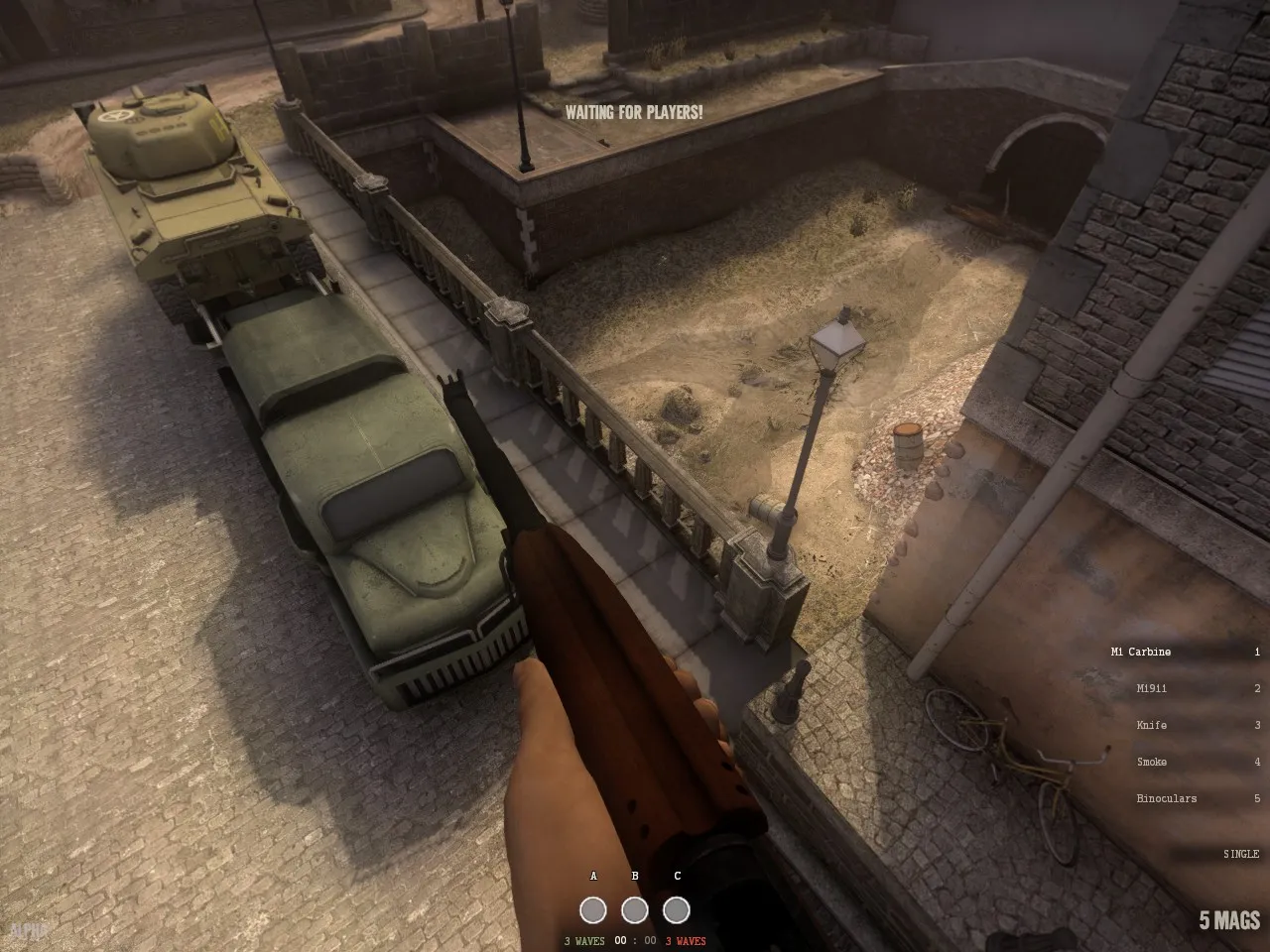
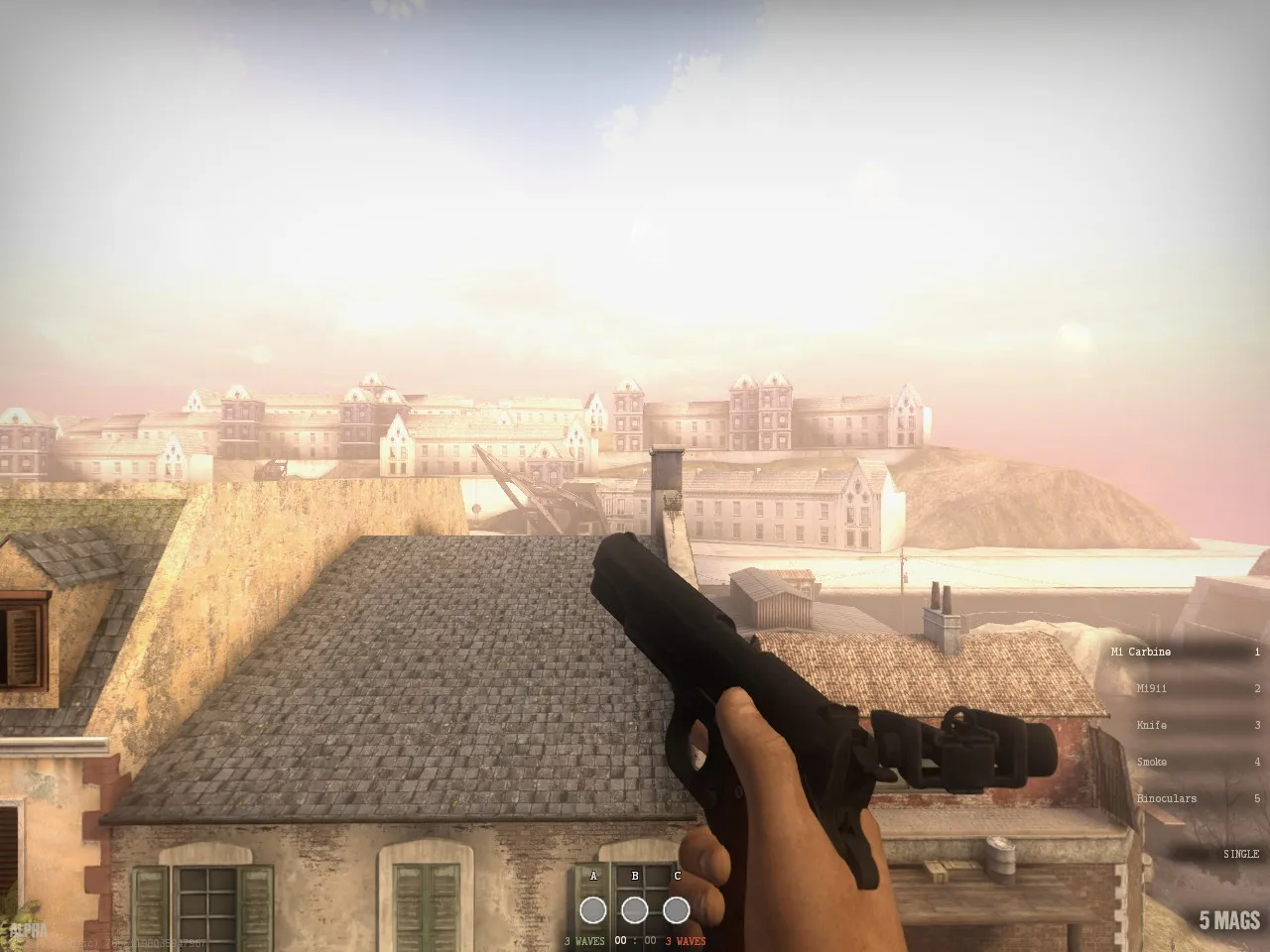
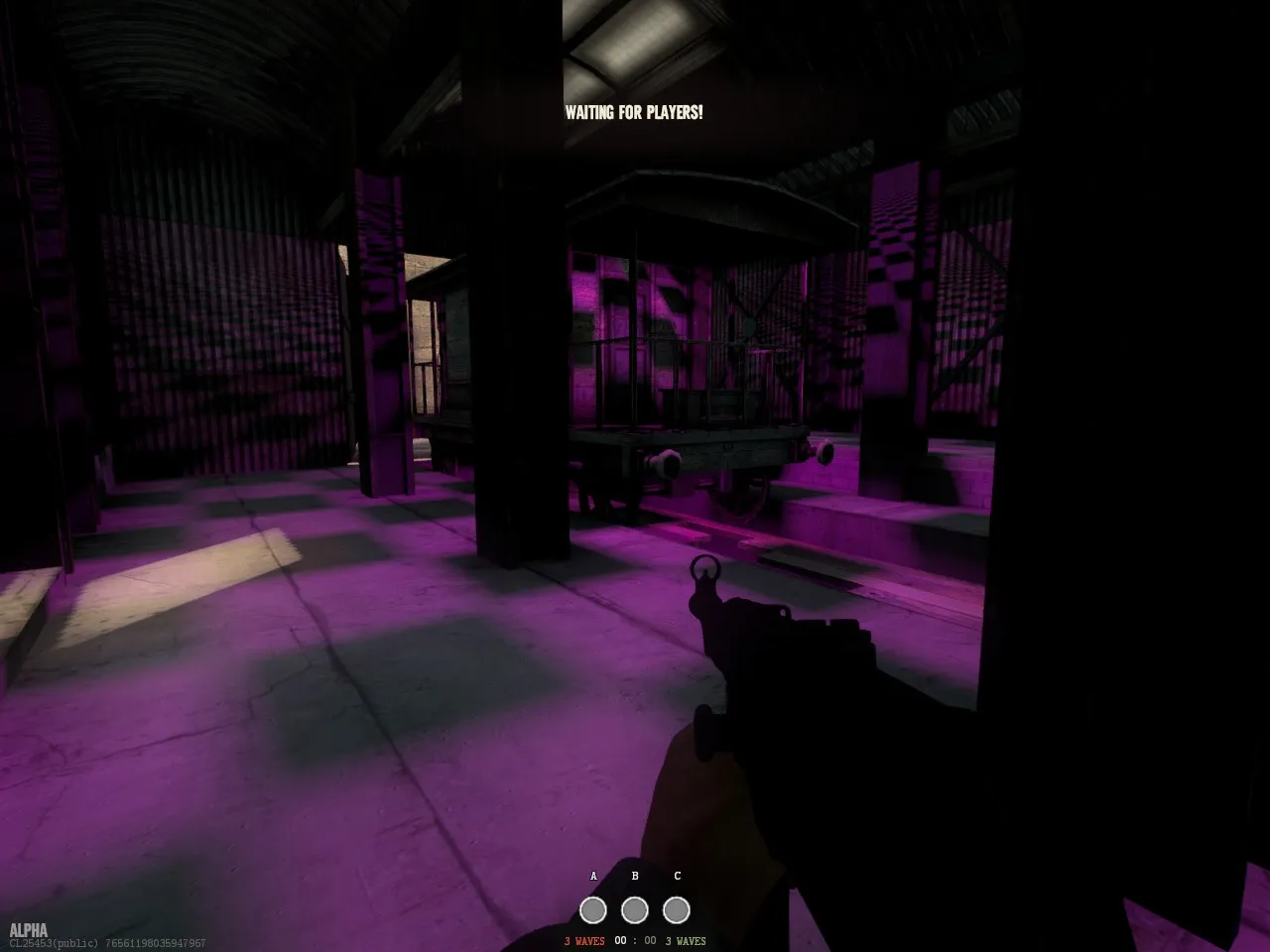
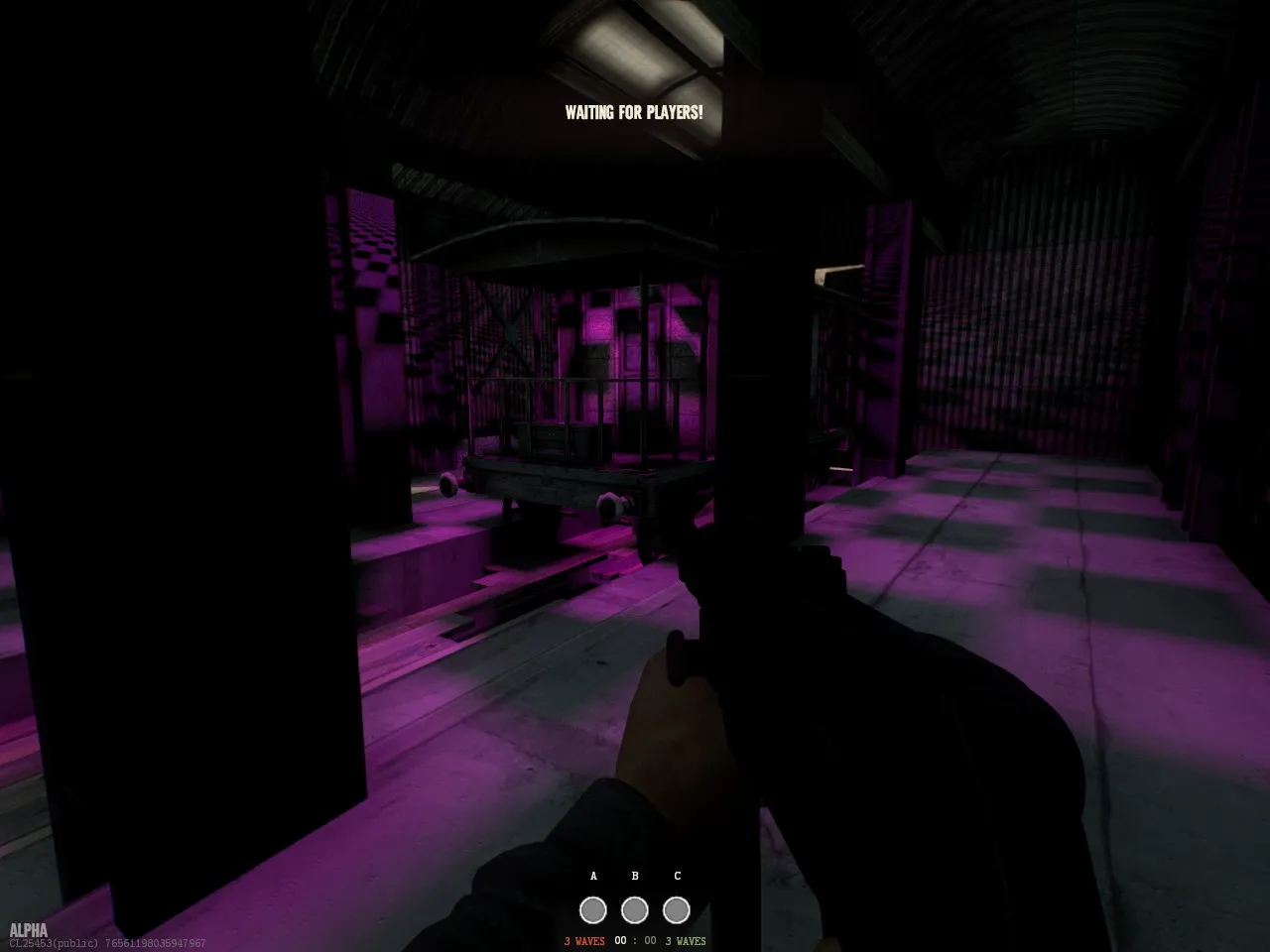
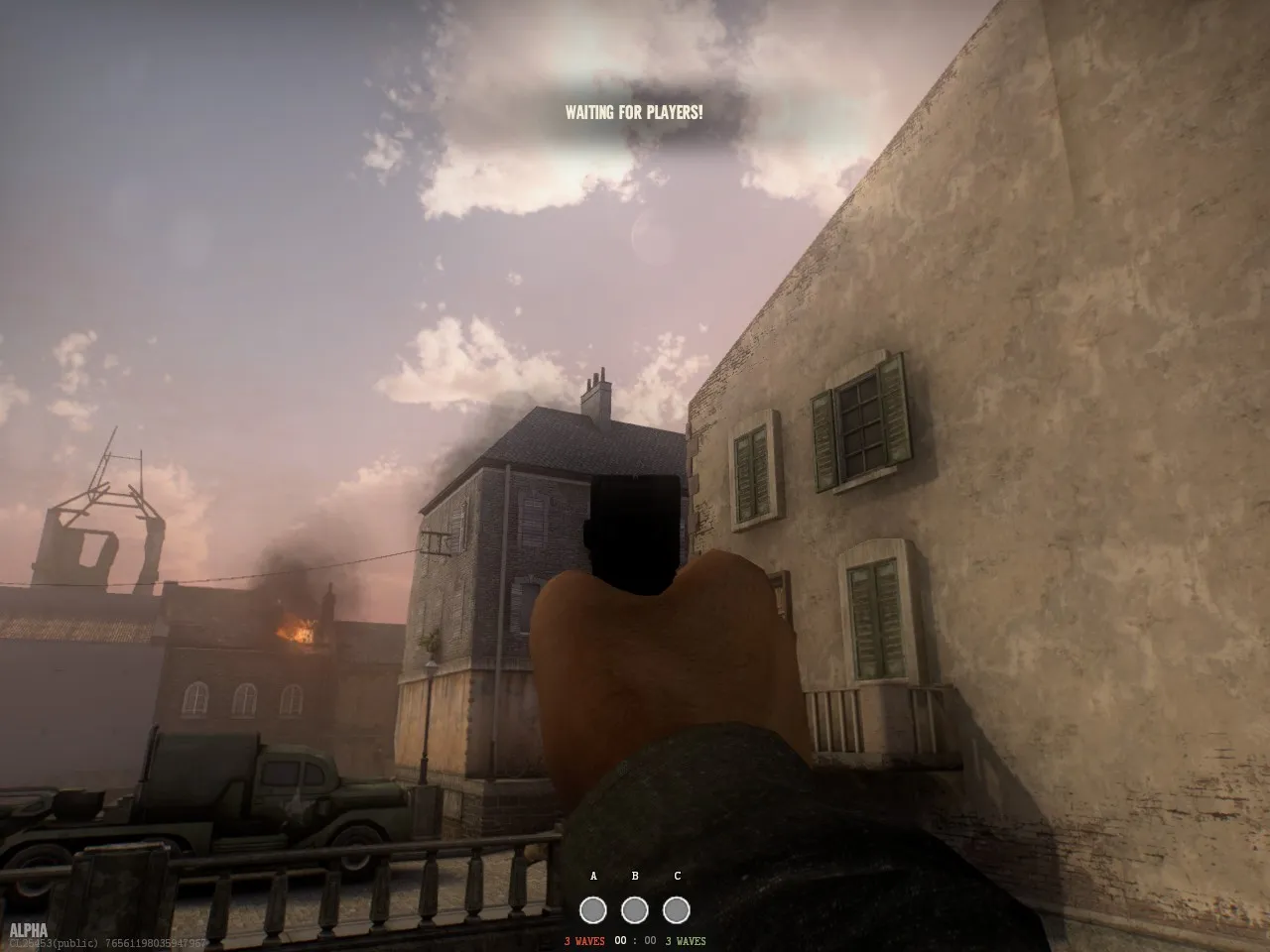
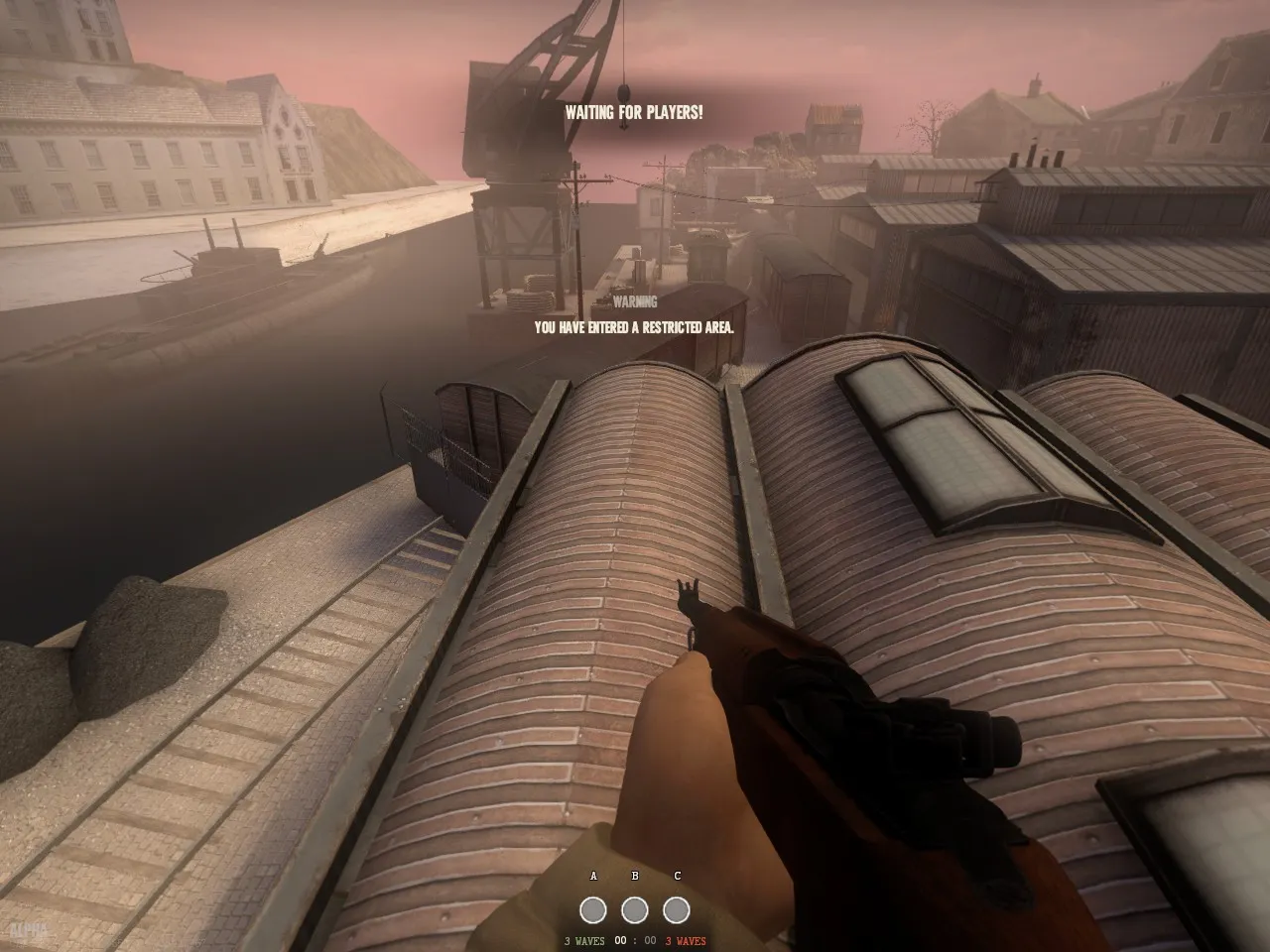
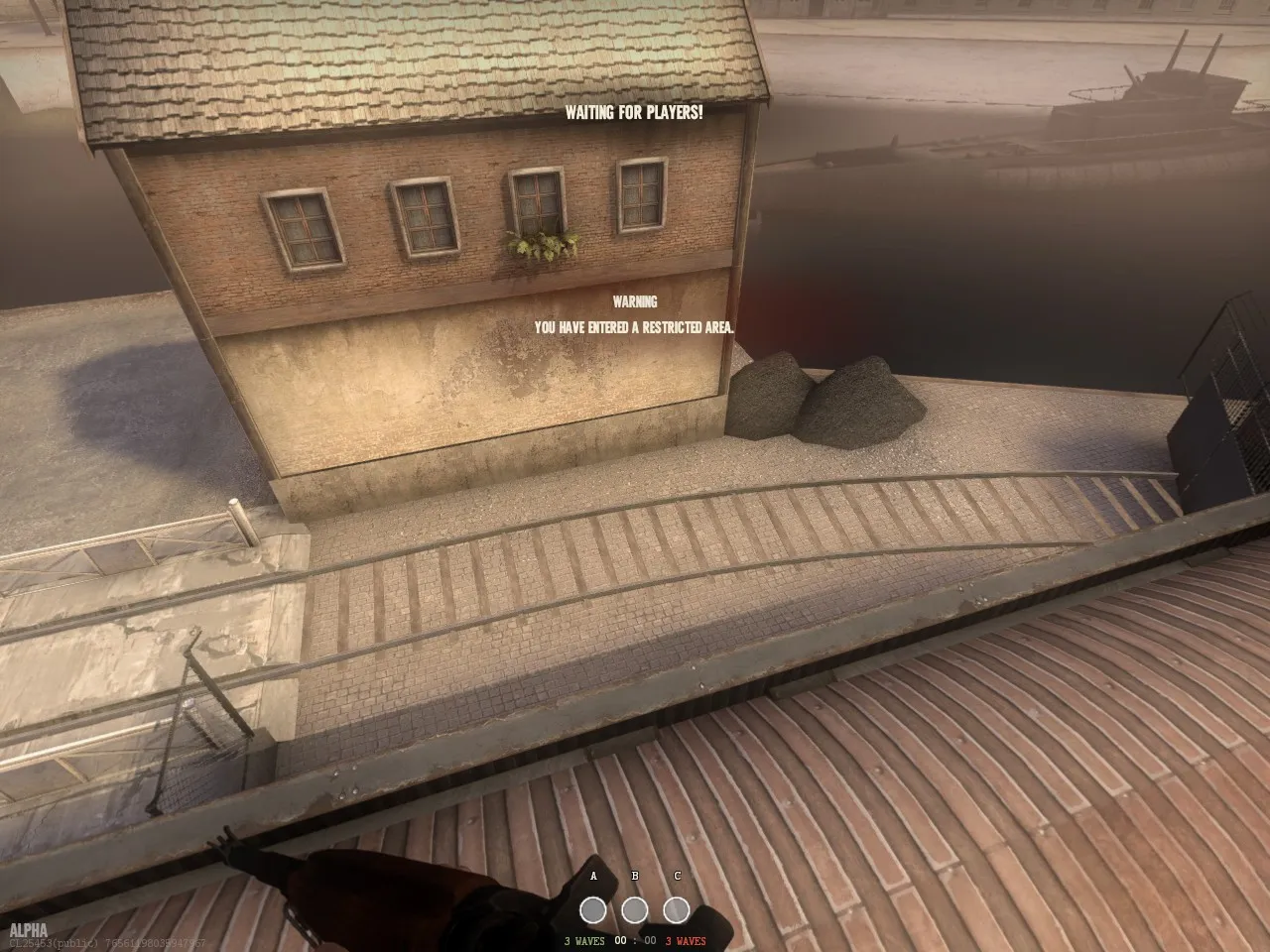
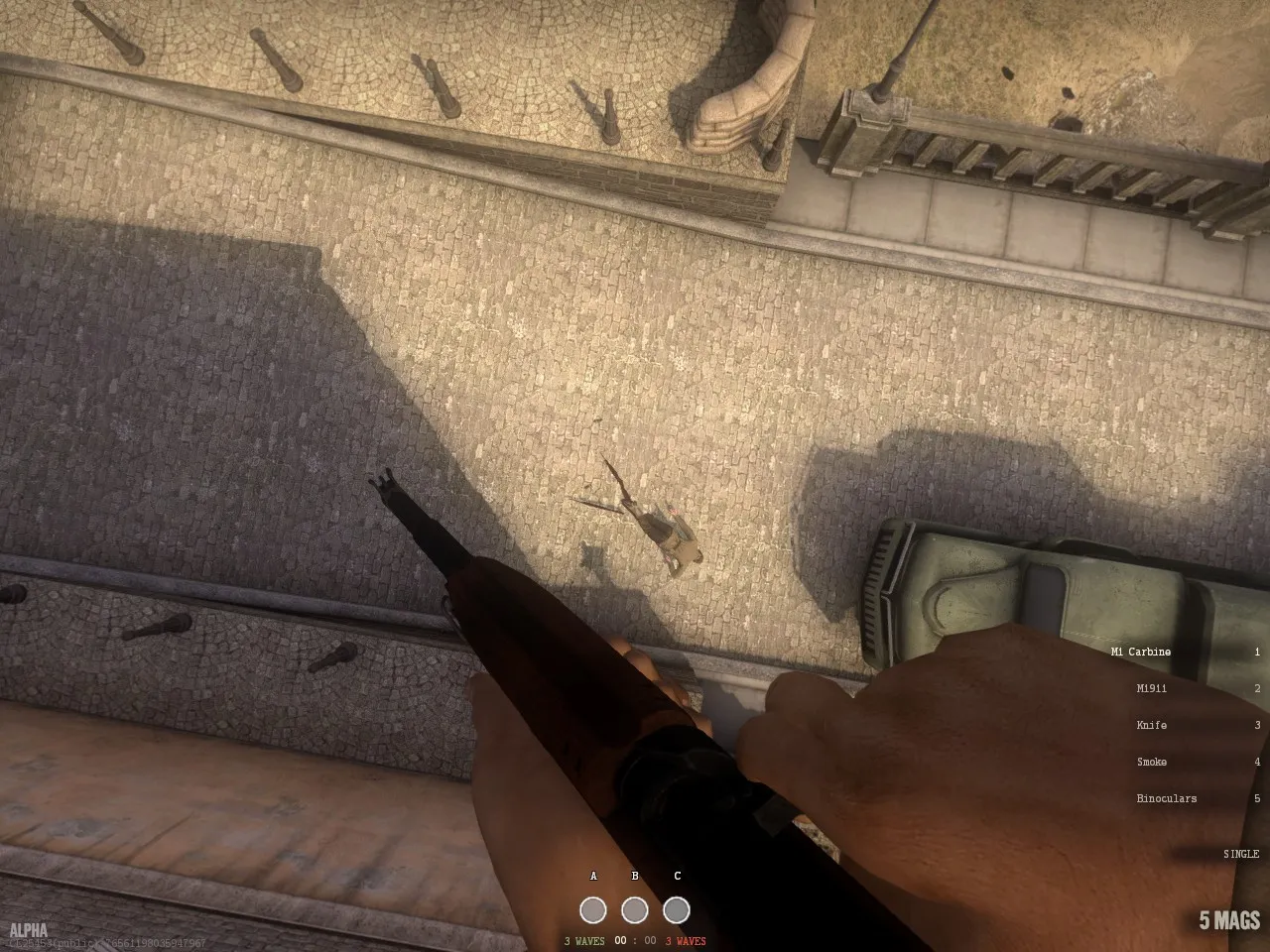
-
thanks mr modtools
-
I also get the purple textures, not just on your map but a few others too.
-
yeh that s a commonly lighting problem sometimes if your editor is not loaded correctly.
I built some maps with normal hammer from sdk 2007 first and saw this texture problems too.
Now i am using the hammer.bat from DOI. All works fine but some skytextures of the game seem to be bugged since the last update.
-
the texture issue is due to VIDe not automatically packing special textures. it'll be fixed next update.
-
Today I did a pretty huge change to the 3D skybox, I'm now very satisfied with how it looks. As it's all mesh now, I baked all the lighting information from a cycles render (256 samples) into these textures and it looks fairly realistic
[Blocked Image: http://i.imgur.com/SJvrXQ9.png]
Previously rushed version looked like:
Spoiler [Blocked Image: http://i.imgur.com/e6ILJro.jpg]
-
So.. then.. is there any weakness for this map at all?
-
 Quote from MeisterYoon
9 hours ago, MeisterYoon said: So.. then.. is there any weakness for this map at all?
as nice as compliments are...we still have a hella lot of work to get this out. Much respect to lizard and terri for battling illness and other commitments to get us to this stage.
Please keep giving feedback after our updates, it helps immensely.
-
Participate now!
Don’t have an account yet? Register yourself now and be a part of our community!