1. Forums
  2. Discord
  3. About Mapcore
  4. Patreon Supporters
  • Login
  • Register
  • Search
Everywhere
  • Everywhere
  • Articles
  • Pages
  • Forum
  • More Options
  1. Mapcore
  2. JakHalz

Posts by JakHalz

  • VBSP Crashes

    • JakHalz
    • July 21, 2017 at 11:28 AM

    Hi there,

    I wanted to update some older Insurgency maps, but I've noticed that every map with env_cubemaps enabled in the visgroups, Hammer crashes during compile at: fixing up env_cubemap materials on brush sides. When the cubemaps are disabled in the visgroup, it just compiles fine.

    Pretty annoying and the same happends when I try it with NWI their stock maps aswell. Nothing works, so I'm a little out of options to solve this issue.

  • Westwall

    • JakHalz
    • December 20, 2016 at 10:35 AM

    About the AI die in the barbwires. You can compile a version with playerclip brush around the barbwires and generate a nav file and use that one for your actual version of your map.

  • Soundscape Problem

    • JakHalz
    • December 17, 2016 at 8:42 PM

    The actual path I mentioned before was right, but in the script you have to remove

    doi/sound/

    So the path in the script begins with:

    soundscape\ambience\wind_cold_ambience_01.wav


    My fault I wasnt clear enough ;)

  • Day of Infamy Mapping Contest Discussion

    • JakHalz
    • December 17, 2016 at 7:10 PM

    Strange.. mine always work with vtf and a vmt file in materials/overviews and a txt file in resource/overviews. But after all it's fixed for you! :)

  • Day of Infamy Mapping Contest Discussion

    • JakHalz
    • December 17, 2016 at 6:39 PM

    You checked the right path to the image in the vmt and the .txt file?

  • Soundscape Problem

    • JakHalz
    • November 21, 2016 at 5:33 PM

    env_soundscape_triggerable is used with a trigger brush.

    I always use env_soundscape and the env_soundscape_proxy.

    For a small test, just copy paste my previous post. Edit the "int.building01" to "cpt1.inside" and name the text file soundscapes_yourmapname.txt Placed in your scripts folder.

    What you have in your txt file now; ("wave" "captainrespawn_repo/wind_cold_ambience_01.wav") Doesn't work because the path to the sound is doi/sound/soundscape/ambience/ wind_cold_ambience_01.wav.

    DSP settings is also important. Some of the soundmixers are for large indoor areas, while others are more suited for outside.

    If you like the sounds of a specific stock map, look into that soundscapes.txt file to have an idea to start with. Pick 1-3 ambient sounds as a base to use for outdoor/indoor and play around with the volumes (1.0) is max ;) Once you're happy you can add some background sound like the thunderstorm, birds, tank shots etc.

    Take your time with it... because one { or " missing can lead to silence ;)

  • Day of Infamy Mapping Contest WIP Thread

    • JakHalz
    • November 19, 2016 at 7:29 PM

    @modtools

    Create for each gamemode a .vmt file (westwall_offensive_0.vmt, westwall_liberation_0.vmt, etc...)

    With;

    "UnlitGeneric" { "$basetexture" "vgui/loading_screens/westwall_offensive_0" "$vertexcolor" 1 "$vertexalpha" 1 "$ignorez" 1 "$no_fullbright" "1" "$nolod" "1" }

    - Export with GCFScape a stock loadingscreen - Open in Photoshop. - Drag your image over the stock one. - Save as TGA and make a VTF named; westwall_offensive_0 - Place everything in materials/vgui/loading_screens.

    That worked for me :)

  • Soundscape Problem

    • JakHalz
    • November 18, 2016 at 3:34 PM

    Setting up the sounds for your map can be time consuming. ;)

    Place a env_soundscape (example: entrance building) Properties; Name - (example) Interior Building Soundscape - (example)int.building01

    For other entrances of the same building, use env_soundscape_proxy. Properties; Soundscape Entity - (example)int.building01

    You have to make a .txt file placed in the scripts folder, named like; soundscapes_yourmapname.txt

    In the .txt file it can be something like this:

    //Interior Building

    "int.building01" {

    // *** DSP settings *** //

    "dsp" "41" "dsp_spatial" "146" "dsp_volume" "4.0" "fadetime" "2.0"

    "soundmixer" "min_int_lobby"

    // *** Ambience Looping Sounds *** //

    // Interior Ambience "playlooping" { "volume" "0.1" //0.6 "pitch" "90" "wave" "soundscape\ambience\city_indoors_ambience_01.wav" }

    // *** Random Sounds *** //

    // Distant Thunderstorm "playrandom" { "time" "20,40" "volume" "0.2,0.3" "pitch" "80,105" "position" "random" "soundlevel" "SNDLVL_150dB" "rndwave" { "wave" ")soundscape\emitters\Oneshot\thunderstorm_distant_01.ogg" "wave" ")soundscape\emitters\Oneshot\thunderstorm_distant_02.ogg" "wave" ")soundscape\emitters\Oneshot\thunderstorm_distant_03.ogg" "wave" ")soundscape\emitters\Oneshot\thunderstorm_close_01.ogg" "wave" ")soundscape\emitters\Oneshot\thunderstorm_close_02.ogg" } } }

    For each section in your map you have to do this. Ofcourse you can use your int.building01 soundscape for multiple buildings but be aware that you copy the env_soundscape_proxy and NOT the env_soundscape.

    Take a look at the stock scripts for some ideas to get.

    I hope this helps you a little.

  • Soundscape Problem

    • JakHalz
    • November 15, 2016 at 8:26 AM

    Maybe I understand the question in a wrong way.. But the soundscapes can be found in the doi_sound_dir.vpk. Look into a stock soundscape script and based on that, make your own script with the desired sounds.

  • Day of Infamy Mapping Contest WIP Thread

    • JakHalz
    • November 10, 2016 at 11:11 AM

    For those who uses the Blitz trucks, I've editted the vtf of the glass model a little. So now you can see through. :) Unfortunately you still have to use the stock glass for the med. truck because of the texture issue inside.

    https://www.dropbox.com/s/e8czj1ou4jwqqom/Blitz Truck Glass.rar?dl=0

  • Day of Infamy Mapping Contest Discussion

    • JakHalz
    • November 8, 2016 at 4:07 PM

    Fill in at "print name" in your control point entity

  • Kruppstahl

    • JakHalz
    • October 31, 2016 at 10:24 PM
    Quote from paranoidMonkey

    2 hours ago, paranoidMonkey said: Really nice!

    A little more detail on the skybox wouldn't hurt thou.

    Because of the fog end distance, not everything will be visible. Most "details" are pine trees, but maybe I will add some overflying bombers. Im not sure how to do this with a flyover sound. Would be nice to parent a ambient generic with the bombermodel along the path track entity, but I believe that is not possible in Source.

    Map is uploaded to the workshop for testing. http://steamcommunity.com/sharedfiles/fi…s/?id=791132858

  • Sign up to playtest your contest maps!

    • JakHalz
    • October 31, 2016 at 10:15 PM

    Just uploaded my Alpha(test) version to the workshop

    http://steamcommunity.com/sharedfiles/fi…s/?id=791132858

    Gamemodes: Offensive & Liberation

  • Kruppstahl

    • JakHalz
    • October 30, 2016 at 8:06 AM
    Quote from voyager

    On 28-10-2016 at 8:37 AM, voyager said: Pretty nice, show more screenshots please.

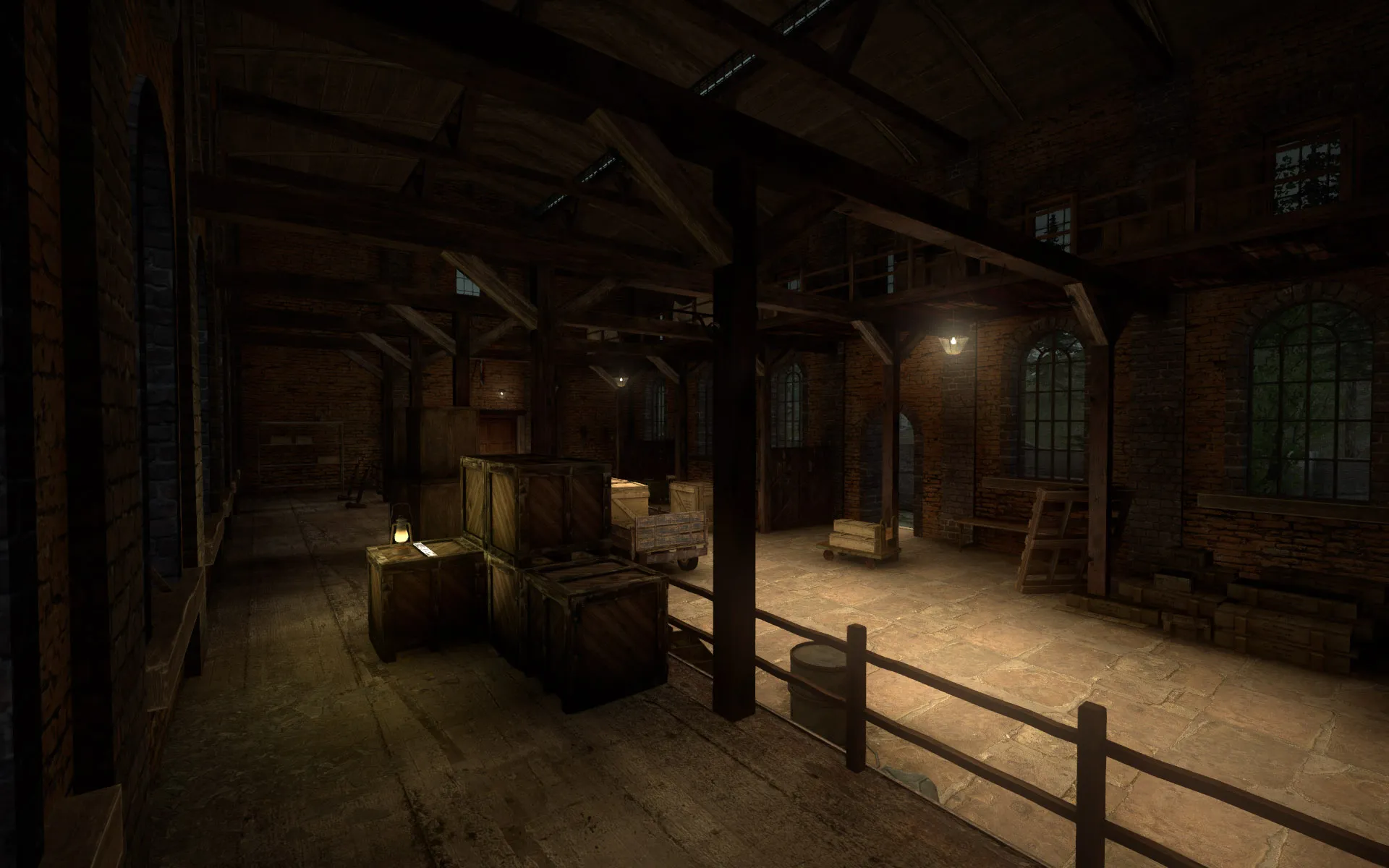
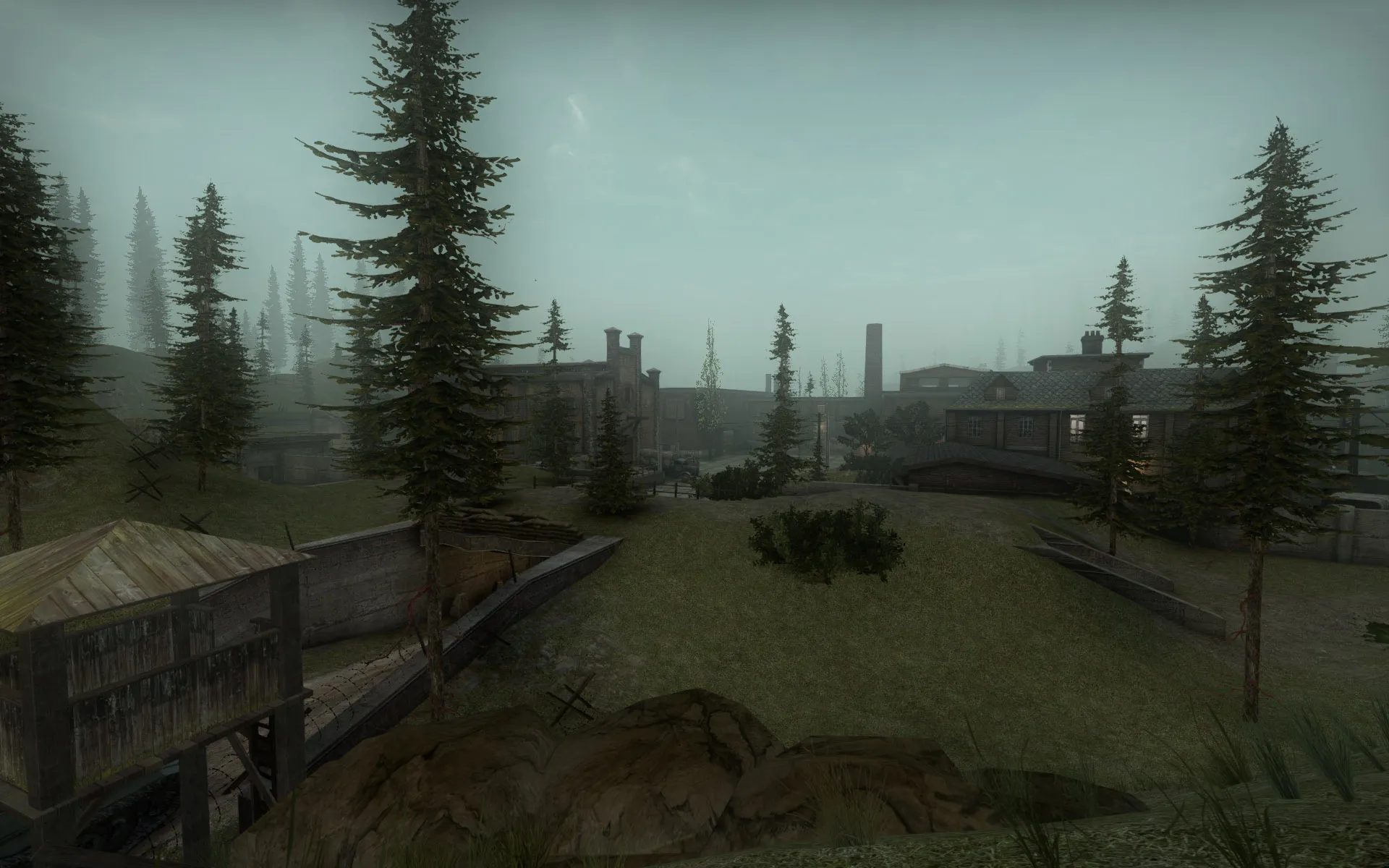
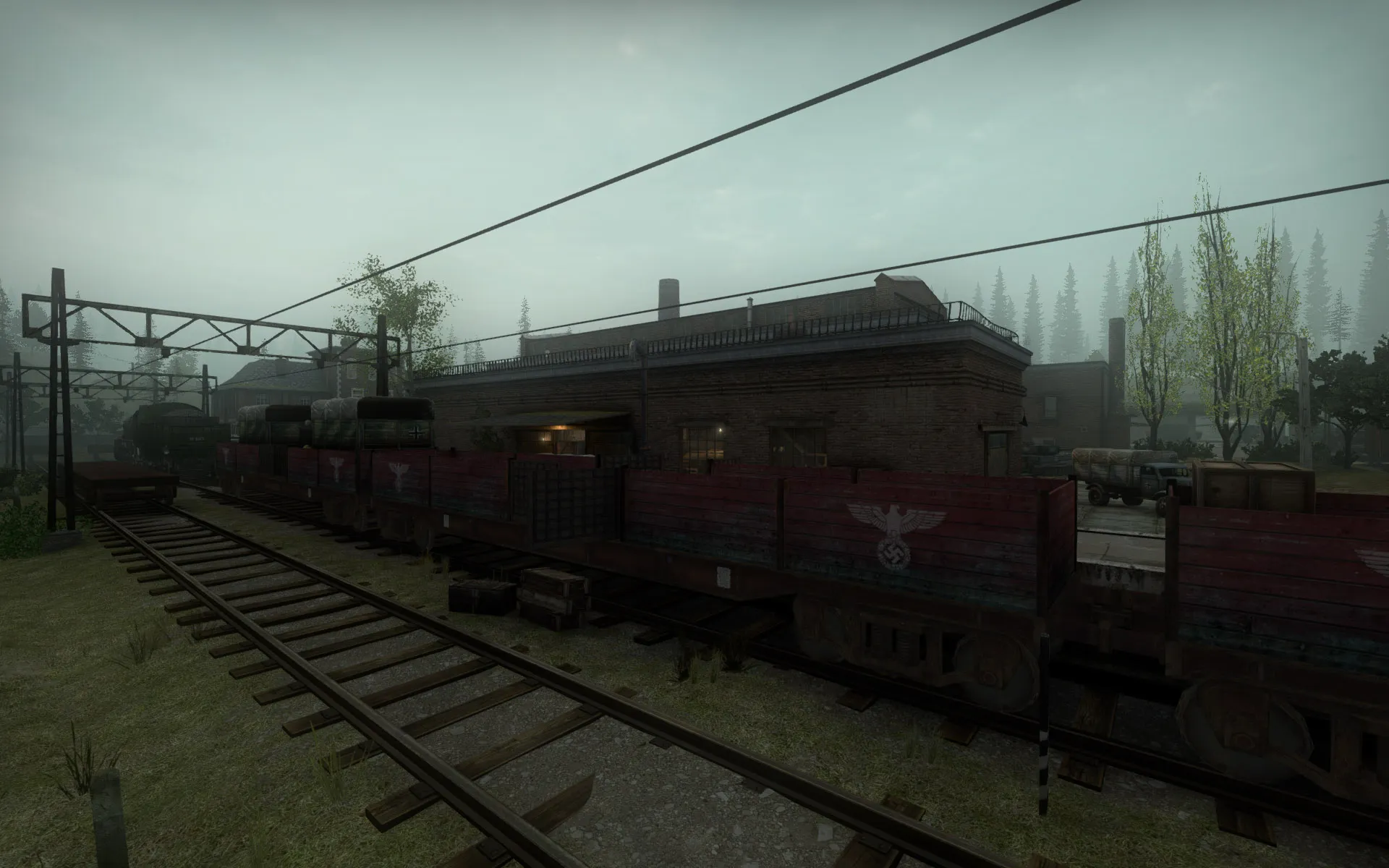
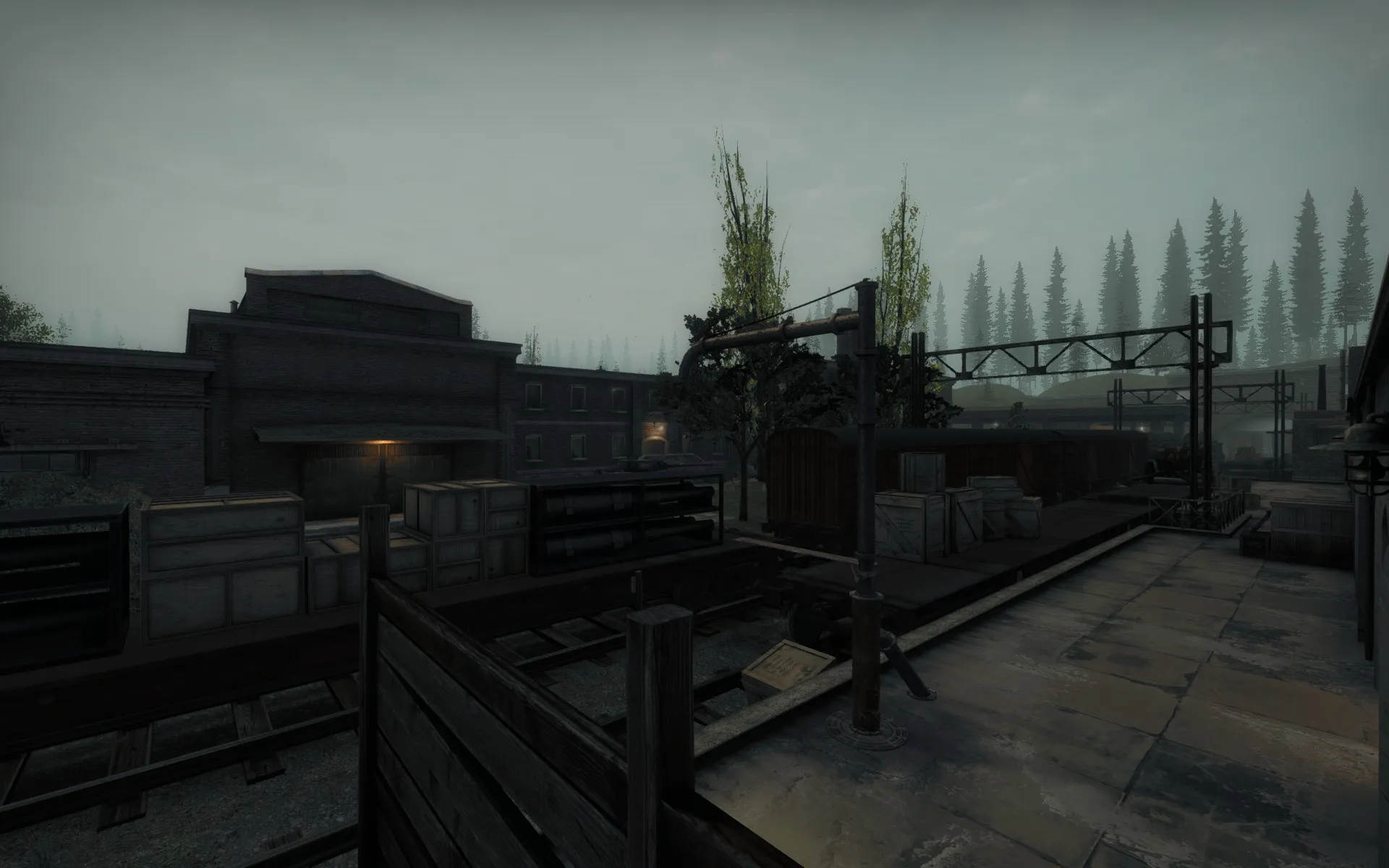
    Here some other screenshots :)

    Map is pretty far in progress now. There are some areas that needs a little more detail/props, but I dont want to go too far to keep the framerates good. Also the gameplay hasn't been tested yet, so I expect some tweaking in the objectives.

    Are there any tutorials about making a overview map as they have in the stock maps? Or does this need to be drawn with a pen/tablet(which I dont have)

  • Kruppstahl

    • JakHalz
    • October 25, 2016 at 4:19 PM

    Thanks!

    Indeed, not all the colors show up nice like the way I want. My color corrector is allready at 0.2 maximum weight. I will test without the corrector to see what it does..

  • Kruppstahl

    • JakHalz
    • October 25, 2016 at 9:14 AM

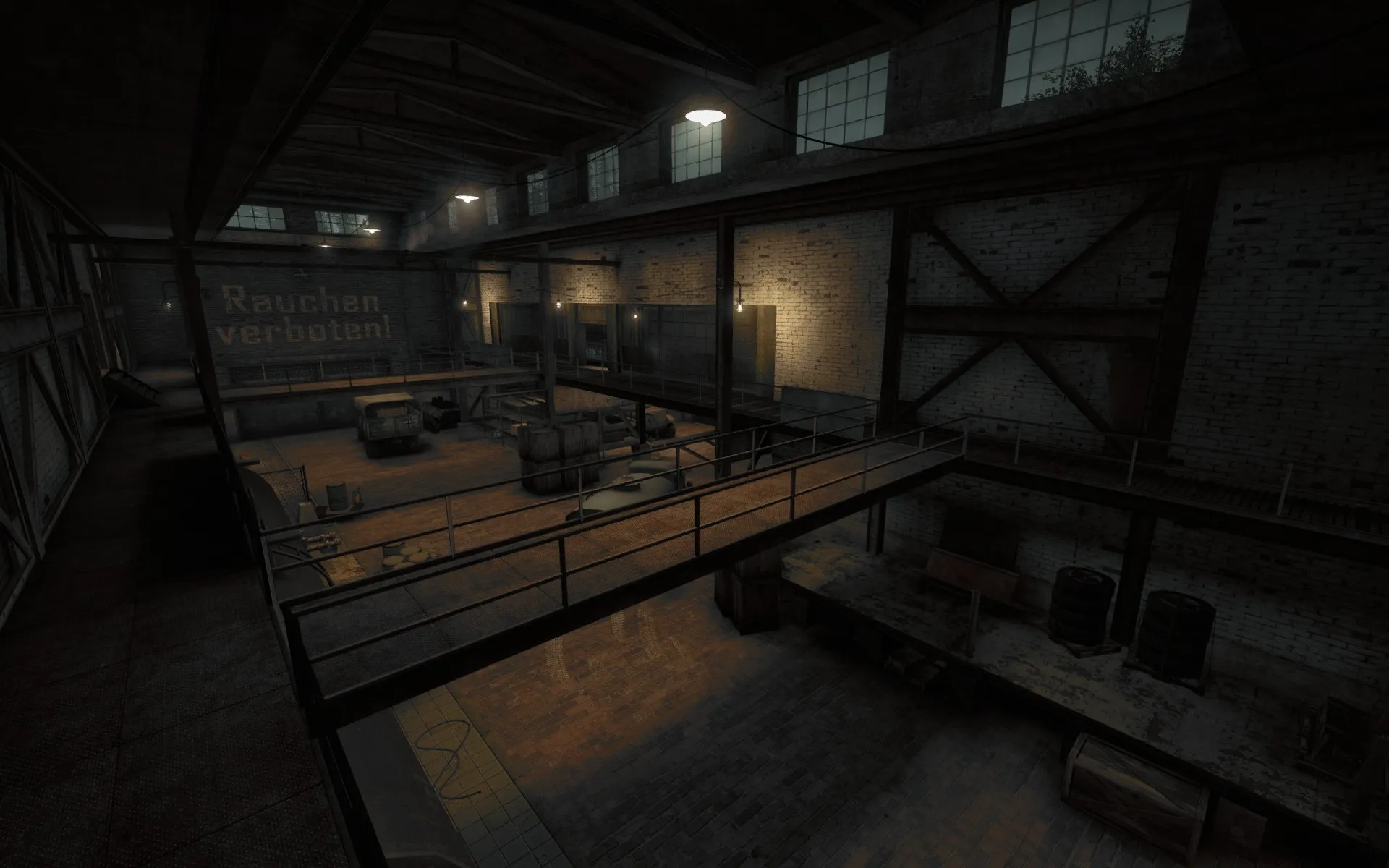
    Kruppstahl is a fictional map somewere in Germany. This map hasn't any destroyed buildings because I wanted to keep the optimization and not everything in WWII was bombed. The middle part of the map is a vehicle/tank factory building surrounded by a mountainous scenery. I always have an attraction to Industrial environments. Around the factory will have some long range combat, while in the factory it will have some close range combat.

    I dont know which mode I'll send the map to the contest, but for now I have Liberation and Offensive. Im not sure how exactly fit in the Frontline mode, since my map has open spaces at the area's were the spawns are for the other 2 game modes. I havent played DOI much online yet, but I thought it had some sort of Strike mode from INS, and I kept that thought while I was building Kruppstahl.

    Here some screens:


  • Day of Infamy Mapping Contest Discussion

    • JakHalz
    • October 24, 2016 at 8:31 PM

    Hi there.. I havent a thread of my entry for the contest(will make 1 asap :) ) I have a question about the sounds for the soundscapes in the textfile.

    How do you have to point out the paths to the CSGO and DOD sounds in the soundscapes_mapname.txt file? Or isnt this working this way?

Discord

The Mapcore Discord is our lively IRC channel of the 2000s reborn. Chat about level design, gaming, and more.

Latest Posts

  1. Any of the old guard still around? D:

    Warby
    July 12, 2026 at 8:23 PM
  2. About our archived forums

    Thrik
    June 30, 2026 at 2:12 PM
  3. Mapcore Discord

    mason_fan123
    June 24, 2026 at 8:52 PM
  4. [CS2] Valley

    Serialmapper
    June 22, 2026 at 11:56 AM
  5. Free Music / SFX Resource - Over 2500 Tracks

    Eric Matyas
    June 18, 2026 at 12:32 PM
  6. Pango [WIP]

    Elowen
    June 11, 2026 at 10:13 AM
  7. [CS2] Dvina

    Jeremy Rivera
    June 11, 2026 at 10:03 AM
  8. Bridges 2.0 by NEXSIDE, MAP SHOWCASE. ( Steam Workshop )

    MrTrane18
    June 1, 2026 at 7:46 PM
  9. Classic Maps Reborn For CS2

    SillySpaceCat
    May 31, 2026 at 10:33 PM
  10. [CS2] Dvina

    Pulbusha
    May 29, 2026 at 5:54 PM
  1. Privacy Policy
  2. Contact
Powered by WoltLab Suite™