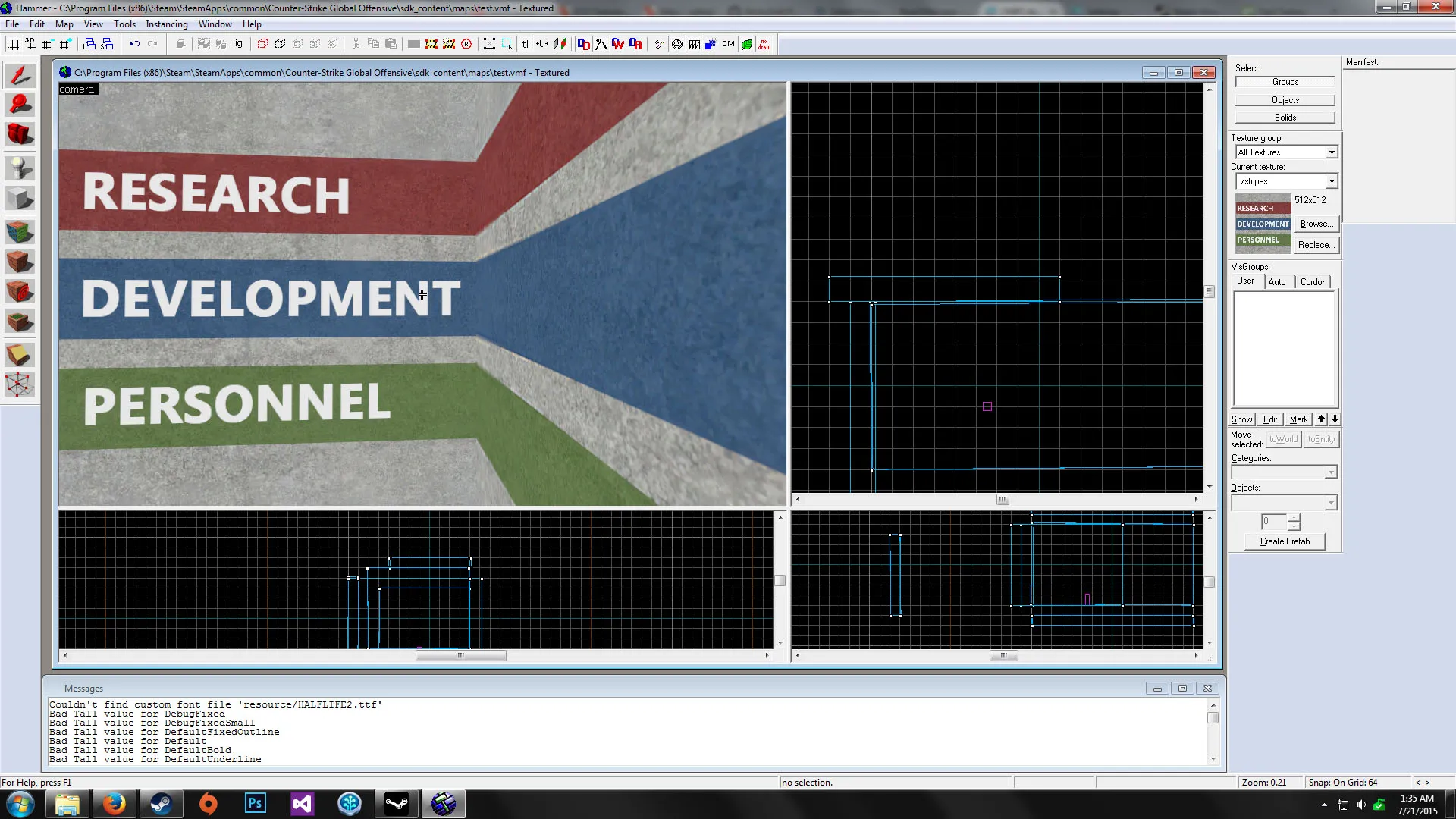
Thanks for the feedback, guys.
 Quote from kinggambit
I'm a newbie so grain of salt; is the facility supposed to be new? Looks like in BM they applied a layer mask in photoshop to give it a worn look:
[Blocked Image: http://i.imgur.com/4TehwD3.jpg]
You guys should consider decompiling Black Mesa levels and see how things were made. It helped me a bunch for my Black Mesa map!
My textures are not finalized. I made something quick to play with and test out importing into Hammer. : ) Thank you for the advice though. We've considered looking in-depth into Black Mesa, but we've also considered making it our own and creating a Black Mesa in "our" world. We're not sure which way to go yet.
 Quote from jackophant
That looks like you're working off the grid, you can press "shift+w" to toggle snapping and the square brackets to increase/decrease grid size. Working to the grid is important for Hammer, as you will compile and potentially find all kinds of errors which are going to be a nightmare to fix. Mock up or not to show us the texture, it should be a habit.
I would also slide that manifest tool on the right under the bar of tools it's next to and hit "ctrl+A" to balance all the window sizes, and give yourself that bit more room to work with.
[Blocked Image: http://www.quickmeme.com/img/e5/e5136b030870eaf2e78699eb28e7186e9ed46297a18530cf7765b1d5ffba58ca.jpg]
(I definitely laughed at the picture.)
Thanks for the help! This is my first time working with Hammer, so if things seem funny, it's because I'm still learning and I'm just testing things. Nick (our map builder) is really the only one who will be touching the geometry in Hammer. And I do know how to balance the windows! I made the camera window larger to show the stuff I'm really working on. : )