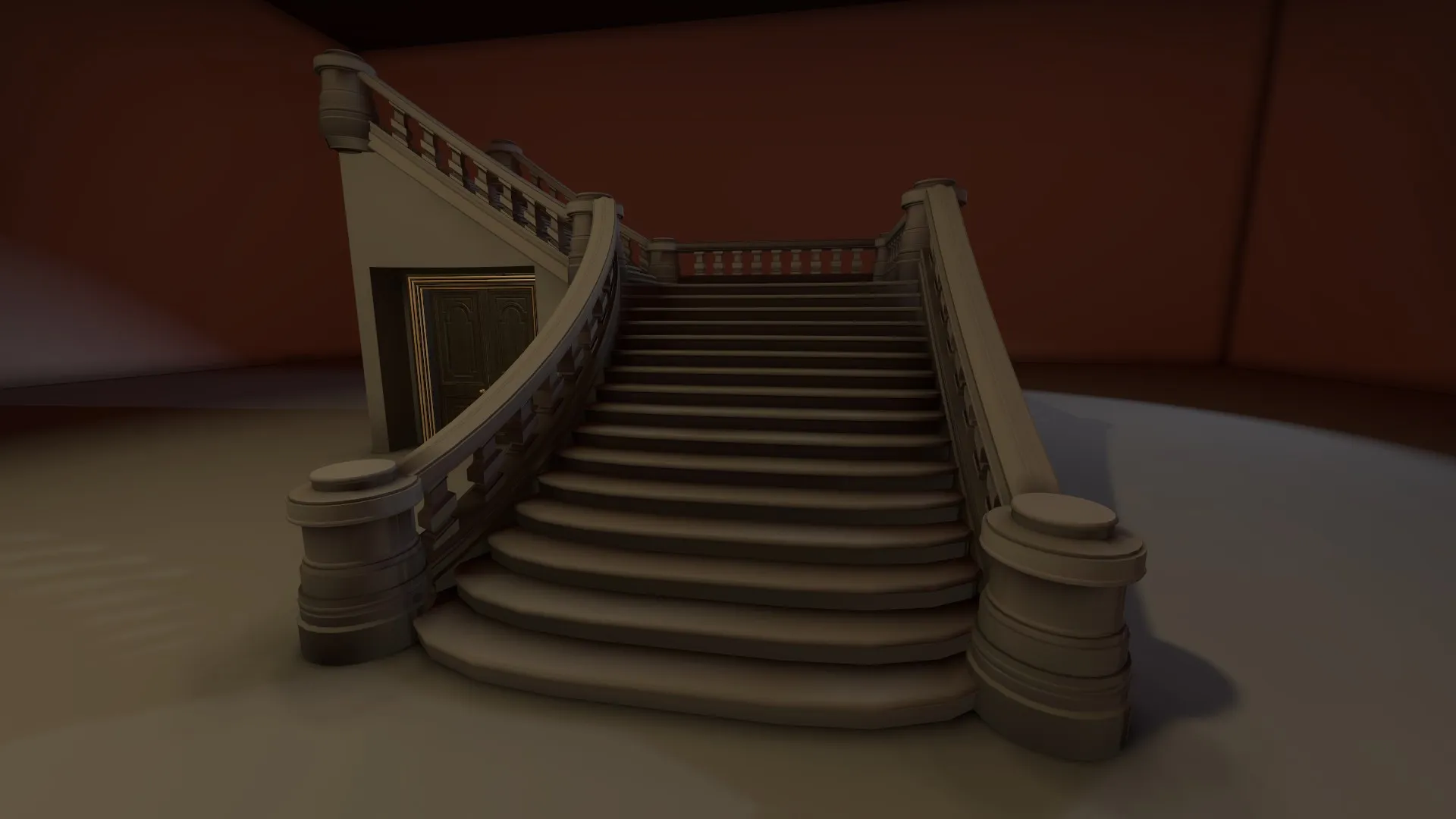
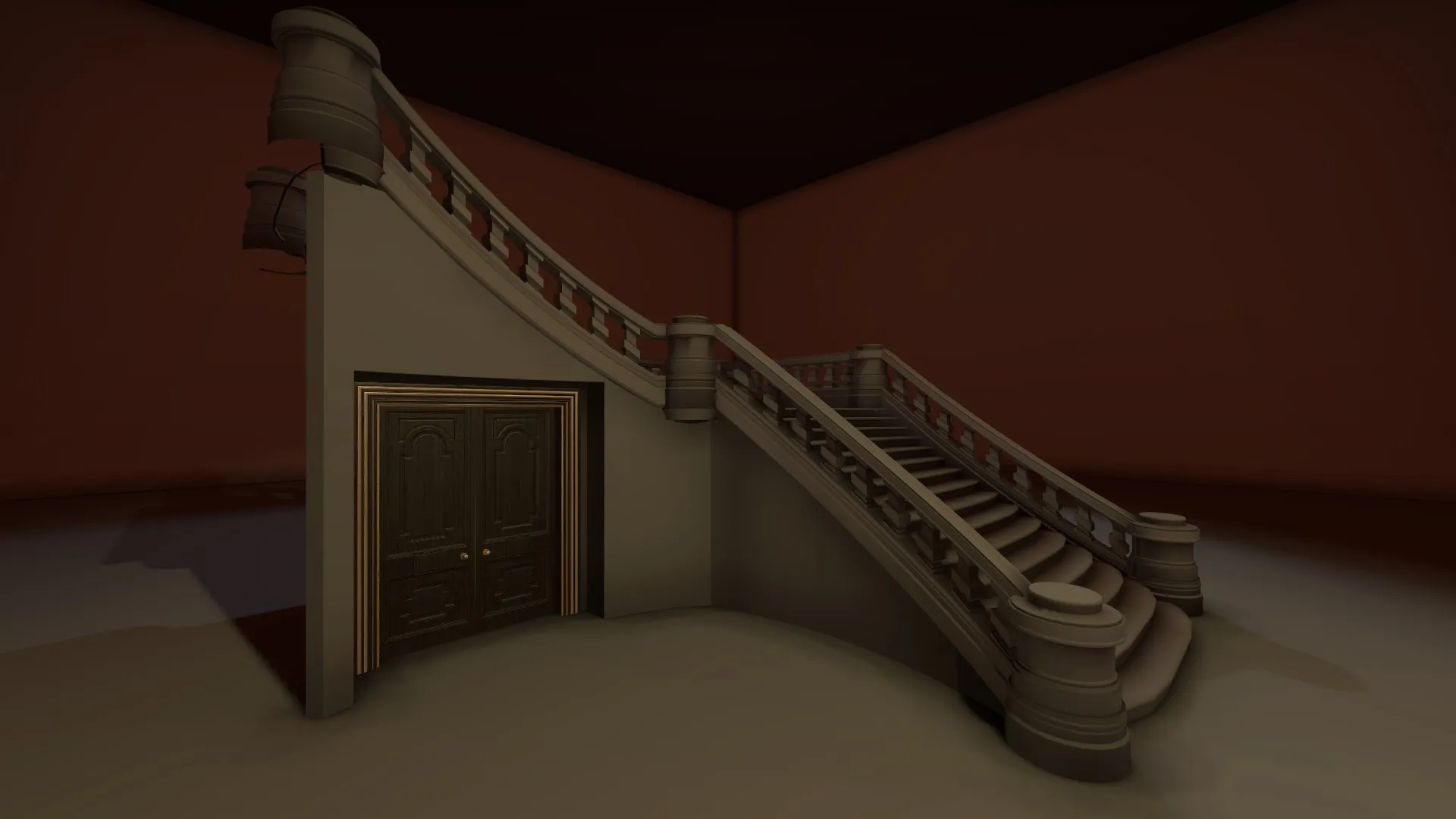
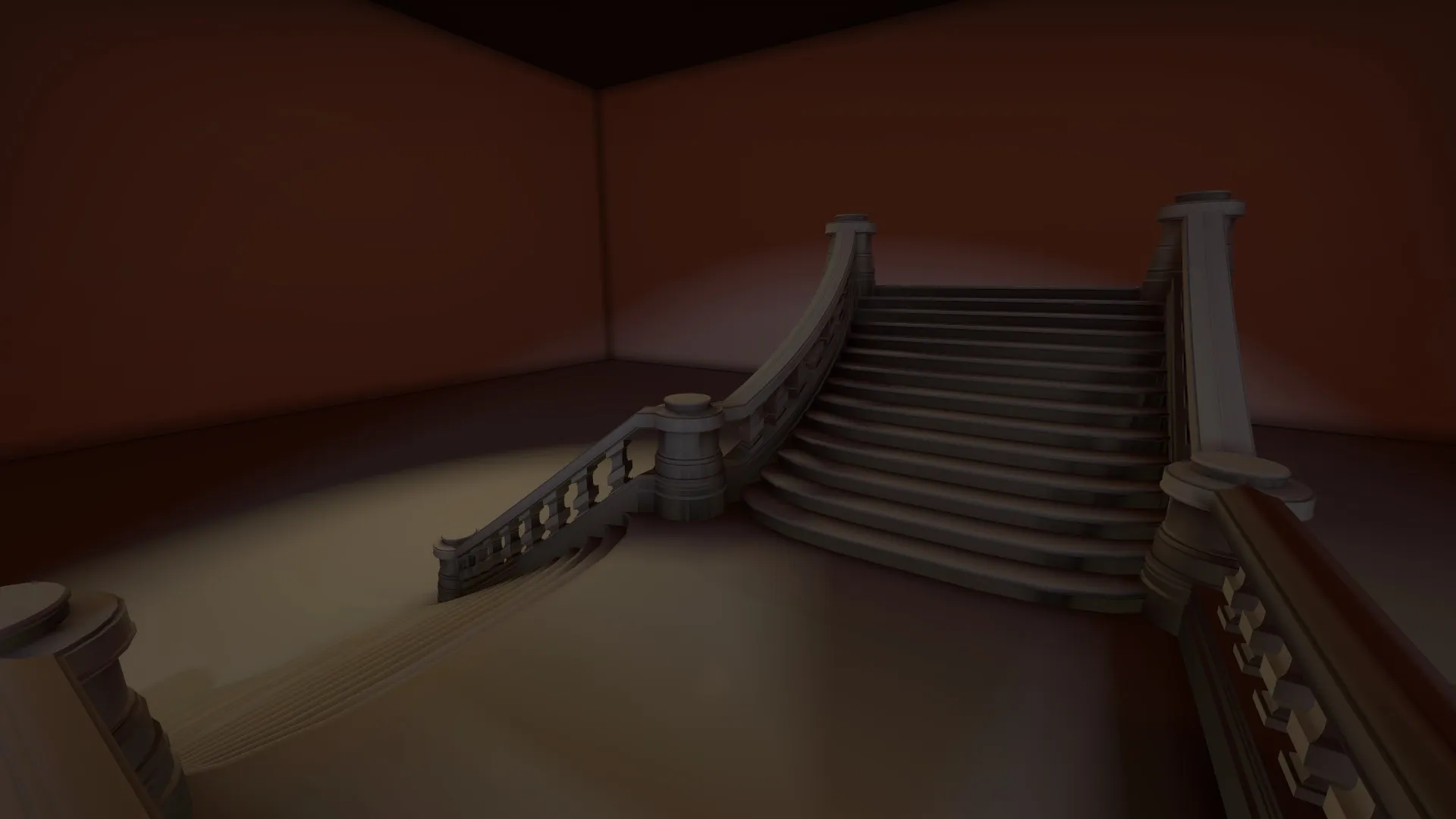
Hey, sorry to answer lately. I've briefly read the answer, i'll just give you my method with blender.
As someone said, i'm also using Crafty which can convert .vmf into .obj quite easily (create a new map, copy/paste near the origin what you want to take as a reference and save it as its own .vmf). The problem is that, as you said, the model isn't properly oriented. First, you have to make all the objects created by crafty into 1 object. Select all of them and press CTRL + J. If it doesn't work, deselect one and reselect by holding shift. Once it's all into a single object, enter in Edit mode (TAB), select everything (A) and rotate everything along X by an angle of 270° (R, X, 270, Enter). And then you should be alright, you can start working on this (in another object !! don't bother modifying this ugly mesh from crafty, it's just for reference).
About the scaling, i don't really know what you tried to do because, by default, everything is at the same scale as hammer : 1 unit in blender = 1 unit in hammer. I haven't changed anything to a metric system or anything. The useful thing you should know about is the vertex coordinates, get into Edit mode and press N to get the right tools pannel. And on top you should have this :
[Blocked Image: http://i.imgur.com/gQrtL27.png]
It basically gives you the coordonates of stuff. You should really use this instead of the rule or i don't know what software. And by default, 1 unit here = 1 unit into hammer, you don't have to change the scale in the .qc
I hope it helped, don't hesitate to ask other stuff